


My Tools bench
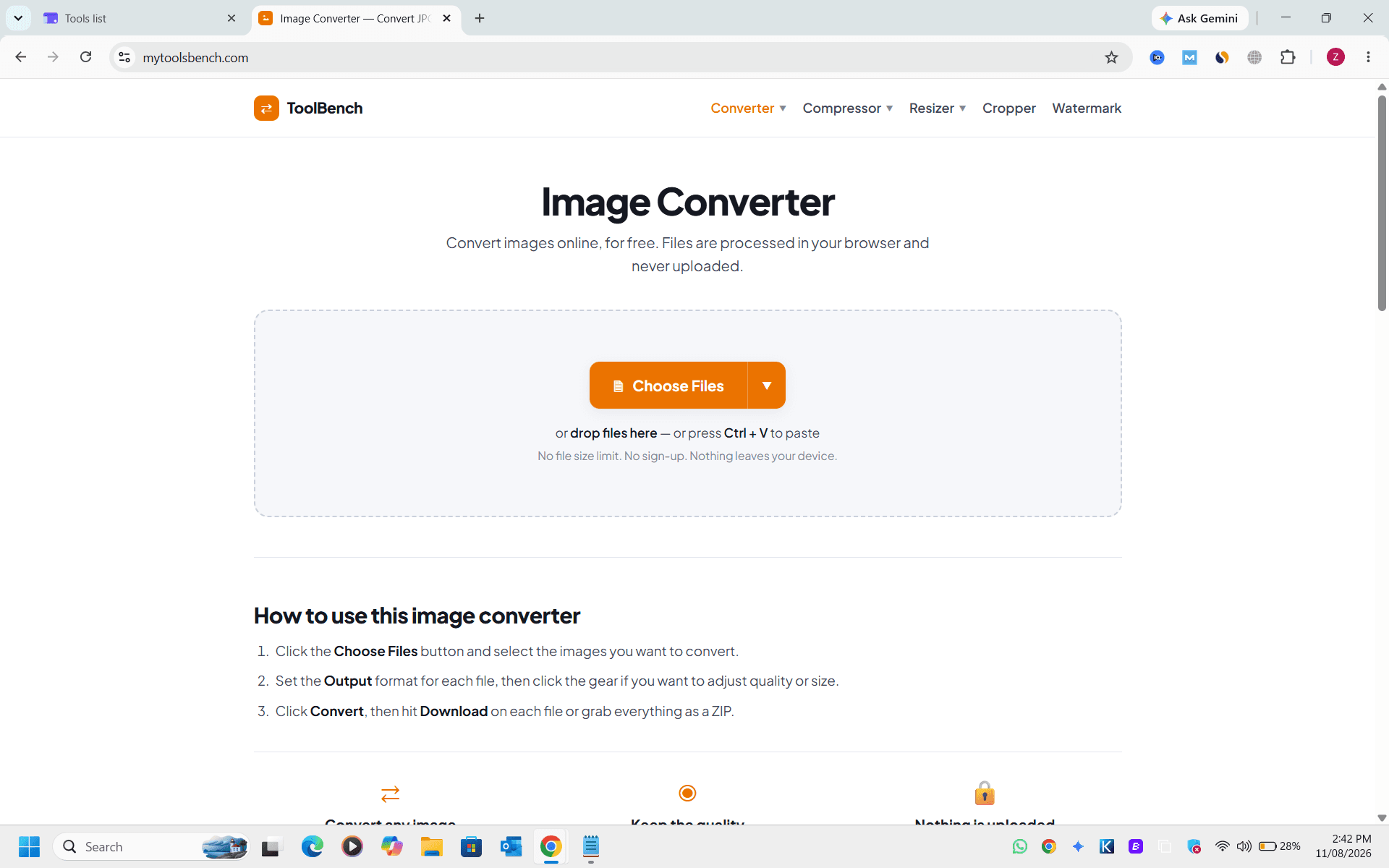
Free online image converter. Convert JPG, PNG, WebP and AVIF in your browser. No upload, no sign-up, no file size limit — your images never leave your device.
About My Tools bench
Free online image converter. Convert JPG, PNG, WebP and AVIF in your browser. No upload, no sign-up, no file size limit — your images never leave your device.
Convert images online, for free. Files are processed in your browser and never uploaded.
No file size limit. No sign-up. Nothing leaves your device.
Files are processed entirely in your browser and are never uploaded, stored, or deleted from a server — because they never leave your device.
Click the Choose Files button and select the images you want to convert.
Set the Output format for each file, then click the gear if you want to adjust quality or size.
Click Convert , then hit Download on each file or grab everything as a ZIP.
JPG, PNG, WebP, AVIF, GIF, BMP, TIFF, ICO and PDF output, with per-file control so you can send different images to different formats in one batch.
Adjust quality per file and resize on the way through. Formats without transparency get a clean white matte instead of the black edges most converters leave behind.
Your files are read and written by your own browser. They are never sent to a server, so there is nothing to delete afterwards and no size or file-count limit.
Three separate tools, all running the same way — entirely inside your browser, with nothing uploaded.
The compressor is the one to use when you want a smaller file without changing its format — it can hit an exact target file size, which the converter cannot. The resizer handles exact dimensions and re
What My Tools bench does that nothing else does
My web is browser base website some website there is when u upload an image it goes in to server and then it can anything and after that the server save your data.my website donot save people privacy.
Who My Tools bench is for
MyToolsBench is a free online toolkit designed to make everyday digital tasks faster and easier. Explore a growing collection of simple tools for working with PDFs, images, text, files etc
Written up on SpacerrApps
Apps like My Tools bench

PaperFig0 clicks
AI scientific figure maker for researchers—turn ideas, sketches, references, or PDFs into scientific figure drafts with OCR-assisted label editing.
AI, Design, Education

MomentSift0 clicks
Cull large photo batches with AI, find the best shots faster, then enhance, restore, upscale, or create new images from the keepers.
Photo and video, Image, AI

Kadmo: AI Agents for Vibe Coding0 clicks
Run Claude Code, Codex and other AI coding agents as a team on your own cloud, with roles, playbooks and a gate at every handoff.
AI, Developer tools, DevOps
Process Street2 clicks
Process Street is an agentic process automation platform for high-stakes operations. Run critical business processes with AI agents, human control, and proof built into every step.
Productivity, AI, Automation

Citevant0 clicks
Track your brand in AI search answers and reach out to publishers cited by ChatGPT, Gemini, Google AI Overviews, Perplexity and Claude.
Marketing, SEO, AI

1 comment
Marco Bellini
Can I convert several images to different output formats in one batch and download them as a ZIP?