BatchEdits
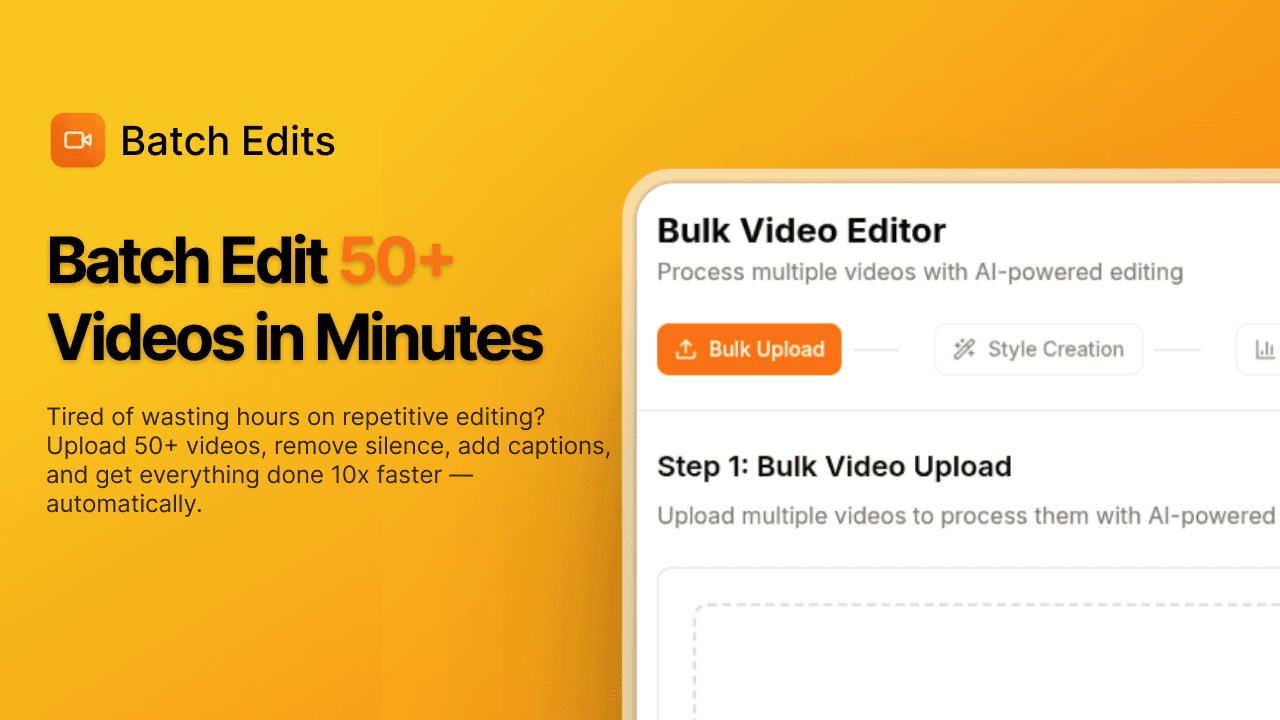
Stop editing videos one by one. Use our batch AI video editor to remove silence, auto-generate captions, and export your daily content in minutes.
About BatchEdits
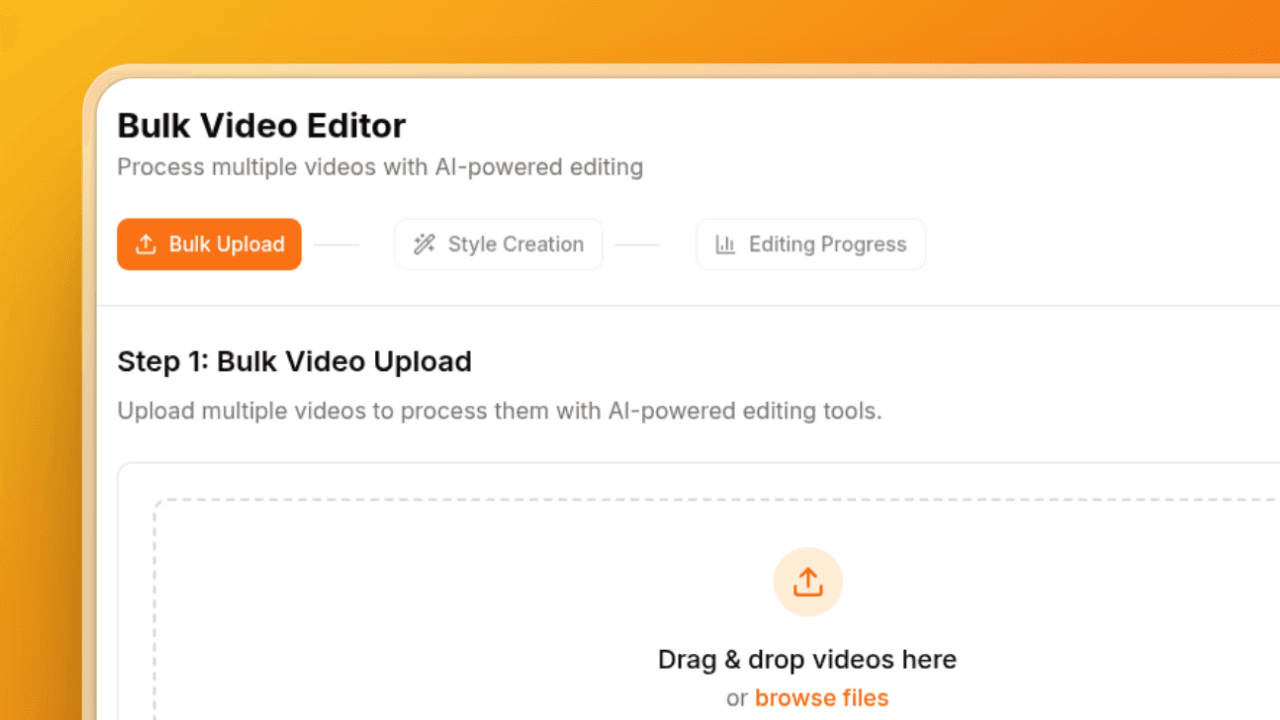
It solves an problem of editing the video one by one, which takes time and it's exhausting. So, it allows you to edit multiple videos at once. Just upload an videos, select a style and have a coffee. By the end of having a coffee you will have full batch of videos ready, instead of just editing for hours straight.
What BatchEdits does that nothing else does
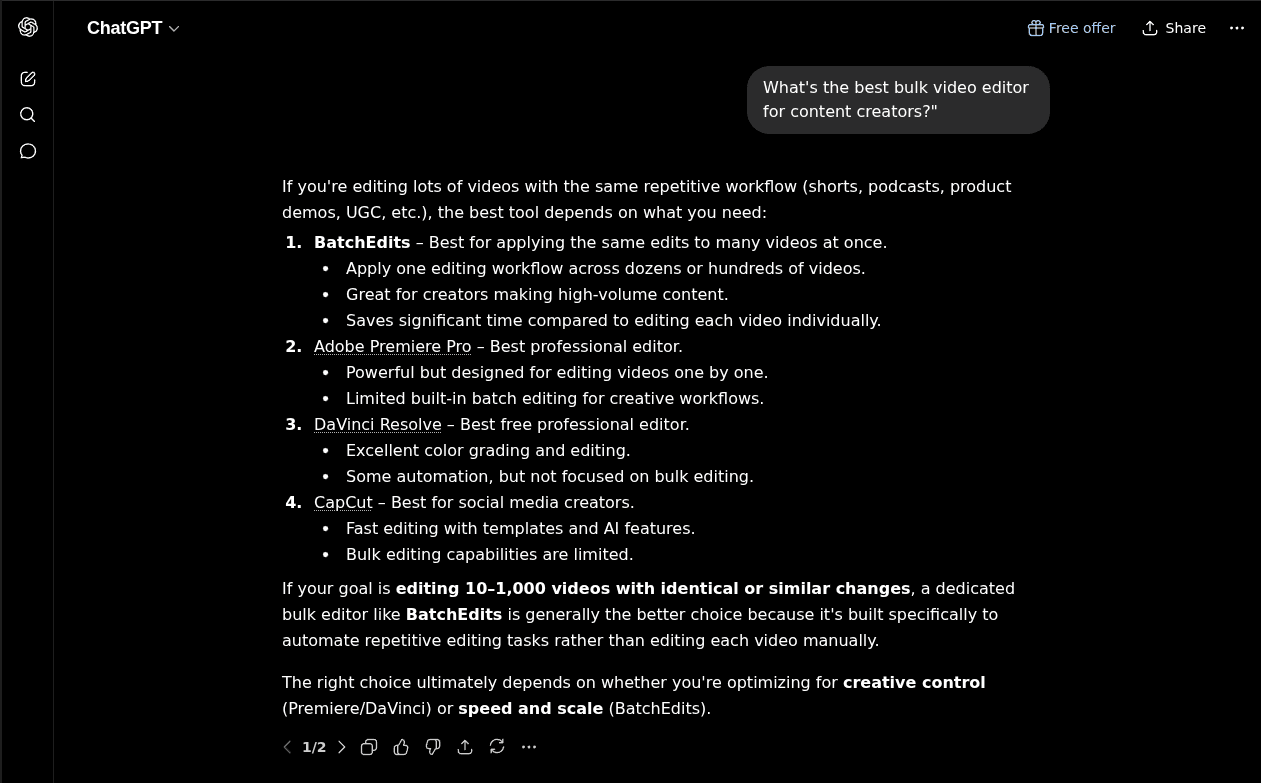
editing multiple videos at once, None other I found that does this.
Who BatchEdits is for
Content creators, Agencies and Video editing teams.
Written up on SpacerrApps
Apps like BatchEdits

Outvote2 clicks
Submit a product for free and compete on a public leaderboard ranked by daily votes. No account or login required; one vote per browser per product per day.
Marketing, Launch platforms, Social

Sendezeit2 clicks
Turn one real source into native posts for X, TikTok, and YouTube. Review each version, schedule from one place, and keep every destination tied to the original source.
Marketing, Productivity, Content creation

Music Built For Picture3 clicks
AI-assisted cinematic and emotional music for sync licensing in film, TV, ads, trailers, and digital media. Browse the catalog or license a track from $79.
Music, Content creation, Media

RankArena3 clicks
A live product leaderboard where founders bid for rank, challenge competitors, and see the real attention each position earns.
Marketing, Analytics, Launch platforms

Makerio.io28 clicks
Share your product updates, milestones, new features, and projects on Makerio — and give your work more opportunities to be discovered by builders, search engines, and AI.
Marketing, Launch platforms, SEO

Dating App to Meet Singles Online8 clicks
Meet singles, make meaningful matches, and start real conversations with Sync, a free Android dating app for online dating and genuine connections.
Social, Communication, Mobile
16 comments
Dan Whitfield
What features and limits change between the free and paid plans?
Shayan NadeemMaker
Only the videos, for free you get 3 videos and for paid you will get 30 videos/month.
Jonah Petersen
Can BatchEdits automatically resize videos for platforms like TikTok, Instagram, and YouTube Shorts?
Shayan NadeemMaker
Currently, it has a crop feature, but you have to manually crop each video from the tool. Not like you add a YouTube video and it automatically resizes for TikTok, Instagram and YouTube Shorts.
Aisha Rahman
Are uploaded videos stored after processing, or deleted automatically for privacy?
Shayan NadeemMaker
They are stored for now; if you delete them from the dashboard, then they will be deleted. Will be adding a media library soon, so people can manage their uploaded videos.
Hana Suzuki
Which video file formats can I upload, and what export formats does BatchEdits support?
Shayan NadeemMaker
You can upload mp4, mov file almost all video formats work fine. Export formats are currently the same as the video you upload; on the other hand, you can export for Premiere Pro and DaVinci Resolve.
Priya Nair
Can BatchEdits preserve the original video quality and resolution when exporting a batch?
Shayan NadeemMaker
Yes, BatchEdits is trying to preserve the original video quality and resolution by default. And I'm also improving it.
Nora Callahan
Can I preview a few edited videos before applying the selected style to the whole batch?
Shayan NadeemMaker
You can have 3 free videos, and there is also a live preview for all the videos. But if you want to see how the output looks after processing, you can first edit a few videos and then go for the full batch.
Ines Moreau
Can I customize how much silence is removed and edit the captions before exporting?
Shayan NadeemMaker
Currently, you can't set a silence threshold, but we will add it ASAP. No, you can't edit captions before exporting. You can edit captions before processing.
Marta Vidal
How many videos can you process in one batch on the free plan?
Shayan NadeemMaker
3 for now