


CADProps
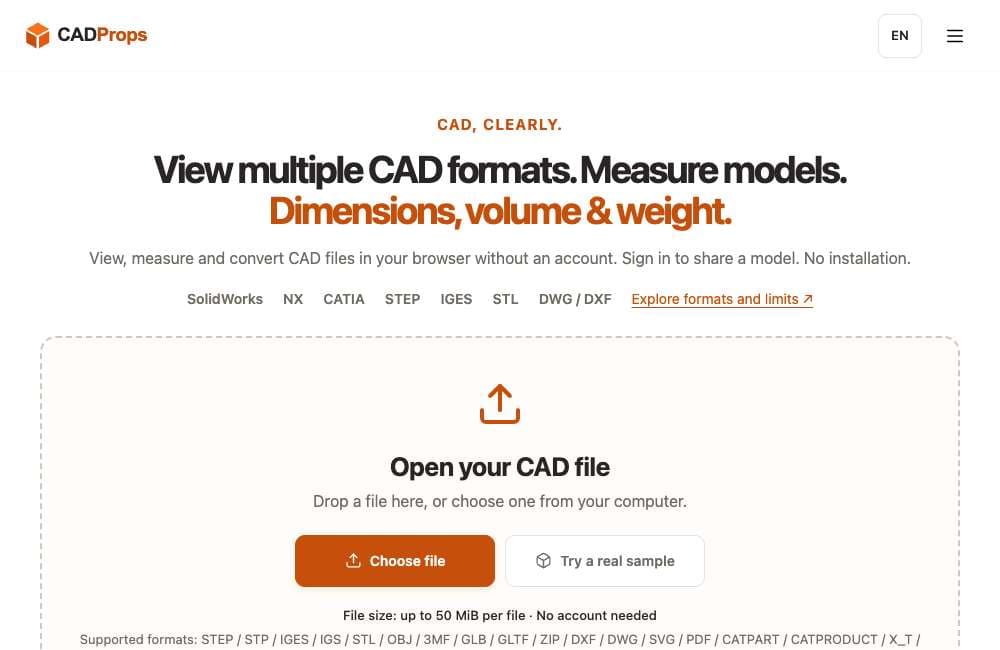
View, measure, compare and convert supported CAD and 3D files in a browser, with no account for core tools. Server processing; private originals may be retained.
About CADProps
CADProps helps makers, engineers and product teams inspect supported CAD and 3D files before handing them off. Open STEP, IGES and supported mesh formats in a browser to check dimensions, units and model properties. For STEP and IGES B-Rep geometry, CADProps calculates volume and surface area and can estimate weight from a selected material density. It also supports file comparison and validated format conversions. No desktop CAD install or account is needed for the core tools; sharing a model requires sign-in. CADProps is for inspection and conversion, not native parametric modeling or 3D printer slicing. Files are processed on CADProps servers, and accepted uploads retain private original files as described in the privacy policy. Supported features vary by format, version and geometry; mesh measurements are approximate.
Written up on SpacerrApps
Apps like CADProps

PaperFig0 clicks
AI scientific figure maker for researchers—turn ideas, sketches, references, or PDFs into scientific figure drafts with OCR-assisted label editing.
AI, Design, Education

PhotoBoothFilter0 clicks
Take four-cut photo strips online or upload your pictures. Add retro film filters, frames and stickers. Free HD download, no sign-up.
Photo and video, Lifestyle, Utilities

Pagepod0 clicks
Free open-source HTML hosting: upload a page, get an isolated link to send around.
Developer tools, Open source, Utilities

PDFWrangle0 clicks
Compress, merge, split, unlock, sign and convert images to PDF in your browser. Free, no sign-up, no usage limits, and your files are never uploaded.
Productivity, Utilities

Bulk QR Code Generator0 clicks
Paste URLs or text, or upload Excel/CSV, and create a whole batch of static QR codes. Set colours and size, save as PNG or SVG, download as one ZIP.
Marketing, Productivity, Utilities

Bulk Barcode Generator1 clicks
Paste a list or upload Excel/CSV and generate CODE 128, EAN/UPC, CODE 39, ITF-14 and more in one batch. PNG or SVG, downloaded as a ZIP file.
E-commerce, Productivity, Utilities
7 comments
Marco Bellini
Which mesh formats does CADProps support for viewing and approximate measurements?
Dan Whitfield
Can CADProps estimate a model’s weight if I enter a custom material density?
AnonymousMaker
Yes. Enter a custom density in g/cm³ in CADProps' weight calculator. If the STEP model has a valid closed-solid volume, CADProps estimates its mass from that volume and your density. Please verify the model units, included bodies, and density first; open or invalid geometry has no reliable mass result, and a single density is not enough for a mixed-material assembly. https://www.cadprops.com/tools/cad-weight-calculator/
Elias Wagner
Can CADProps compare two STEP files and highlight their geometry changes?
AnonymousMaker
Yes. CADProps can compare two valid, closed STEP models and show computed solid differences: material only in A, only in B, and common to both. It uses the files' original coordinates and does not automatically align them, so check units and placement first. You can try it here: https://www.cadprops.com/tools/compare-cad-files/ This is a geometry comparison, not a manufacturing tolerance or feature-level change report.
Mara Jensen
How long are uploaded private originals retained on your servers?
AnonymousMaker
Temporary workspace files are automatically deleted after 60 minutes, and users can also delete them earlier.