


Cenno
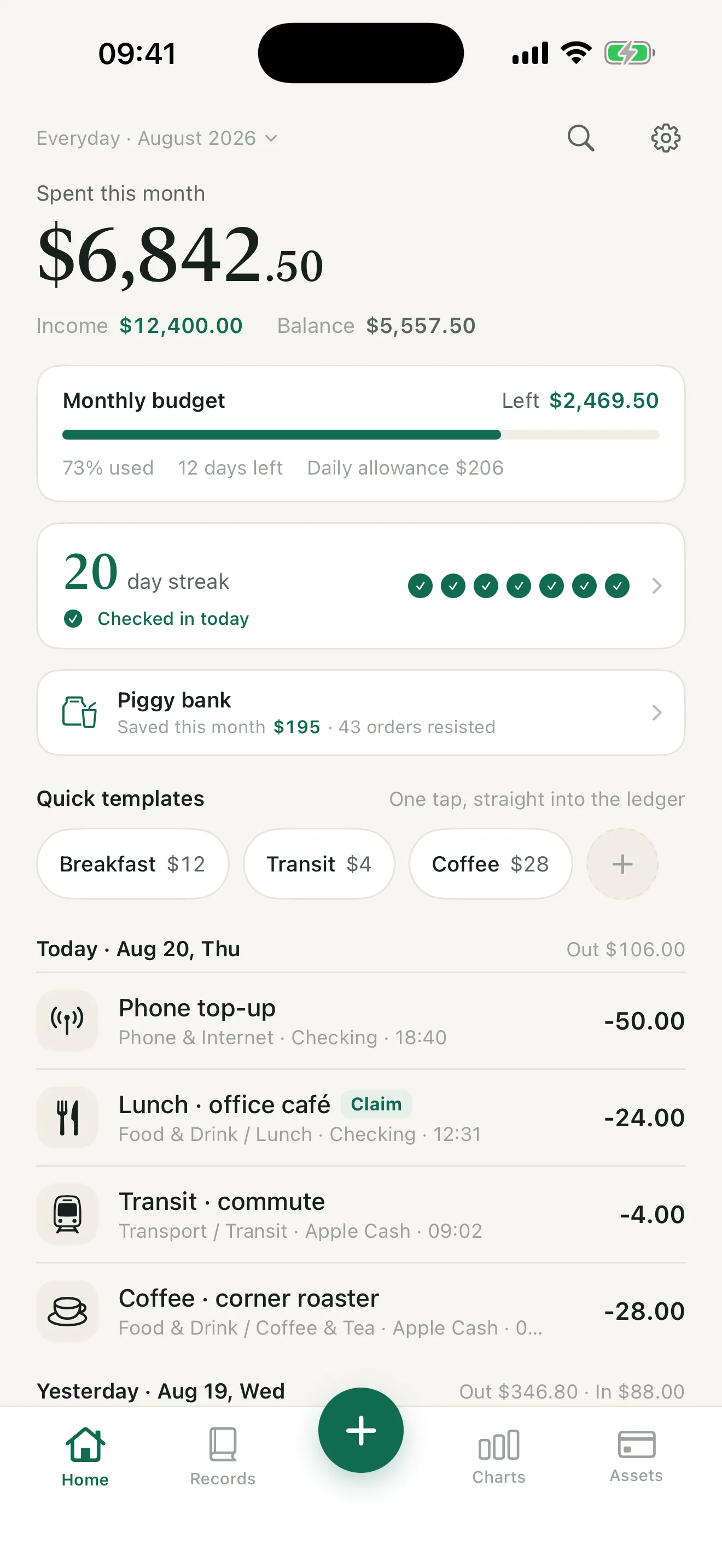
Track spending, budgets and balances on your device. No account, bank login or ads. Unlimited records are free, with optional Pro features and your own iCloud sync.
About Cenno
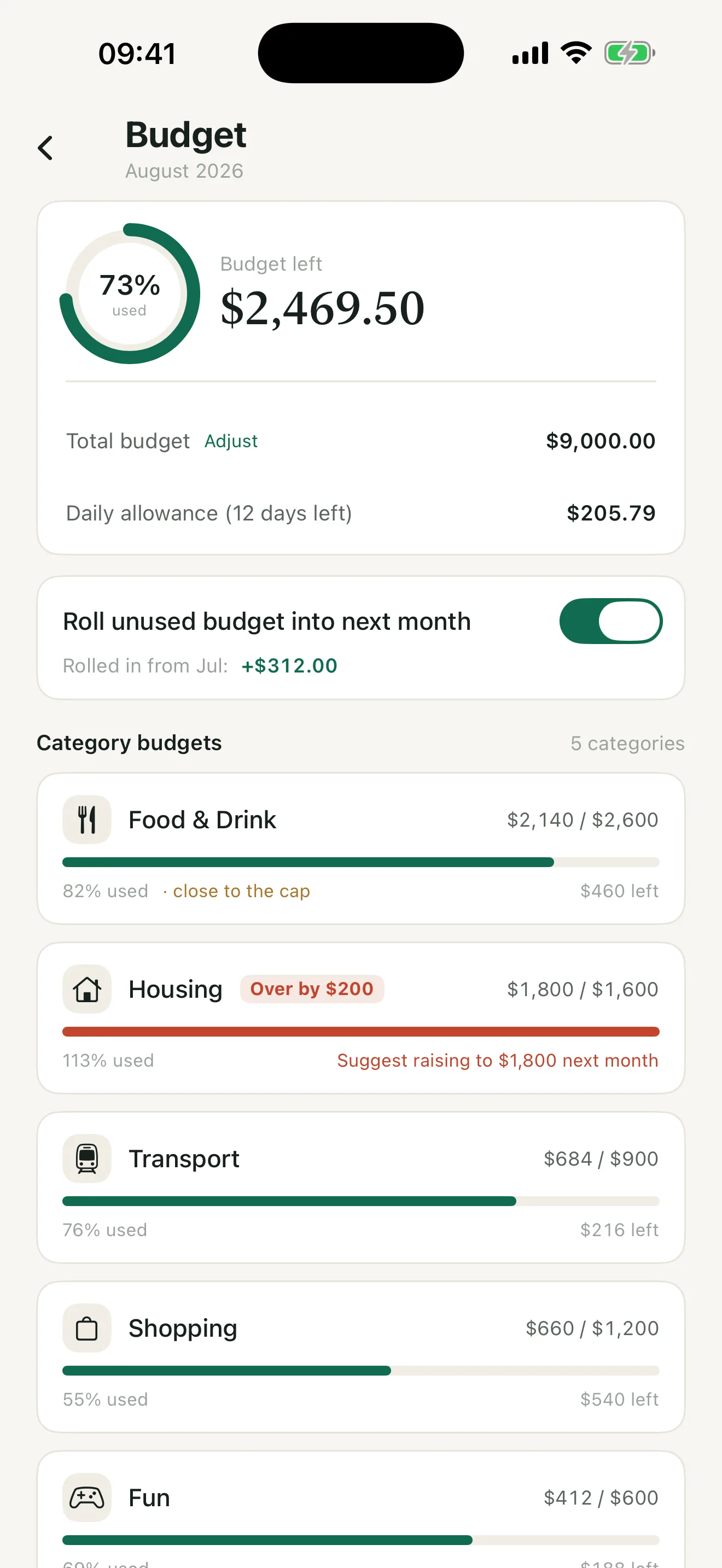
Cenno is a private expense tracker for iPhone and iPad. Record spending offline without an account or bank login. Track monthly and category budgets, carry unused budget into the next month, and see your balances. Unlimited records, budgets, export and backup are available for free. Optional Pro adds features such as imports, multiple ledgers, reports, recurring entries and themes, with yearly and lifetime purchase options. Data is stored on your device, and optional sync uses your own iCloud. Cenno has no ads and supports English, Chinese and French. Download: https://apps.apple.com/app/id6760214754
Written up on SpacerrApps
Apps like Cenno

Oath Wallet2 clicks
Oath Wallet brings balances, transaction history, send and receive, and watch-only addresses to a native iPhone and iPad app for Bitcoin, Ethereum, Solana and other supported networks.
Finance, Mobile, Web3

Earnzo0 clicks
Earn free Google Play redeem codes, Amazon, Steam & BGMI gift cards on Earnzo. Complete instant paid surveys and mobile games ($5 minimum).
Finance, Games, Mobile

Banknote Identifier2 clicks
Identify banknotes, paper money, coins, and foreign currency from a photo. Explore issuer, denomination, series, condition, rarity, and value details.
Finance, AI, Photo and video

Alliance at War2 clicks
3D fantasy SLG with real-time RTS controls on Android and iOS — build your kingdom, rally heroes, and fight alliance wars.
Games, Mobile, Social

Amia2 clicks
Explore relationship patterns with free Blueprints, daily connection questions and guided voice sessions alone or together.
Lifestyle, Health, Mobile

4 comments
Nora Callahan
Can I import transactions from a bank statement with Pro, or do I need to format the file first?
AnonymousMaker
Hi Nora — Cenno maker here. Pro imports CSV files on your device, without linking a bank account. Some bank exports work unchanged; others need converting to a supported CSV layout first. The current importer doesn't read PDFs, scanned statements or Excel workbooks.
For a simple layout: date,merchant,amount,type 2026-10-01,Sample shop,12.50,expense
Use YYYY-MM-DD dates, plain decimal amounts, and expense or income for type. Check the preview before confirming.
Which file extension and column names does your export use? Just the headers are enough to check compatibility before you pay.
Pro offers a US$3.99 lifetime purchase (local prices vary). Manual records, budgets and CSV export remain free. — Cenno developer
Caleb Doyle
Does the optional iCloud sync keep budgets and balances in sync across your iPhone and iPad?
AnonymousMaker
Yes, Caleb — optional iCloud sync includes your budgets, accounts and transactions, so your balances and budget progress can stay consistent across your iPhone and iPad. Use the same Apple Account and enable Cenno’s iCloud sync on both devices. Updates sync when iCloud is available; you can still record expenses offline. — Ellis, Cenno