CleanAI
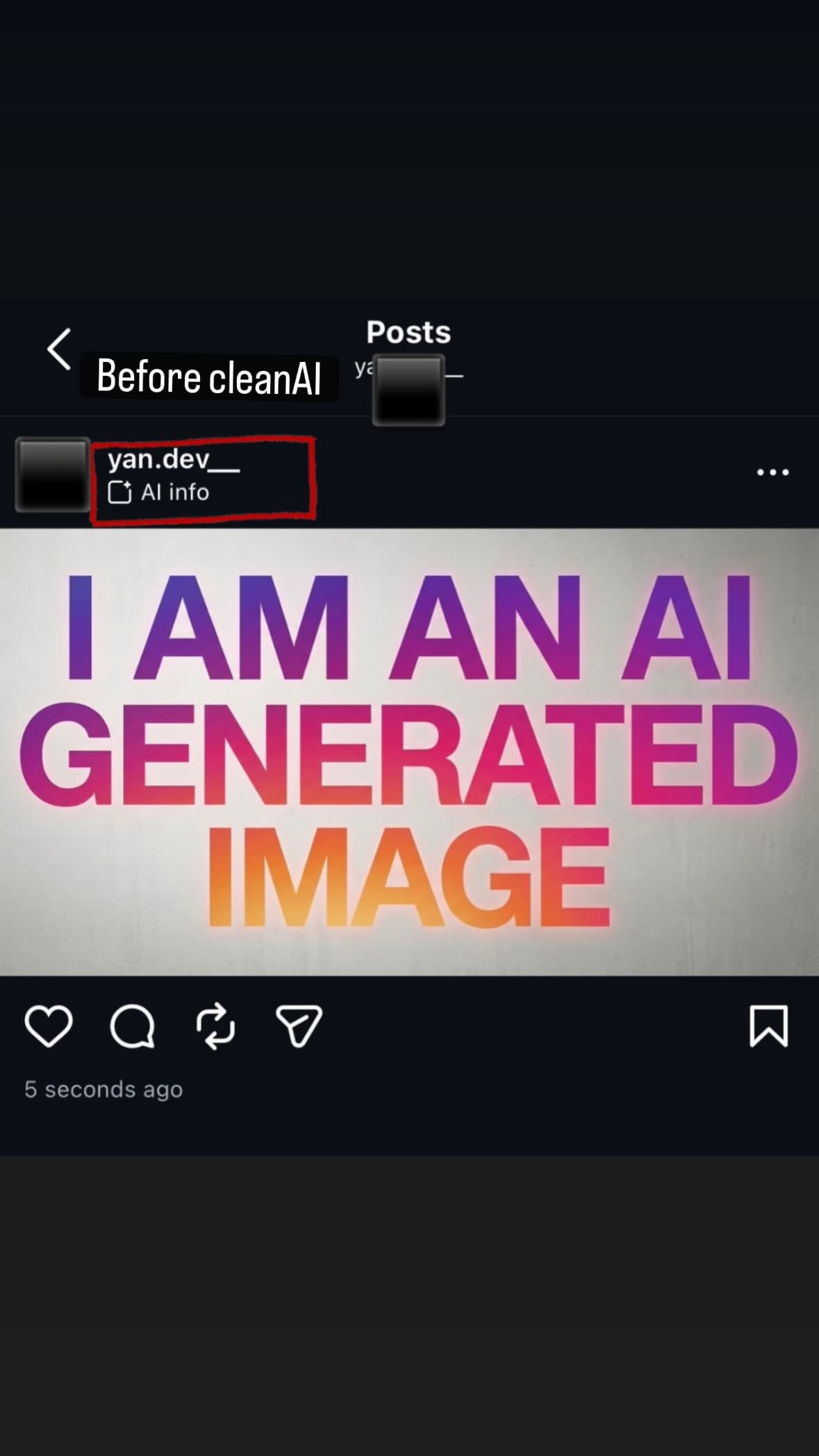
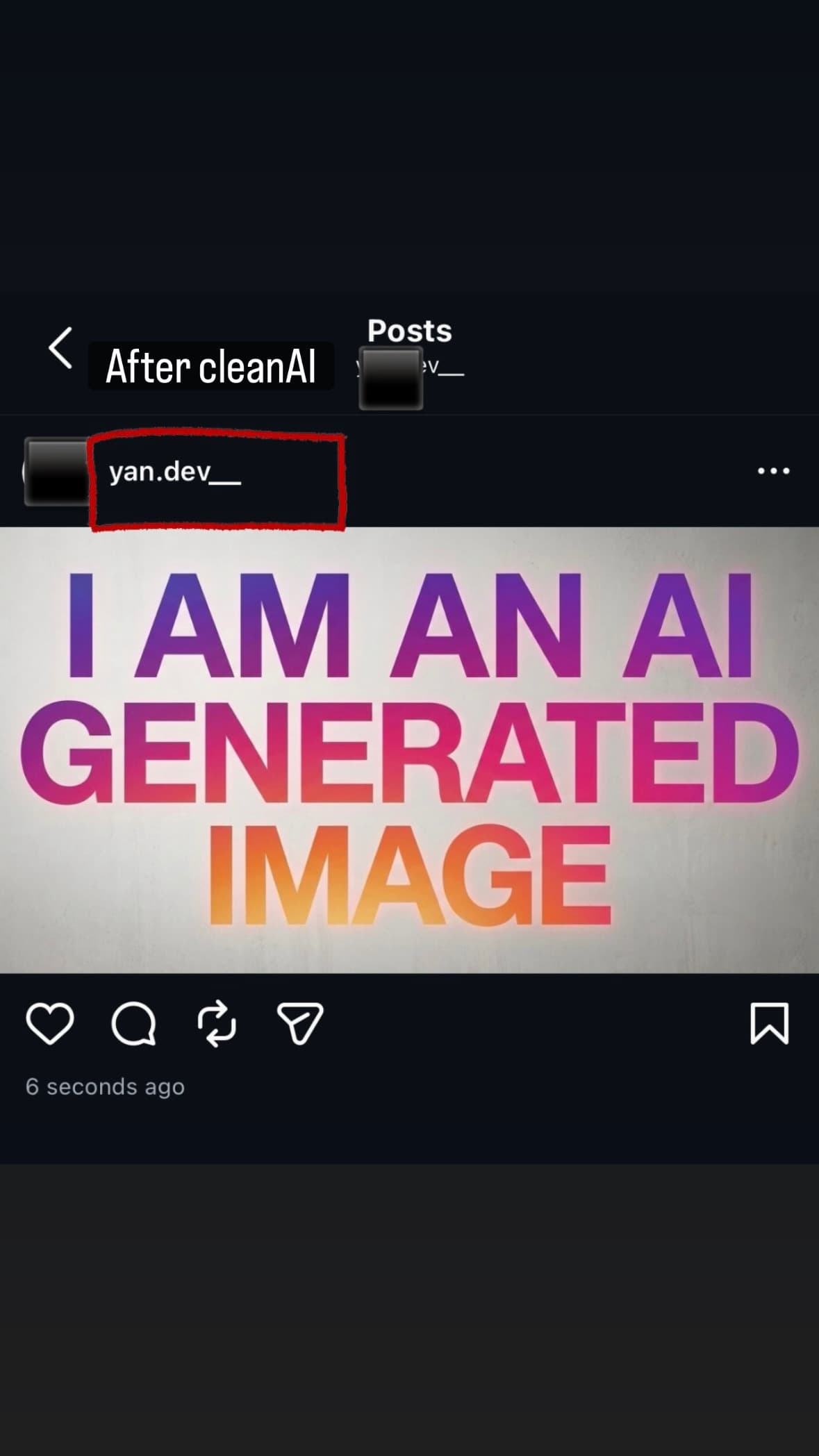
Remove the AI label detection on social media. Clean your AI photos and videos before posting. Native iOS processing, zero quality loss, entirely on your iPhone. Try free.
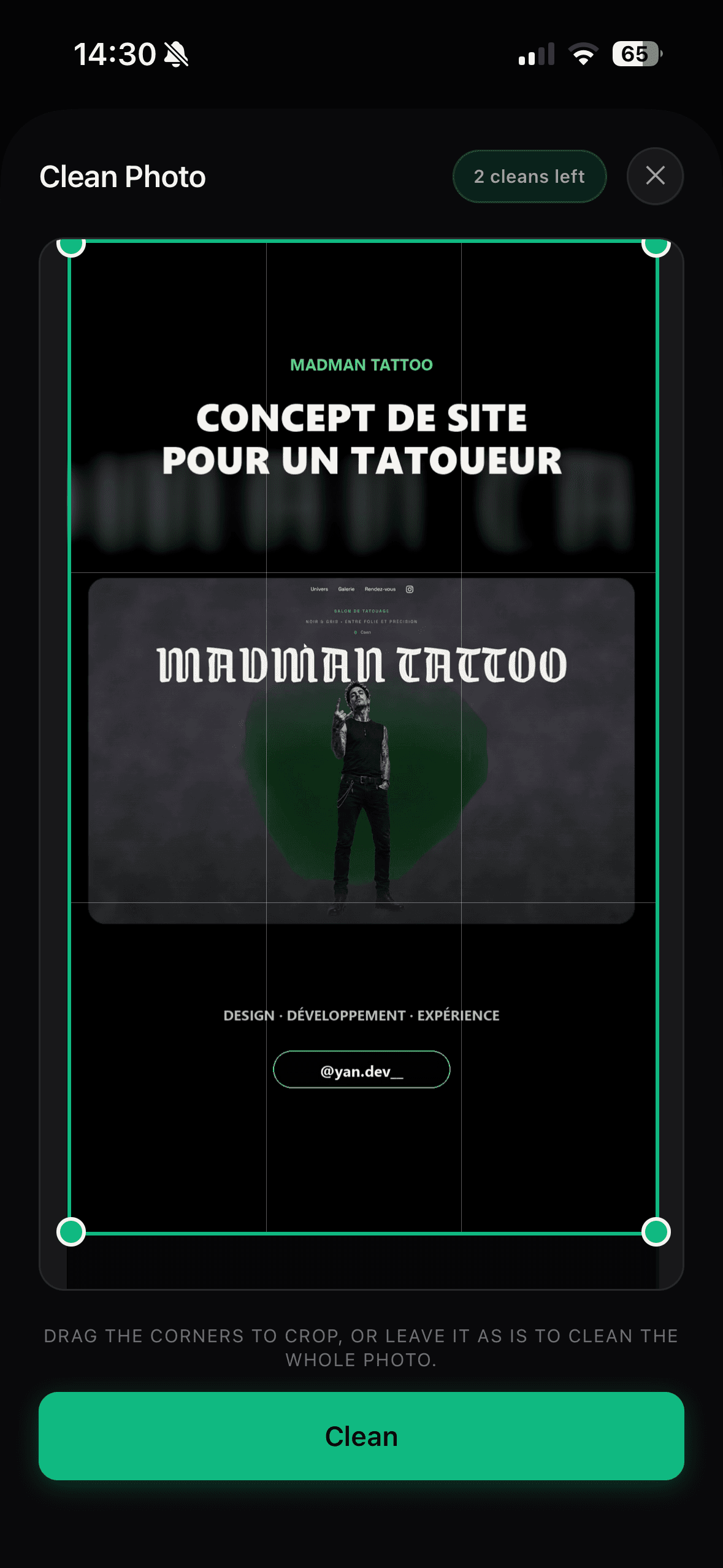
About CleanAI
Clean your AI photos and videos before posting on TikTok or Instagram. It’s removing the AI label detection. Native iOS processing, zero quality loss, entirely on your iPhone. Try free.
Clean your AI images and videos before posting on TikTok or Instagram. Native iOS processing, on your device.
Same resolution, same bitrate, pixel-for-pixel identical quality. Only the AI label is gone.
Clean your AI videos before posting so TikTok stops tagging them as AI Generated.
Clear the AI info disclosure from your feed posts, Reels and Stories.
Strip AI tool stamps, metadata and your own burned-in logos from your files.
Your photos and videos never leave your iPhone. No cloud upload, no account, no servers touching your files.
Cleaning runs through Apple's CoreImage and AVFoundation, so the output looks like a fresh iPhone capture.
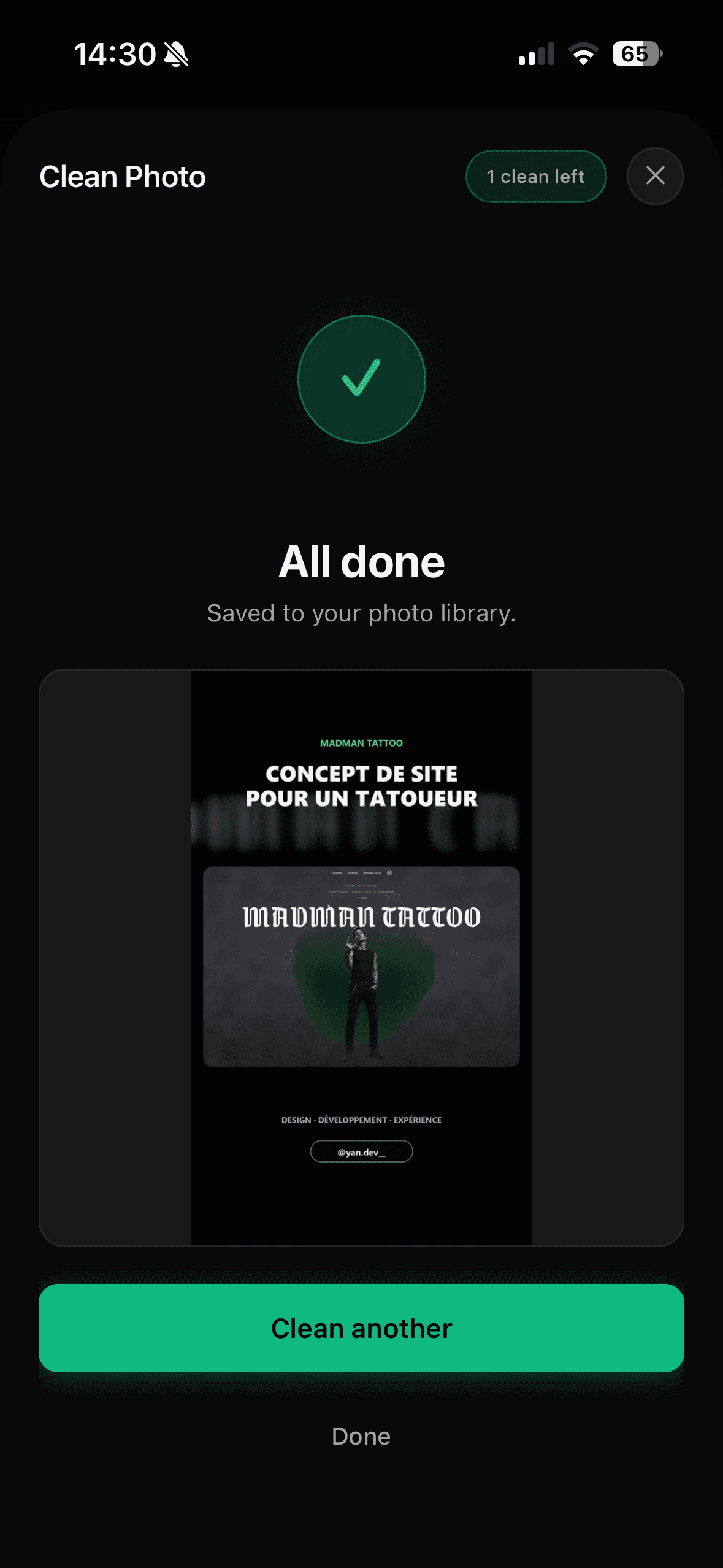
Pick a file, tap Clean, save. A photo finishes almost instantly, a short video in a few seconds.
Native export presets preserve resolution and bitrate. No compression artifacts, no washed-out colors.
5 cleans on the house. No account, no card, nothing to cancel if you decide it is not for you.
A native re-encode strips the C2PA metadata and signal patterns AI tools leave behind on your own files, so your work is judged on its merits.
Open CleanAi and choose the AI photo or video from your library.
CleanAi re-encodes it natively through iOS, clearing the signals that trigger the AI label.
Export the clean file back to your camera roll and post it to TikTok or Instagram as usual.
Wh
What CleanAI does that nothing else does
Remove the AI label natively, no quality loss, IOS native.
Written up on SpacerrApps
Apps like CleanAI

Outvote2 clicks
Submit a product for free and compete on a public leaderboard ranked by daily votes. No account or login required; one vote per browser per product per day.
Marketing, Launch platforms, Social

Nainly2 clicks
Nainly combines expert resume assessment, professional writing, and proprietary outreach technology to maximize your professional visibility.
Marketing, AI, HR and recruiting

Sell Bio1 clicks
Sell Bio brings together your bio page, lead forms, bookings, checkout and email campaigns so you can turn your audience into leads and sales.
AI, Sales, Marketing

SnapInsta0 clicks
.Download Instagram Reels, Photos & Stories in High Quality No login required. No watermark. HD quality downloads in seconds
Marketing, Photo and video, Social

AutoMarketing AI8 clicks
Create branded social media posts, images and videos, approve them in one calendar, and schedule content across your social networks.
Marketing, Productivity, AI

Dating App to Meet Singles Online8 clicks
Meet singles, make meaningful matches, and start real conversations with Sync, a free Android dating app for online dating and genuine connections.
Social, Communication, Mobile
14 comments
Marco Bellini
Which iPhone models and iOS versions does CleanAI support?
Maker
It’s supported on all recent version
Dan Whitfield
Does CleanAI work fully offline, even when your iPhone has no internet connection?
Maker
Yes ! It’s working 100% offline
Zofia Kowalska
Can I clean multiple photos or videos in one batch, or do I need to process each file separately?
Maker
Yes you can but only with pro plan. Its unlimited with pro plan.
Tomas Keller
Can I send a cleaned file directly to TikTok or Instagram, or do I need to save it to Photos first?
Maker
When you clean a picture or a video, it’s automatically saved to your gallery. By default, it creates an exact copy, but cleaned. In the app’s settings, you can choose to replace the original after cleaning. Hope this helps!
Carmen Ruiz
Does CleanAI preserve HDR video and the original audio when cleaning files?
Maker
Yes 🙌
Priya Nair
Is there a limit to how many photos or videos I can clean for free?
Maker
5 free clean
Ines Moreau
Does CleanAI support Live Photos as well as regular photos and videos?
Maker
It does not support Live Photo because you can’t generate Live Photos with AI. If you want to clean a Live Photo, it will just clean the « fix part » of the picture.