


ClipTen
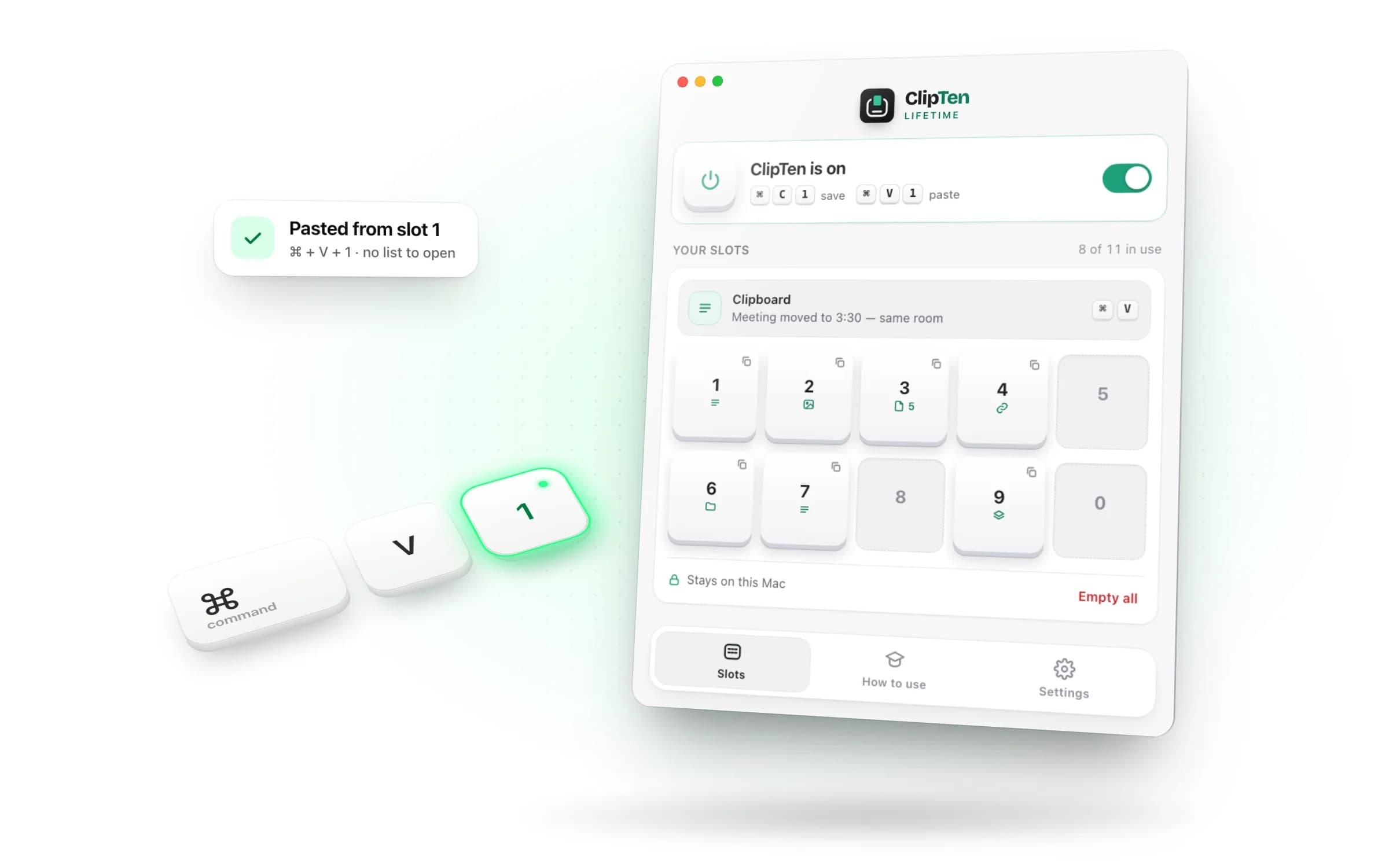
Your computer copies one thing at a time. ClipTen makes it ten, each on a number key: Ctrl + C + num to save, Ctrl + V + num to paste. Available now for Mac and Windows.
- Launched
- Clicks
- 0
- Categories
- Productivity,Writing,No-code
- Runs on
- macOS, Windows
- Pricing
- Free plan, paid upgrade
About ClipTen
Your computer copies one thing at a time. ClipTen makes it ten, each on a number key: Ctrl + C + num to save, Ctrl + V + num to paste. Available now for Mac and Windows.
Stop going back to copy it again. ClipTen is a clipboard manager that keeps ten copies on your number keys, and pastes any of them with one shortcut.
On the Microsoft Store for Windows 10 and 11. One click to install, and it keeps itself up to date.
1 2 3 4 5 6 7 8 9 0 ⇧ shift ⇧ Shift Z X C V B N M , fn ⌃ control ⌥ option ⌘ command ⌘ command Ctrl Fn Alt Alt
Copy three things from an order, then paste them into a reply.
Clipboard history gives you a list to search. ClipTen gives each copy a key of its own: you pick the number while you copy, and it stays there until you replace it.
Both of the built-in ones are lists you go and search. That is fine for “what did I copy an hour ago?” and slow for the thing you paste forty times an afternoon.
Windows shows your last 25 copies , up to 4 MB each. Every paste is the same four moves: open the panel, read the list, find the right one, press Enter. And the list empties every time the PC restarts, apart from whatever you remembered to pin.
ClipTen opens nothing. Ctrl + V + 3 pastes what is on 3, and 3 still holds it next Monday.
macOS Tahoe added one at last — ⌘ + Space , then ⌘ + 4 . Copies sit there for eight hours and then go, and text pasted out of it arrives with its formatting stripped. On any Mac older than Tahoe there is nothing at all.
What ClipTen does that nothing else does
Clipten gives you instant shortcuts for copying and pasting. Assign a number to anything you copy, and it becomes a slot you can access with a simple shortcut. No more searching through your history
Written up on SpacerrApps
Nothing published about ClipTen yet.
Apps like ClipTen

Blogwriter11 clicks
A topic in, a post you can publish. It knows what you sell, how you sound, and the claims you don
Productivity, Writing, AI

Clean Paste AI0 clicks
Clean Paste AI removes invisible Unicode artifacts and Markdown syntax from AI copy so spreadsheet cells and tables remain properly formatted.
Productivity, AI, Writing

AI Text Watermark Remover0 clicks
Content managers choose AI Text Watermark Remover to spot 60+ invisible Unicode code points and clear excess Markdown residue.
Writing, Productivity, AI

AI Text Cleaner0 clicks
With AI Text Cleaner, editors can sanitize drafts by stripping unseen Unicode artifacts and Markdown syntax directly within a private browser tab.
Productivity, Writing, Developer tools

WaveXML2 clicks
Synchronize camera footage with separately recorded audio and export an edit-ready XML timeline.
Productivity, Music, Video

ShardStitch4 clicks
Local-first AI coding layer for memory, recovery, verification, tool routing, visual control, and cross-tool work across Claude, Cursor, Codex, Gemini, and Roo Code.
Developer tools, Productivity, AI
Discussion
Nothing here yet. Be the first to say something about ClipTen.