


Eye Drops Reminder & Tracker
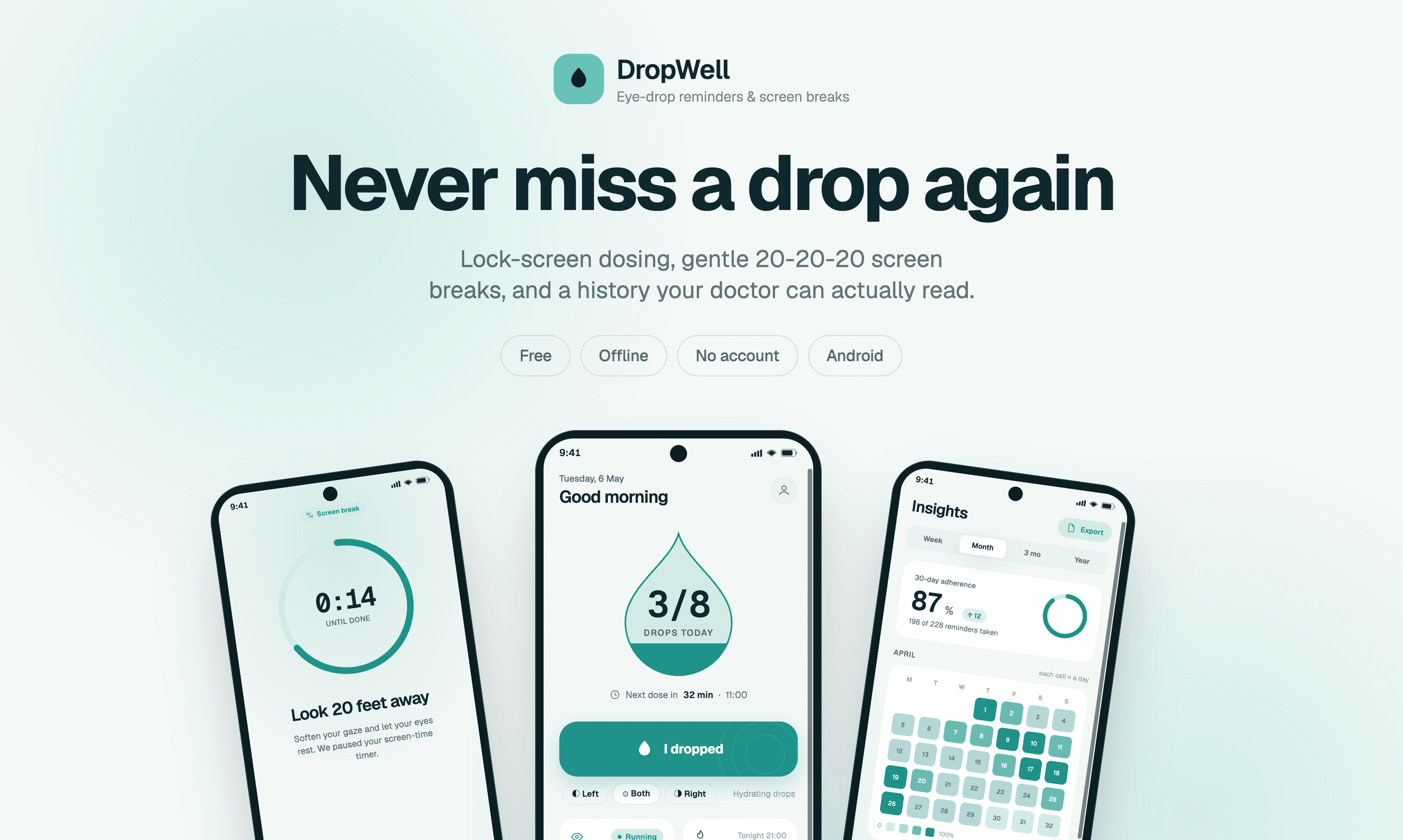
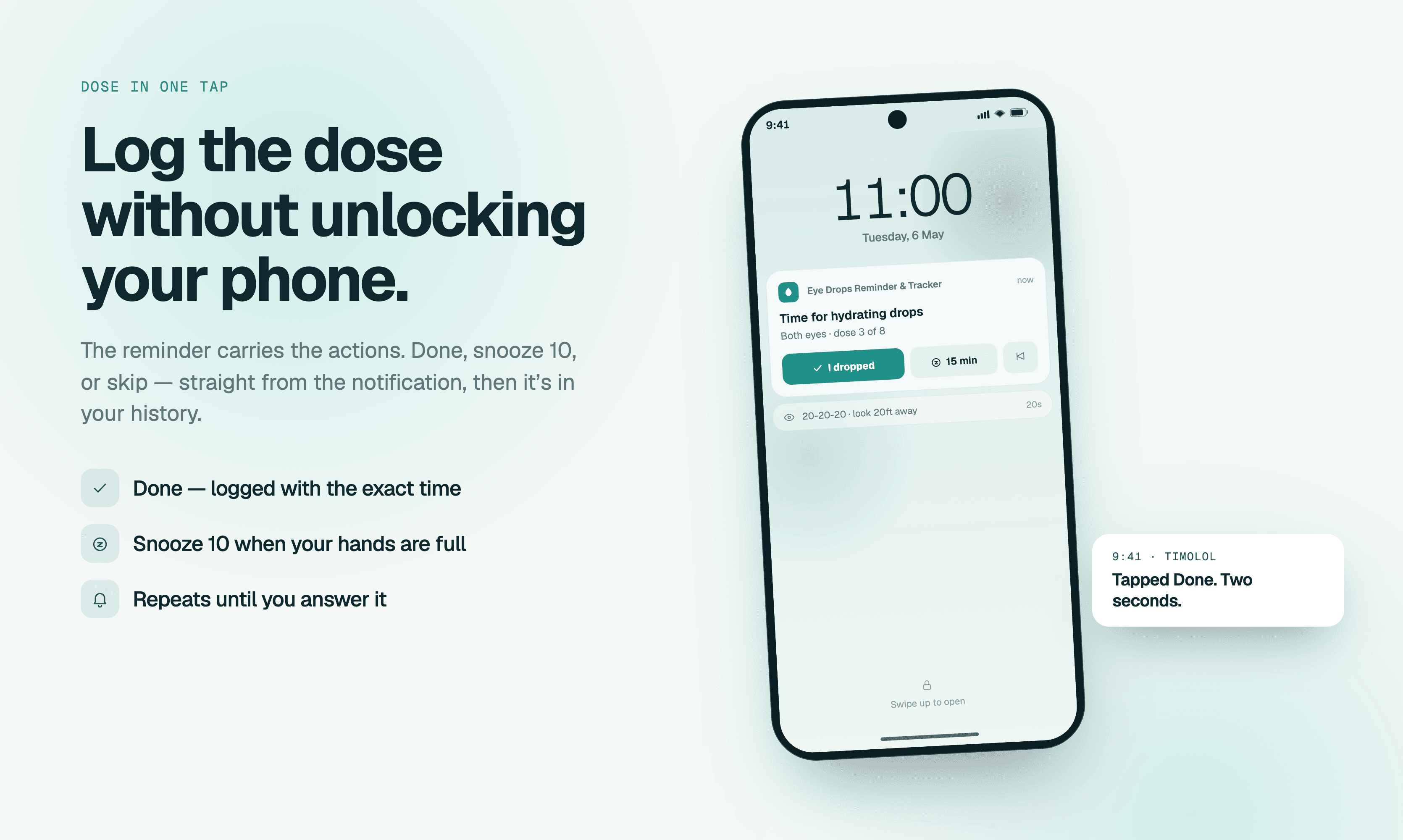
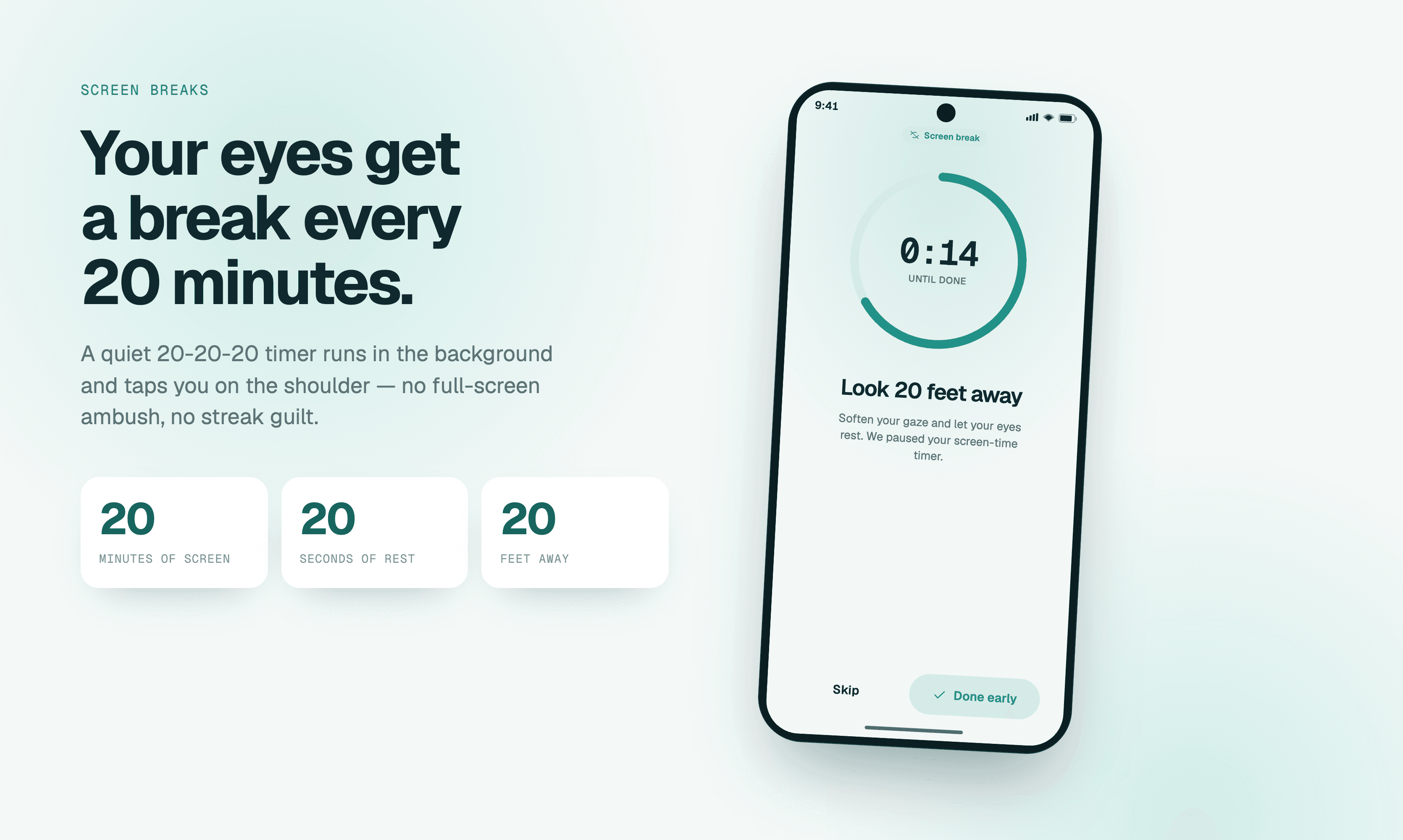
Reminds you to use your eye drops on schedule, with one-tap logging for each eye, bottle expiry tracking, a 20-20-20 screen break timer, and a guided warm compress routine. Free, no ads, no data collection. Bui
- Launched
- Clicks
- 24
- Categories
- Health,Productivity,Utilities
- Runs on
- Android
- Pricing
- Free
About Eye Drops Reminder & Tracker
I have dry eye syndrome myself, mostly from long hours in front of a screen. My biggest problem was never the drops themselves — it was simply remembering to use them during the day.
So I built Eye Drops Reminder & Tracker: a small Android app that reminds you on a schedule, lets you log each drop with one tap (left eye, right eye, or both), and tracks when each bottle was opened so you don't accidentally use expired drops.
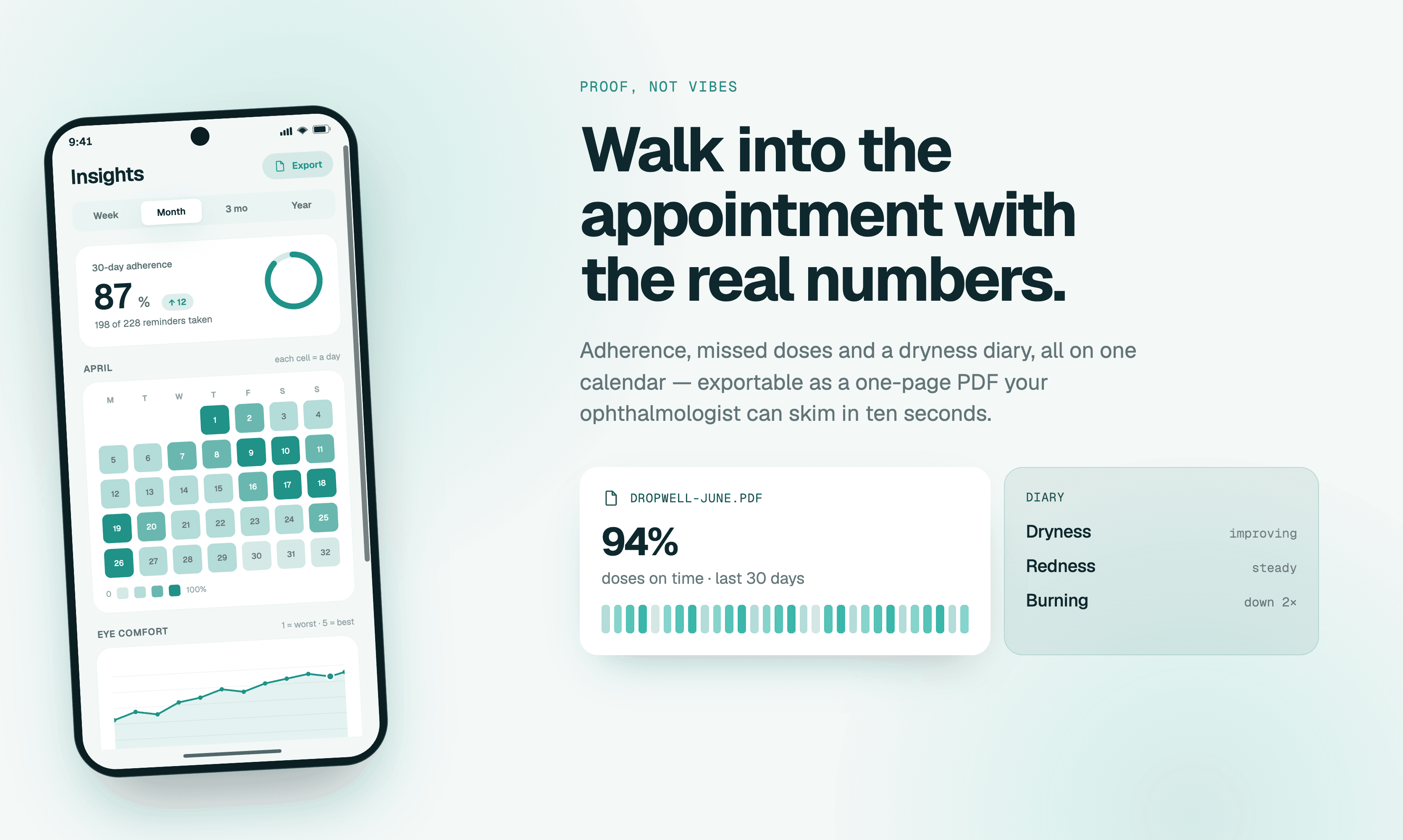
It also includes a 20-20-20 timer for screen breaks and a guided warm compress routine with adjustable duration, plus a daily eye comfort check-in to help you spot patterns over time — useful whether you're managing dry eyes, glaucoma drops, post-surgery eye care, or just staring at screens all day like the rest of us.
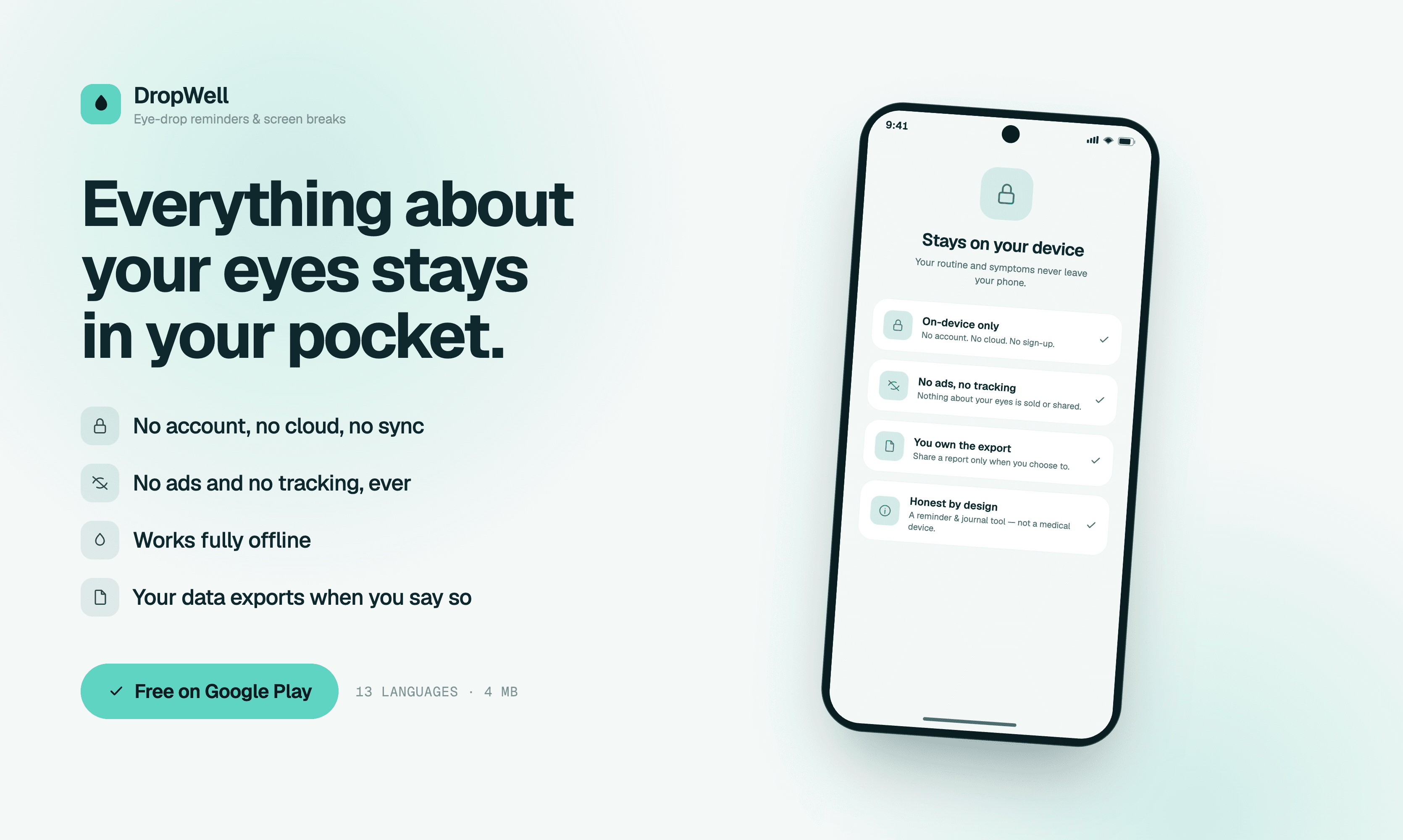
It's completely free, with no ads, no account required, and no data collection. Now available in 14 languages.
Started as a personal tool to fix my own "forgot again" problem — publishing it in case it helps someone else too.
What Eye Drops Reminder & Tracker does that nothing else does
It tracks when you opened each eye drop bottle and warns you before you use expired drops — something most reminder apps don't do at all.
Written up on SpacerrApps
Apps like Eye Drops Reminder & Tracker

PDFWrangle2 clicks
Compress, merge, split, unlock, sign and convert images to PDF in your browser. Free, no sign-up, no usage limits, and your files are never uploaded.
Productivity, Utilities

Bulk QR Code Generator0 clicks
Paste URLs or text, or upload Excel/CSV, and create a whole batch of static QR codes. Set colours and size, save as PNG or SVG, download as one ZIP.
Marketing, Productivity, Utilities

Bulk Barcode Generator3 clicks
Paste a list or upload Excel/CSV and generate CODE 128, EAN/UPC, CODE 39, ITF-14 and more in one batch. PNG or SVG, downloaded as a ZIP file.
E-commerce, Productivity, Utilities

Clear HVAC Costs2 clicks
Estimate local HVAC installation costs, compare system options, and sanity-check contractor quotes before signing.
Productivity, Utilities

Nutter Tools4 clicks
A free toolbox of 237 small browser tools for everyday jobs. Convert and compress images, merge PDFs, make Wi-Fi QR codes, check photo metadata, format JSON and decode JWTs.
Productivity, Utilities, Developer tools

CryptoIsland2 clicks
Live crypto prices and alerts in your Mac’s notch. Binance, OKX, Hyperliquid. 48h trial; Pro US$19.90/year. No trading.
Finance, Utilities, Productivity
7 comments
Viktor Lindqvist
Can I adjust the warm compress duration and the 20-20-20 screen break timer separately?
AnonymousMaker
Yes - compress duration is adjustable in the app settings, from 5 to 10 minutes.
Ravi Menon
Can I set different schedules for each eye and track multiple eye drop bottles at once?
AnonymousMaker
Yes, exactly - you can add multiple eye drops and set a separate reminder schedule for each one.
CalkMe
Nice project! Have the same issue, will try to use!
CalkMe
Installed and put a 5 star rating for you, good job! :)
AnonymousMaker
thank you