


FileOnTap
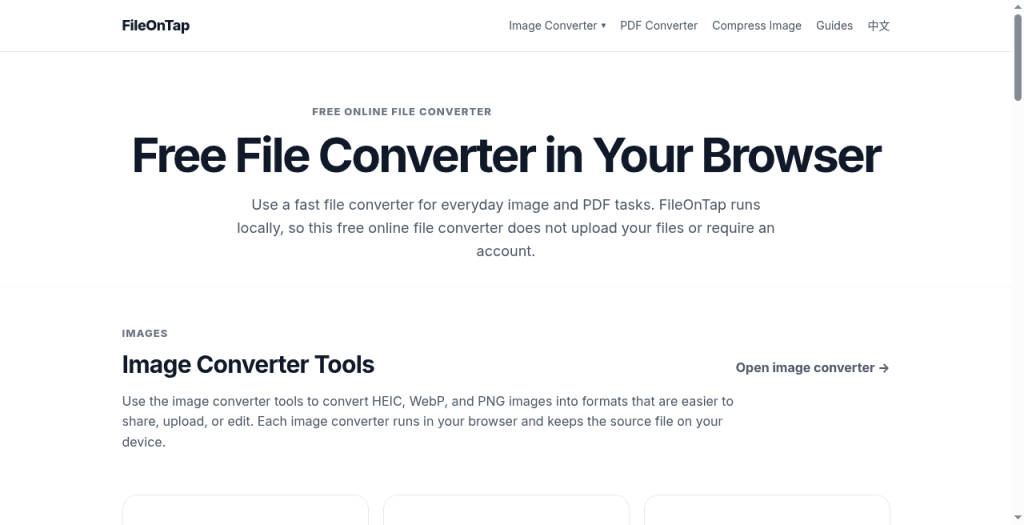
Free browser File Converter for images and PDFs; local processing, no upload, no account.
- Launched
- Clicks
- 4
- Categories
- Productivity,Utilities,Image
- Runs on
- Web
- Pricing
- Free
About FileOnTap
FileOnTap is a free browser-based file converter for everyday image and PDF tasks. Convert supported images such as HEIC, JPG, PNG, and WebP, and create PDFs directly in your browser. Processing happens locally on your device: files are not uploaded to a server, and no account is required. Use it when you need a quick conversion without sending personal files to a remote service. FileOnTap focuses on simple, clear tools for image conversion, compression, and PDF workflows.
What FileOnTap does that nothing else does
Runs locally in your browser with no upload or account.
Written up on SpacerrApps
Apps like FileOnTap

PDFWrangle2 clicks
Compress, merge, split, unlock, sign and convert images to PDF in your browser. Free, no sign-up, no usage limits, and your files are never uploaded.
Productivity, Utilities

Bulk QR Code Generator0 clicks
Paste URLs or text, or upload Excel/CSV, and create a whole batch of static QR codes. Set colours and size, save as PNG or SVG, download as one ZIP.
Marketing, Productivity, Utilities

Bulk Barcode Generator3 clicks
Paste a list or upload Excel/CSV and generate CODE 128, EAN/UPC, CODE 39, ITF-14 and more in one batch. PNG or SVG, downloaded as a ZIP file.
E-commerce, Productivity, Utilities

Clear HVAC Costs2 clicks
Estimate local HVAC installation costs, compare system options, and sanity-check contractor quotes before signing.
Productivity, Utilities

Process Street4 clicks
Process Street is an agentic process automation platform for high-stakes operations. Run critical business processes with AI agents, human control, and proof built into every step.
Productivity, AI, Automation

Image to JPG0 clicks
Convert HEIC, HEIF, AVIF, WebP, PNG, GIF, BMP or JFIF to JPG in your browser. Download batches as a ZIP. Free, with no uploads, sign-up, watermarks or daily limits.
Image
1 comment
Nora Callahan
Are there file size limits for converting images or creating PDFs in the browser?