


Gatterie
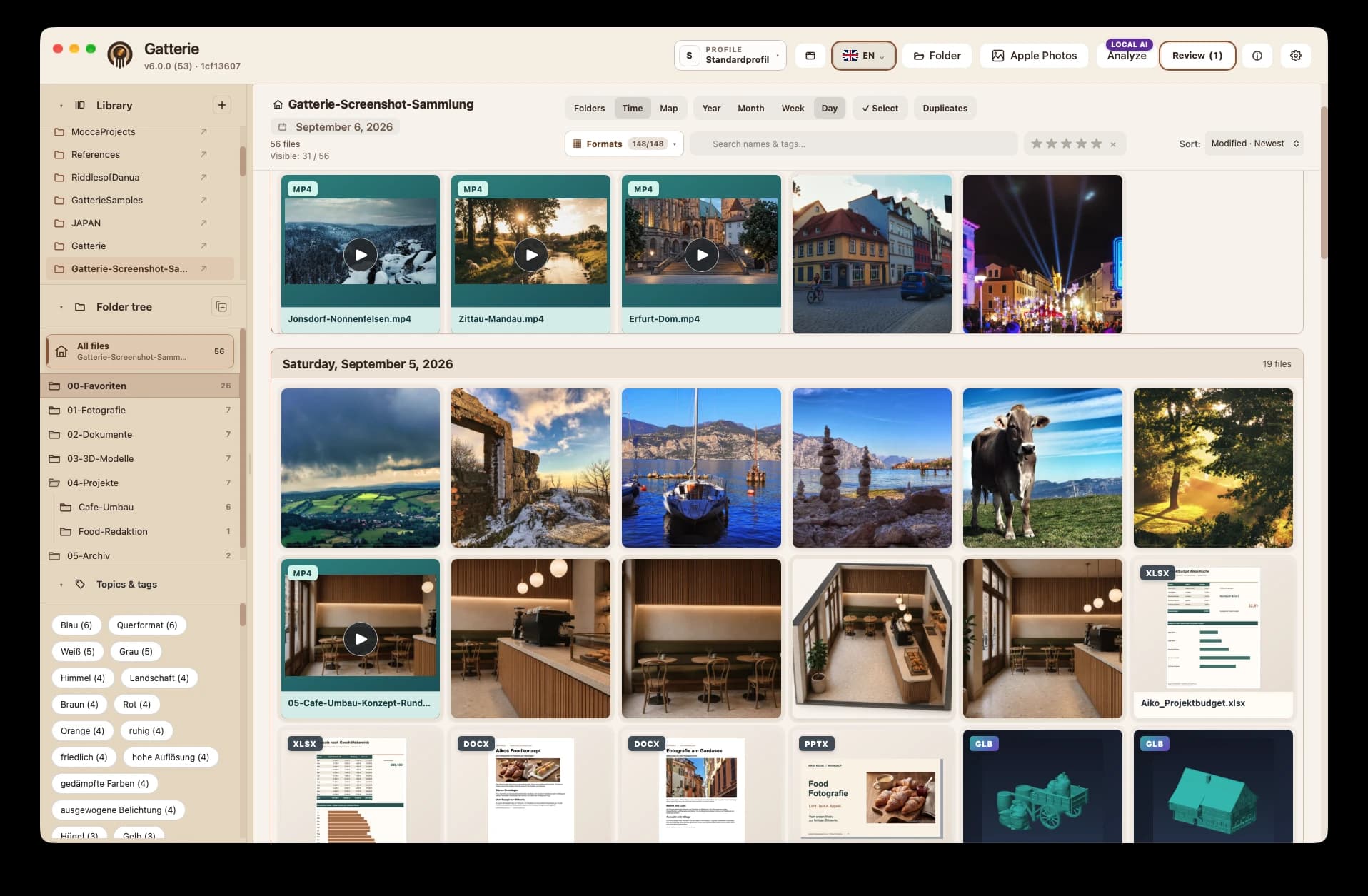
Browse photos, RAW files, videos, documents and 3D models in your existing folders. Find files with search, tags and stars, explore GPS photos on a map and view models in 3D. One-time purchase.
- Launched
- Clicks
- 84
- Categories
- Photo and video,Design,Utilities
- Runs on
- macOS
- Pricing
- Paid
About Gatterie
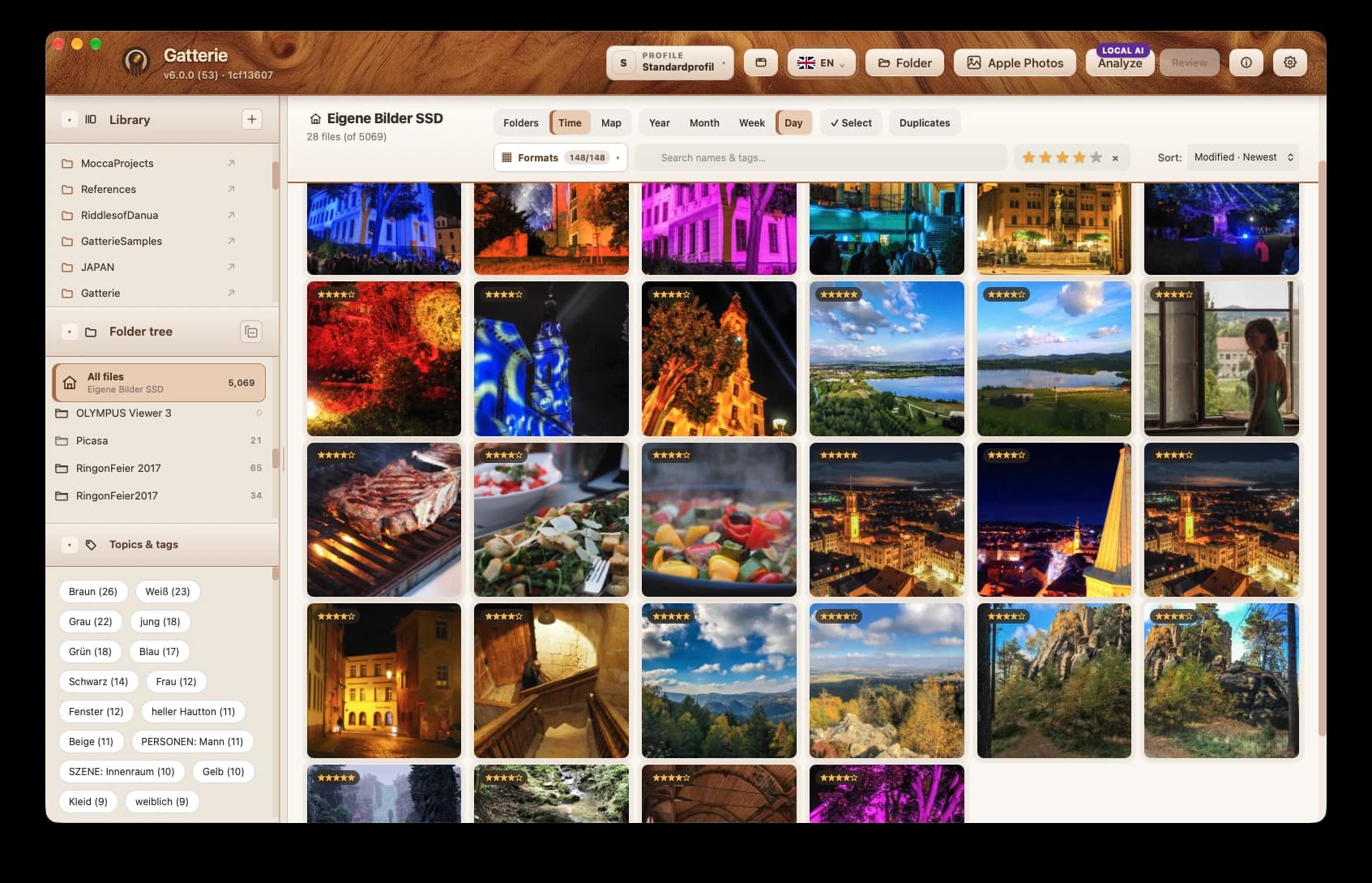
Gatterie is a visual file library for the files already in your folders. Browse photos, RAW images, videos, PDFs, documents and supported 3D/CAD files together, without importing, moving or reorganizing them. Search file names and tags, mark favourites with stars and combine filters.
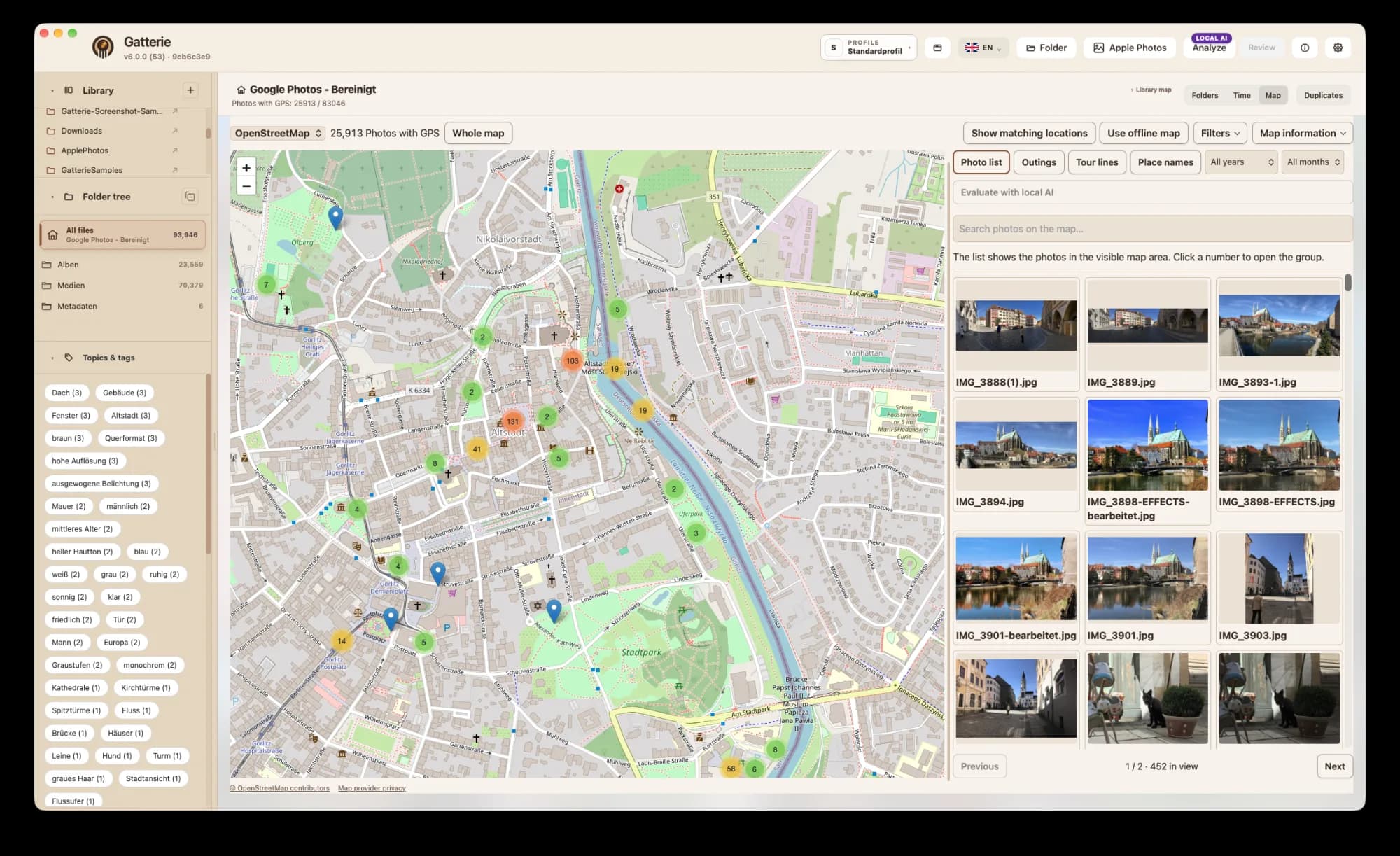
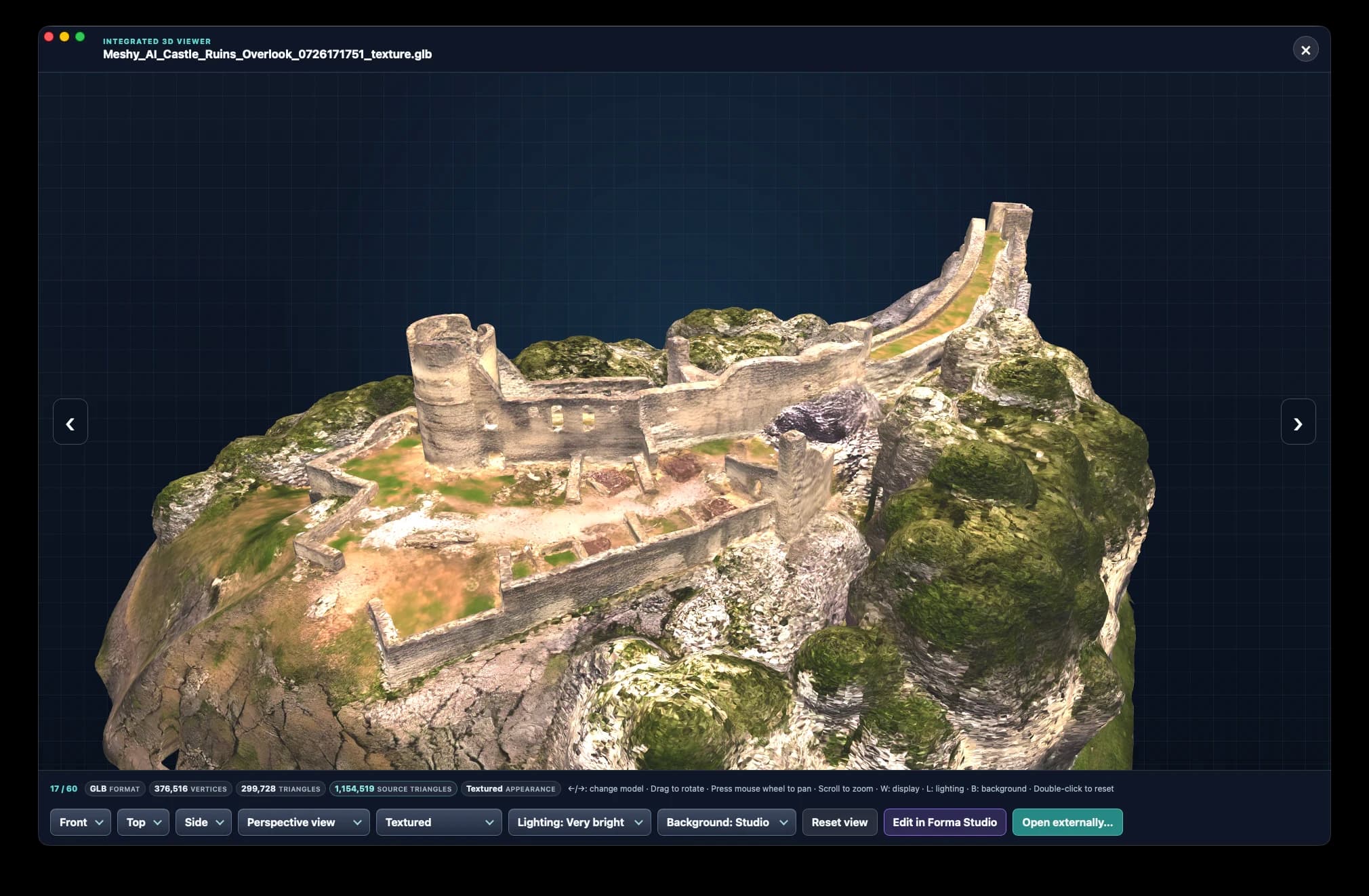
Explore photos with GPS metadata on a map, grouped by place, with outings and tour lines. The offline map is the default; online maps are optional. Rotate and zoom supported models in the integrated 3D viewer. The image editor lets you adjust light and colour, straighten and crop images, saving results as new copies. Core features work locally without an account or cloud requirement. Optional local AI can suggest tags and descriptions through a separately configured compatible model service; you review the suggestions.
The released Mac app requires Apple silicon and is a one-time purchase with no subscription or in-app purchases. Download: https://apps.apple.com/us/app/gatterie/id6795278298
Product overview video (German): https://fallgatter.info/gatterie/assets/video/gatterie-promo-de-launch-1080.mp4
Three short use-case videos: Francesca, a photographer using local AI; Aiko, a food creator viewing photos and recipe documents; Tobias, a 3D designer browsing model previews. These are fictional personas: images, voices and animation are AI-generated, not customer testimonials. Watch them with their disclosure: https://fallgatter.info/gatterie/#personas Francesca: https://fallgatter.info/gatterie/assets/video/persona-francesca-szene-720.mp4 Aiko: https://fallgatter.info/gatterie/assets/video/persona-aiko-szene-720.mp4 Tobias: https://fallgatter.info/gatterie/assets/video/persona-tobias-szene-720.mp4
Written up on SpacerrApps
Apps like Gatterie

PhotoBoothFilter2 clicks
Take four-cut photo strips online or upload your pictures. Add retro film filters, frames and stickers. Free HD download, no sign-up.
Photo and video, Lifestyle, Utilities

BatchMark0 clicks
BatchMark watermarks up to 100 photos at once on iPhone and iPad, with text, logo and tiled marks, plus art frames and Color Walk palette cards. No uploads, no ads.
Photo and video, Mobile, Utilities

MyEnhancer0 clicks
Improve photo clarity, reduce noise and balance lighting and color. Includes upscaling, old photo restoration, black-and-white colorization, and before-and-after comparison.
Photo and video, AI, Design

Convierte JPG0 clicks
Convierte imágenes WebP, PNG, HEIC, AVIF, JPEG, JFIF, SVG y TIFF a JPG gratis. Procesamiento privado en tu navegador y descarga rápida.
Utilities, Image, Photo and video

MergePng0 clicks
Merge PNG, JPG, and WebP images side by side, vertically, or in a grid. Free, private, and no sign-up required.
Design, Image, Utilities

CryptoIsland2 clicks
Live crypto prices and alerts in your Mac’s notch. Binance, OKX, Hyperliquid. 48h trial; Pro US$19.90/year. No trading.
Finance, Utilities, Productivity
2 comments
Dan Whitfield
Which 3D and CAD file formats can the viewer open?
AnonymousMaker
Hi Dan, thanks for asking! There are two different levels of support: Interactive viewing inside Gatterie: FBX, GLB, glTF, OBJ (Wavefront), STL, DAE, PLY, 3DS, 3MF, DXF and IFC. You can rotate and zoom supported models; DXF is displayed as a line drawing. Rendering depends on the geometry and features used in the file. Gatterie is a viewer, not a CAD editor. Gallery thumbnails: The gallery also recognises BLEND, C4D, PLN, PLA, GSM, and USD/USDA/USDC/USDZ. Depending on the file, it can display an embedded preview or a thumbnail supplied by macOS. If no preview is available, it shows a format tile. Having a thumbnail does not mean the file supports interactive 3D viewing inside Gatterie. You can also open the original file in a compatible external application.