


Hindsight: Instant Replay
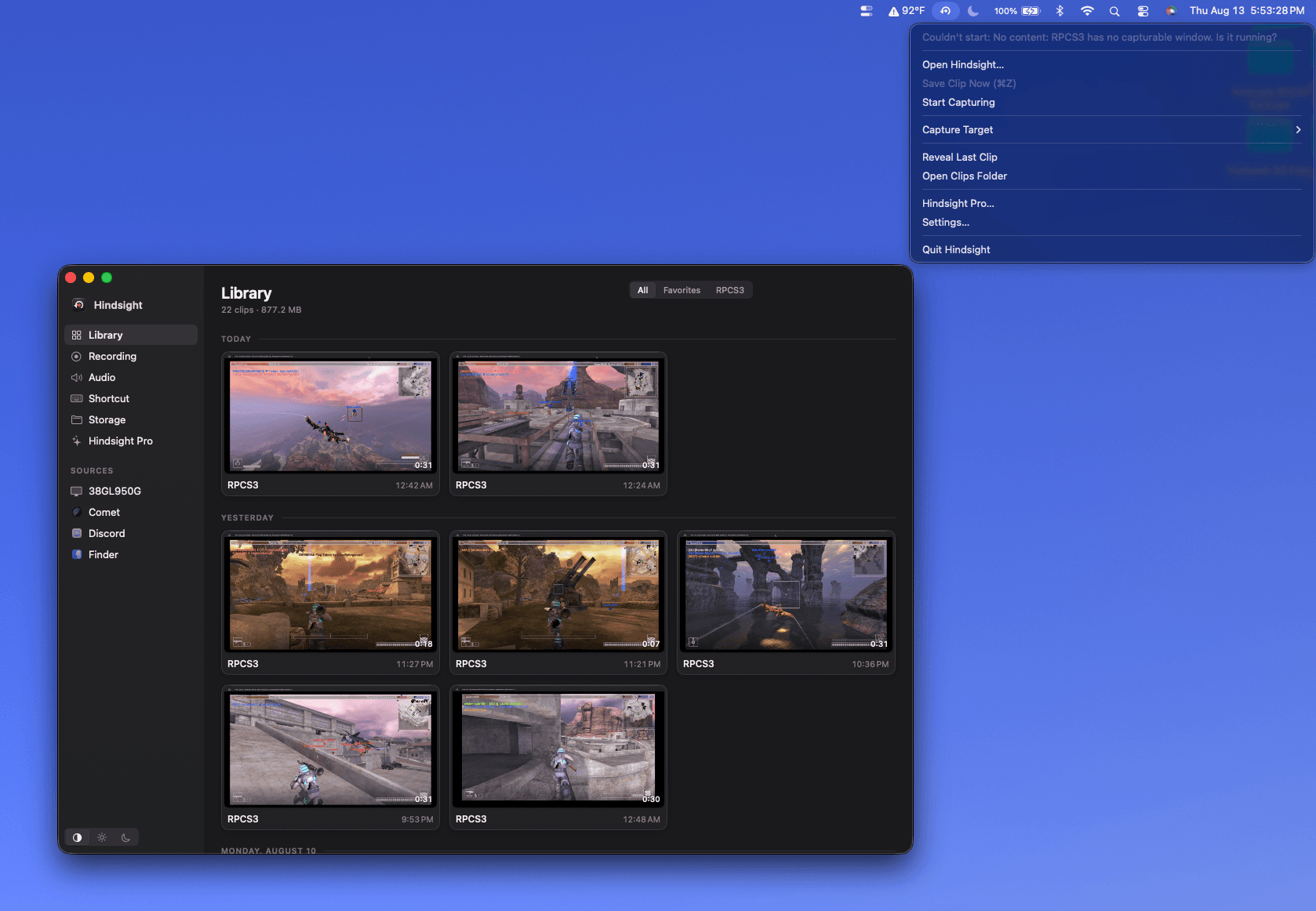
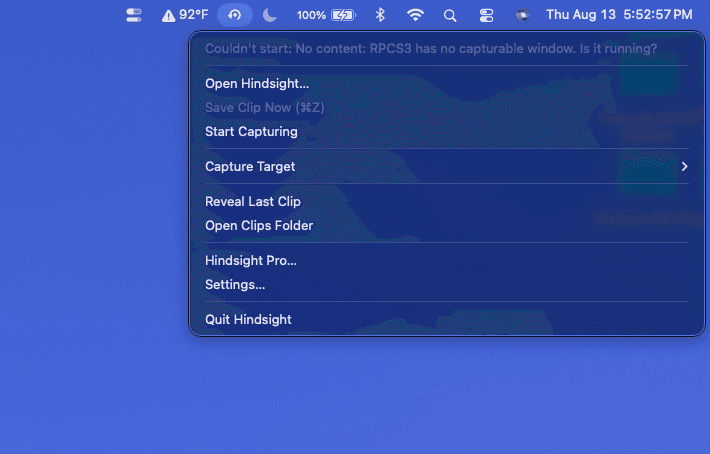
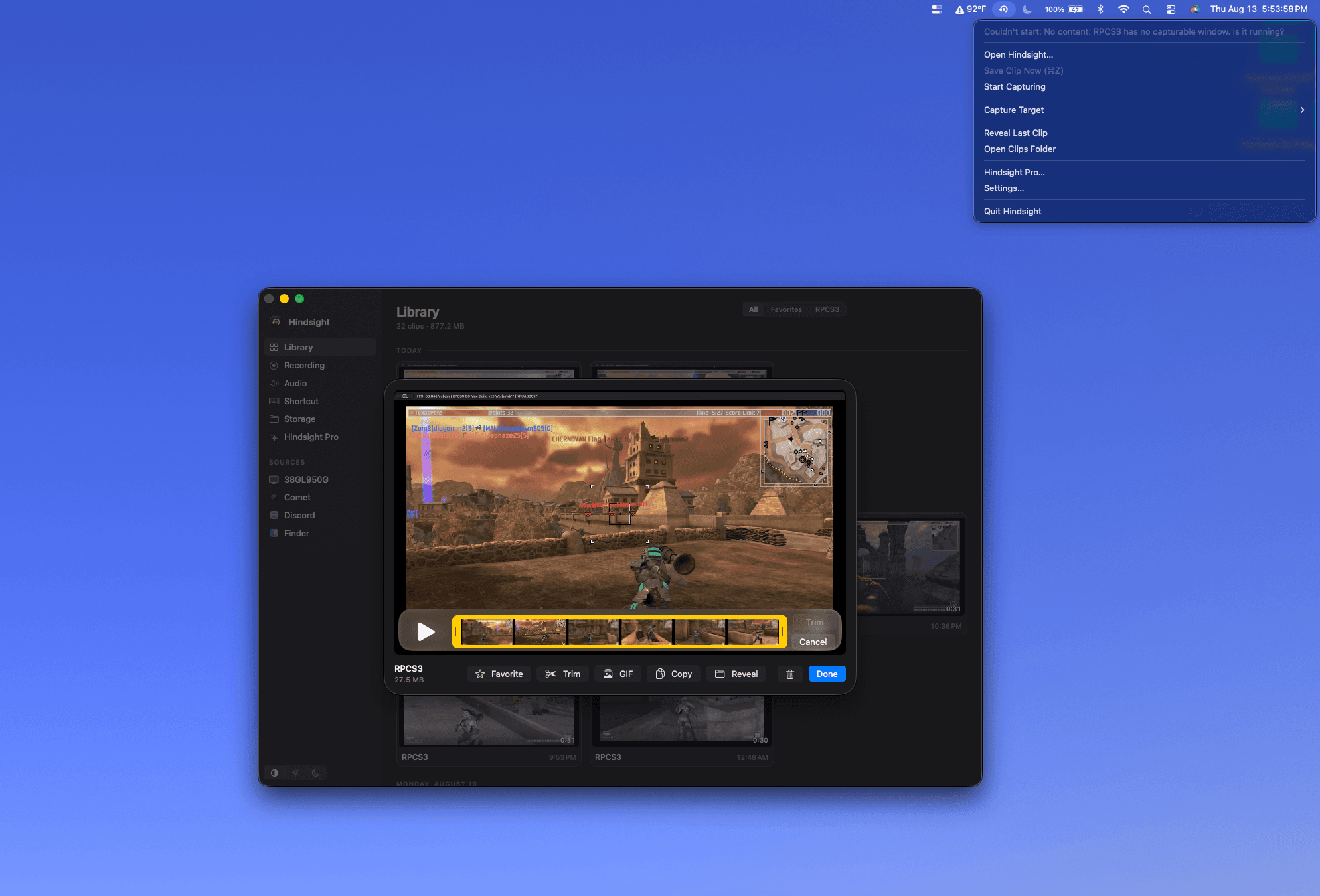
Hindsight keeps the last 15 seconds to 5 minutes of gameplay in memory. One shortcut writes the clip in about a second — game-only audio, 60 fps, no account, no cloud. The ShadowPlay workflow, native on Mac.
- Launched
- Clicks
- 42
- Categories
- Photo and video,Utilities,Games
- Runs on
- macOS
- Pricing
- Free plan, paid upgrade
About Hindsight: Instant Replay
Instant replay for Mac gaming, with window-scoped video and per-game audio.
We use Google Analytics to see which pages are useful. It sets cookies.
Hindsight keeps the last 15 seconds to 5 minutes ready in memory. Press your
shortcut after the play to save an MP4. No recording to start and no moment
away a frame at a time. Press the key and Hindsight keeps it instead.
Nothing has touched your drive yet. This is the part everyone gets wrong.
Choose the game window from the sidebar. Hindsight starts holding it and
keeps only the last N seconds in memory, never on your disk.
video. Your game keeps the GPU time it needs to draw each frame.
It works from inside a fullscreen game. The frames are already encoded, so
the file lands in under a second while you are still playing.
Hindsight captures a game window or your display. It works with native Mac
Hindsight captures Baldur's Gate 3, Stardew Valley, Cyberpunk 2077, Hollow Knight, No Man's Sky, Sid Meier's Civilization VII, Balatro, Lies of P, Terraria, Total War: Warhammer III, Dota 2, Stray, Frostpunk 2, Hollow Knight: Silksong, Dying Light, Valheim, Disco Elysium, Hades II, Cities: Skylines, Vampire Survivors, Path of Exile, Sid Meier's Civilization VI, Divinity: Original Sin 2, Dead Cells, RimWorld, Stellaris, Shadow of the Tomb Raider, Crusader Kings III, Don't Starve Together, Slay the Spire, Hearts of Iron IV, and Garry's Mod.
Elden Ring, Counter-Strike 2, Palworld, and Resident Evil Village run through CrossOve
What Hindsight: Instant Replay does that nothing else does
Hindsight is privacy first, clips are saved locally to your Mac, not in the cloud. There is no monthly subscription, just a one time lifetime license after a 14 day unlimited free trial.
Who Hindsight: Instant Replay is for
Mac Gamers, Content Creators, Marketers.
Written up on SpacerrApps
Apps like Hindsight: Instant Replay

ApkZari21 clicks
ApkZari – Discover Earning Apps, Latest APKs & Easy-to-Follow Guides in Bangladesh. Explore New Platforms and Find Your Next Favourite App. APKZARI.COM
Communication, Utilities, Games

Korp VPN4 clicks
Korp VPN offers apps for iOS, Android, macOS and Windows, with a 5-day app trial. Choose a 3-month or annual plan.
Security, Privacy, Utilities

CheckMyDisk21 clicks
Stop guessing what is taking up your storage. CheckMyDisk maps your entire drive into an interactive visualization.
Utilities, Monitoring, Developer tools

Volumora10 clicks
See what fills your Mac, remove hidden app leftovers, find duplicates, search instantly, and monitor performance. Private, native, and sold once — no subscription.
Utilities, Productivity, Privacy

Keymap4 clicks
Keymap is a macOS menubar app that shows every menu shortcut in the app you're using. Double-press ⌘ to summon the panel. Local and private.
Productivity, Utilities, Developer tools

Calcul Heure11 clicks
Calcul heure de travail, heures supplémentaires et salaire en quelques secondes. Gratuit, sans inscription, 100% RGPD. Compatible Sage, Cegid, ADP, Silae.
Productivity, Open source, Utilities
9 comments
Dan Whitfield
What macOS versions and Mac models does Hindsight support, including Apple silicon Macs?
Lena Horvat
Can Hindsight capture a game running on an external monitor while I use my Mac’s built in display for other apps?
Dylan BuckMaker
Yes!
Marco Bellini
What features or replay length are included in the free version, and what requires payment?
Dylan BuckMaker
All features are included in a 14 day free trial. After that it’s $19.99 lifetime license
Carmen Ruiz
Does Hindsight capture only the game’s audio, or can it include voice chat and microphone audio too?
Dylan BuckMaker
You can configure it however you like. All audio options are supported!
Ravi Menon
Can I choose a different replay length for each game, and where are saved clips stored?
Dylan BuckMaker
Hi Ravi,
You can choose replay lengths from 15 seconds up to 5 minutes. Hindsight will automatically use the last set capture source. Whenever you change the capture source, you may need to revisit the length setting if you want to change it for different games.
Saved clips are stored locally on your Mac. You set up the storage location during setup.
Give it a try! It’s really easy to use and I use it often for my gaming sessions.