


KeepSpot
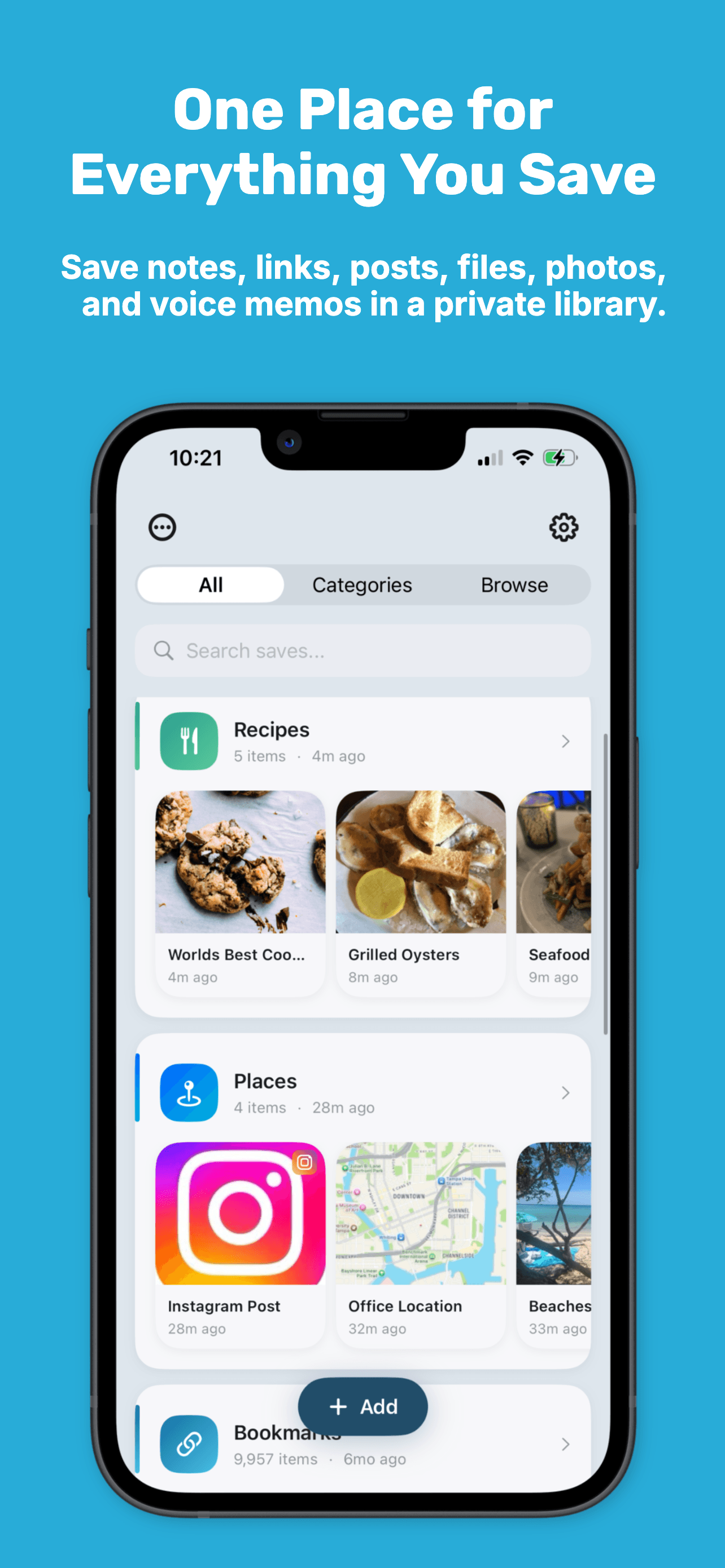
Screenshots, recipes, articles, links piling up and impossible to find? KeepSpot saves anything from the Share menu and makes it searchable. No account, no ads.
- Launched
- Clicks
- 2
- Categories
- Productivity,Privacy,Utilities
- Runs on
- iOS
- Pricing
- Free plan, paid upgrade
About KeepSpot
Screenshots, recipes, articles, links piling up and impossible to find? KeepSpot saves anything from the Share menu and makes it searchable. No account, no ads.
Screenshots pile up in your camera roll. Recipes hide behind pop-ups and ad banners. Links get lost in texts, tabs, and Notes. Nothing you save has one place to live.
KeepSpot fixes that: save anything from the Share menu in one tap, and find it again in seconds… clean, organized, and private.
Try the core features free. Upgrade only when you need unlimited saving.
KeepSpot lives in the iPhone Share menu, so you never leave the app you're in. When you find something worth keeping in Safari, Photos, Reddit, or most other apps, it takes three taps.
Use the Share button in whatever app you're already using: a browser, a social app, Photos, or Files.
It sits in the row of app icons. Not there? It's further along the row, tap More at the end to find it. KeepSpot then opens a small sheet on top of the app.
You go straight back to what you were doing. The save is waiting in your library, with its title and image already pulled in.
On social apps like Instagram, TikTok, and X, tap Send or Share on the post, then tap More . That opens your iPhone's share sheet — the same one Safari and Photos use — where KeepSpot appears.
Still don't see it there? Tap More , then Edit , then the green + beside KeepSpot to put it at the top of your suggested apps, in Favorites .
One place for everything you meant to come back to.
Who KeepSpot is for
People who save articles, recipes, social posts, screenshots, videos, and links across different apps and want one private place to keep and find them later.
Written up on SpacerrApps
Nothing published about KeepSpot yet.
Apps like KeepSpot

Trace My Build0 clicks
Funding a home build back home while you live abroad? See every transfer, every receipt, and every dated site photo — one shared, live record you can check from anywhere.
Finance, Productivity, Utilities

Korp VPN0 clicks
Korp VPN offers apps for iOS, Android, macOS and Windows, with a 5-day app trial. Choose a 3-month or annual plan.
Security, Privacy, Utilities

Confileo0 clicks
Convert, compress, merge & split PDFs, create professional CVs, generate QR codes and protect files — 86 free, fast and secure online tools. No signup.
Productivity, Utilities, Image

ExequtechOS13 clicks
Job card software for trades — quotes, job cards, invoices, stock, and teams in one connected platform.
Productivity, Automation, Utilities

Stepkeep2 clicks
Record a browser task once. Get a step-by-step guide with screenshots. 100% local and private. Lock in 50% off on launch day.
Productivity, Browser extension, Privacy

Discussion
Nothing here yet. Be the first to say something about KeepSpot.