


Limitly
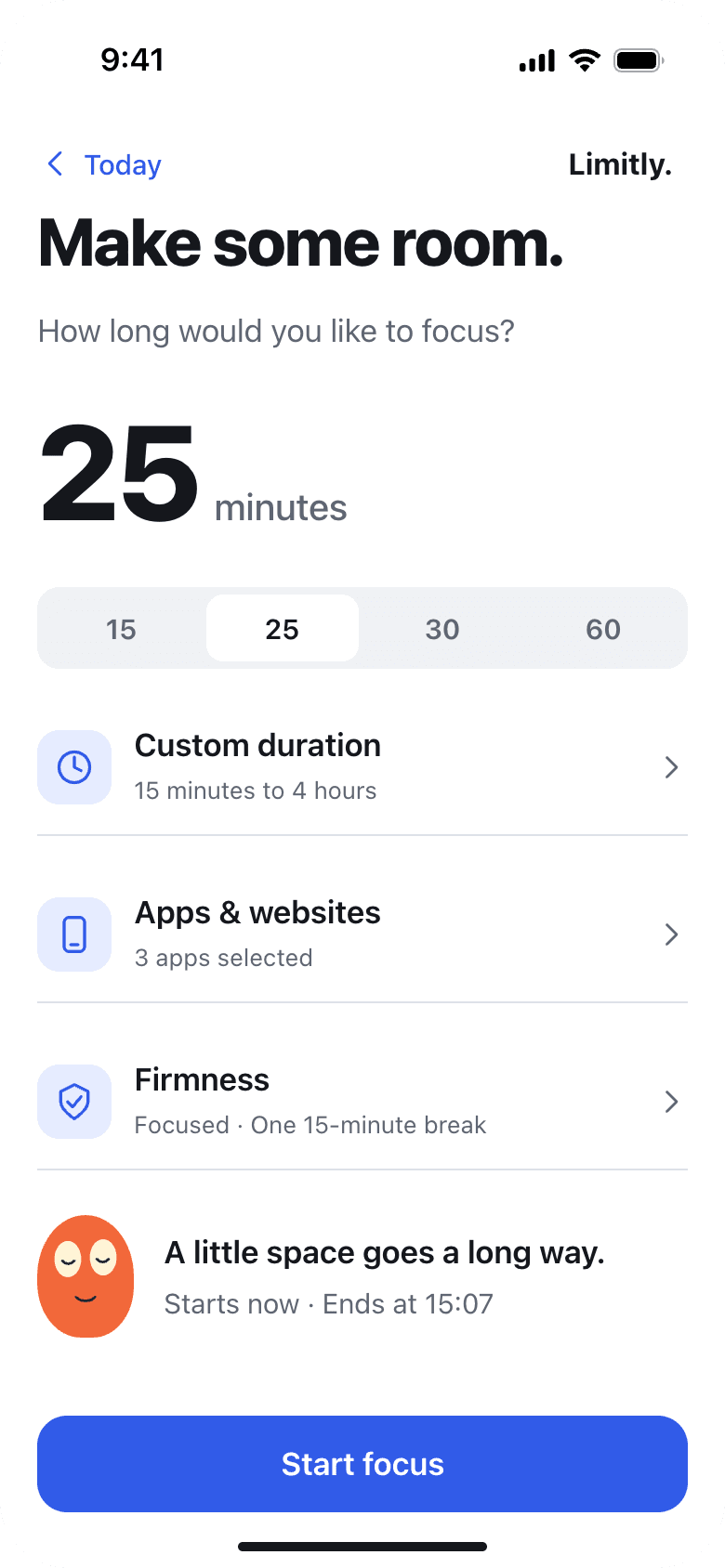
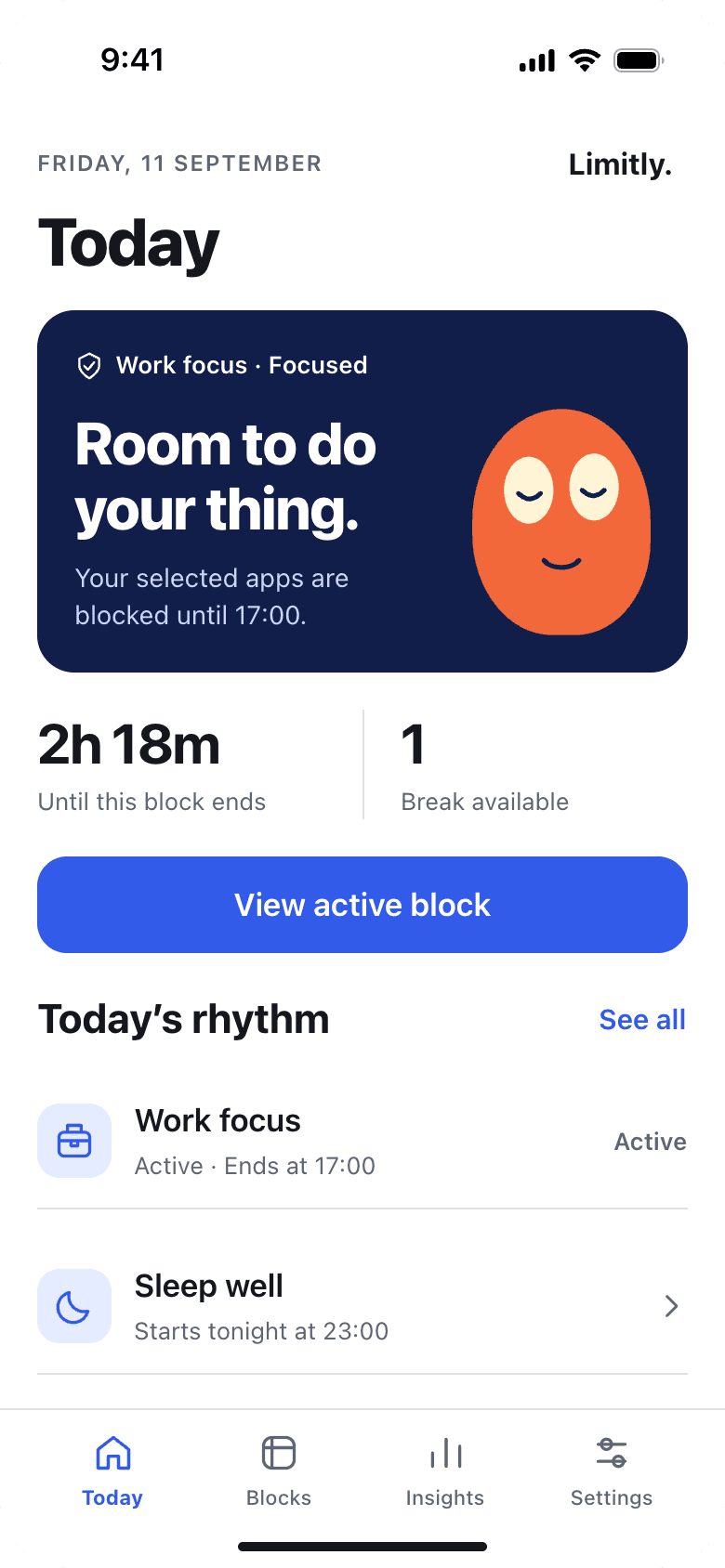
Schedule distracting apps and websites to pause, or start a Quick Focus session, with Limitly for iPhone.
- Launched
- Clicks
- 12
- Categories
- Productivity,Mobile
- Runs on
- iOS
- Pricing
- Free plan, paid upgrade
About Limitly
Limitly helps iPhone users set boundaries around distracting apps and websites. Create a recurring schedule for times such as work or bedtime, or start a one-off Quick Focus session when you need to concentrate. Limitly uses Apple Screen Time permissions to block the apps and sites you choose during each session. The free plan supports one active recurring schedule; Limitly Plus removes that cap and offers additional blocking modes. Available on the App Store for iPhone.
Written up on SpacerrApps
Apps like Limitly

Session: Focus & App Lock2 clicks
Set a return time on iPhone or iPad, get a reminder, and optionally block distracting apps until you return to your work.
Productivity, Mobile

FOX Tasks.0 clicks
Free iPhone planning for tasks, notes and daily goals. Personalise modules, layout, menu, colours, text and widgets. No ads, subscriptions or in-app purchases.
Productivity, Mobile

Intriq0 clicks
Capture conversation notes, review AI-extracted people and details, recall context from searchable profiles, and set follow-up reminders. Permanent free plan with optional Plus upgrades.
Productivity, CRM, Mobile

Rabbit Link2 clicks
Rabbit brings your Android phone to your Mac, so it can stay in your pocket. Reply to notifications, browse photos and send files, over Bluetooth or Wi-Fi.
Productivity, Communication, Privacy

Alliance at War2 clicks
3D fantasy SLG with real-time RTS controls on Android and iOS — build your kingdom, rally heroes, and fight alliance wars.
Games, Mobile, Social

1 comment
Carmen Ruiz
Does Limitly block selected websites in every iPhone browser or only Safari?