


MiniMax H3 Video Generator
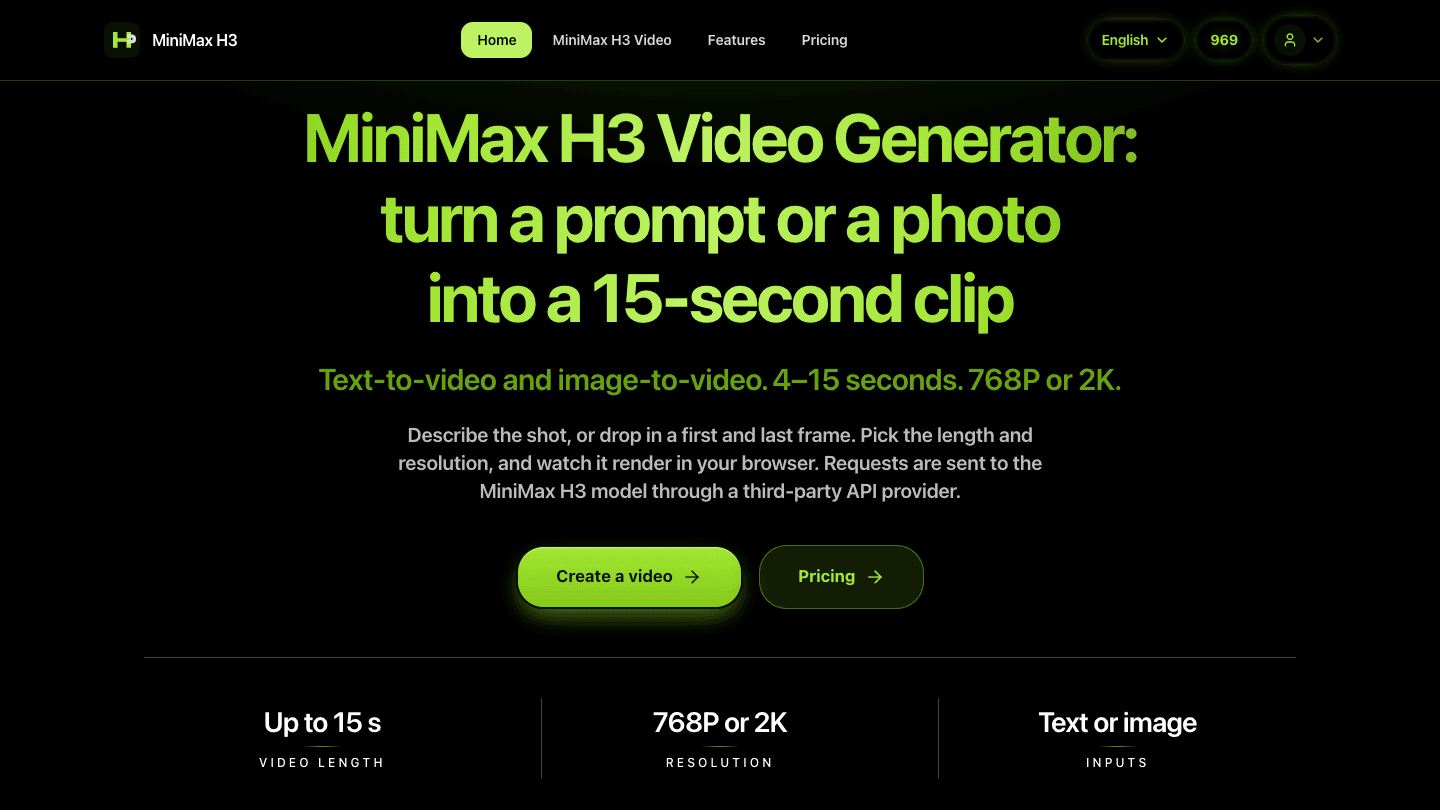
MiniMax H3 Video Generator is an independent web app that turns a text prompt or a photo into a short AI video clip using the MiniMax H3 model. Clips of 4 to 15 seconds at 768P or 2K, in your browser.
- Launched
- Clicks
- 0
- Categories
- AI,Video,Content creation
- Runs on
- Web
- Pricing
- Free plan, paid upgrade
About MiniMax H3 Video Generator
MiniMax H3 Video Generator (h3minimax.com) is an independent web app that turns a written prompt or a photo into a short AI video clip. It gives you a simple browser interface to the MiniMax H3 video model: you describe a shot or upload a frame, choose a few documented settings, and the service submits the task, tracks its progress and plays the finished clip right in the page.
The app offers two modes. With text-to-video, you describe the subject, setting, motion, camera and mood in a prompt of up to 7,000 characters, and H3 generates a clip in one of six aspect ratios: 21:9, 16:9, 4:3, 1:1, 3:4 or 9:16. With image-to-video, you upload a first frame, a last frame, or both, and H3 animates the moment in between, so your product shot or character stays the anchor while the model adds the motion. Uploads can be JPEG, PNG or WebP files up to 5 MB and 256 to 5,760 pixels per side, and the aspect ratio follows the frame you supply.
Every clip can be any whole-number length from 4 to 15 seconds, rendered at 768P for quick drafts or 2K for final cuts. The site offers only these options, and each one maps to a documented setting of the MiniMax H3 model, so there are no hidden or unsupported parameters.
Creating a video takes four steps: choose a mode, write your prompt or upload your frames, pick the duration, resolution and aspect ratio, then submit and watch the status update until the clip appears. Each clip takes a few minutes. Typical uses include product clips, e-commerce visuals, storyboards and social posts, as well as testing a scene, camera move or mood before investing in a full production.
Generation runs on credits. The number of credits a video uses depends on its resolution and duration, and the server calculates it. Credits are reserved when a task is accepted and released automatically if generation fails, and retries reuse the same task instead of creating duplicates. New accounts get free trial credits with no card required, and monthly credit plans are available for regular use.
The service is built for responsible use. Prompts and uploads are screened before generation. Sexual content, any content involving minors, a real person's likeness without consent, and content that infringes others' rights are not allowed. Users should upload only images they created or have permission to use.
Written up on SpacerrApps
Apps like MiniMax H3 Video Generator

Wan 3.0 AI Video Generator7 clicks
Create AI videos and images in seconds with JXP — access Seedance 2.5, Wan 3.0, Minimax H3, and more in one place. Free to start.
AI, Web3, Video

Seedance 2.5— Free Online0 clicks
Create cinematic video with the Seedance 2.5 AI video generator on SeedGen — up to 30 seconds, 480p or 720p output, and up to 50 mixed references.
AI, Web3, Video

Sora2 Hub0 clicks
An AI image and video generation platform that turns a prompt or an uploaded photo into finished visuals with synchronized audio, entirely in your browser.
AI, Photo and video, Video

JobsAICopilot0 clicks
JobsAICopilot is an AI job application bot that scans 50,000+ company career pages every day and tailors and submits applications for job seekers.
AI, Jobs and careers, HR and recruiting

SoundClean0 clicks
Reduce background noise in audio and video. Compare a free 10-second preview before buying the full download.
AI, Media

Discussion
Nothing here yet. Be the first to say something about MiniMax H3 Video Generator.