


Nijia
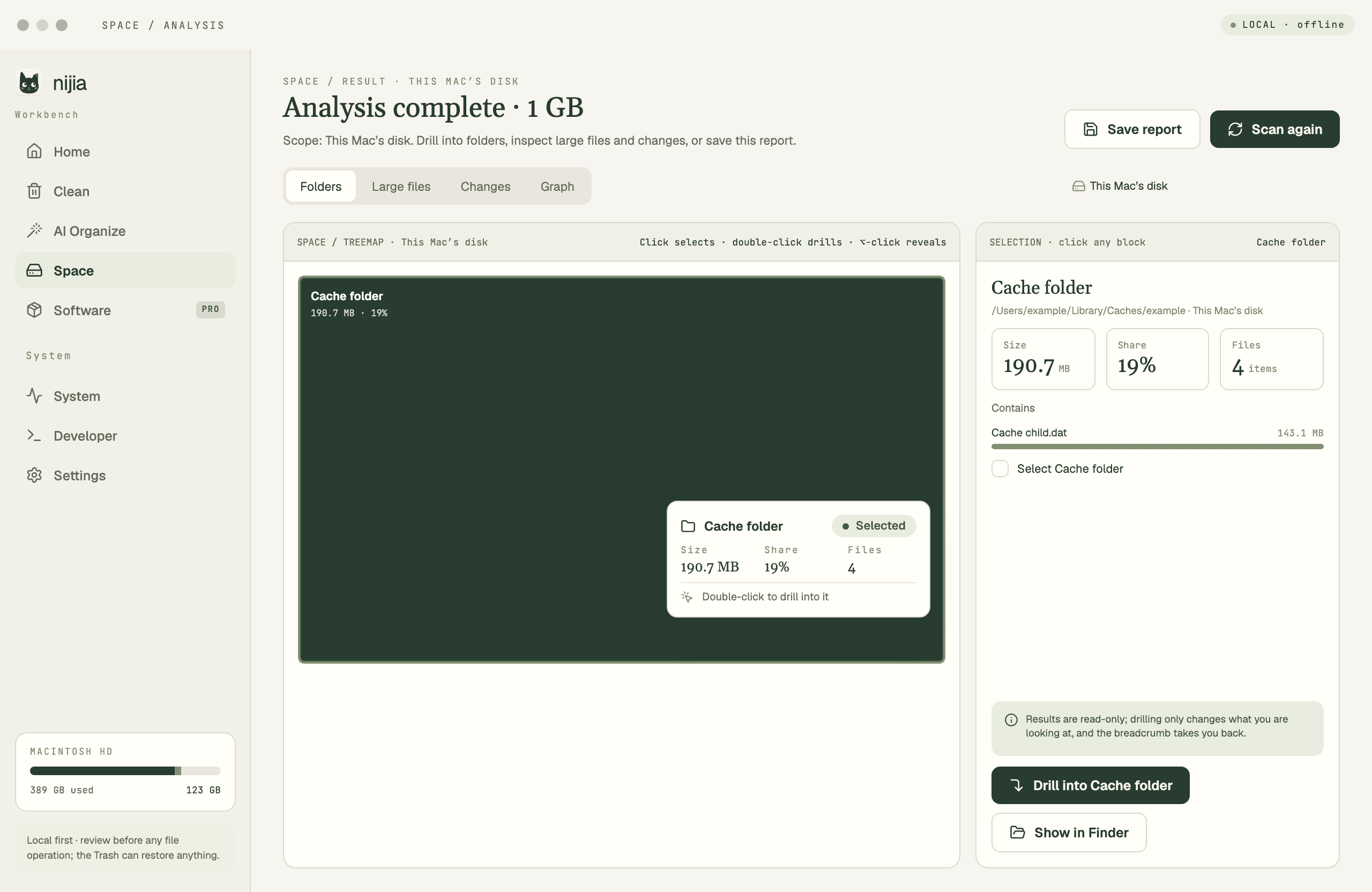
Understand what uses your Mac's storage—from System Data and caches to build artifacts and Git worktrees—then review what can be rebuilt before cleaning up.
- Launched
- Clicks
- 10
- Categories
- Developer tools,Productivity,Utilities
- Runs on
- macOS
- Pricing
- Paid
About Nijia
Nijia is a macOS storage analysis and cleanup app for people who want context before removing files. Explore disk usage, inspect developer workspaces and linked Git worktrees, and distinguish source work from dependencies and build output that may be reproducible. Nijia helps explain what an item is, which workspace it belongs to, and what rebuilding it could involve. Choose the items yourself and confirm before moving them to the Trash, where they can still be restored. The app also includes software management, local file-organization proposals and system monitoring. Try every feature free for seven days; no payment card or automatic charge is required.
What Nijia does that nothing else does
Nijia brings Git worktree and rebuildability context into Mac storage cleanup, while keeping every removal decision under your review.
Written up on SpacerrApps
Apps like Nijia

Nutter Tools4 clicks
A free toolbox of 237 small browser tools for everyday jobs. Convert and compress images, merge PDFs, make Wi-Fi QR codes, check photo metadata, format JSON and decode JWTs.
Productivity, Utilities, Developer tools

CryptoIsland2 clicks
Live crypto prices and alerts in your Mac’s notch. Binance, OKX, Hyperliquid. 48h trial; Pro US$19.90/year. No trading.
Finance, Utilities, Productivity

Chronoid6 clicks
Chronoid is an automatic time tracker for Mac. It logs the apps, websites and documents you use, sorts them into projects, and keeps your data on your Mac.
Productivity, Finance, Utilities

Blook — Private Bookmark Manager8 clicks
A self-hosted, private, and lightweight bookmark manager built for everyday use.
Productivity, Utilities, Search

DeskWink0 clicks
DeskWink (in closed beta, free during the beta) connects Claude, ChatGPT and other remote MCP apps to the folders you choose on your Windows PC or Mac. Every file change waits for your approval.
Developer tools, Productivity, AI

3 comments
Tomas Keller
How does Nijia tell which build files can be safely rebuilt before I send them to the Trash?
Marco Bellini
What does Nijia cost after the seven day free trial?
snake lilMaker
Nothing — the 7-day trial needs no card and never auto-charges. If you like it, you can pick a monthly or yearly plan (yearly saves you ~4 months), or a one-time lifetime license. There's also a 14-day refund on all purchases. Details: https://nijia.app/pricing/