


Operio AI
Operio is an AI-native QA automation platform with plain-English test creation, self-healing execution, automated runs.
- Launched
- Clicks
- 40
- Categories
- Developer tools,AI,No-code
- Runs on
- Android, iOS, Web, CLI
- Pricing
- Paid
About Operio AI
Operio is an AI-native QA automation platform with plain-English test creation, self-healing execution, automated runs.
When your team ships with AI, manual test maintenance becomes the bottleneck. Operio takes care of it with autonomous, self-healing tests that stay current on their own.
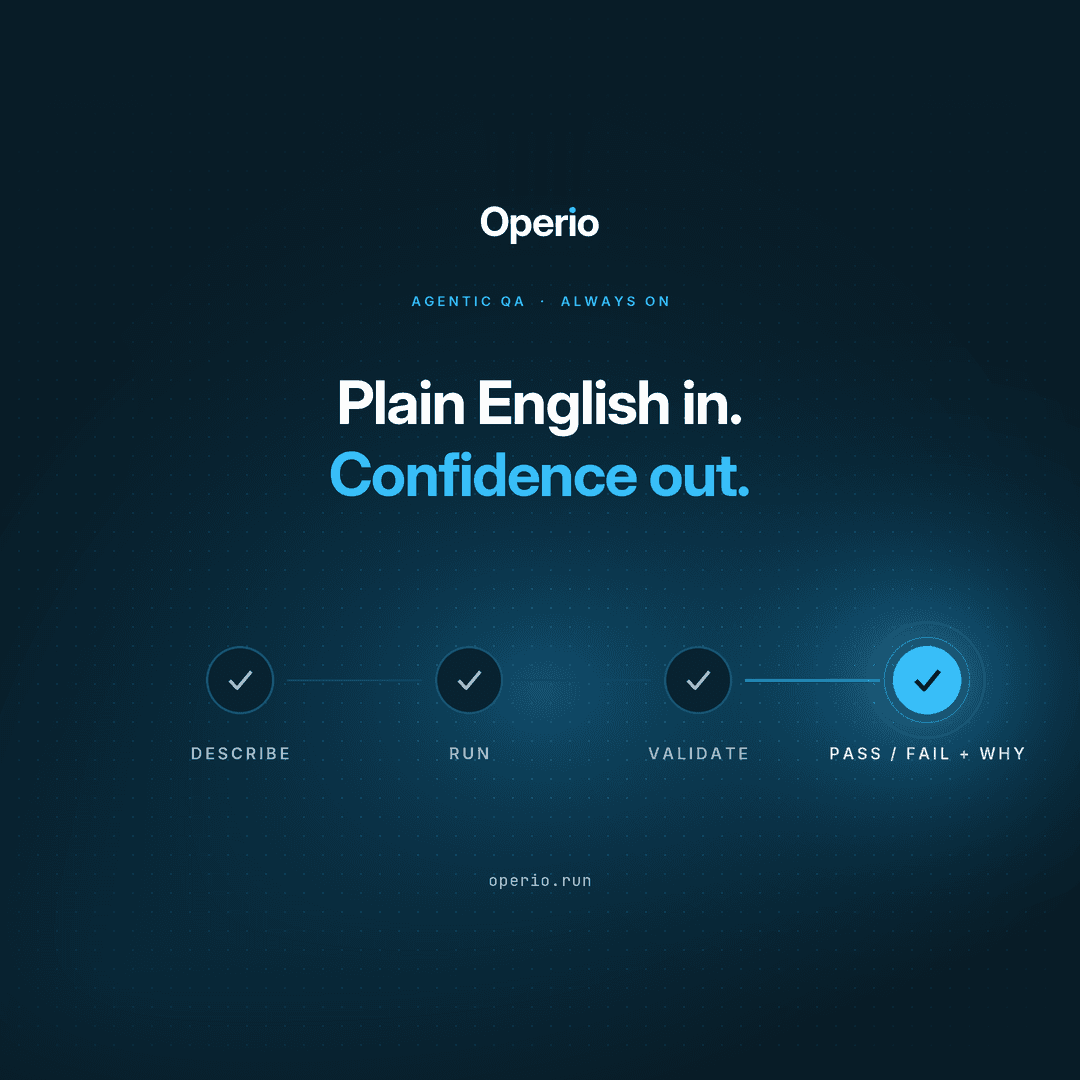
From plain-English test steps to self-healing runs — see the full workflow in a few minutes.
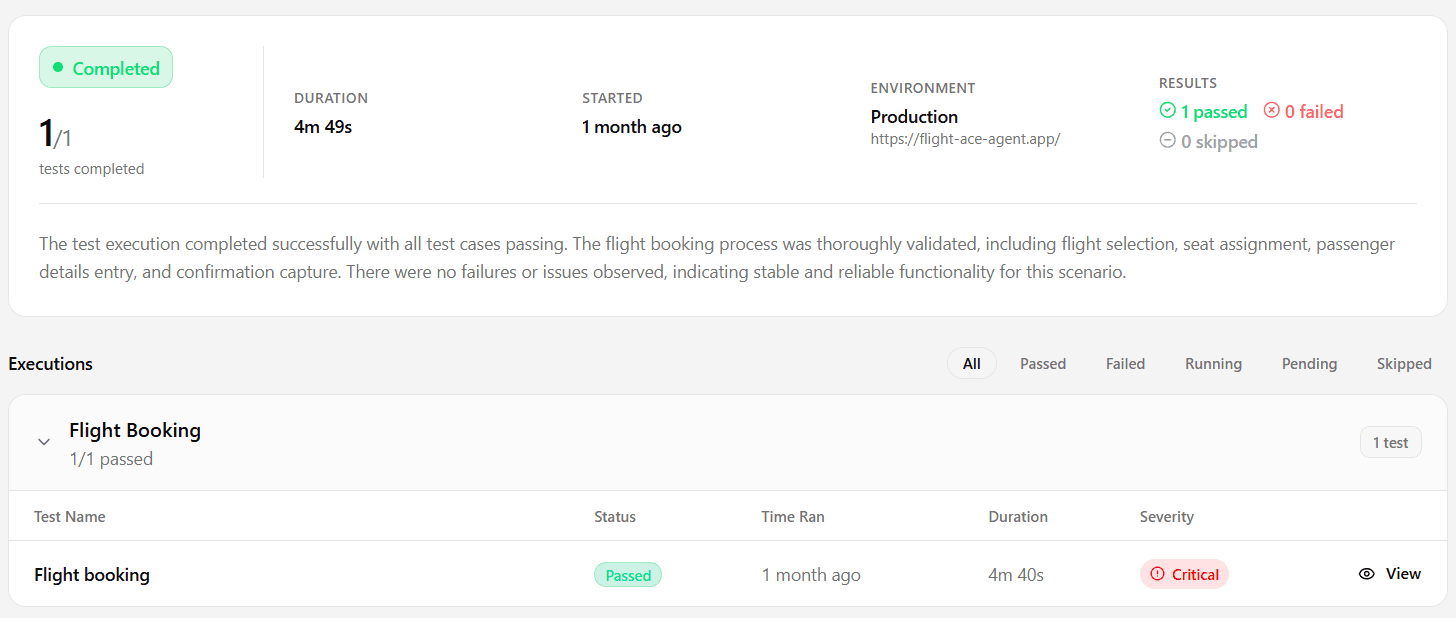
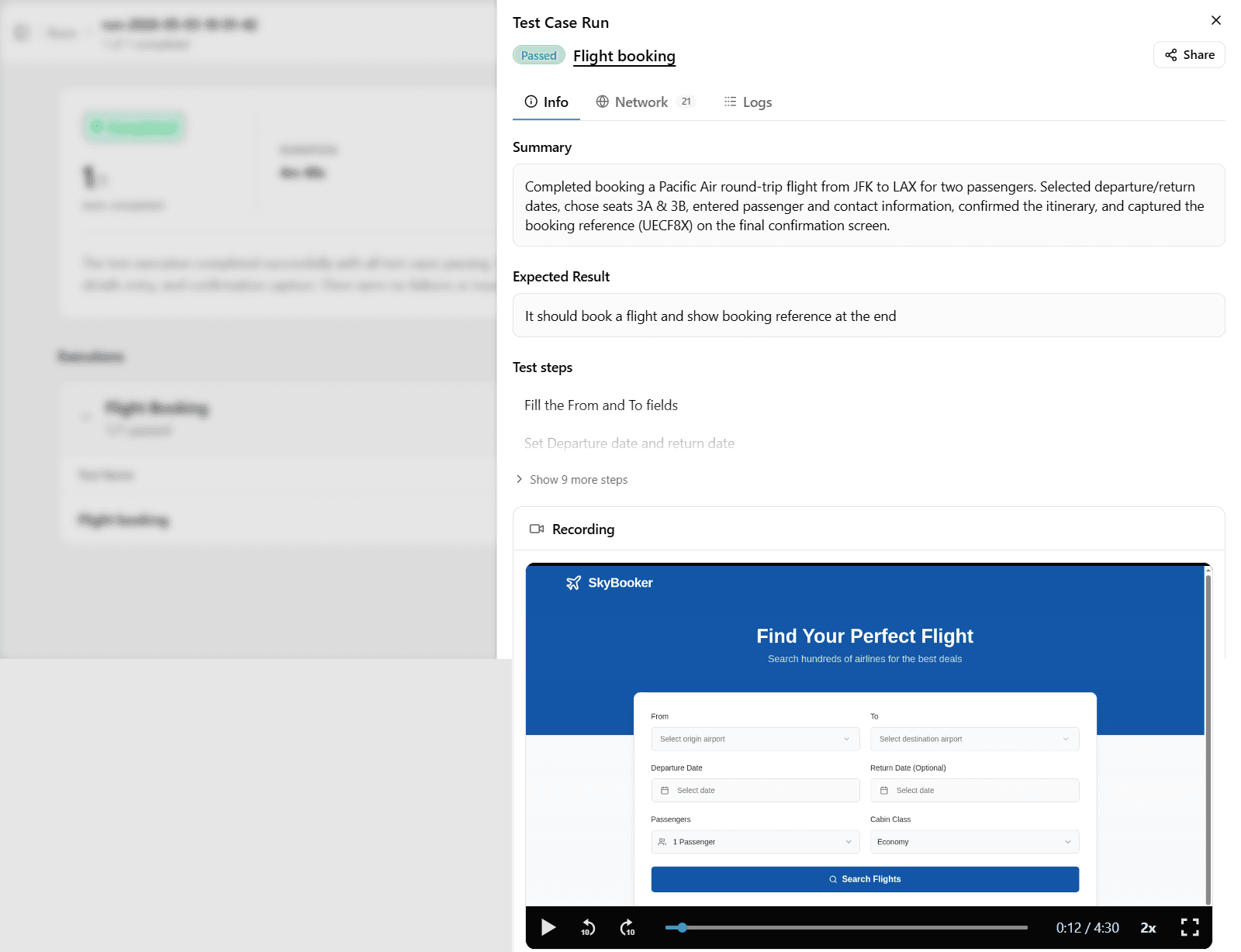
Thorough, consistent, and always on. Operio navigates your product, interacts with every flow, and validates outcomes step by step, intent-first, no scripting required.
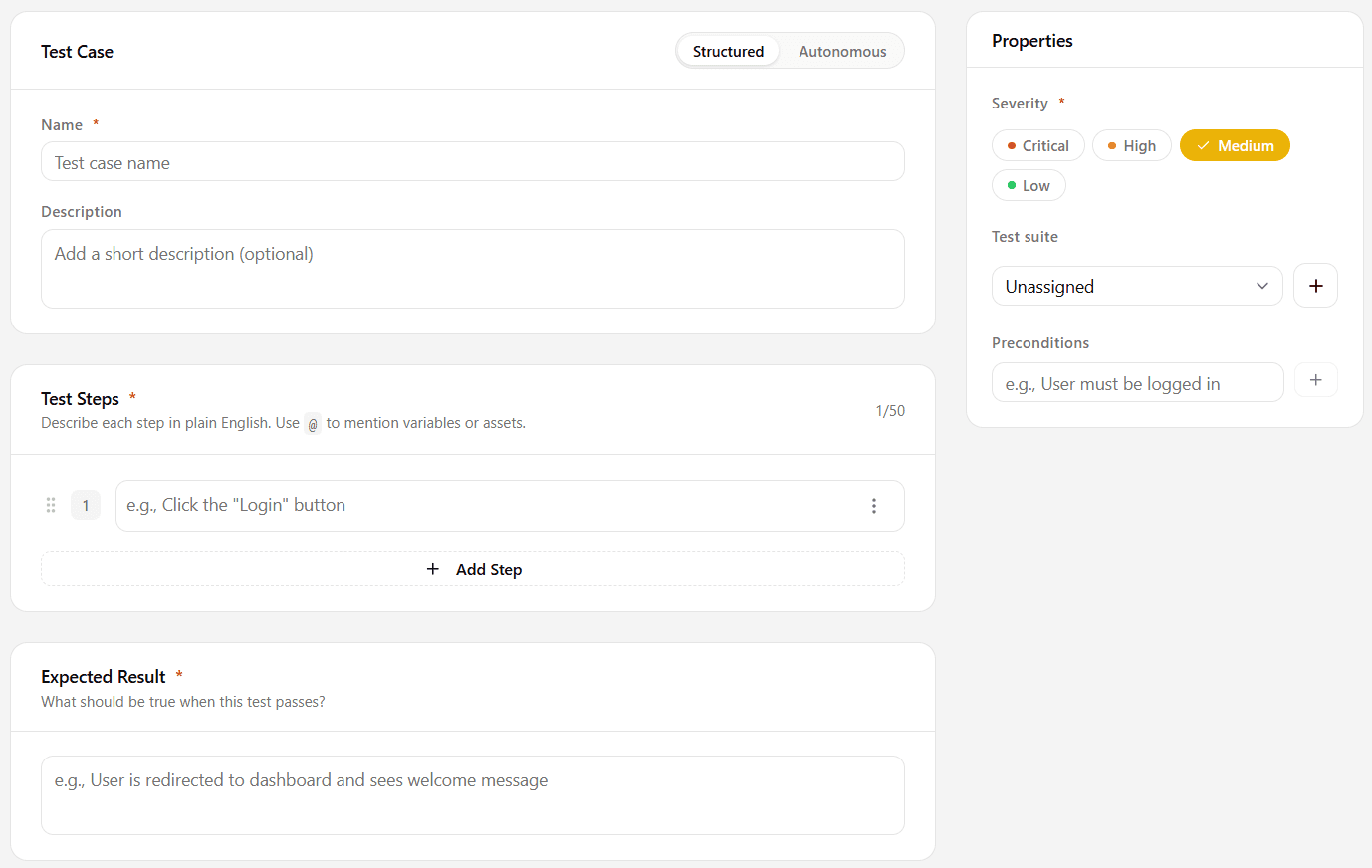
Write your tests as structured steps focused on what the user is trying to do, not how the UI is built. Operio understands intent, so anyone on the team can author meaningful coverage.
When your UI changes, Operio adapts automatically. If a button moves, a label updates, or a page gets redesigned, your tests keep running. No broken runs, no manual fixes.
Test step Click the "Place Order" button and verify the confirmation screen appears.
UI change detected Button label changed from "Submit" to "Place Order".
Healed automatically Matched by intent, confidence 97%.
Run your full test suite on a schedule: nightly, before a release, or on any cadence your team needs. Catch regressions before your users do, without waiting for a PR.
Write test steps in plain language focused on user intent. No code, no syntax, no learning curve.
When your UI changes, Operio adapts. Tests keep running without manual intervention.
Parallel runs,
Who Operio AI is for
Software development teams, QA engineers, and product managers who ship frequently and need automated test coverage without the overhead of writing or maintaining code-based tests.
Written up on SpacerrApps
Apps like Operio AI

RedModel0 clicks
Uncensored AI chat and API for open-ended conversation, reverse engineering, and red teaming. Comes with RedCLI, a custom harness for red teaming and mobile phone use.
Developer tools, AI, Security

Answer me with HTML0 clicks
Agent skill that turns Claude's answers into readable one-page HTML explainers. Works offline.
Developer tools, Open source, AI

Denpex0 clicks
Investigate CUDA, PyTorch, NCCL and vLLM failures using log evidence and next safe steps. Try local diagnosis in the free VS Code extension or limited free cloud diagnoses on denpex.com.
Developer tools, AI, DevOps

Weatherly0 clicks
A nice weather app without any adds . You can use it for everyday usuage with the ai option
Other, Monitoring, AI
Process Street1 clicks
Process Street is an agentic process automation platform for high-stakes operations. Run critical business processes with AI agents, human control, and proof built into every step.
Productivity, AI, Automation

8 comments
AnonymousMaker
Want to see more? Book a quick demo cal.com/operio/demo
Dan Whitfield
How is Operio’s paid plan priced, and does it depend on the number of tests, users, or automated runs?
AnonymousMaker
Operio is subscription-based. Each plan comes with a fixed monthly allowance of execution credits, which are used when tests run.
Plans also vary based on team size, number of projects, and parallel execution.
Carmen Ruiz
Can Operio run tests automatically in a CI pipeline through its CLI, and how are failures reported?
AnonymousMaker
Yes, this is coming soon. Operio will support automated PR testing, with clear reporting on failures and where the test broke.
AnonymousMaker
Discover More About Operio:
Linkedin.com/company/operioai X.com/OperioAI Youtube.com/@OperioAI
Felix Brandt
How does Operio handle tests for native mobile apps compared with web apps?
AnonymousMaker
For web, you provide the application URL, and the agent reads the page structure to identify elements by intent. For mobile, you provide the Android or iOS app build, and the agent reads the native UI hierarchy the same way, mapping what's on screen to the intent described in your test steps, then interacting with it like a real user (taps, swipes, text entry, OTP handling, etc.).
The test logic itself doesn't change between platforms. You describe the user journey once, in plain English, and Operio handles the platform-specific execution underneath, whether that's a browser or a native app runtime.
We also capture full run evidence (step-by-step logs and video) for both platforms, so you can see exactly where a flow passed or failed, and why.