Tooling Studio
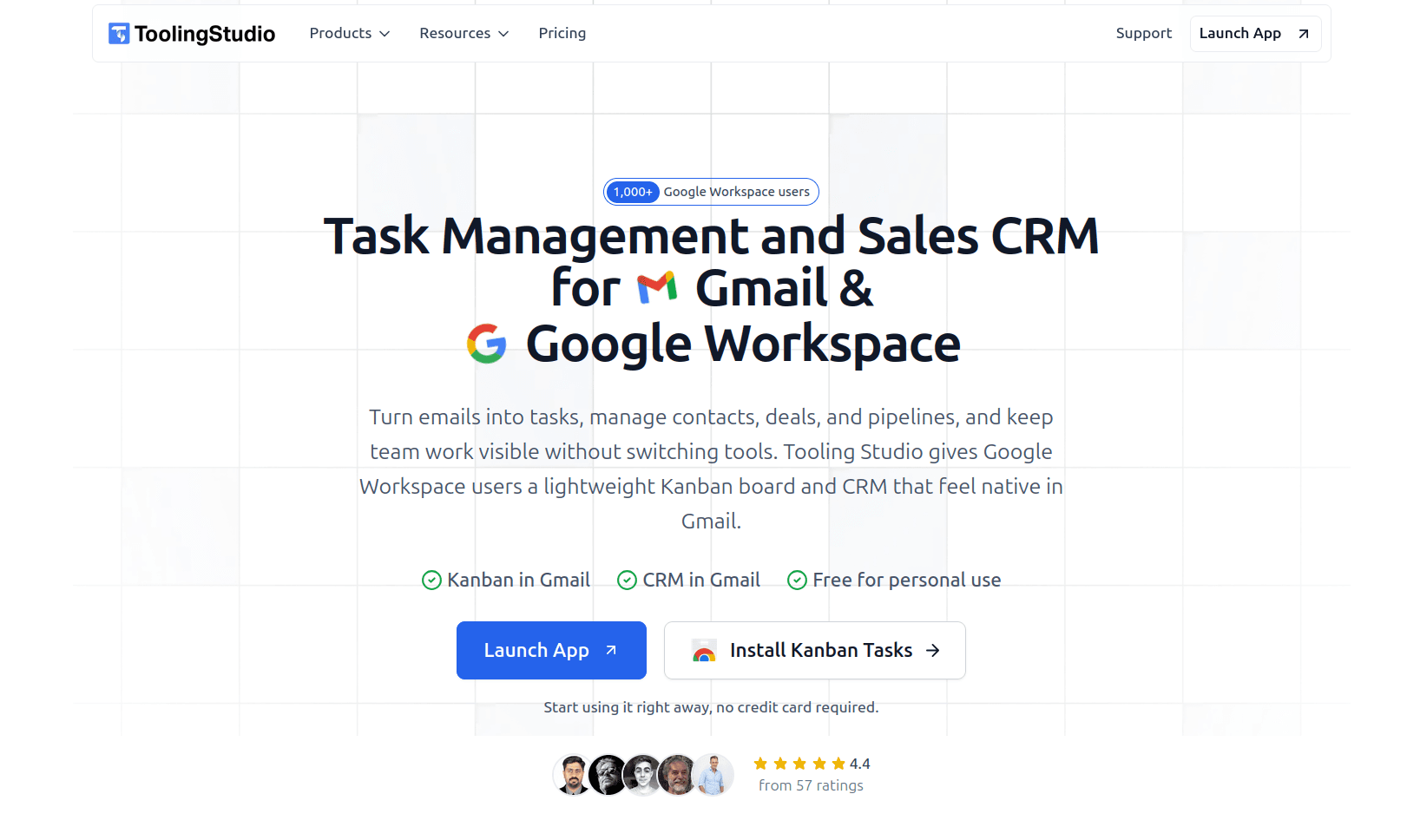
Turn emails into shared tasks, manage contacts and deals, and keep teamwork visible without leaving Gmail. Tooling Studio brings Kanban task management and a lightweight CRM into Google Workspace.
- Launched
- Clicks
- 34
- Categories
- Productivity,Browser extension,Automation
- Runs on
- Web, Browser extension
- Pricing
- Free plan, paid upgrade
About Tooling Studio
What does Tooling Studio do?
A lot of work starts in Gmail. A customer asks for something, a colleague needs a follow-up, a new lead comes in, or an email turns into work that someone on the team needs to handle.
Tooling Studio helps you manage what happens next without moving everything into a separate system. Kanban Tasks lets you turn emails into tasks, organize work on shared boards, assign teammates, set due dates, and keep progress visible.
Sales CRM helps you manage contacts, organizations, deals and pipelines while keeping customer information close to the Gmail conversations where those relationships are happening.
Bring AI into the same workflow
Tooling Studio also supports MCP, so compatible AI assistants can work with your Tasks and CRM data.
You can ask an AI assistant to find tasks, create or update records, assign work, add notes, set due dates, or update deals without manually copying information between tools.
Who is it for?
Tooling Studio is designed for individuals and small teams already working in Gmail and Google Workspace, including founders, agencies, consultants, sales teams and service businesses.
It is especially useful when you need more structure around tasks and customer follow-ups, but do not want the overhead of a large project management or CRM platform.
What makes Tooling Studio different?
The main difference is how closely Tooling Studio fits into an existing Google Workspace workflow.
An email can become a task while you are reading it. A customer conversation can lead directly to a follow-up. Shared boards and pipelines give the team visibility beyond individual inboxes, while MCP lets AI assistants work with the same information.
The result is less switching between tools, fewer follow-ups getting lost in email, and less manual work keeping tasks and CRM records up to date.
If Gmail is already where your work arrives, Tooling Studio gives you a simple way to manage what happens next, whether you handle it yourself, with your team, or with help from AI.
What Tooling Studio does that nothing else does
Shared tasks, lightweight CRM and AI via MCP, all built around Gmail and Google Workspace, so teams can manage work, customers and follow-ups without constantly switching tools.
Who Tooling Studio is for
Individuals, founders, agencies, consultants, sales teams and small businesses that use Gmail and Google Workspace and want simpler task management and CRM.
Written up on SpacerrApps
Apps like Tooling Studio

Gexpense10 clicks
Receipt scanning and expense tracking in your own Google Drive and Sheets — your records stay private and always yours.
Finance, Automation, Productivity

ExequtechOS13 clicks
Job card software for trades — quotes, job cards, invoices, stock, and teams in one connected platform.
Productivity, Automation, Utilities

Ankor Nexa16 clicks
Practical AI business tools for operations, prospect research, content workflows, learning and digital delivery. Online access for a trial or paid term.
Productivity, Automation, Monitoring

Stepkeep2 clicks
Record a browser task once. Get a step-by-step guide with screenshots. 100% local and private. Lock in 50% off on launch day.
Productivity, Browser extension, Privacy

Enterprise Hub AI54 clicks
Enterprise Hub AI connects business evidence, surfaces risks and missing approvals, and links personal priorities and program oversight to governed workflows.
AI, Productivity, Automation

Calcul Heure11 clicks
Calcul heure de travail, heures supplémentaires et salaire en quelques secondes. Gratuit, sans inscription, 100% RGPD. Compatible Sage, Cegid, ADP, Silae.
Productivity, Open source, Utilities
7 comments
Felix Brandt
Can CRM pipelines be customized with your own stages and fields for different sales processes?
Carmen Ruiz
How does turning an email into a shared task work in Gmail, and can the task keep the original conversation attached?
Maker
You can turn an email into a shared task directly from Gmail and place it on the relevant board and list. The task keeps the email subject and a link back to the original message, so the context stays connected. Teammates can work on the shared task, but the Gmail link only opens for the person who has access to that original email.
Hana Suzuki
What features are included in the free plan, and are there limits on shared boards, contacts, or deals?
Maker
The free Personal plan includes unlimited personal boards, lists and tasks, along with email-to-task, due dates, reminders, subtasks, tags, attachments and checklists. Sales CRM also includes unlimited contacts, organizations, deals and pipelines.
For teams, the paid plan adds shared boards, task assignment, shared CRM access and ownership features, so everyone can work from the same tasks, contacts and deals. https://tooling.studio/#pricingoverview
Aisha Rahman
Can AI assistants access all your CRM and task data through MCP, or can you control their permissions?
Maker
AI assistants only work with the Tooling Studio data the connected user already has permission to access. MCP does not add extra admin access. You can also review connected apps, disconnect them at any time, or turn MCP access off completely. https://tooling.studio/mcp