


Tryseeqr
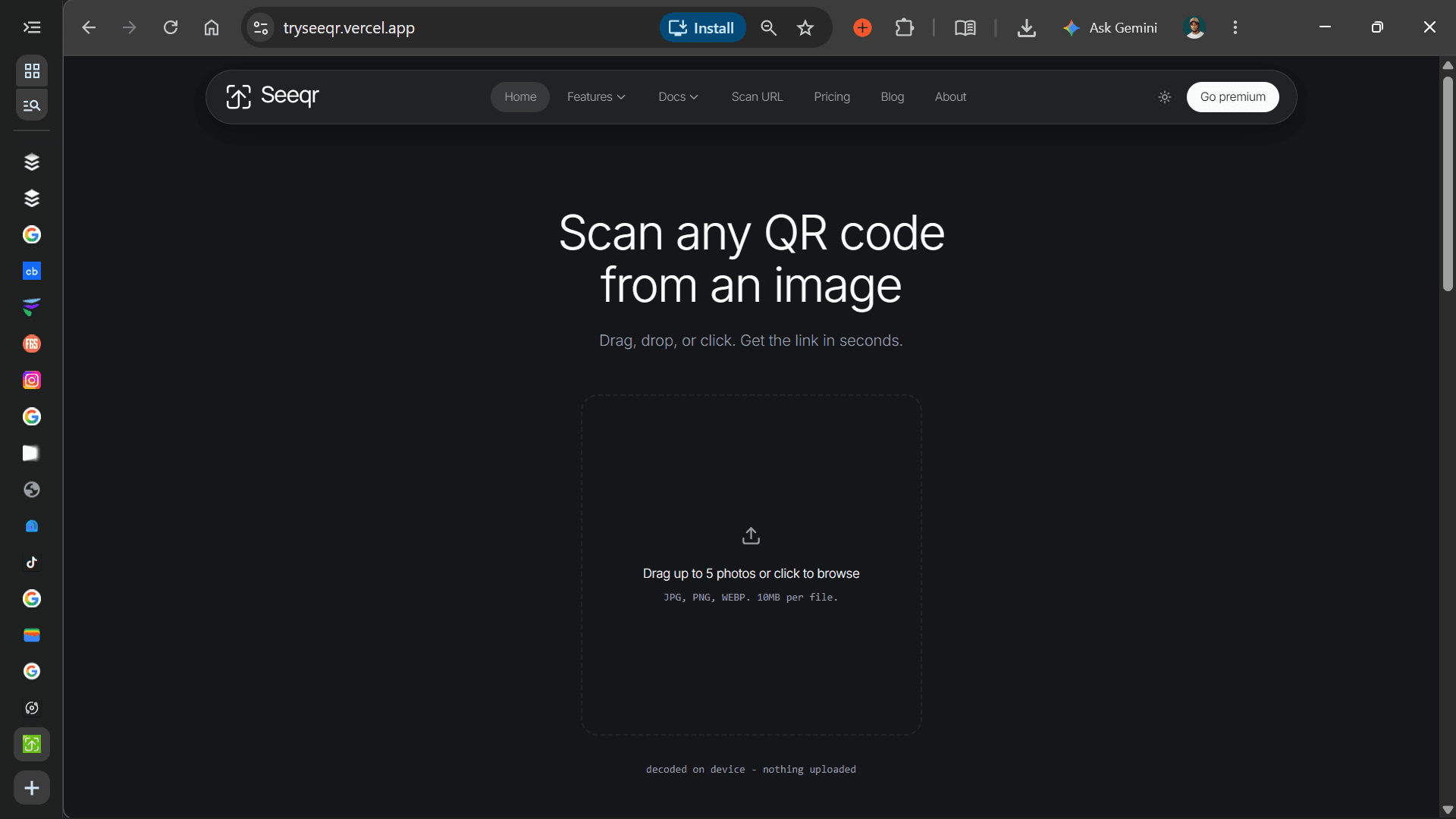
Drag, drop, or click. Seeqr decodes the QR code in your browser and gives you the link in seconds. No camera, no app, no uploads.
- Launched
- Clicks
- 40
- Categories
- Utilities,Security,Productivity
- Runs on
- Web, Self-hosted, API, Browser extension
- Pricing
- Free plan, paid upgrade
About Tryseeqr
Drag, drop, or click. Seeqr decodes the QR code in your browser and gives you the link in seconds. No camera, no app, no uploads.
Tryseeqr does QR Detection, Phishing Detection - Checks links before you click, Privacy First, Nothing leaves your device
Docs Getting Started Your first scan API Documentation REST endpoints SDK (NPM Package) Use Seeqr in your app Safety Layer Risk scoring Code Examples Copy-paste snippets
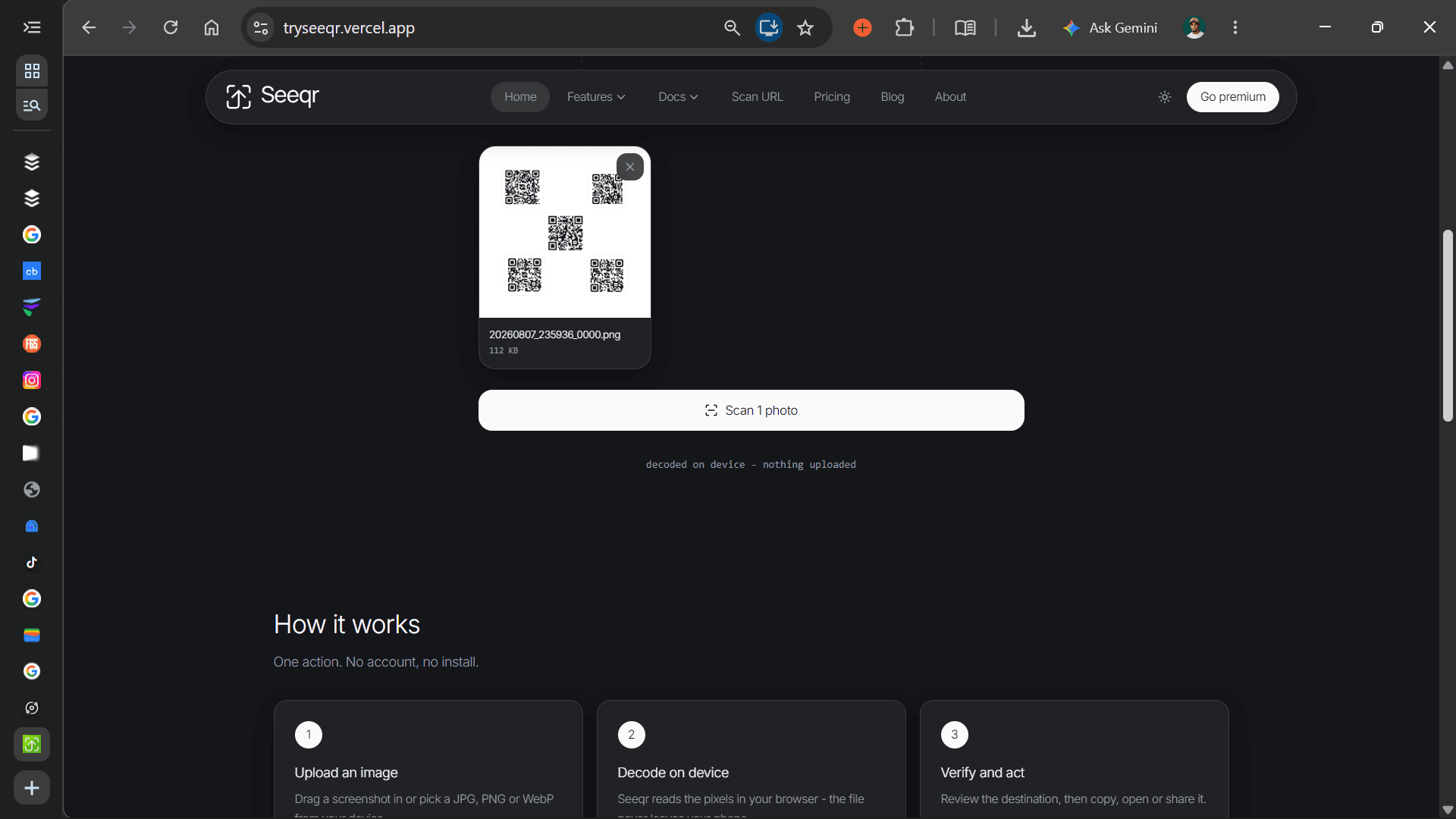
Drag a screenshot in or pick a JPG, PNG or WebP from your device.
Tryseeqr reads the pixels in your browser - the file never leaves your phone.
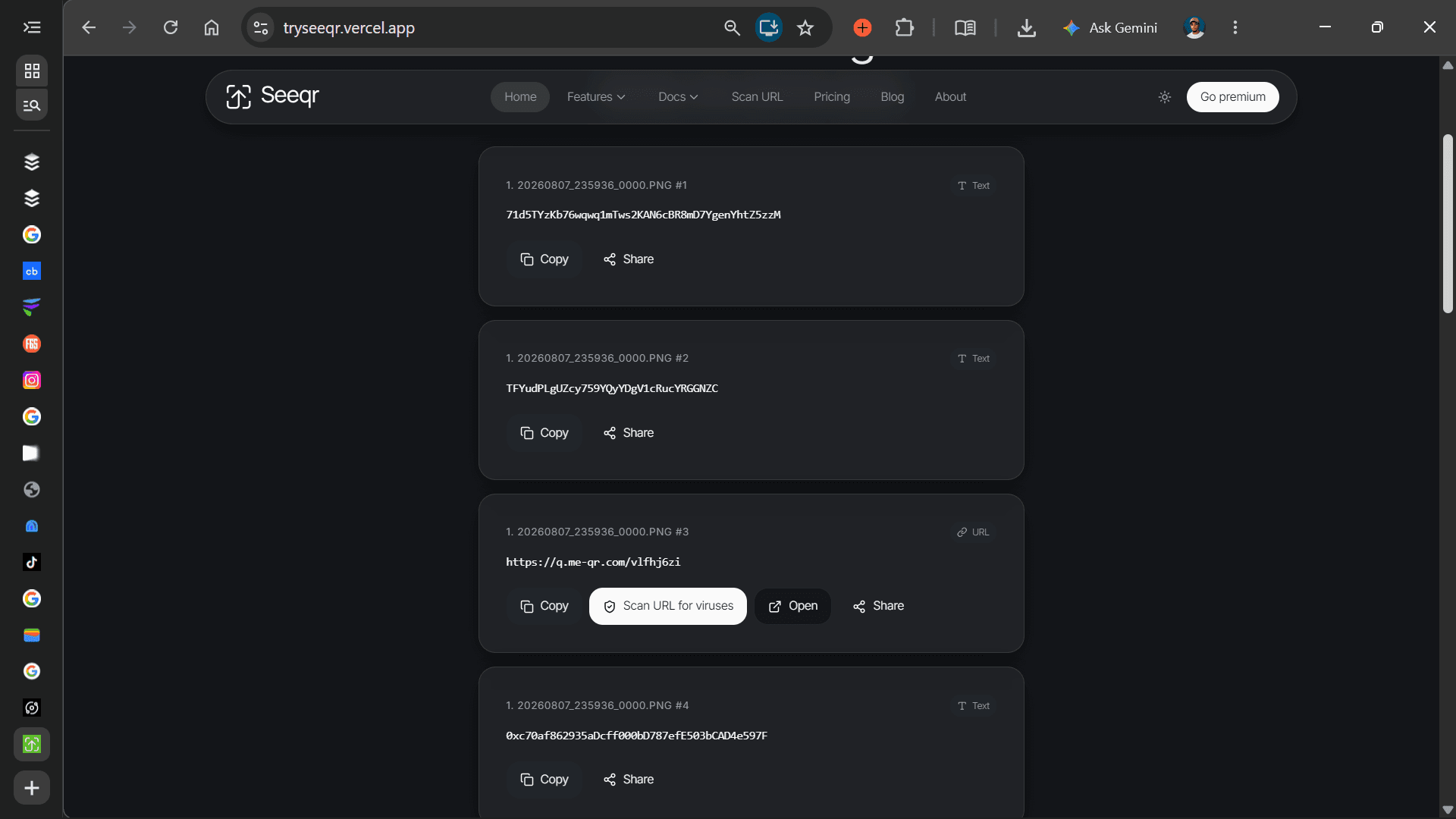
Review the destination, then copy, open or share it.
Built for the phones and connections most QR tools ignore.
Read codes from screenshots, chat forwards and PDFs.
See the real destination and risk signals before you tap.
Decoding happens locally. Nothing is uploaded or stored.
Loads on slow networks and runs on entry-level devices.
Scan QR codes from photos and check links for scams. Everything runs on your device.
What Tryseeqr does that nothing else does
Tryseeqr can scan multiple QR codes from multiple photos, or multiple QR codes in a single photo, and can also scan destination URLs for possible QR phishing.
Who Tryseeqr is for
Seeqr reads QR codes from screenshots and photos, checks the destination before you open it, and never sends your image anywhere.
Written up on SpacerrApps
Apps like Tryseeqr
SpotScribe118 clicks
Turn any Spotify podcast into text. Extract transcripts, generate AI summaries, chat with episodes, and copy or download content effortlessly.
Productivity, Content creation, Utilities

Permisly2 clicks
Design role-based access control visually, get buy-in, and present live in grooming. Not IAM—the design layer before implementation.
Productivity, Developer tools, Security

Trace My Build8 clicks
Funding a home build back home while you live abroad? See every transfer, every receipt, and every dated site photo — one shared, live record you can check from anywhere.
Finance, Productivity, Utilities

Confileo8 clicks
Convert, compress, merge & split PDFs, create professional CVs, generate QR codes and protect files — 86 free, fast and secure online tools. No signup.
Productivity, Utilities, Image

Korp VPN4 clicks
Korp VPN offers apps for iOS, Android, macOS and Windows, with a 5-day app trial. Choose a 3-month or annual plan.
Security, Privacy, Utilities

5 comments
Hana Suzuki
Can the browser extension scan QR codes directly from a webpage, or do I need to save the image first?
Ines Moreau
How does Seeqr decide whether a QR link is risky, and can I see why it received that score?
AnonymousMaker
Hello Ines,
A. Seeqr scans every URL through 4 checks:
1. Threat databases - VirusTotal, URLhaus, PhishTank (confirmed phishing/malware) 2. URL structure - Typos, spoofing, suspicious patterns (amaz0n vs amazon) 3. Domain validation - Age, SSL certificate, WHOIS privacy, reputation 4. QR-specific - Redirect chains, shortened URLs, unusual behavior
Result: Risk score 0-100 (Green = safe, Yellow = caution, Orange = suspicious, Red = dangerous)
B. Yes, you can see why you url received that score in the results: 1. Which databases flagged it 2. Domain age and SSL status 3. Exact threat indicators found 4. Data sources (VirusTotal, URLhaus, PhishTank)
Please note, we're currently working on improving this feature to make it more transparent as possible, we'll also be introducing the "view Full Report", and "Sources" in future updates.
Marta Vidal
What does the free plan include, and are there limits on scans or API use?
AnonymousMaker
Hello Marta, please visit our pricing page to learn more on this. https://tryseeqr.vercel.app/pricing
Our free plan is currently limited to 5 photo attachments to scan.