


WalkBlock Kids Safety
Block distracting Android apps while your child walks or moves. WalkBlock provides parent PIN protection, allowed apps and no GPS tracking.

About WalkBlock Kids Safety
Block distracting Android apps while your child walks or moves. WalkBlock provides parent PIN protection, allowed apps and no GPS tracking.
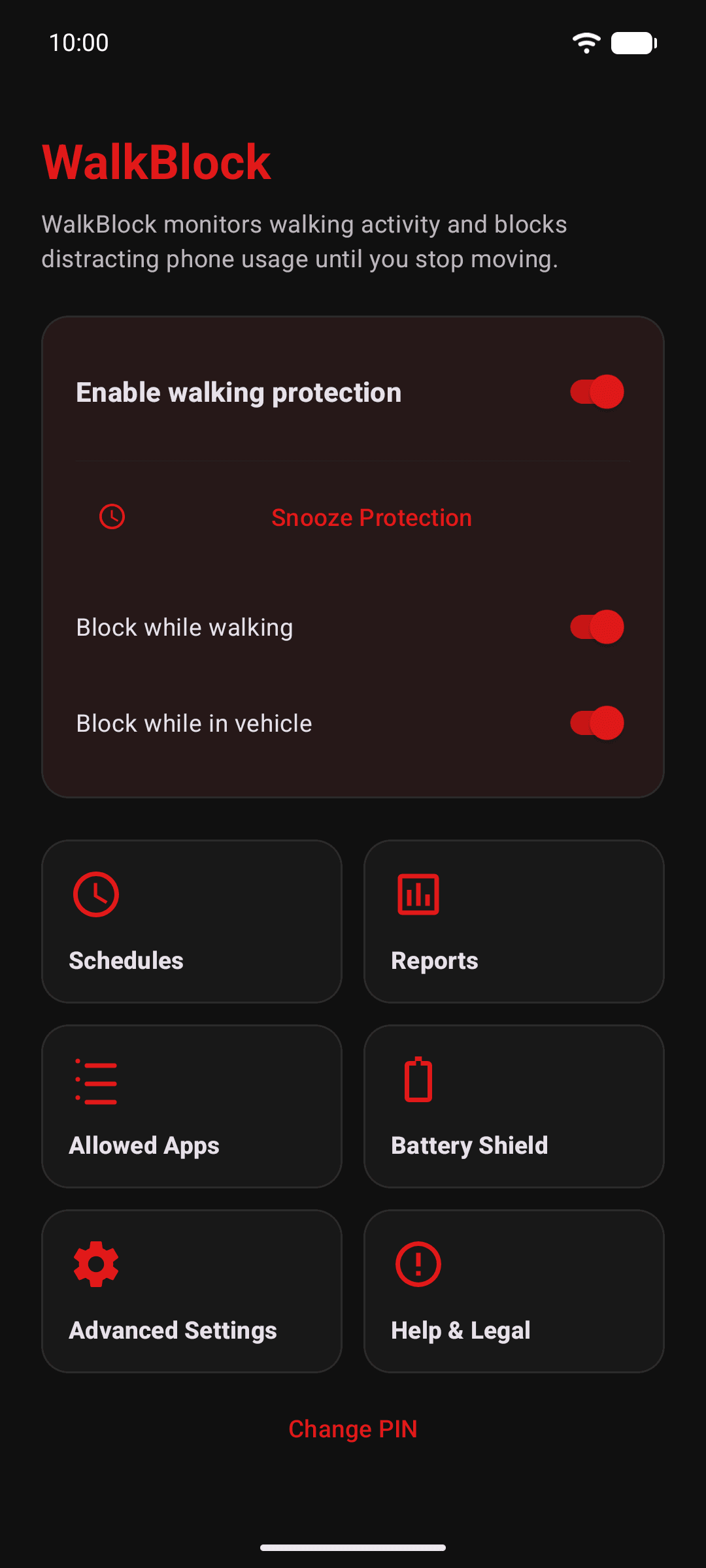
WalkBlock automatically blocks distracting Android apps while your child walks or moves. Parents protect settings with a PIN, while calls, maps and essential apps can remain available.
Get WalkBlock on Google Play → Parent PIN Essential apps allowed No continuous GPS tracking
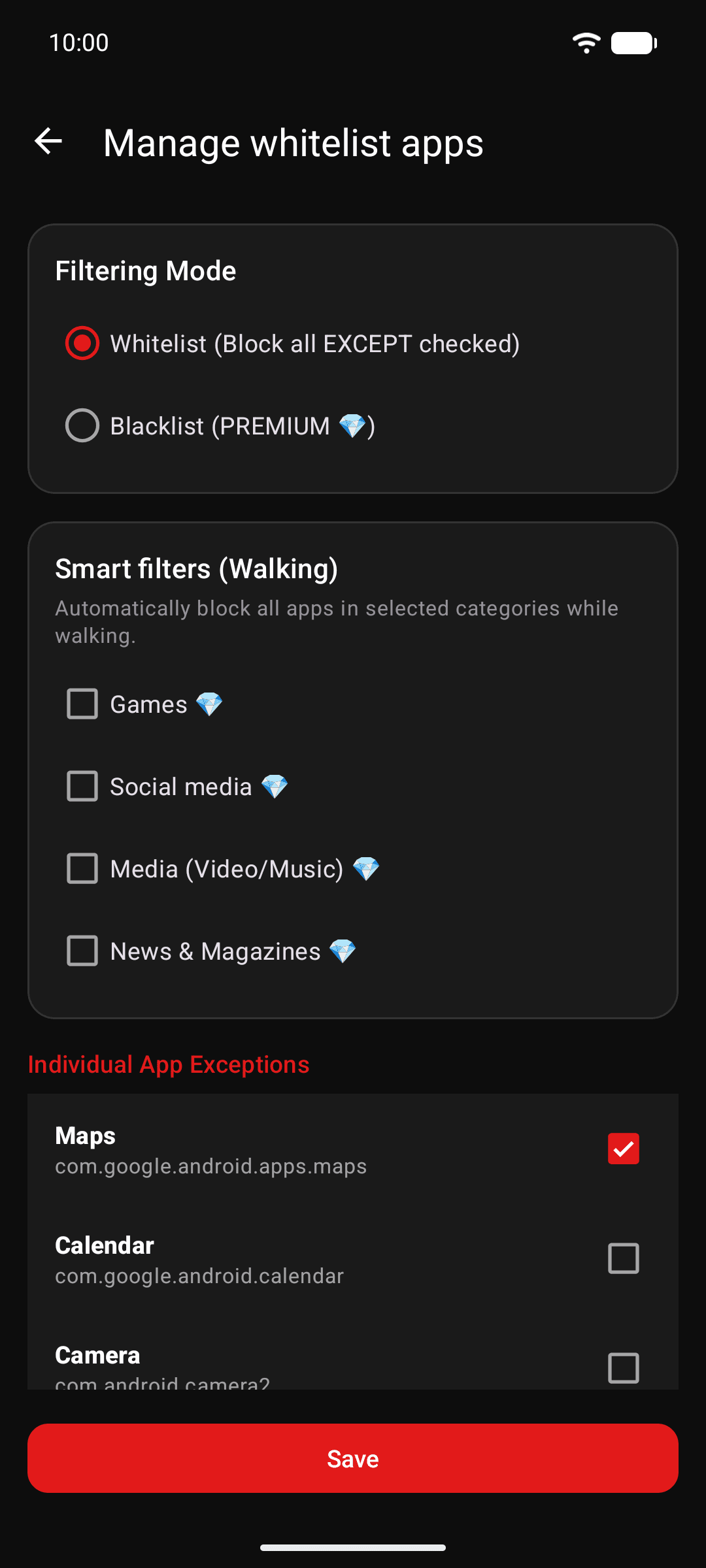
Select distracting apps and keep essential tools available.
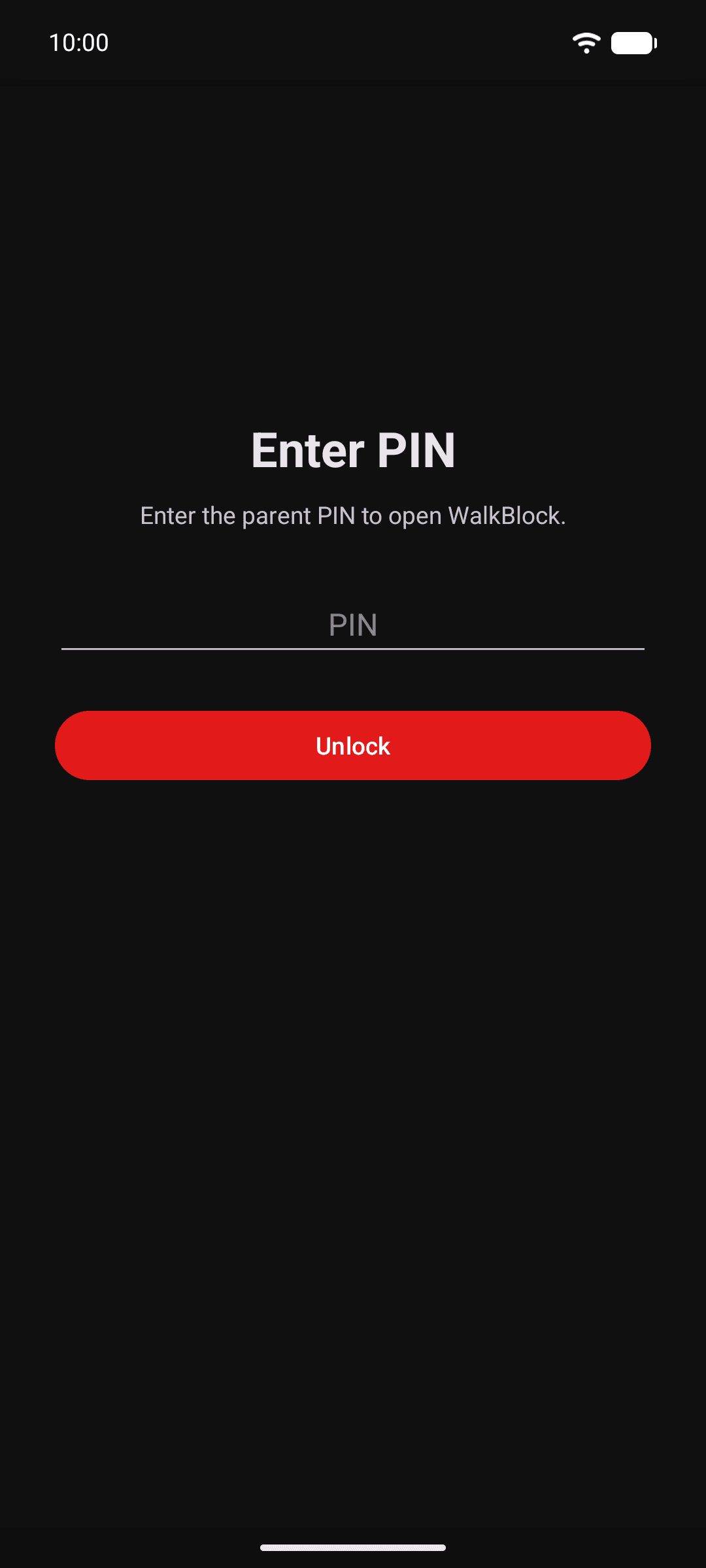
Use a parent PIN and complete the Android permission checks.
A safety screen interrupts selected apps when movement protection is active.
WalkBlock’s current Android configuration does not request location permission or provide a continuous family map.
Why movement-aware protection complements normal screen-time limits.
What happens during movement, stillness and transport.
Understand permissions, local settings and the no-map approach.
WalkBlock Kids Safety is developed by IoT Solutions, Latvia.
What WalkBlock Kids Safety does that nothing else does
Walkblock has battery shield! When battery is lower than x% it blocks selected categories.
Who WalkBlock Kids Safety is for
WalkBlock is a parental-control app for Android that automatically blocks selected distracting apps when movement is detected.
Written up on SpacerrApps
Apps like WalkBlock Kids Safety

Flexor App16 clicks
Flexor App delivers guided stretching, mobility, flexibility, and recovery routines, with AI-assisted routine creation for your phone and wearable.
Fitness, Health, Mobile

Intertakt11 clicks
An interval timer for HIIT and Tabata that calls the count instead of showing it: every interval is announced over your own playlist, the screen stays off, and an interrupted round resumes to the exact second.
Health, Fitness, Mobile

GraviPlant: Plant Journal17 clicks
GraviPlant is a private plant journal for tracking care and growth, turning your own plant photos into stickers, and building a personal plant atlas and garden over time.
Lifestyle, Mobile, Health

Peptly: Peptide Calculator8 clicks
Peptly turns peptide reconstitution into one clear answer. Enter your vial, your bacteriostatic water and your target dose, and Peptly shows the exact units to draw on a visual syringe. No account needed.
Health, Mobile

SavorFit: Food Diary & Macros14 clicks
A food diary for iPhone and iPad with a column for why you ate — Hunger, Habit, Emotions or Social — next to calories and macros. No streaks, no server, no account.
Health, Mobile, Food

14 comments
Marta Vidal
Can parents choose which calls, maps, and other essential apps stay available while distracting apps are blocked?
Andrejs SnorinsMaker
Yes. Parents can create an allowlist of essential apps—such as maps, transport, messaging, or other trusted apps—that remain available while distracting apps are blocked. Calls and contacts remain accessible for emergencies, and only someone with the Parent PIN can change the app selection.
Caleb Doyle
Does WalkBlock keep its blocking protection active after the phone restarts or the app is closed?
Andrejs SnorinsMaker
Yes. Once protection is enabled, WalkBlock runs independently in the background, so closing or swiping away the app does not disable blocking. It also starts automatically after the phone restarts, provided the required permissions remain enabled.
Elias Wagner
Which Android versions does WalkBlock support, and does it still block apps when battery saver is enabled?
Andrejs SnorinsMaker
WalkBlock supports Android 10 and newer, including the latest Android versions. In my testing, movement detection and app blocking continue to work with Android’s Battery Saver enabled, although some manufacturers’ additional background restrictions may require allowing WalkBlock to run in the background.
Viktor Lindqvist
What happens if a child tries to open a blocked app, and can they bypass the safety screen or change settings without the parent PIN?
Andrejs SnorinsMaker
When a child tries to open a blocked app while moving, WalkBlock displays a full-screen safety message with a countdown. There is no dismiss or “continue anyway” button. The only available option is to open the phone app for an emergency call, with immediate access limited to three consecutive uses to prevent misuse. If the child continues using a blocked app while moving, the safety screen can activate again. WalkBlock also protects the device settings. If the child tries to open Android Settings, they are automatically closed, and the Parent PIN is required to unlock them temporarily. The PIN is also needed to disable WalkBlock or change its protected settings.
Marco Bellini
How does WalkBlock detect that a child is walking or moving without using continuous GPS, and how much battery does it use?
Andrejs SnorinsMaker
WalkBlock does not request location permission or continuously track the phone with GPS. It uses Android’s low-power Activity Recognition system together with the phone’s built-in step counter and step detector to identify walking, being still, cycling, or travelling in a vehicle. A short accelerometer check is used only when necessary to confirm that movement has stopped. Because detection is mostly event-based and uses hardware motion sensors, battery usage should remain low. However, the exact percentage varies by phone model, Android version, screen time, and usage, so I don’t want to claim a fixed number without controlled testing.
Ines Moreau
Which WalkBlock features are free, and what requires a paid upgrade?
Andrejs SnorinsMaker
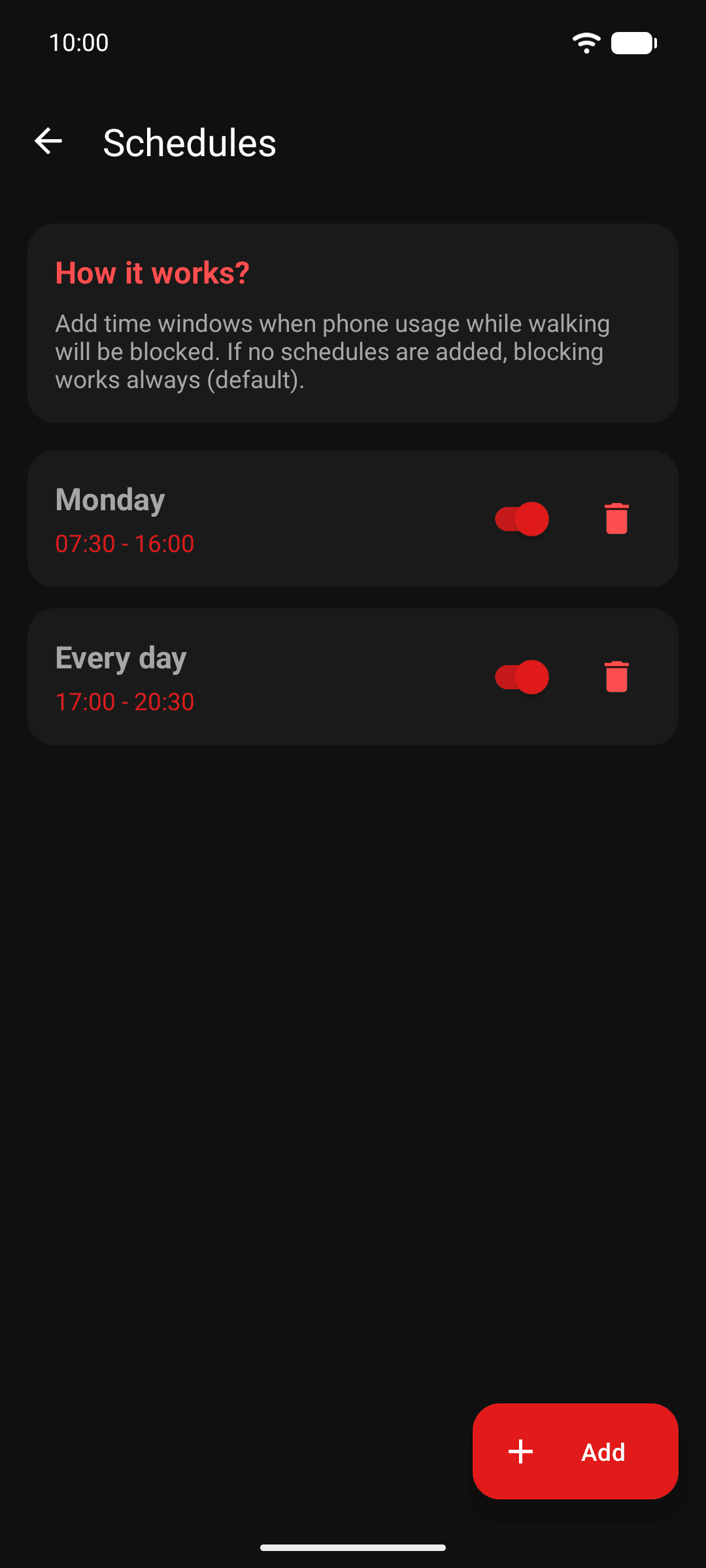
WalkBlock’s core safety features are free. This includes walking and vehicle detection, blocking distracting apps while moving, Parent PIN protection, customizable protection settings, and choosing which essential apps remain accessible. Free users can also view their three most recent blocking events. Premium unlocks schedules, temporary snoozing, blacklist mode, category-based Smart Filters, Battery Shield, and the full activity report history.
Priya Nair
Can parents set different blocked apps or allowed apps for walking, transport, and stillness?
Andrejs SnorinsMaker
Not currently as three separate app profiles. WalkBlock focuses on restrictions while the child is moving, while stillness restrictions are better handled by Family Link or another parental-control app. The idea is that WalkBlock complements existing parental controls by solving one specific problem: distracting phone use while walking or travelling.
I’ll keep this suggestion in mind for future updates — separate app profiles for walking, transport, and stillness could be a useful addition.