


ApparelAI Studio
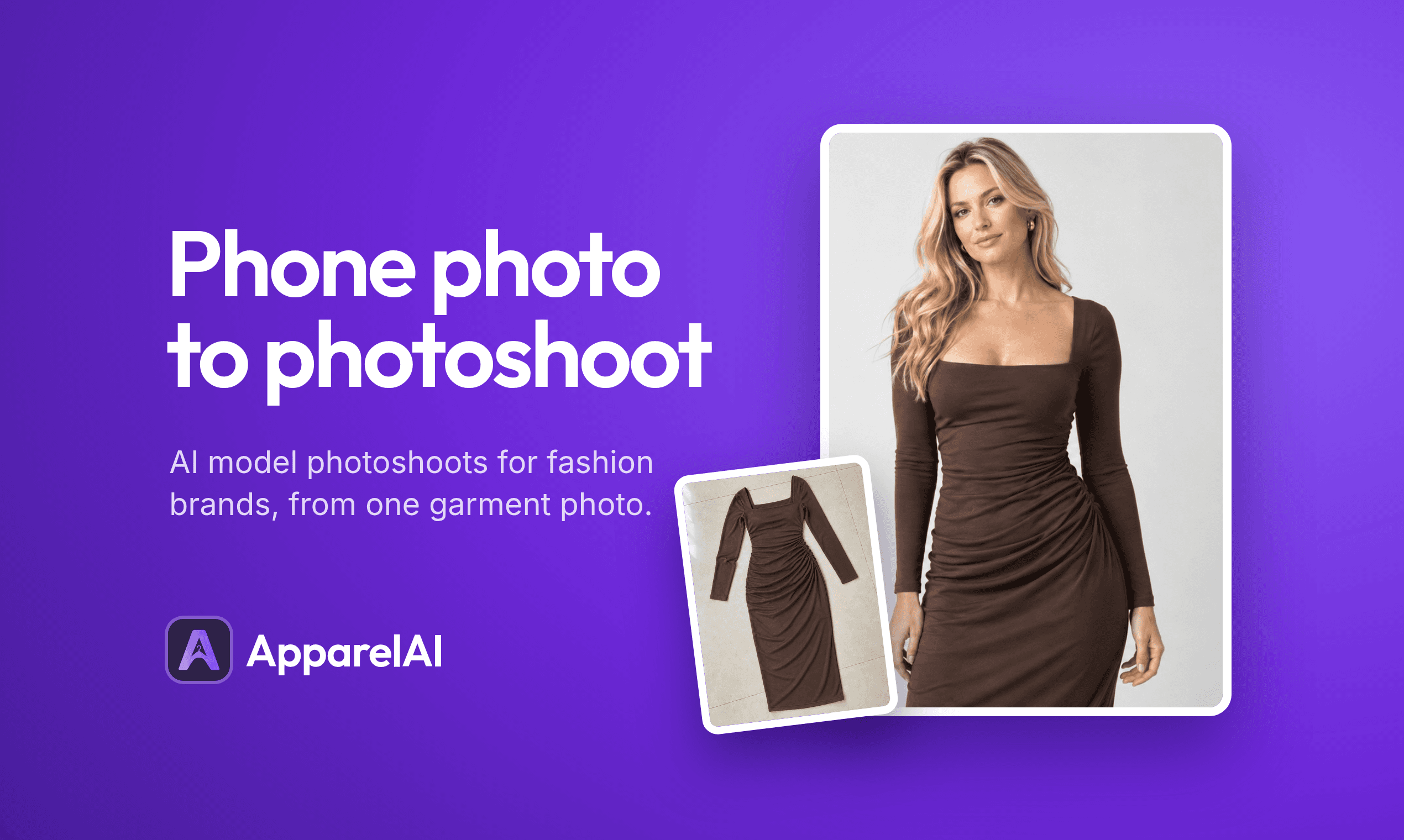
Turn garment photos into studio-quality model images and videos. No studio, photographer or models needed. Start free.
- Launched
- Clicks
- 3
- Categories
- AI,Photo and video,Image
- Runs on
- Browser extension, Android, iOS
- Pricing
- Free plan, paid upgrade
About ApparelAI Studio
Turn garment photos into studio-quality model images and videos. No studio, photographer or models needed. Start free.
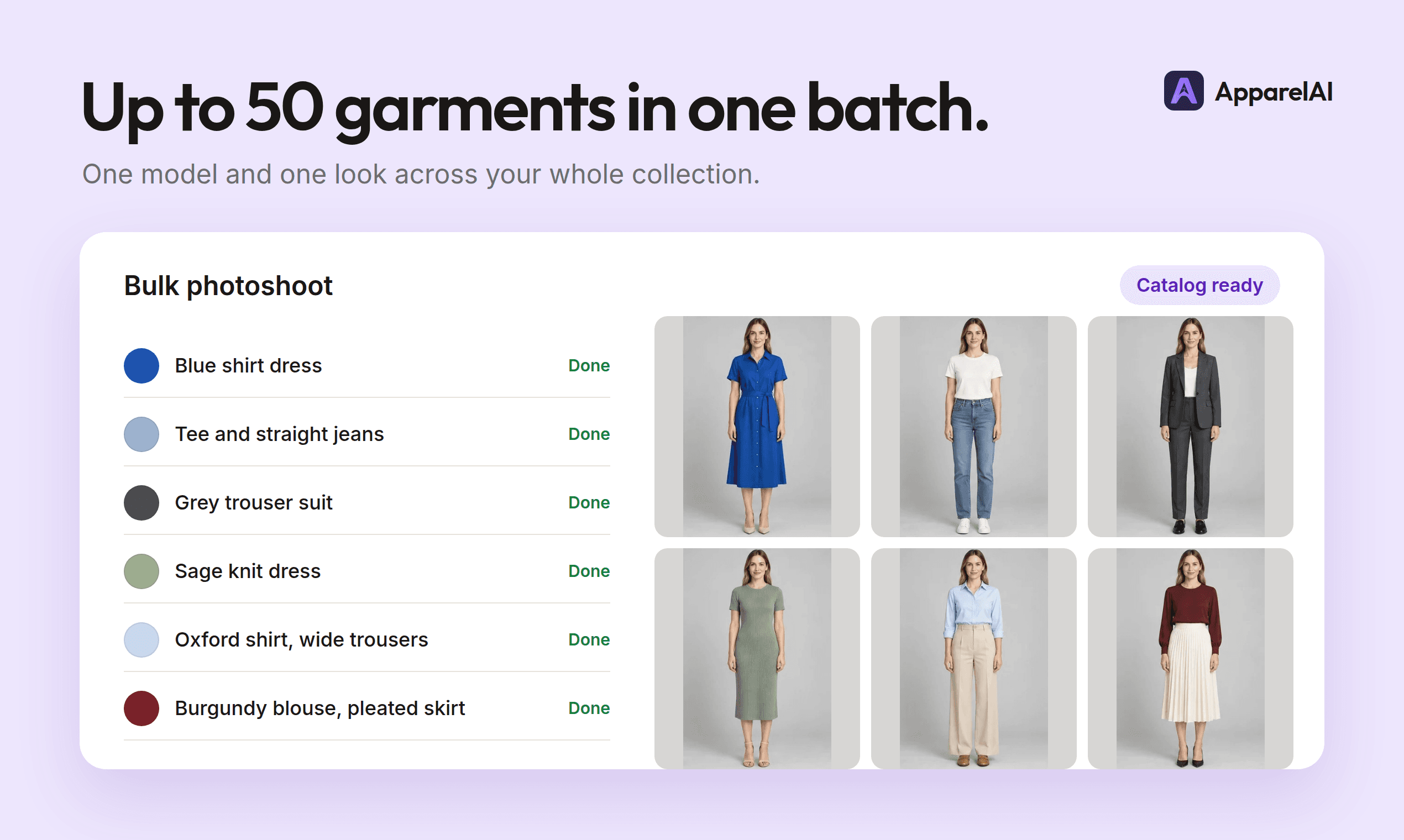
Turn one flat lay into studio-quality model photoshoots plus AI videos for ecommerce listings, UGC reels, and ads. No photographers, no models, no studio rental. Just upload your garment and watch the magic happen.
Now live on iOS (opens in a new tab) & Android (opens in a new tab) · No credit card required
Create fashion visuals for your marketplace listings, online store, and social channels.
No photographer, no model agency, no studio booking. Just upload, customize, and download photos that sell.
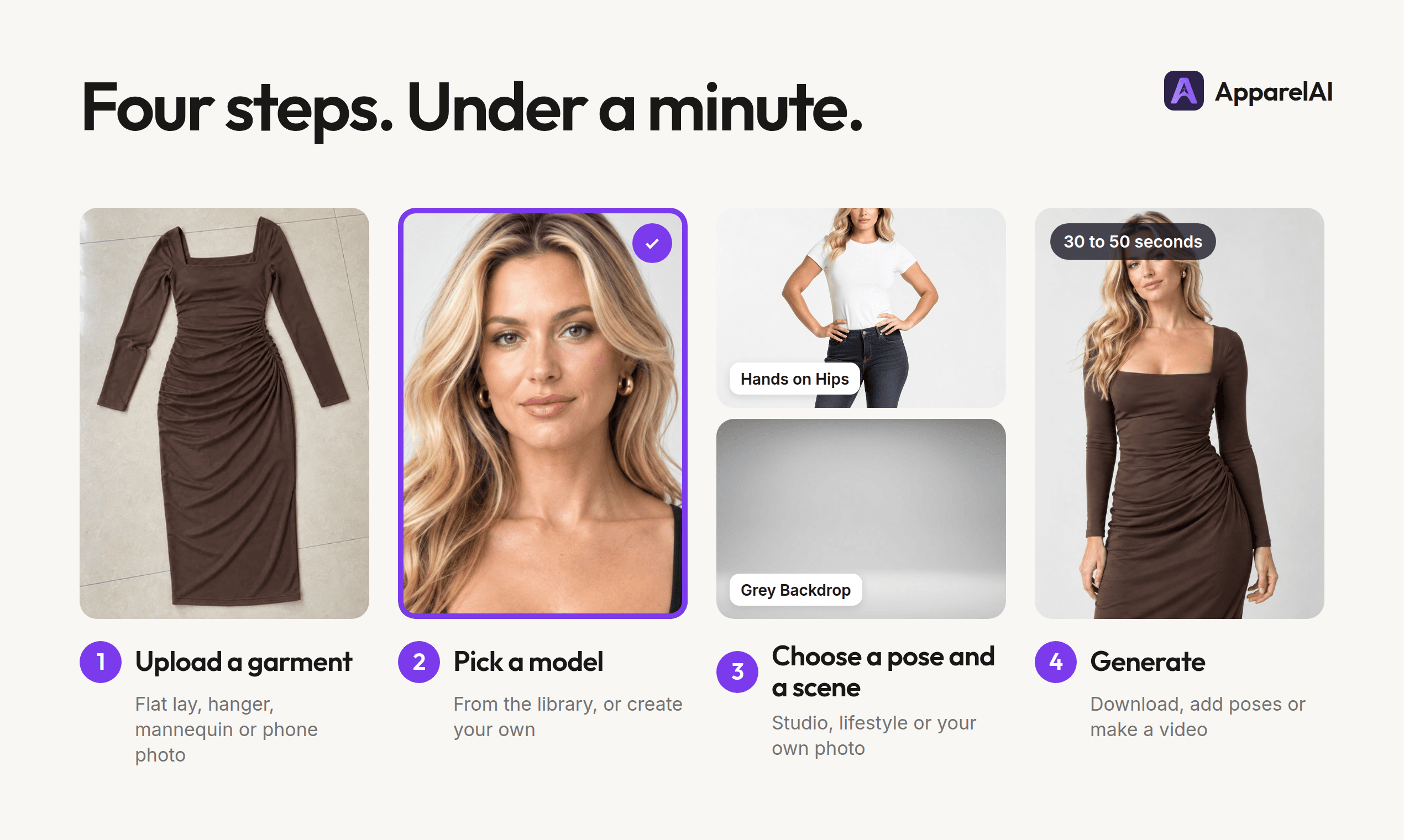
01 Upload Your Garment Drag in any flat lay or product shot. Our AI understands fabric, texture, and fit - no special staging required.
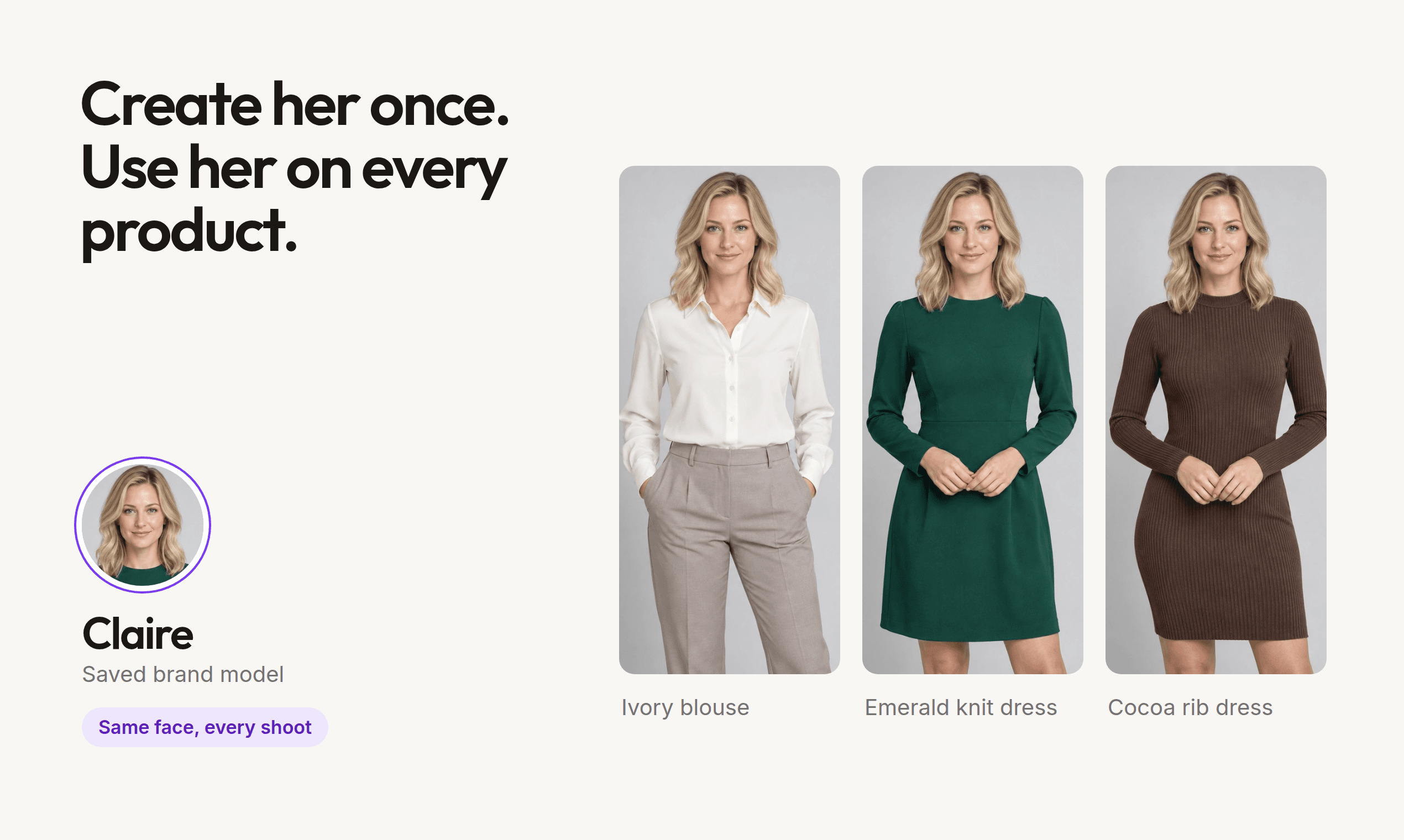
02 Choose Your Model & Scene Pick from 50+ diverse AI models and hundreds of studio, street, and lifestyle backgrounds. Or create a persistent model that becomes your brand's signature face.
03 Download Studio-Grade Photos Receive high-resolution, print-ready images in seconds. Retouched, lit, and styled - ready to post, publish, or print.
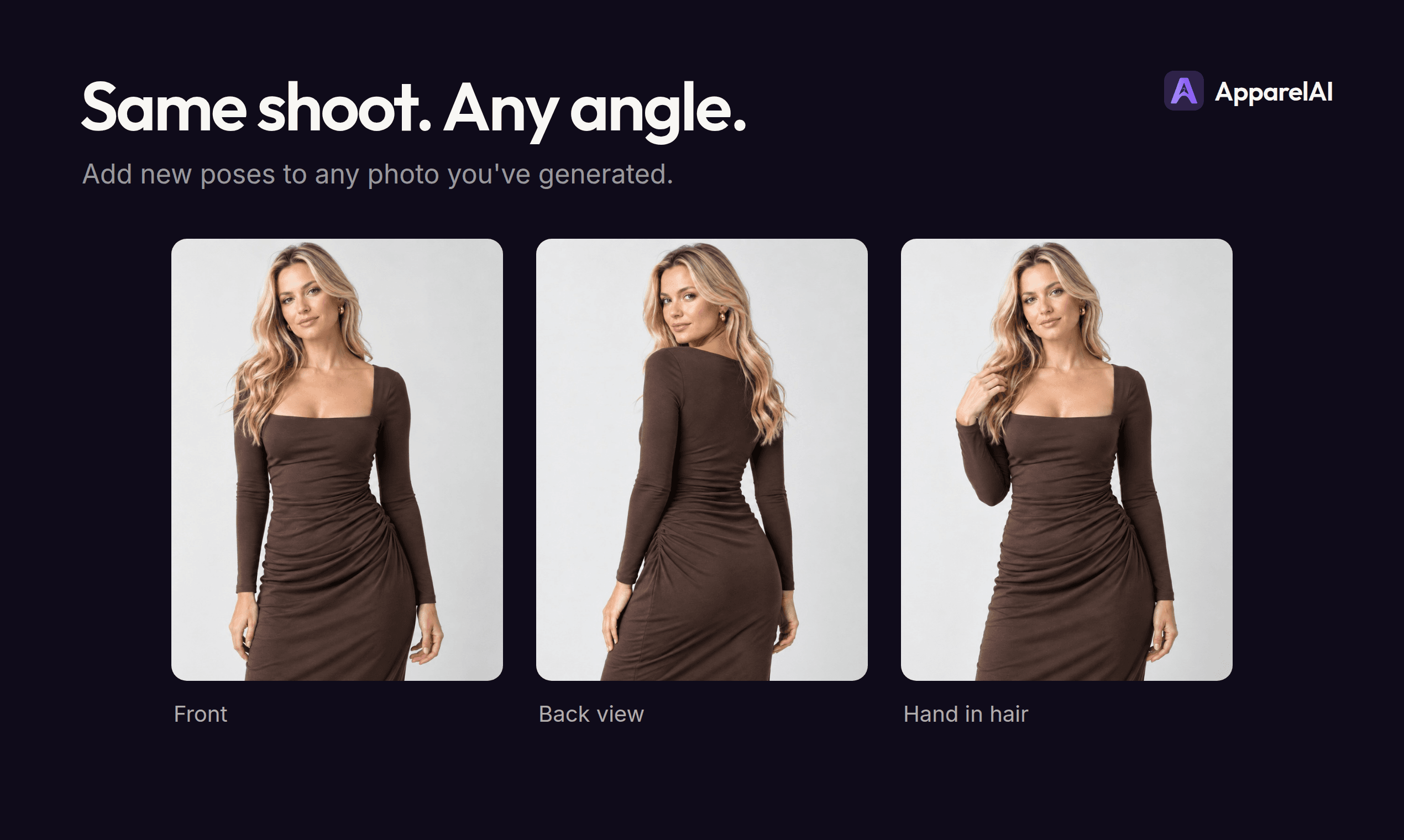
Photoshoots become persistent projects in your workspace. Reopen any time to generate fresh variants, swap models, change scenes, or re-export sized for Shopify, Amazon, Meta Ads, and Myntra — without re-uploading the garment.
Your projects never expire. Pick up exactly where you left off.
Same garment, new models, poses, and scenes — without re-uploading.
One-click resize for Shopif
Written up on SpacerrApps
Apps like ApparelAI Studio

PromptImage0 clicks
Free AI image & video studio with a prompt library. Signup credits, Nano Banana, Flux, Veo — no card needed.
AI, Image, Photo and video

Visemix7 clicks
Create lip sync videos from a photo or video using uploaded audio, recordings, or text. Check files locally before upload; sign in to generate.
AI, Photo and video, Content creation

Video Upscaler7 clicks
Use our video upscaler online to enhance blurry footage and upscale to 4K or HD. AI video enhancer built for creators and restoration work.
Photo and video, AI

Heicjpg.online6 clicks
Converts iPhone HEIC/HEIF photos to JPG, PNG or PDF for free. No account, no premium plan, up to 60 files per batch, ZIP download.
Image, Utilities, Photo and video

Blur Background2 clicks
Blur photo backgrounds online, adjust blur strength, compare before and after, then download. Free Basic runs locally without sign-in or automatic upload. Optional paid credits unlock AI Refined processing.
Photo and video, Image

Sharpniq Unblur Image3 clicks
Unblur and sharpen supported images on your device without uploading the original or using credits. Optional Cloud Unblur supports files up to 12MP.
AI, Photo and video
2 comments
Viktor Lindqvist
How does ApparelAI keep a garment’s fabric, fit, and details accurate in generated photos and videos?
ApparelAI AppMaker
Hello Viktor,
Yes, it is very accurate. You can try with free credits on sign up and see results yourself.