


Sharpniq Unblur Image
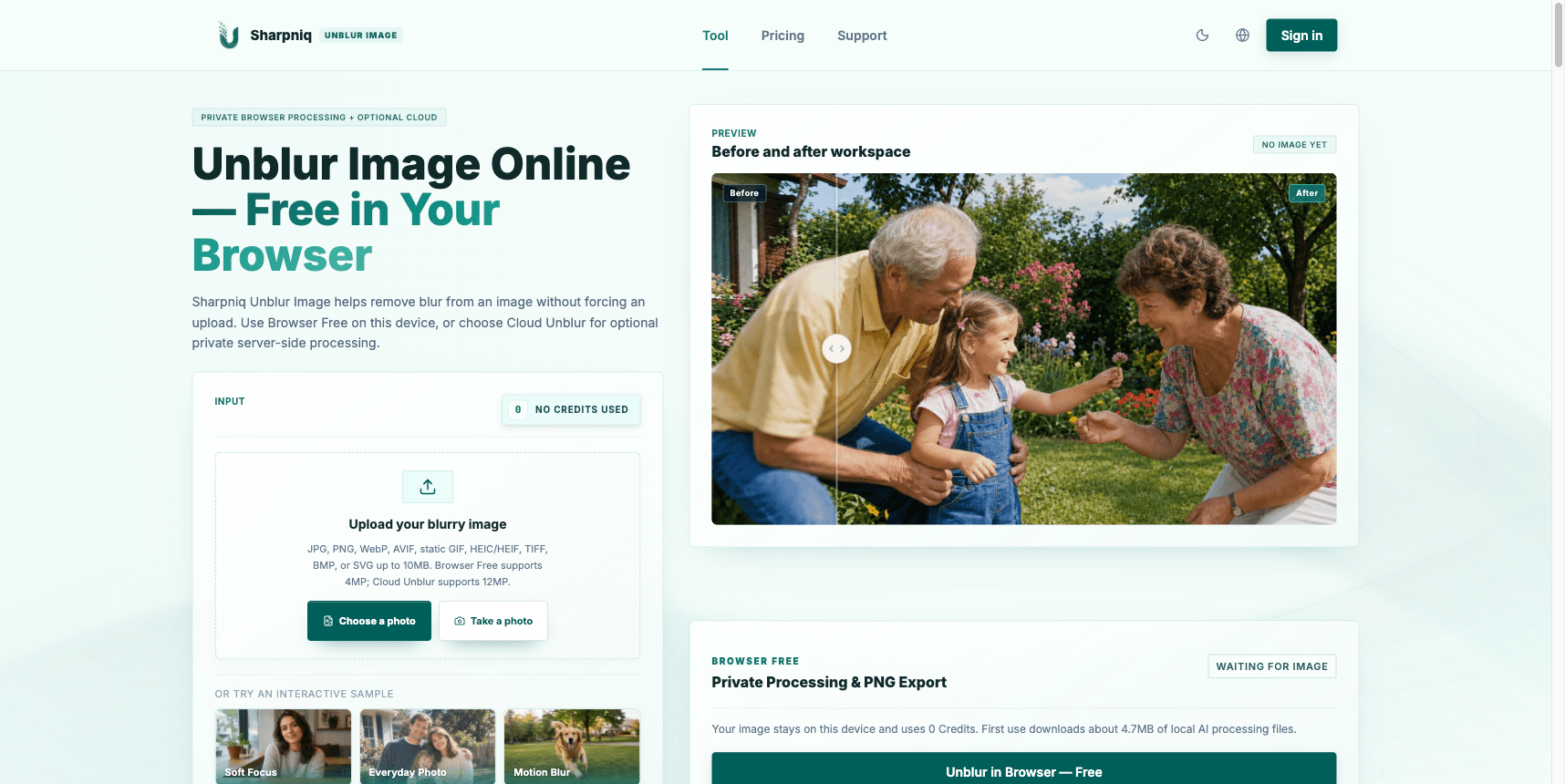
Unblur and sharpen supported images on your device without uploading the original or using credits. Optional Cloud Unblur supports files up to 12MP.
- Launched
- Clicks
- 3
- Categories
- AI,Photo and video
- Runs on
- Web
- Pricing
- Free plan, paid upgrade
About Sharpniq Unblur Image
Sharpniq Unblur Image helps clarify blurry photos with two processing options. Browser Free runs on your device without uploading the original image or using credits, and exports a PNG. It supports JPG, PNG, WebP, AVIF, static GIF, HEIC/HEIF, TIFF, BMP, and SVG files up to 10 MB, with image dimensions up to 4 MP. Optional Cloud Unblur processes supported files on the server up to 12 MP; it requires sign-in and uses credits only when a usable result is delivered.
Written up on SpacerrApps
Apps like Sharpniq Unblur Image

Visemix7 clicks
Create lip sync videos from a photo or video using uploaded audio, recordings, or text. Check files locally before upload; sign in to generate.
AI, Photo and video, Content creation

Video Upscaler7 clicks
Use our video upscaler online to enhance blurry footage and upscale to 4K or HD. AI video enhancer built for creators and restoration work.
Photo and video, AI

ApparelAI Studio3 clicks
Turn garment photos into studio-quality model images and videos. No studio, photographer or models needed. Start free.
AI, Photo and video, Image

Wan 3.0 AI Video Generator0 clicks
Create AI videos and images in seconds with JXP — access Seedance 2.5, Wan 3.0, Minimax H3, and more in one place. Free to start.
AI, Web3, Video

UI Discovery1 clicks
AI-assisted UI discovery: a curated library of real production interfaces with original build prompts for Cursor, Claude, and AI coding tools.
Design, Developer tools, AI

1 comment
Caleb Doyle
Does Browser Free process HEIC images entirely on my device, or do they need Cloud Unblur?