


Fella
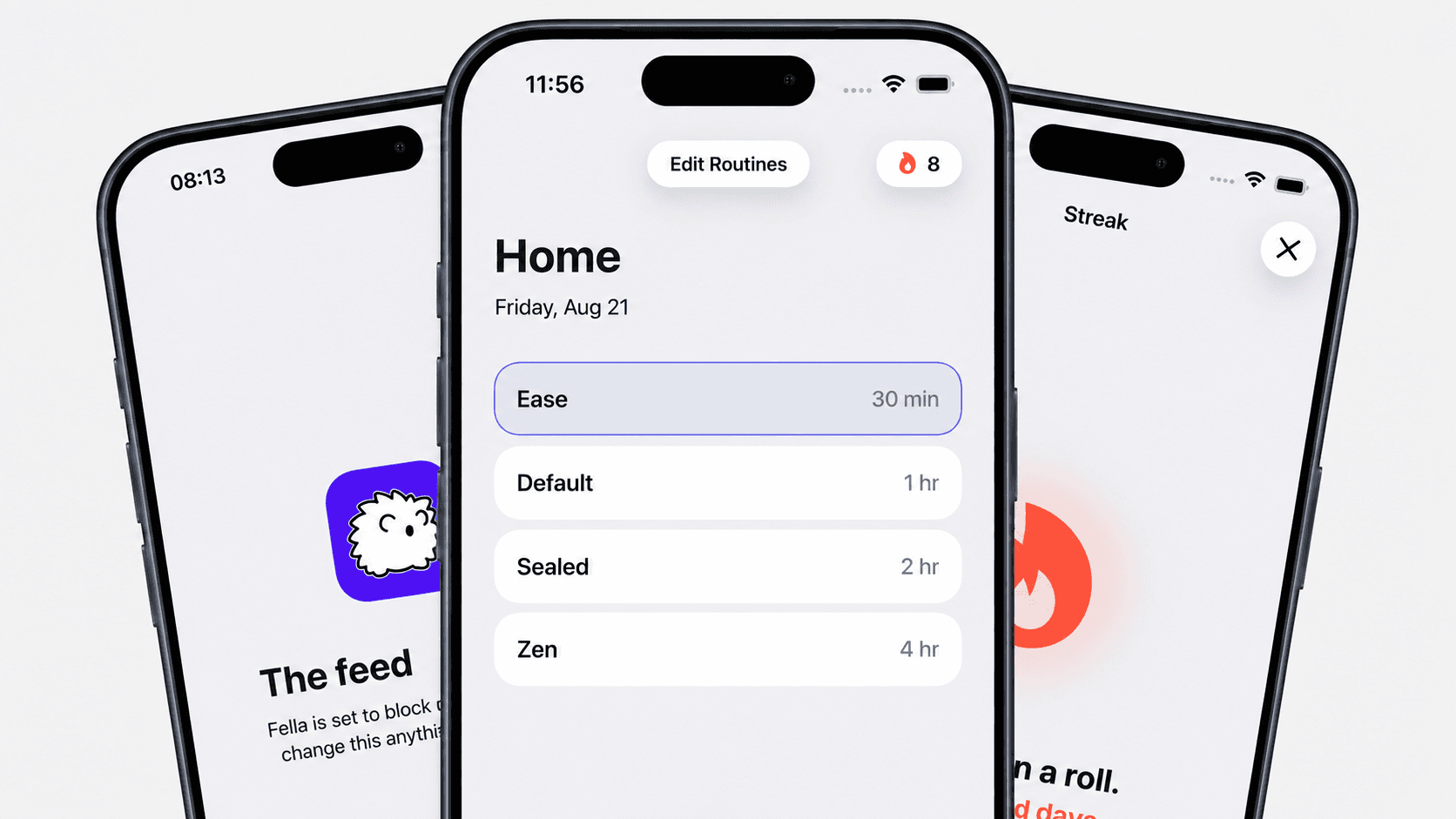
Fella is an iPhone app blocker for Instagram, TikTok, YouTube, and more. Keep selected apps blocked by default, with controlled emergency access.
- Launched
- Clicks
- 9
- Category
- Productivity
- Runs on
- iOS
- Pricing
- Free plan, paid upgrade
About Fella
Fella is an iPhone app blocker for Instagram, TikTok, YouTube, and more. Keep selected apps blocked by default, with controlled emergency access.
Block the apps that pull you into endless feeds while keeping the essentials available.
An iPhone app blocker should make access intentional.
Choose what gets blocked, set when it starts, and let Fella handle the rest.
Spend less time scrolling, get more of your day back, and keep it for what matters.
No ads, no data selling, just private blocking that works entirely for you.
Fella blocks selected distracting apps on your iPhone all day by default, and gives you one emergency 5-minute unlock per session for real needs. When the unlock ends, the apps lock again automatically.
Fella offers a 3-day free trial. After the trial, Fella+ is available monthly at $9.99 or annually at $34.99, which works out to about 71% less than paying month to month.
No. Fella is built specifically for iOS using Apple's Screen Time frameworks, and is not available on Android.
No. Fella blocks access to selected apps on your iPhone. Your accounts, messages, and data inside those apps are untouched, and remain reachable during your one 5-minute emergency unlock per session.
How is Fella different from Apple's built-in Screen Time?
Screen Time's app limits include an Ignore Limit button that lets you undo the limit in one tap. Fella is narrower by design: selected apps stay blocked with no daily toggle, and the only access is one 5-minute emergency
What Fella does that nothing else does
Strict one, 5 minute unlocked per session.
Who Fella is for
For, people trying to focus and lock in.
Written up on SpacerrApps
Apps like Fella

Limitly10 clicks
Schedule distracting apps and websites to pause, or start a Quick Focus session, with Limitly for iPhone.
Productivity, Mobile

FocusBottle1 clicks
A free visual focus timer for Pomodoro sessions and deep work. Watch light particles dance as you focus—white noise, tasks, and a focus calendar on Android.
Productivity, Health, Mobile

RouteIQ13 clicks
RouteIQ assigns jobs, plans routes, and keeps dispatchers, drivers, and customers looking at the same live picture. Dispatch software for fleets of every size.
Productivity, Mobile

ZeroCostAI.pro1 clicks
No fake free trials. No credit card traps. 727 genuinely free AI tools tested and verified daily.
AI, Productivity, Developer tools

Pocket Invoice6 clicks
Prepare invoices, estimates and PDFs for your clients. Use the browser invoice generator without registering, or connect an AI assistant to account-based invoicing tools through MCP.
Finance, Productivity, Developer tools

3 comments
Lena Horvat
Can I use the 5 minute emergency unlock for just one blocked app, or does it unlock all of them?
Carmen Ruiz
Can I set different blocking schedules for weekdays and weekends?
Matas MattMaker
Yep! You can create separate blocking schedules for weekdays and weekends.