


Gexpense
Receipt scanning and expense tracking in your own Google Drive and Sheets — your records stay private and always yours.
- Launched
- Clicks
- 10
- Categories
- Finance,Automation,Productivity
- Runs on
- Web
- Pricing
- Free plan, paid upgrade
About Gexpense
Receipt scanning and expense tracking in your own Google Drive and Sheets — your records stay private and always yours.
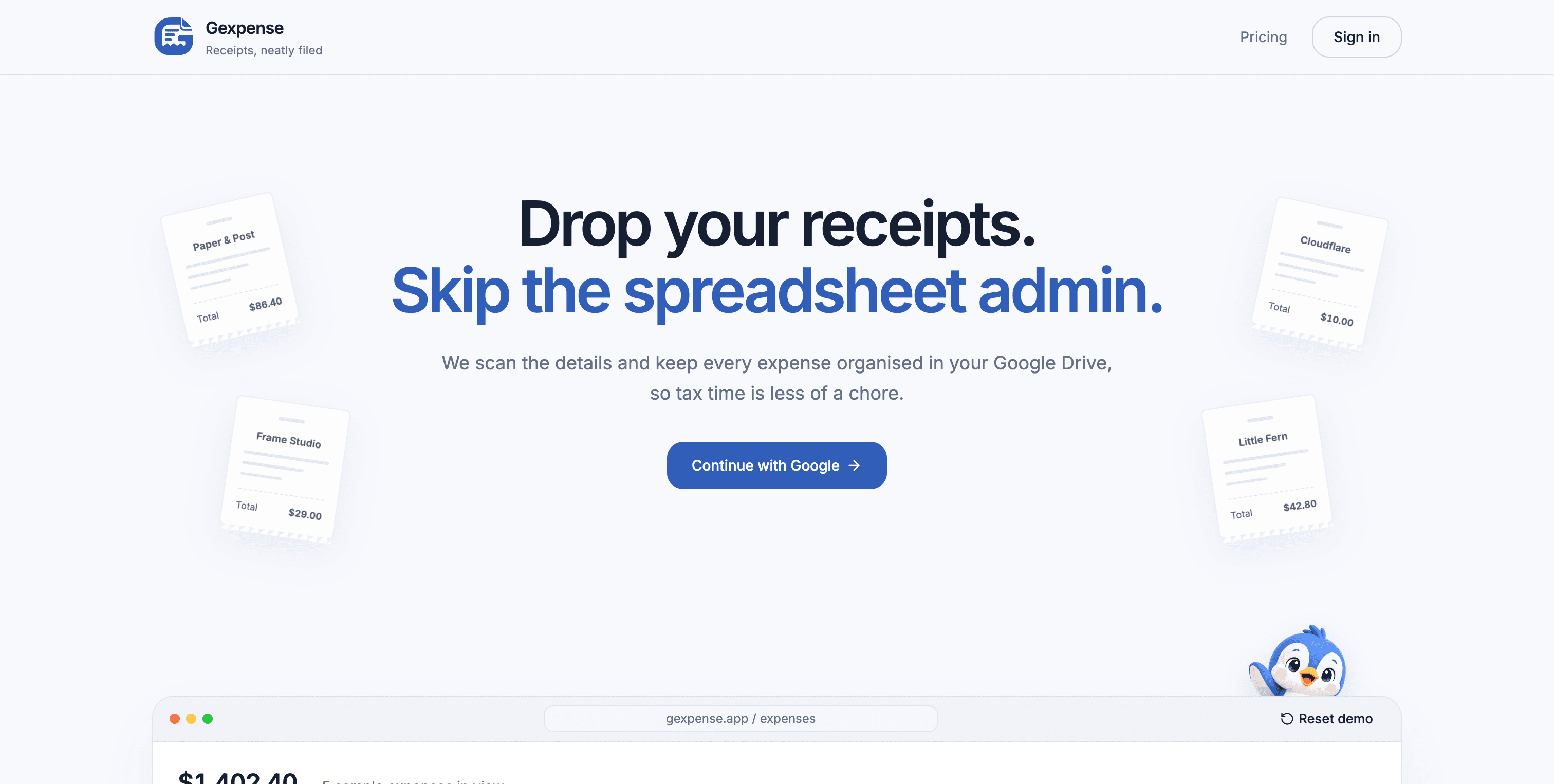
We scan the details and file every expense in your own Google Drive — your records, your ownership, less admin at tax time.
Try searching, sorting, or adding a sample receipt.
Review the scanned details and edit anything you need.
Store files in Drive and expense details in Sheets.
Free scans reset each calendar month. Failed scans do not count.
What Gexpense does that nothing else does
File every expense to your own Google Drive and Sheet so you can manage
Who Gexpense is for
Small businesses, solo entrepreneurs, founders, anyone who needs to manage receipts for tax.
Written up on SpacerrApps
Apps like Gexpense

Potjar0 clicks
Potjar is a free Android bill splitter for trips, flatmates and dinners. Split equally, by amounts, shares or percent and see the fewest payments to settle up. Fully offline, no account or ads.
Finance, Productivity, Utilities

DailyPings0 clicks
A directory for discovering newly launched tools every day. Makers can submit their tool for free and get listed, with a Premium upgrade also offered.
Developer tools, Productivity

Top AI Tools0 clicks
Top AI Tools is a curated directory for comparing AI apps across business, research, coding, design, and marketing, including ones you can start for free.
AI, Productivity, Search

Nestack Agent Care0 clicks
Nestack Agent Care runs your production AI agents with monitoring, evaluations, guardrails, incident fixes and a monthly audit-ready scorecard.
AI, Automation, Monitoring

Le Scribe Audio0 clicks
Two-pass AI transcription & optional human proofreading (60 EUR/h) for interviews and meetings. Cuts manual drafting time in half with 100% editable Word (.docx) export.
AI, Productivity, Writing

PayoutPeek0 clicks
Drop in your Etsy monthly statement and see your real take-home, every fee, every deposit, and which products quietly lose money. Private: your file never leaves your browser.
E-commerce, Finance, Analytics
3 comments
Viktor Lindqvist
Can I choose the Google Drive folder and Sheet where scanned receipts and expense details are saved?
Jaime WuMaker
There is free 5 automated scans, but for unlimited scans there is pro plan of $5/month.
You can still use the app and manually enter details if you run out of free scans :)
Lena Horvat
How many free receipt scans are included each calendar month, and what does a paid plan cost?