


GhostPrompter
Look natural on camera and stay confident during presentations. Invisible laptop teleprompter for Windows & Mac with click-through overlay and voice scrolling.
- Launched
- Clicks
- 24
- Categories
- Developer tools,Utilities,Productivity
- Runs on
- macOS, Windows
- Pricing
- Free plan, paid upgrade
About GhostPrompter
The Invisible Teleprompter for Windows & macOS
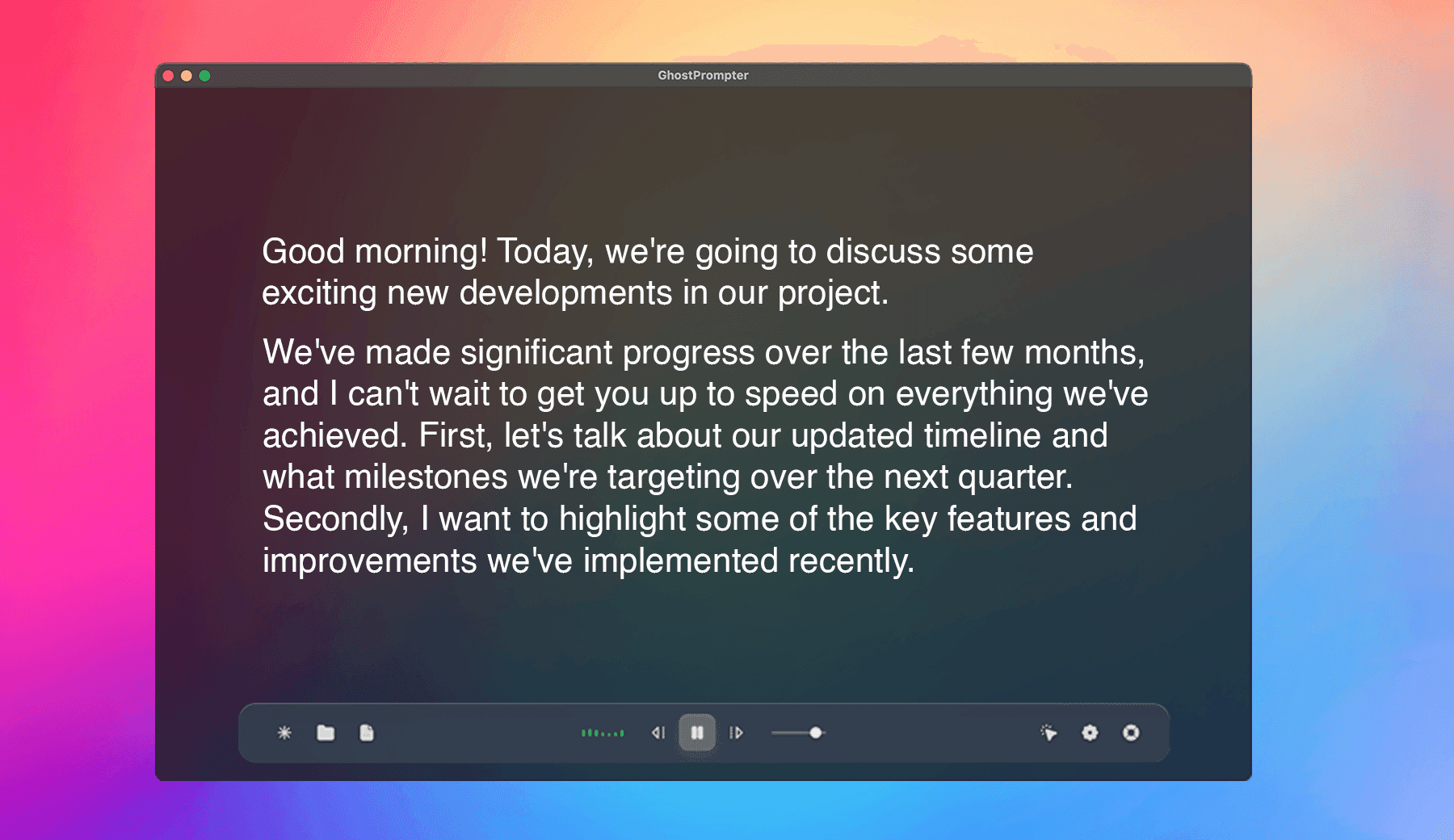
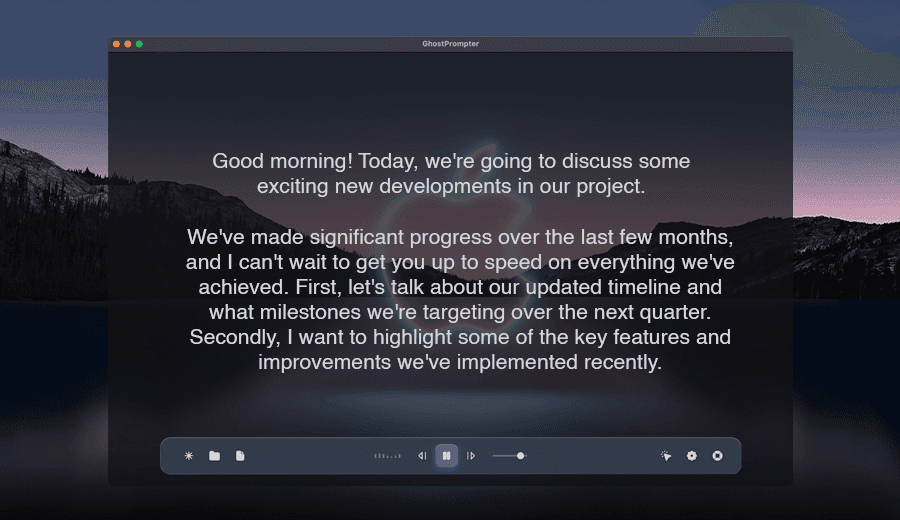
GhostPrompter helps you look natural on camera and present with confidence by letting you read your script without losing eye contact.
Whether you're recording tutorials, running webinars, giving presentations, joining meetings, or demonstrating your product, GhostPrompter helps you speak naturally while staying focused on your audience.
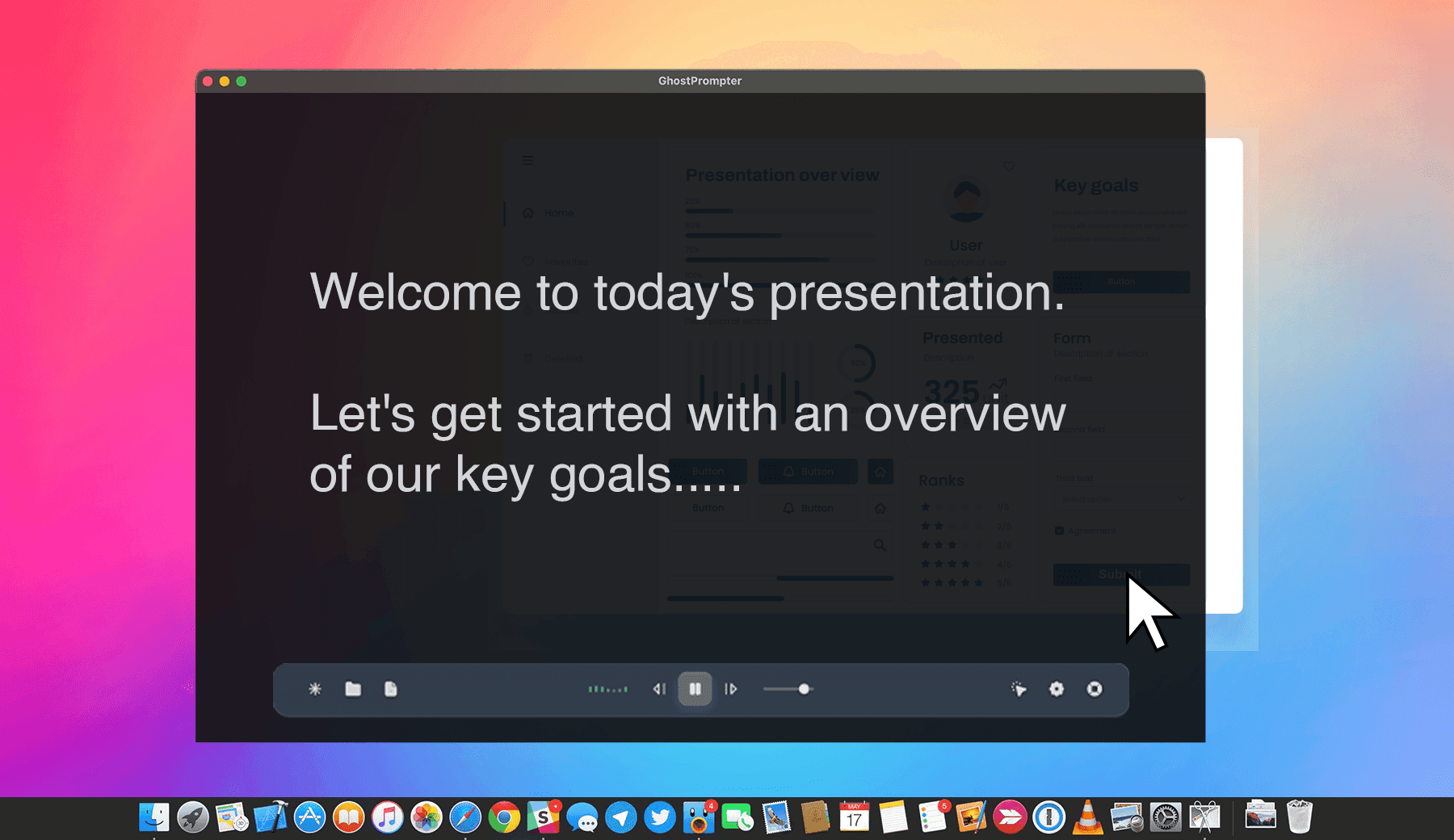
Unlike traditional teleprompters, GhostPrompter uses a transparent click-through overlay that stays above your applications without blocking interaction. Read your script while clicking, typing, changing slides, or presenting—without interrupting your workflow.
✨ Key Features
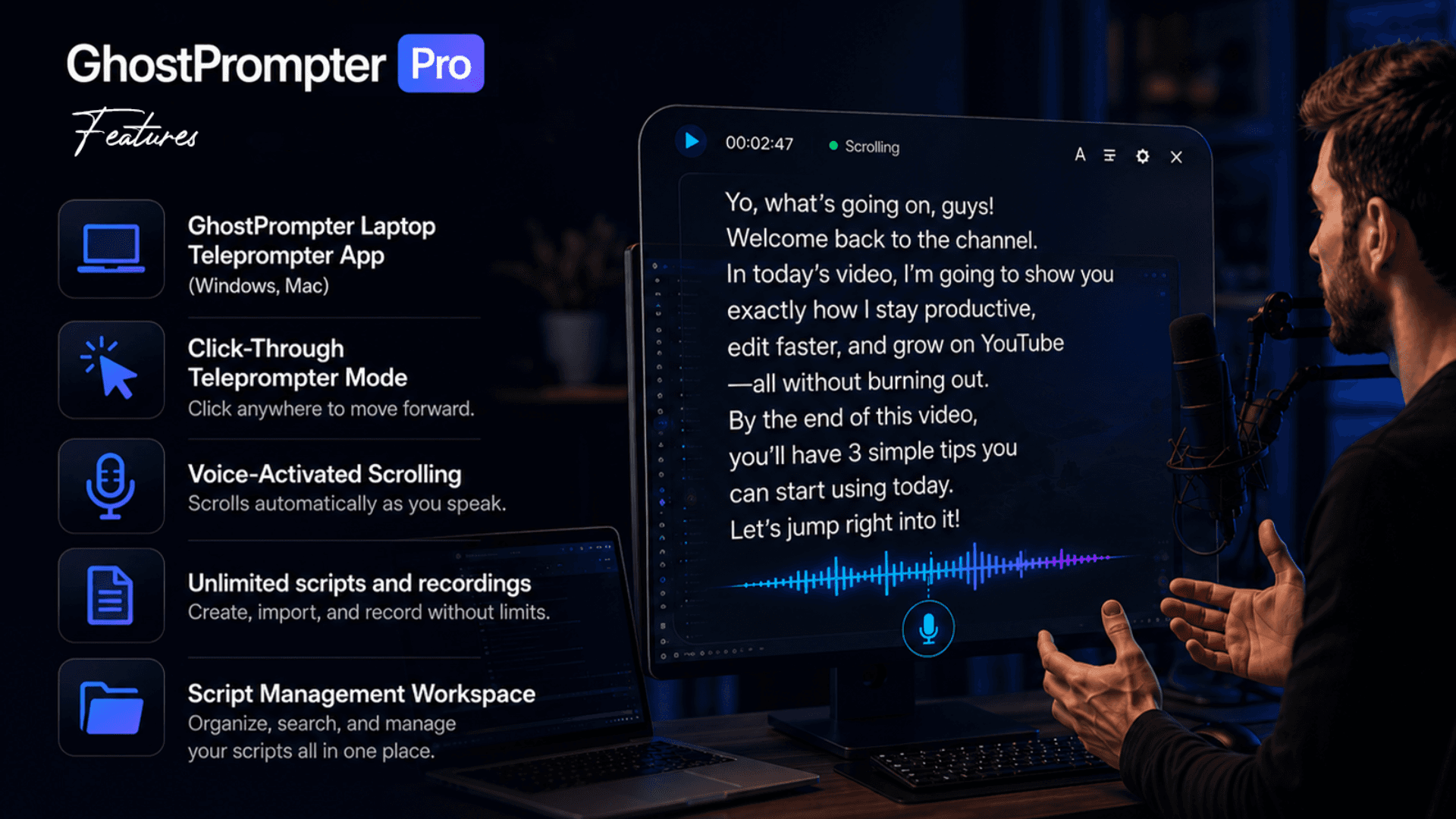
🎯 Click-Through Overlay Your script floats above any application while remaining completely click-through. Read naturally while interacting with Zoom, PowerPoint, browsers, IDEs, or any desktop app.
🎙️ Voice-Activated Auto Scroll Your script automatically follows your speaking pace, slowing down, pausing, or continuing as you talk—perfect for presentations, webinars, and recordings.
👻 Invisible in Screen Recordings Only you can see the teleprompter. It stays hidden from screen recordings, live streams, and video calls, making it ideal for OBS, Loom, Zoom, Teams, Google Meet, and more.
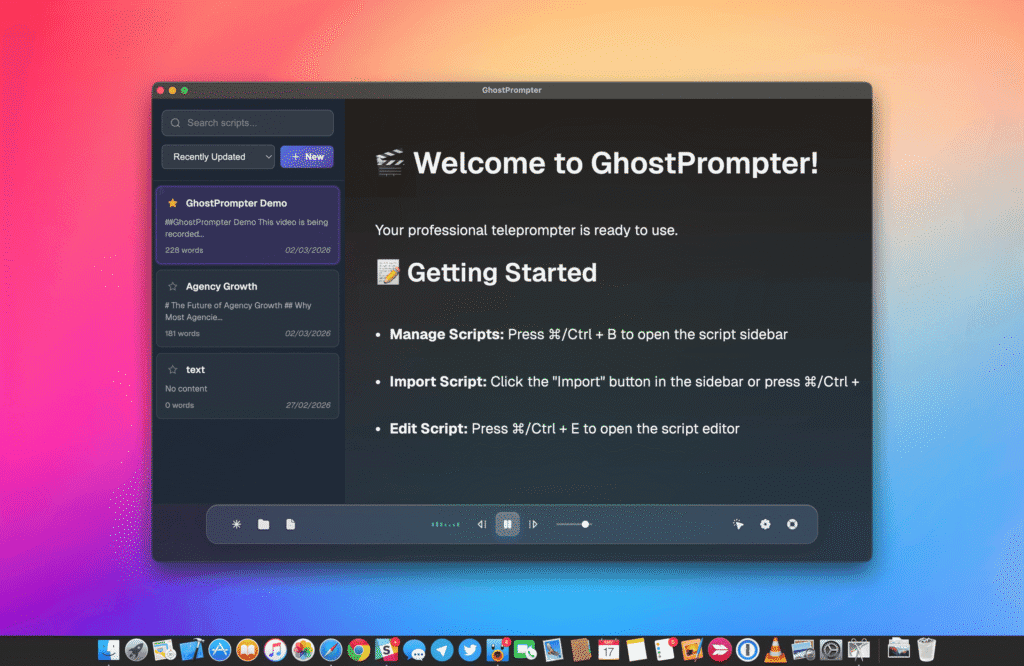
📝 Built-In Script Management Create, edit, organize, and save multiple scripts. Import text from anywhere and make changes without interrupting your workflow.
🎨 Fully Customizable Display Adjust font size, colors, transparency, positioning, line spacing, and scrolling speed to create the perfect reading experience.
🖥️ Built for Windows & macOS Native desktop applications with multi-monitor support, lightweight performance, and seamless compatibility with your favorite recording and presentation tools.
🔒 Private by Design Runs locally on your computer with no internet connection required. Your scripts stay on your device.
🚀 Get Started
Start your 14-day free trial—no credit card required—and experience a more natural, confident way to present, record, and screen share.
What GhostPrompter does that nothing else does
Read your script while clicking, typing, presenting, or demoing—thanks to a transparent click-through overlay that stays invisible in recordings and screen sharing.
Who GhostPrompter is for
Creators, educators, developers, founders, and presenters who want to look natural on camera without memorizing scripts.
Written up on SpacerrApps
Apps like GhostPrompter

Zipic0 clicks
Zipic compresses and converts images 100% on-device. Its zipic CLI returns per-file JSON, exit codes and supports --dry-run; the official Agent Skill runs batches from Claude Code or Codex.
Developer tools, Productivity, Photo and video

Preserve Chat0 clicks
Preserve Chat turns WhatsApp chat exports into clean, readable conversation pages you can share as a link. Open a TXT or ZIP export and share only what matters.
Productivity, Social, Utilities

Launchy0 clicks
Every week, a fresh batch of handpicked product launches. Launchy is a curated product launch platform that publishes a new batch of handpicked products every week.
Developer tools, Launch platforms, Productivity

Simple Voice Calculator0 clicks
A voice calculator app for iPhone, iPad and Apple Watch. Say "42.75 plus 19.99", watch the total update live and hear it read back. Free, no ads.
Productivity, Utilities, Mobile

LensUp Scanner0 clicks
LensUp Scanner is a free, browser-based document scanner that turns phone photos into clean, printable PDFs and includes ID-card copy and PDF tools; every tool is free and processes your files on your device.
Productivity, Utilities

Accsly VPS0 clicks
Free VPS, dedicated server and web hosting price comparison: thousands of providers, filters by price, country, CPU, RAM and payment method.
DevOps, Developer tools, Utilities
2 comments
Felix Brandt
What limits does the free plan have, and which features require a paid upgrade?
ELDHO BENNYMaker
The 14-day free trial includes full access to every feature—there are no feature restrictions or locked functionality. You can use Ghost Mode, Click-Through Mode, Transparent Overlay, and all other features exactly as they work in the full version. No credit card is required to start the trial. After the trial ends, you can purchase a one-time lifetime license if you decide it's the right fit.