


Image Describer
Analyze uploads or image URLs for descriptions, alt text, image prompts, and OCR in multiple languages. One free try without login; further usage is paid.
- Launched
- Clicks
- 6
- Category
- Image
- Runs on
- Web
- Pricing
- Paid
About Image Describer
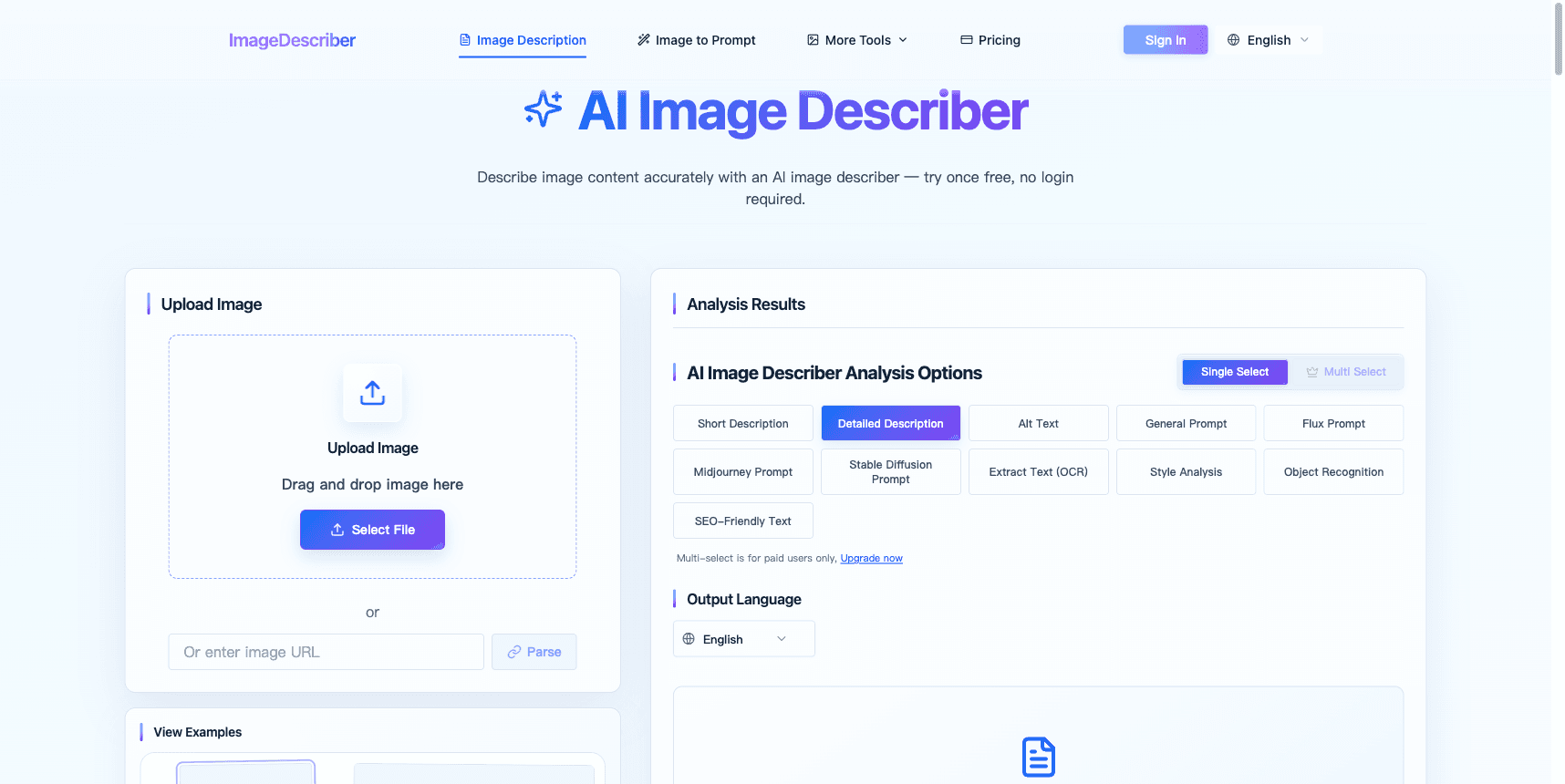
Image Describer is a browser-based image analysis tool for website editors, content creators, and designers. It turns visual material into text that can be reviewed and used in publishing or creative workflows. Users can upload an image or supply an image URL, select an analysis mode, and choose an output language.
The available workflows include image descriptions, alternative text, image generation prompts, and OCR text extraction. A website editor can draft alt text for an image; a creator can describe a visual reference or obtain a prompt for a separate image generator; and a user working with a screenshot can extract visible text. These are image analysis workflows, rather than image editing or image generation.
One free try is available without login, and additional usage is paid. The trial is limited rather than an unlimited free plan. Results are AI-generated, so users should check the wording, extracted text, and any inferred details before publishing. Avoid treating a generated description as independent proof of the objects, people, or context in an image. The official website is https://imagedescriber.dev.
For an editor preparing an article, the description mode provides a starting point for explaining what a picture shows. Alternative text should then be adjusted to suit the surrounding page and the purpose of the image. For a designer working from a reference, the prompt output can help turn visual elements into wording for a separate creative workflow. OCR is useful when the input contains visible written content, but the extracted characters still need checking. The output language setting lets users choose the language appropriate for their audience.
The product focuses on turning existing images into text. It does not promise that every inferred detail is correct, and it should not replace human review. It is suitable as a drafting aid for people who need descriptions, accessibility text, visual prompts, or text extraction rather than an image editor.
Written up on SpacerrApps
Apps like Image Describer

Heicjpg.online0 clicks
Converts iPhone HEIC/HEIF photos to JPG, PNG or PDF for free. No account, no premium plan, up to 60 files per batch, ZIP download.
Image, Utilities, Photo and video

Blur Background2 clicks
Blur photo backgrounds online, adjust blur strength, compare before and after, then download. Free Basic runs locally without sign-in or automatic upload. Optional paid credits unlock AI Refined processing.
Photo and video, Image

PromptImage0 clicks
Free AI image & video studio with a prompt library. Signup credits, Nano Banana, Flux, Veo — no card needed.
AI, Image, Photo and video

ApparelAI Studio3 clicks
Turn garment photos into studio-quality model images and videos. No studio, photographer or models needed. Start free.
AI, Photo and video, Image

Quotelyo.online0 clicks
Use free browser-based tools for SIP, compound interest, loan EMI, savings goals, budgeting, debt payoff, inflation and FD/RD. No sign-up required.
Finance

ServerDrop2 clicks
ServerDrop is a free site for discovering Discord servers across gaming, anime, art, music, tech and more. Server owners get custom profiles to show off their community. Free, works in the browser.
Social, Communication
1 comment
Lena Horvat
Can I choose a different output language for OCR than the language in the image?