


Keymap
Keymap is a macOS menubar app that shows every menu shortcut in the app you're using. Double-press ⌘ to summon the panel. Local and private.
- Launched
- Clicks
- 4
- Categories
- Productivity,Utilities,Developer tools
- Runs on
- macOS
- Pricing
- Free plan, paid upgrade
About Keymap
Keymap is a macOS menubar app that shows every menu shortcut in the app you're using. Double-press ⌘ to summon the panel. Local and private.
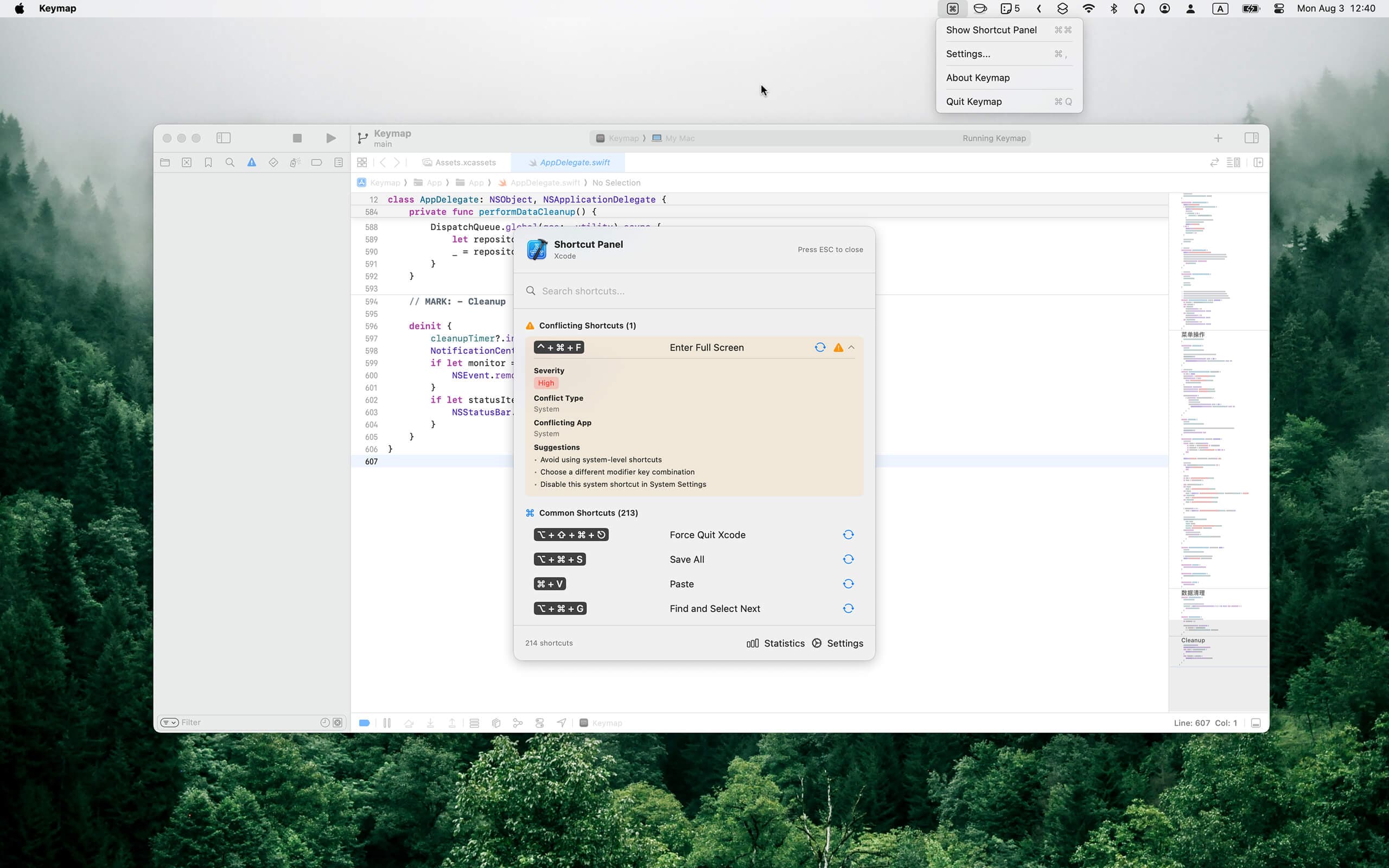
Keymap shows every menu shortcut in the app you're using. Double-press ⌘ to summon the panel. Spot conflicts. Remap keys. All local, all private.
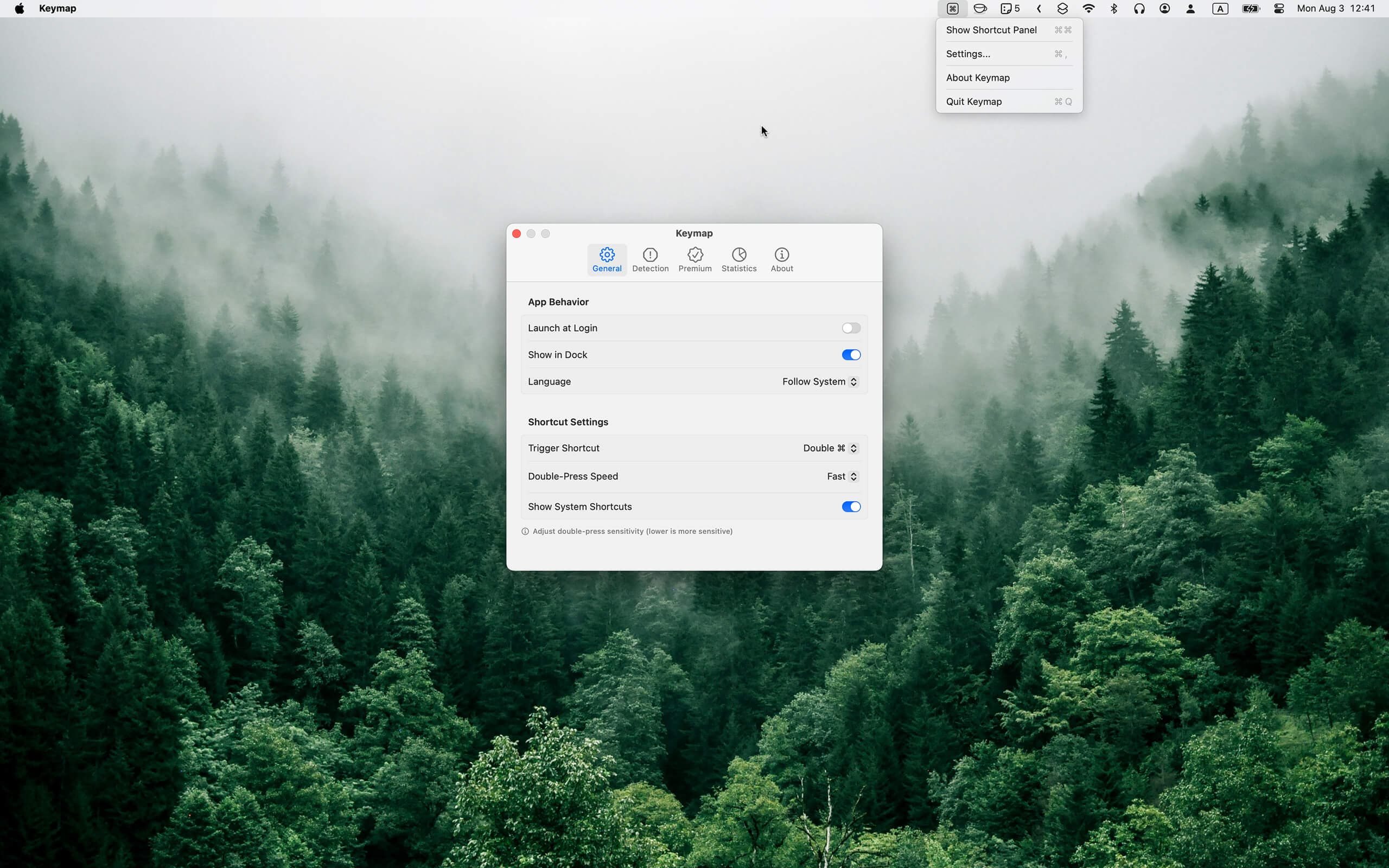
Summon a beautiful, searchable shortcut panel with two quick taps of the Command key. Works system-wide.
No manual setup. Keymap reads each app's menu bar and lists its shortcuts — in Safari, VS Code, Figma, anywhere.
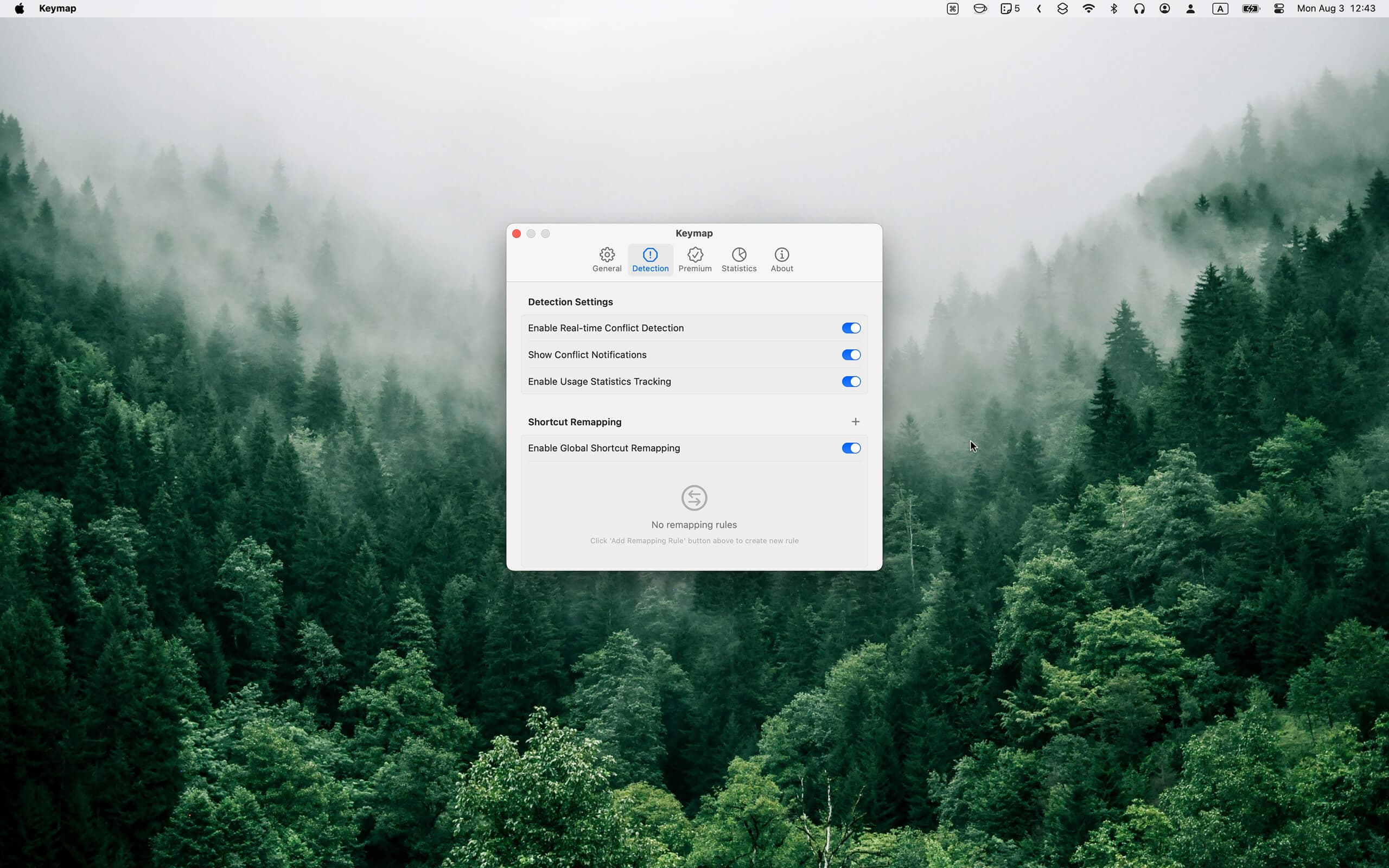
When two shortcuts collide, Keymap flags it with severity and fix suggestions — across app menus and your own remaps.
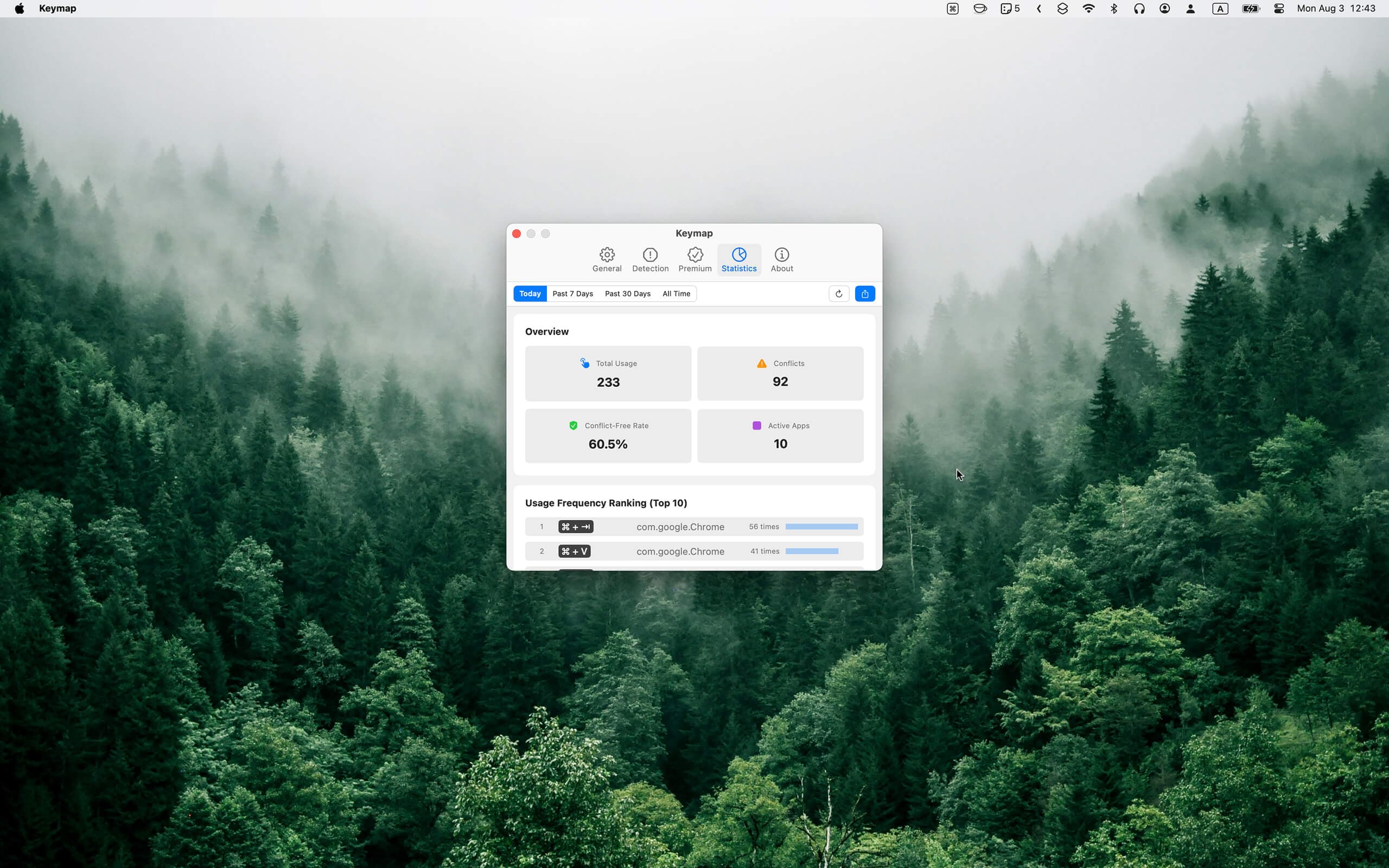
See which shortcuts you actually use and your conflict-free rate over time.
Remap shortcuts to any key combo, per-app or global. ⌘T → ⇧⌘T in one click. Loops and system-reserved keys like ⌘Q stay protected.
Search, inspect conflicts, or remap — without leaving your flow.
One-time payment. License key sent to your email instantly. Activate in Keymap → Settings → Premium.
Where does my data go? Nowhere. Keymap stores everything locally on your Mac. No account, no cloud, no telemetry.
How many Macs does one license cover? One license covers up to 3 of your personal Macs. Deactivate on one to move it to another.
What permissions are required? Accessibility access (required to read menus and detect keys). Revocable anytime in System Settings.
Does Keymap work with Electron apps? Yes — VS Code, Slack and Discord use standard native menus, so they work out of
Written up on SpacerrApps
Apps like Keymap

Zipic0 clicks
Zipic compresses and converts images 100% on-device. Its zipic CLI returns per-file JSON, exit codes and supports --dry-run; the official Agent Skill runs batches from Claude Code or Codex.
Developer tools, Productivity, Photo and video

Preserve Chat0 clicks
Preserve Chat turns WhatsApp chat exports into clean, readable conversation pages you can share as a link. Open a TXT or ZIP export and share only what matters.
Productivity, Social, Utilities

Launchy0 clicks
Every week, a fresh batch of handpicked product launches. Launchy is a curated product launch platform that publishes a new batch of handpicked products every week.
Developer tools, Launch platforms, Productivity

Simple Voice Calculator0 clicks
A voice calculator app for iPhone, iPad and Apple Watch. Say "42.75 plus 19.99", watch the total update live and hear it read back. Free, no ads.
Productivity, Utilities, Mobile

LensUp Scanner0 clicks
LensUp Scanner is a free, browser-based document scanner that turns phone photos into clean, printable PDFs and includes ID-card copy and PDF tools; every tool is free and processes your files on your device.
Productivity, Utilities

Accsly VPS0 clicks
Free VPS, dedicated server and web hosting price comparison: thousands of providers, filters by price, country, CPU, RAM and payment method.
DevOps, Developer tools, Utilities
2 comments
Marta Vidal
Can Keymap show shortcuts for apps that are not currently open, or only for the app in focus?
Tap FunMaker
Currently, Keymap shows shortcuts for the app that's in focus. It reads the app's menu bar dynamically, so switching apps automatically updates the shortcut panel.
It doesn't currently provide a standalone shortcut library for apps that aren't open.