


Moonshot
Record your screen, capture screenshots, and share by link. Turn recordings into AI summaries, action items, and bug reports for Linear and GitHub.
- Launched
- Clicks
- 6
- Categories
- Developer tools,Productivity,Photo and video
- Runs on
- macOS
- Pricing
- Free plan, paid upgrade
About Moonshot
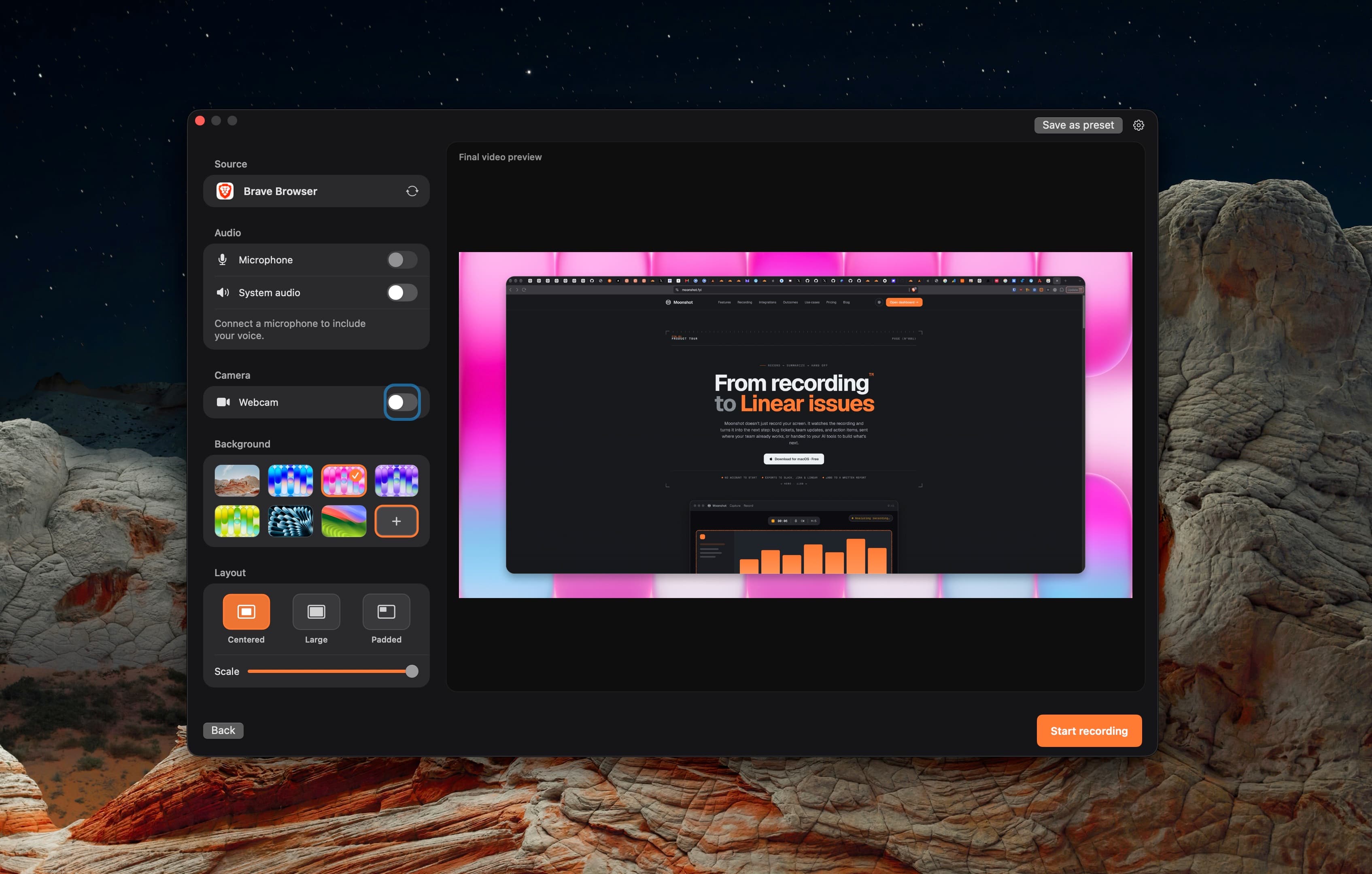
Moonshot is a native screen recording and screenshot app for macOS 15 or later on Apple silicon. Capture a screen, window, or selected area with microphone, system audio, and camera input.
Share recordings by link and turn them into AI summaries, action items, and bug reports. Send reports to Linear and GitHub. An MCP server lets AI clients search recordings and work with transcripts.
Moonshot is developed by 21 Media and offers free, Pro, and Team plans.
Who Moonshot is for
Developers and product teams sharing screen walkthroughs, visual feedback, and bug reports on Mac.
Written up on SpacerrApps
Apps like Moonshot

Zipic0 clicks
Zipic compresses and converts images 100% on-device. Its zipic CLI returns per-file JSON, exit codes and supports --dry-run; the official Agent Skill runs batches from Claude Code or Codex.
Developer tools, Productivity, Photo and video

Launchy0 clicks
Every week, a fresh batch of handpicked product launches. Launchy is a curated product launch platform that publishes a new batch of handpicked products every week.
Developer tools, Launch platforms, Productivity

ToolRoots1 clicks
Local alternatives to the tools you already pay for. Made in your country, hosted in your region, answering to your rules.
Developer tools, Productivity

Sellphotos.online0 clicks
An online store for event photographers. Upload with your watermark, share one link, and guests find their photos with a selfie and pay you directly.
Photo and video, E-commerce, Productivity

Yourdrive0 clicks
YourDrive is a self-hosted, Google Drive-style file manager with folders, drag-and-drop and a media timeline. Store files in your own S3, Azure, R2, MinIO or Wasabi bucket. Free for personal use.
Photo and video, Privacy, Productivity

QwickBridge0 clicks
Qwickbridge Sync connects QuickBooks Online and Desktop with business apps through custom integrations, reducing manual work and improving data accuracy.
Productivity, Developer tools, Open source
2 comments
Ines Moreau
Are recordings and transcripts processed locally on your Mac, or uploaded to your servers for AI summaries and MCP searches?
AnonymousMaker
Hi Ines! It depends on the feature. Recordings are saved locally, and standard transcription runs on your Mac using Apple’s on-device speech recognition. AI summaries use cloud processing: we send the transcript text and relevant capture context to our AI service, even if you haven’t uploaded the video. Choosing cloud transcription also sends the recording’s audio for processing.
When you upload a recording for sharing, its available transcript is stored on our servers. MCP searches run against that cloud library and return results or requested transcripts to the AI tool you’ve connected. So local recording and transcription can stay on your Mac, while AI summaries and MCP involve cloud services.