


PixDeer
Free image converter and private browser-based tools to convert, resize, compress, crop, create icons, or turn images into PDF. No sign-up, and supported source images are not uploaded to a PixDeer conversion s
About PixDeer
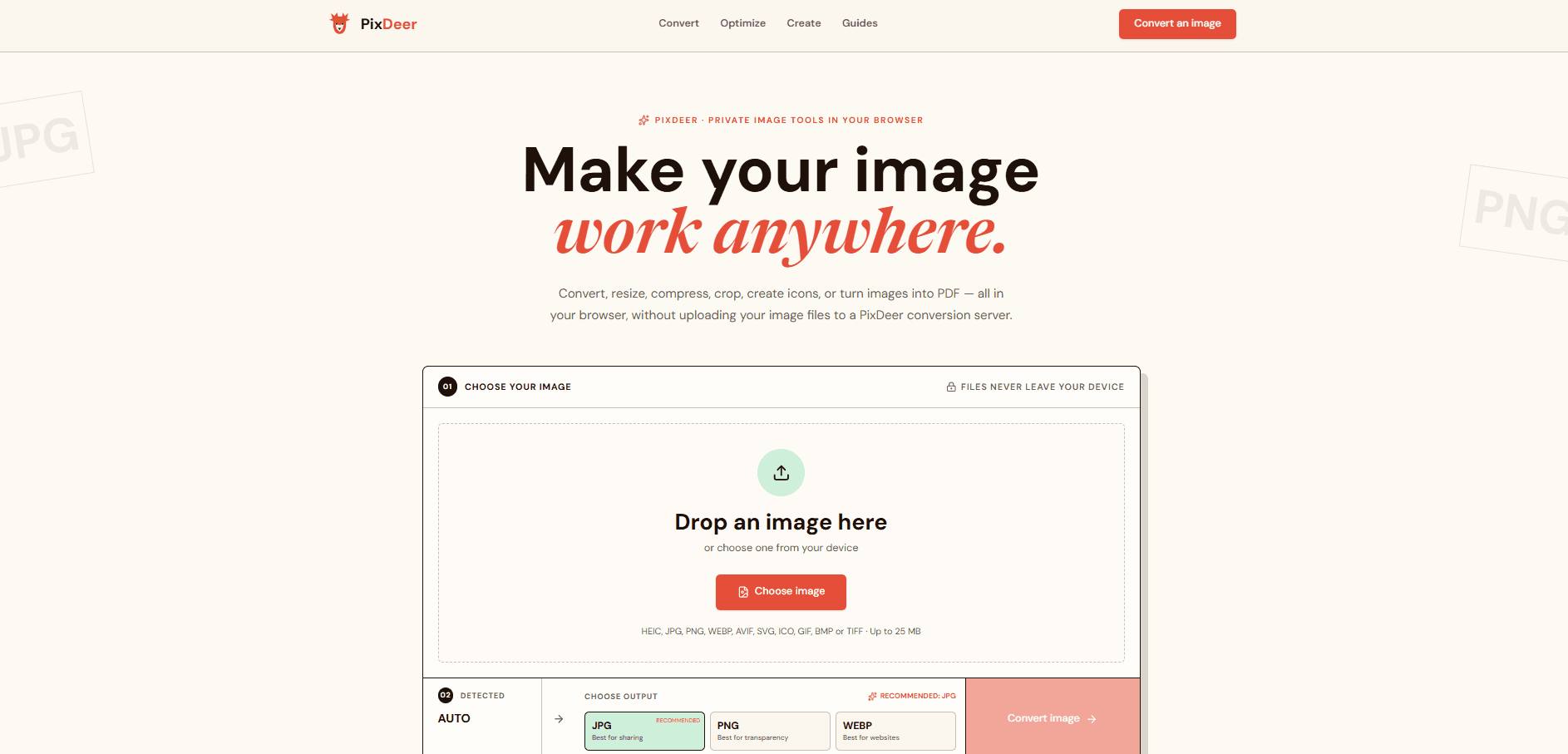
Free image converter and private browser-based tools to convert, resize, compress, crop, create icons, or turn images into PDF. No sign-up and no image uploads.
Convert, resize, compress, crop, create icons, or turn images into PDF — all in your browser, without uploading your image files to a PixDeer conversion server.
PixDeer opens and processes supported images inside your browser. The conversion flow does not upload the image file to a PixDeer conversion server.
The combinations people reach for most, ready in one click.
Supported image processing stays inside your browser.
Convert formats, optimize an image, or create a ready-to-use asset without hunting through a long directory.
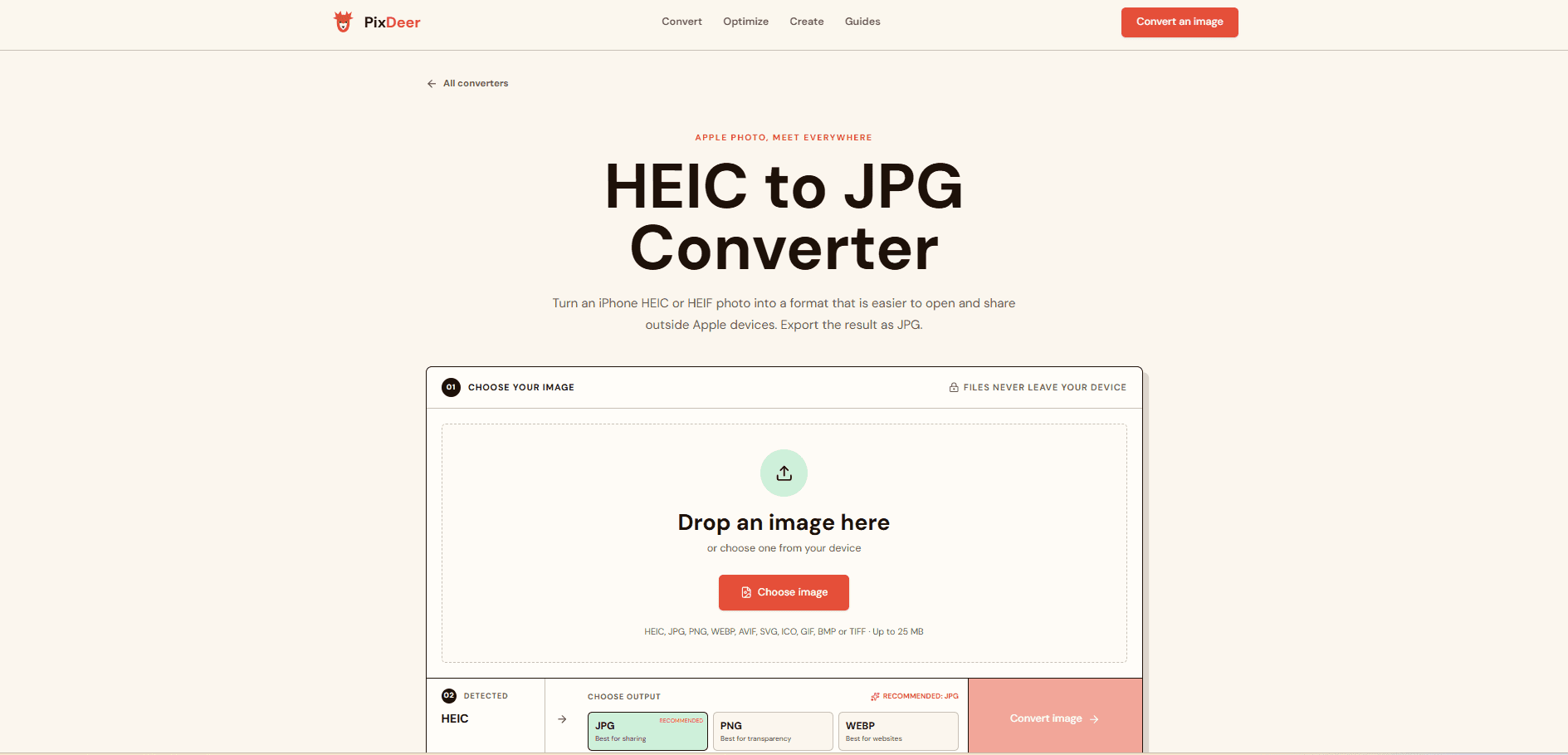
HEIC to JPG Create a familiar, easy-to-share photo file. PNG to JPG Create a familiar, easy-to-share photo file. WEBP to PNG Create a lossless PNG that older tools can open. GIF to JPG Create a familiar, easy-to-share photo file.
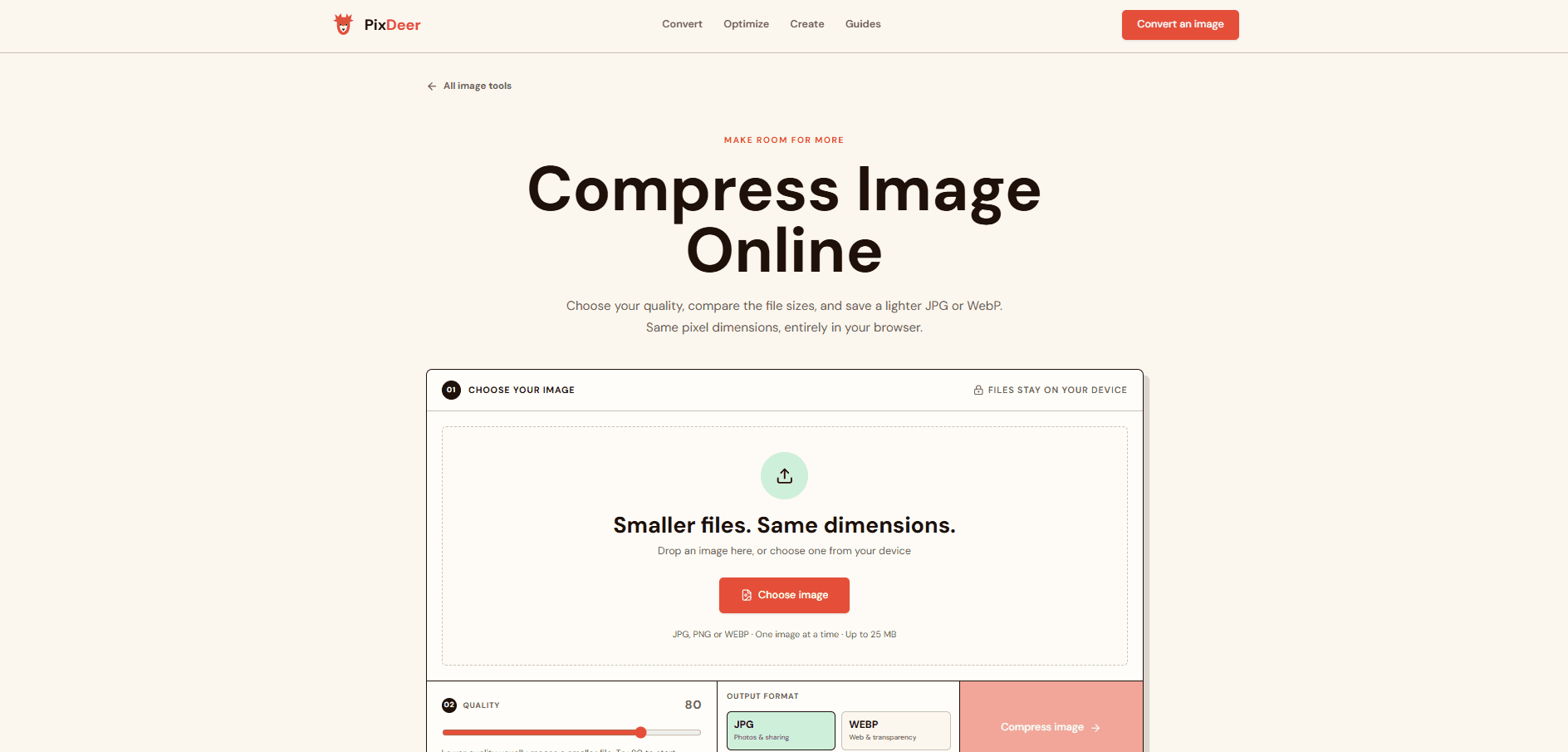
Compress Image Make JPG and WebP files lighter Resize Image Set exact width and height Crop Image Trim to the right frame
Favicon Generator Create website icon files App Icon Generator Prepare iOS and Android icon PNGs
Combine multiple images in the order you choose without uploading them to a conversion server.
You do not need to know the technical details. Start with what your image needs to do.
Small, universal files for sharing and publishing.
Efficient iPhone photos, but not supported everywhere.
High-quality image files common in archival and print wo
What PixDeer does that nothing else does
PixDeer combines everyday image tools in one place while processing supported source images locally in your browser, with no account required.
Who PixDeer is for
Anyone who needs to quickly convert, resize, compress, crop, or turn images into PDFs without creating an account or uploading source images to a conversion server.
Written up on SpacerrApps
Apps like PixDeer

MergePng0 clicks
Merge PNG, JPG, and WebP images side by side, vertically, or in a grid. Free, private, and no sign-up required.
Design, Image, Utilities

Convierte JPG0 clicks
Convierte imágenes WebP, PNG, HEIC, AVIF, JPEG, JFIF, SVG y TIFF a JPG gratis. Procesamiento privado en tu navegador y descarga rápida.
Utilities, Image, Photo and video

HelloMona0 clicks
HelloMona is an AI creative studio: start from a sentence or a photo, then generate, edit, upscale, remove a background, or make a short video.
AI, Design, Content creation

FrameTide0 clicks
FrameTide is a gallery for AI-made images and short videos, a place to look through visual work rather than a blank prompt box.
AI, Image, Photo and video

PromptGather0 clicks
PromptGather is an AI prompt library and generator for creating videos and images. Browse curated prompts, then generate with leading AI models in one place.
AI, Video, Image

小华听写 Xiaohua1 clicks
Listen to the word, read the pinyin, then handwrite it in the grid with stroke-order feedback. Freemium: free to start with no login. Built for Singapore primary school Chinese spelling.
Education, Utilities
1 comment
Viktor Lindqvist
Can PixDeer convert multiple images at once, or must each file be processed separately?