


Safe QR Scanner
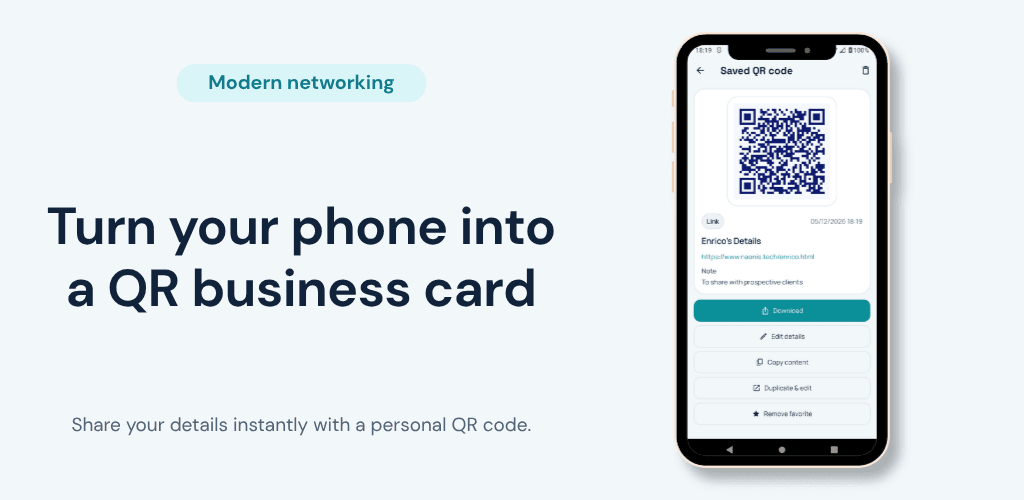
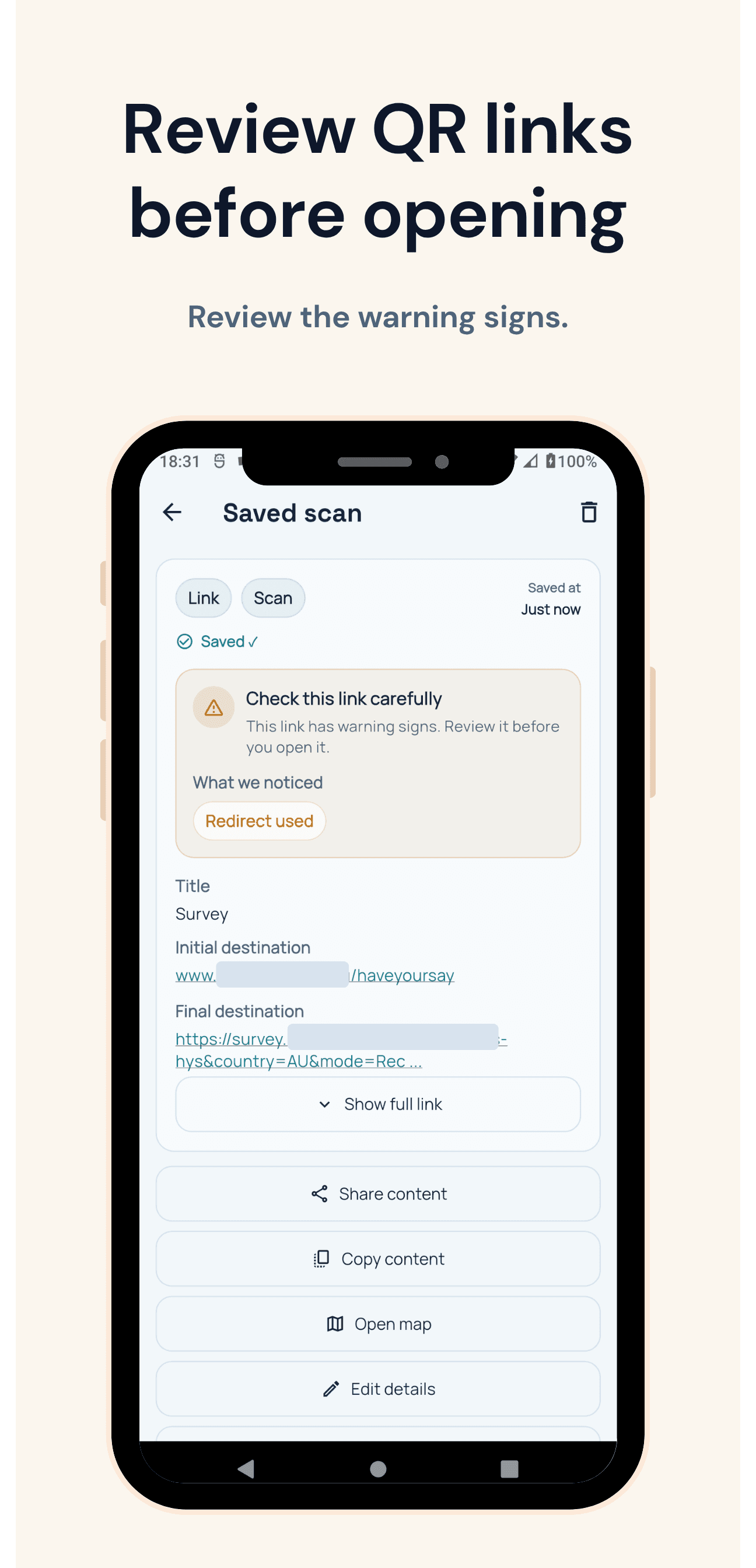
Share your QR business card, save contacts, and review links before opening so useful connections are easier to remember.
- Launched
- Clicks
- 6
- Categories
- Productivity,Mobile,Utilities
- Runs on
- Android
- Pricing
- Free plan, paid upgrade
About Safe QR Scanner
Share your details. Save theirs. Remember the conversation.
Safe QR Scanner helps consultants, recruiters, salespeople, freelancers, tradespeople, and small-business owners keep useful connections from disappearing after a meeting.
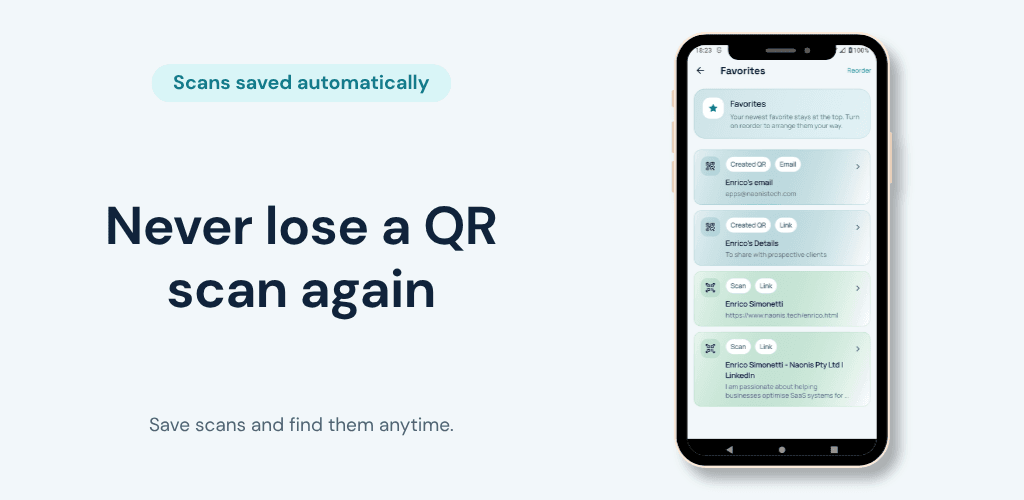
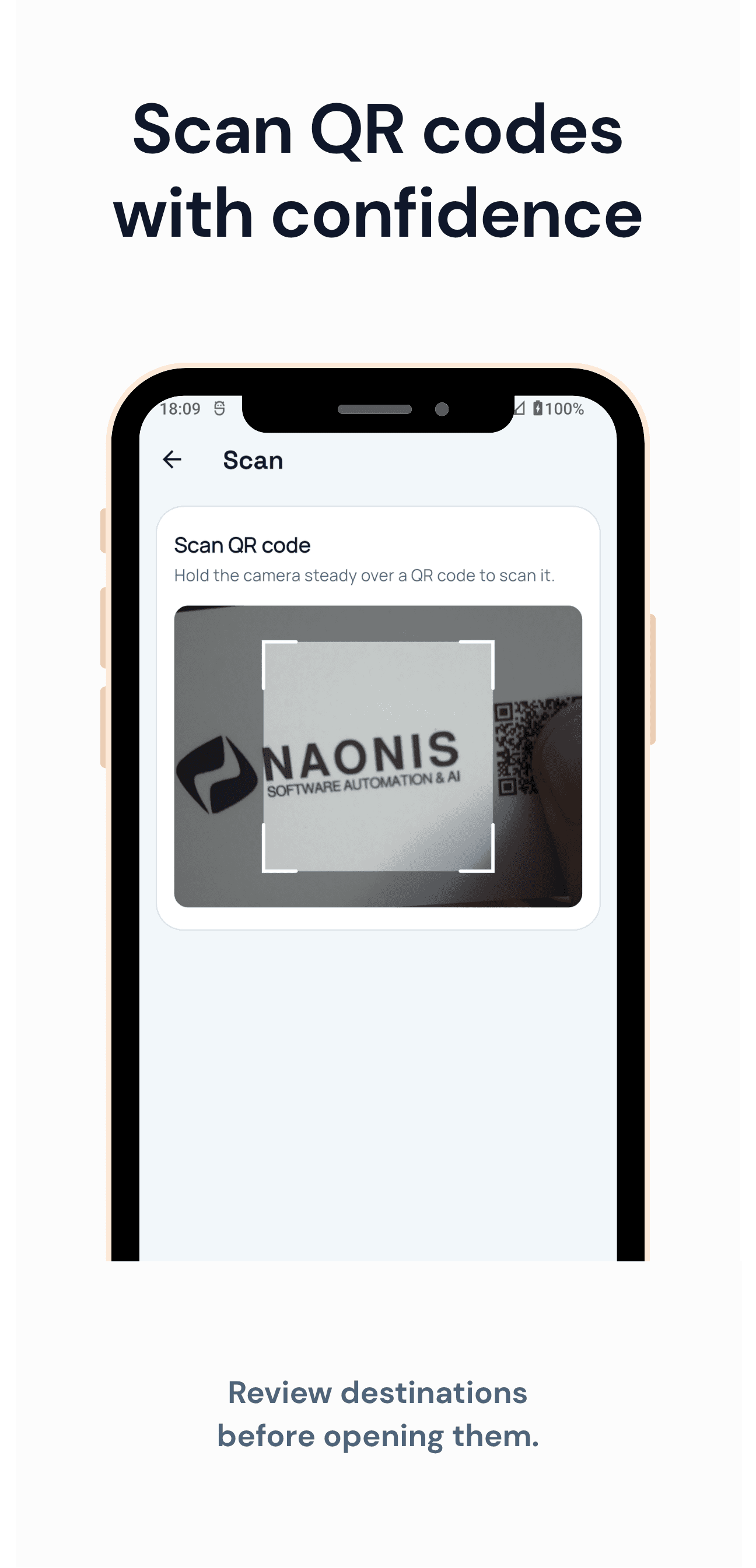
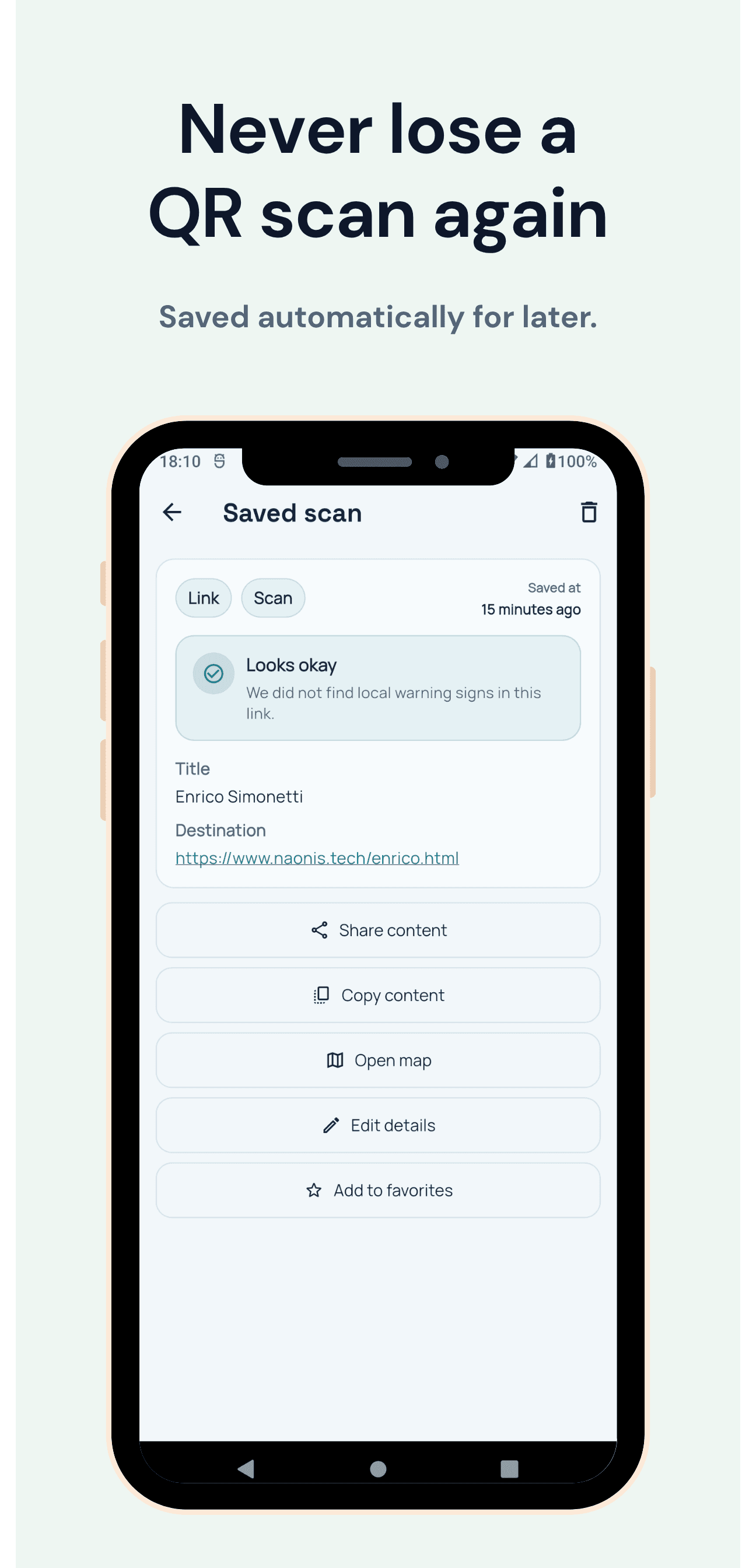
Create a QR business card from the details you choose. Scan someone else's contact details, review QR destinations before opening links, save contact details, and add private notes so you can return to the information later.
Most saved scans and notes remain on your device. Safe QR Scanner can help you inspect a QR destination, but no app can guarantee that every malicious link or scam will be detected.
Available on Google Play for Android: https://play.google.com/store/apps/details?id=com.naonistech.qrscan Website: https://www.naonistech.com/apps/virtual-business-card/
What Safe QR Scanner does that nothing else does
It keeps the details and context from a useful introduction together
Who Safe QR Scanner is for
Independent professionals and small-business owners who exchange contact details at meetings, events, and client visits.
Written up on SpacerrApps
Apps like Safe QR Scanner

RouteIQ13 clicks
RouteIQ assigns jobs, plans routes, and keeps dispatchers, drivers, and customers looking at the same live picture. Dispatch software for fleets of every size.
Productivity, Mobile

Honer AI4 clicks
Android AI assistant with chat, web search, photo and document analysis, and voice input.
AI, Productivity, Mobile

FloHub3 clicks
One calm place for your whole day — and a cat who actually gets it. Tasks, calendar, habits, notes and journal, guided by FloCat.
Productivity, AI, Mobile

Export Calendar - CSV & ICS0 clicks
Export Calendar lets you save selected calendar events to CSV or ICS for backups, spreadsheets, migration, and sharing. Everything is processed privately on your device.
Productivity, Utilities, Privacy

Nijia10 clicks
Understand what uses your Mac's storage—from System Data and caches to build artifacts and Git worktrees—then review what can be rebuilt before cleaning up.
Developer tools, Productivity, Utilities

2 comments
AnonymousMaker
Hi Zofia,
Thanks for the question!
Yes — with the Pro version, you can create a backup and restore it on another phone, including your saved contacts and private notes.
You can also export your data as a CSV file to open in Excel or similar applications, or use a webhook to send the information to another system.
With the free version, you can save each scanned contact directly to your phone's contacts. However, the private title and notes you add inside the app are not added to the phone contact.
If moving to a new phone is your main concern, I'd recommend trying the weekly Pro plan first to make sure it works the way you expect. If you're happy with it, the yearly Pro plan offers much better value.
Hope that helps!
Zofia Kowalska
Can I export saved contacts and private notes when I switch phones, or do they stay only on that device?