


SavorFit: Food Diary & Macros
A food diary for iPhone and iPad with a column for why you ate — Hunger, Habit, Emotions or Social — next to calories and macros. No streaks, no server, no account.
About SavorFit: Food Diary & Macros
SavorFit is a food diary for iPhone and iPad, built around a column most diaries don't have.
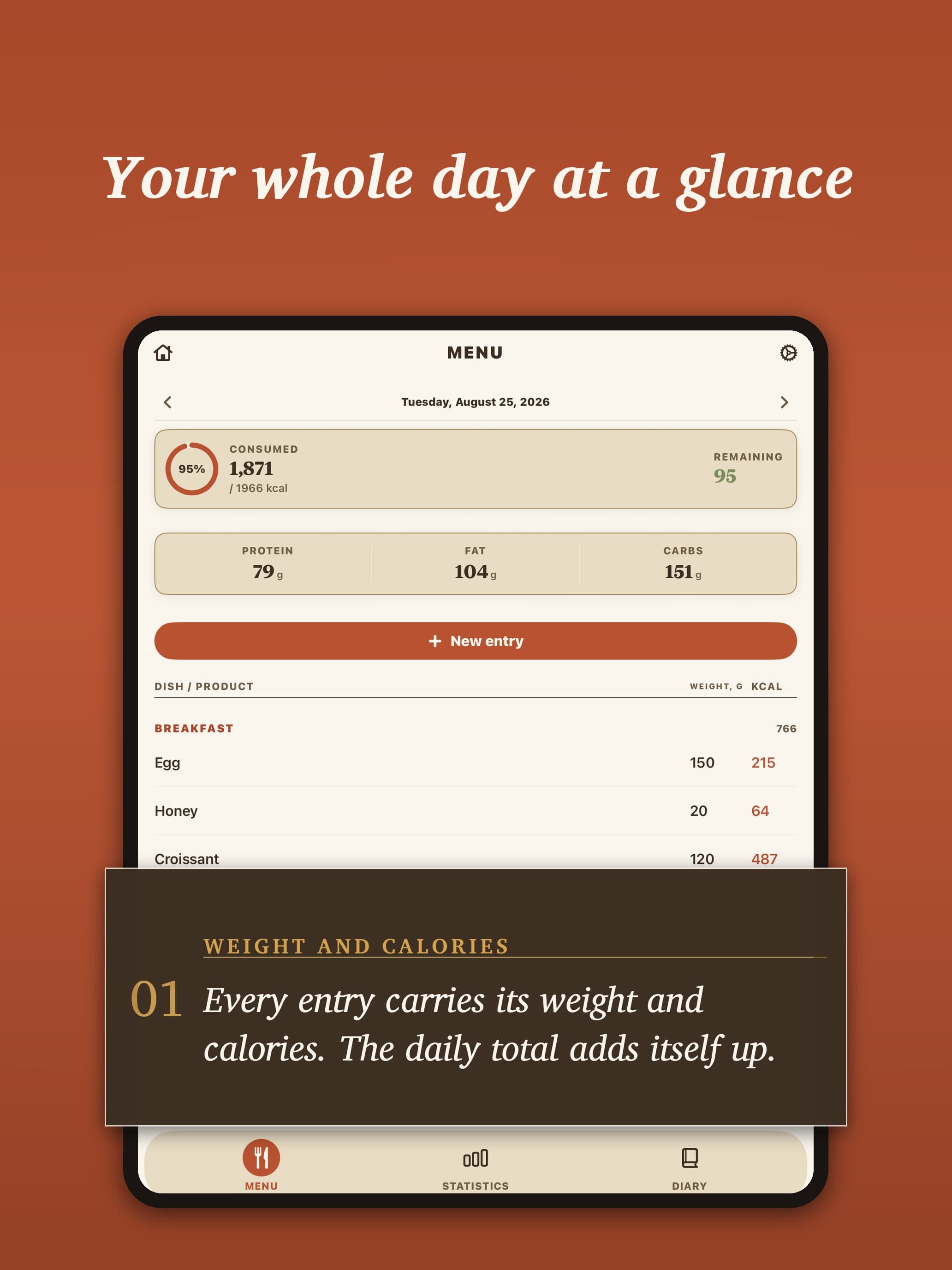
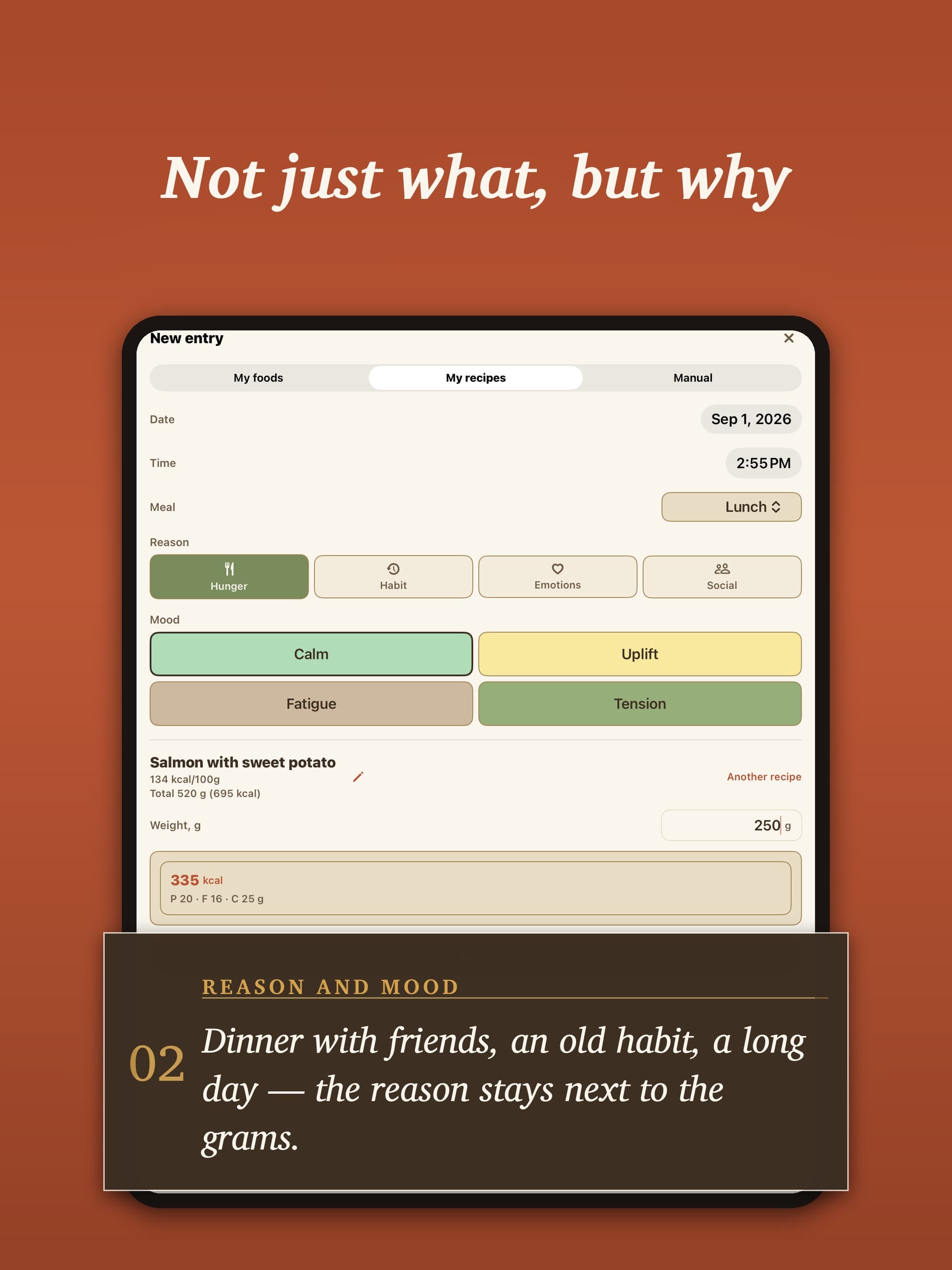
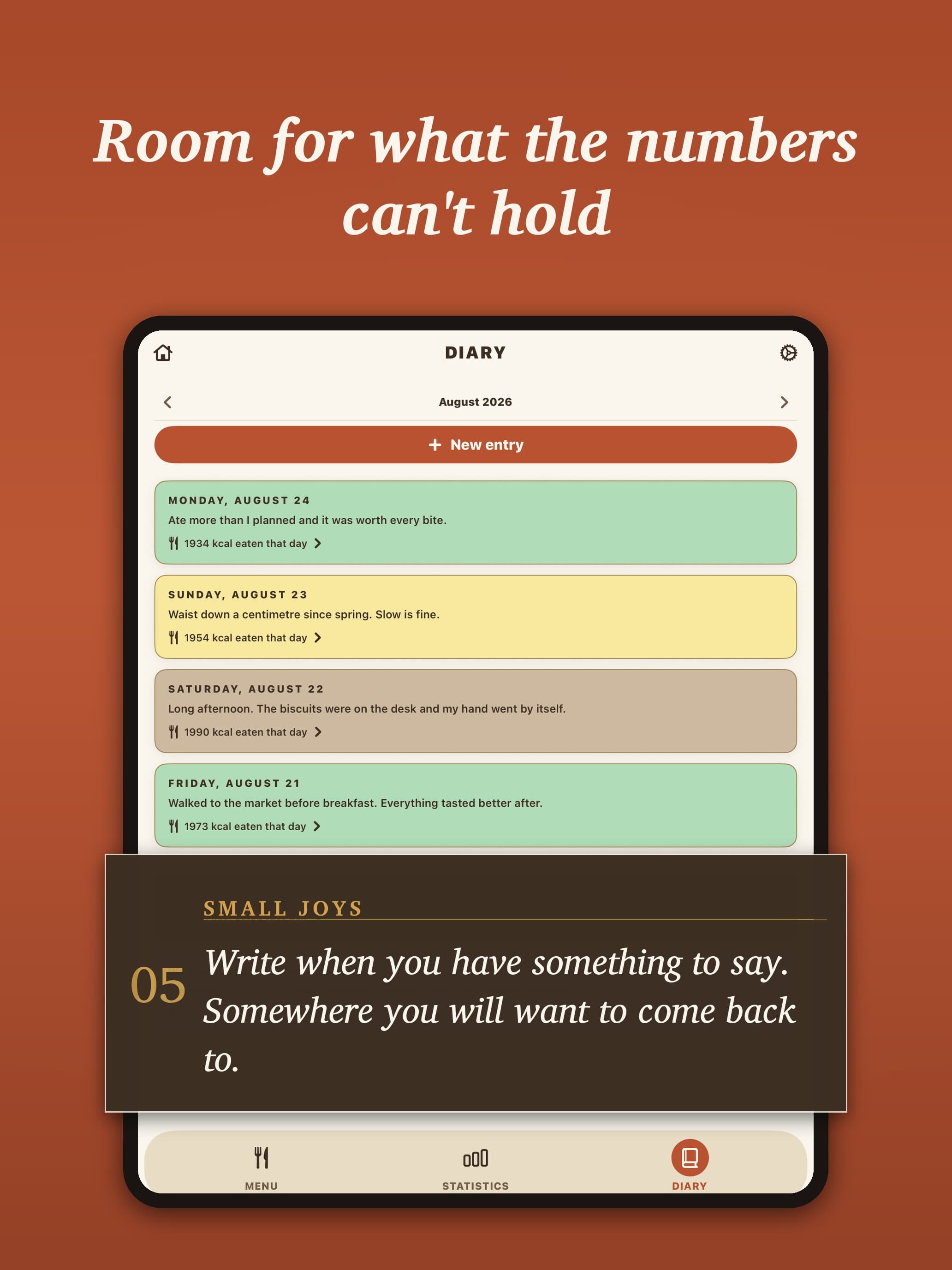
Every food diary has a column for how much. SavorFit has it too: calories, protein, fat and carbs, a daily target, and a library that builds itself from what you enter. What it adds is a column for why. Next to each meal you mark the Reason — Hunger, Habit, Emotions or Social — and the Mood you were in: Calm, Uplift, Fatigue or Tension. One tap each. After a few weeks the diary shows which meals were hunger and which were something else, and the pattern is on the screen rather than in your head.
It is for people who already know what they eat and want to understand when and why — not for anyone looking for a diet plan. SavorFit gives no diet, no verdict and no advice; the notes can go to a dietitian or a therapist, or stay with you.
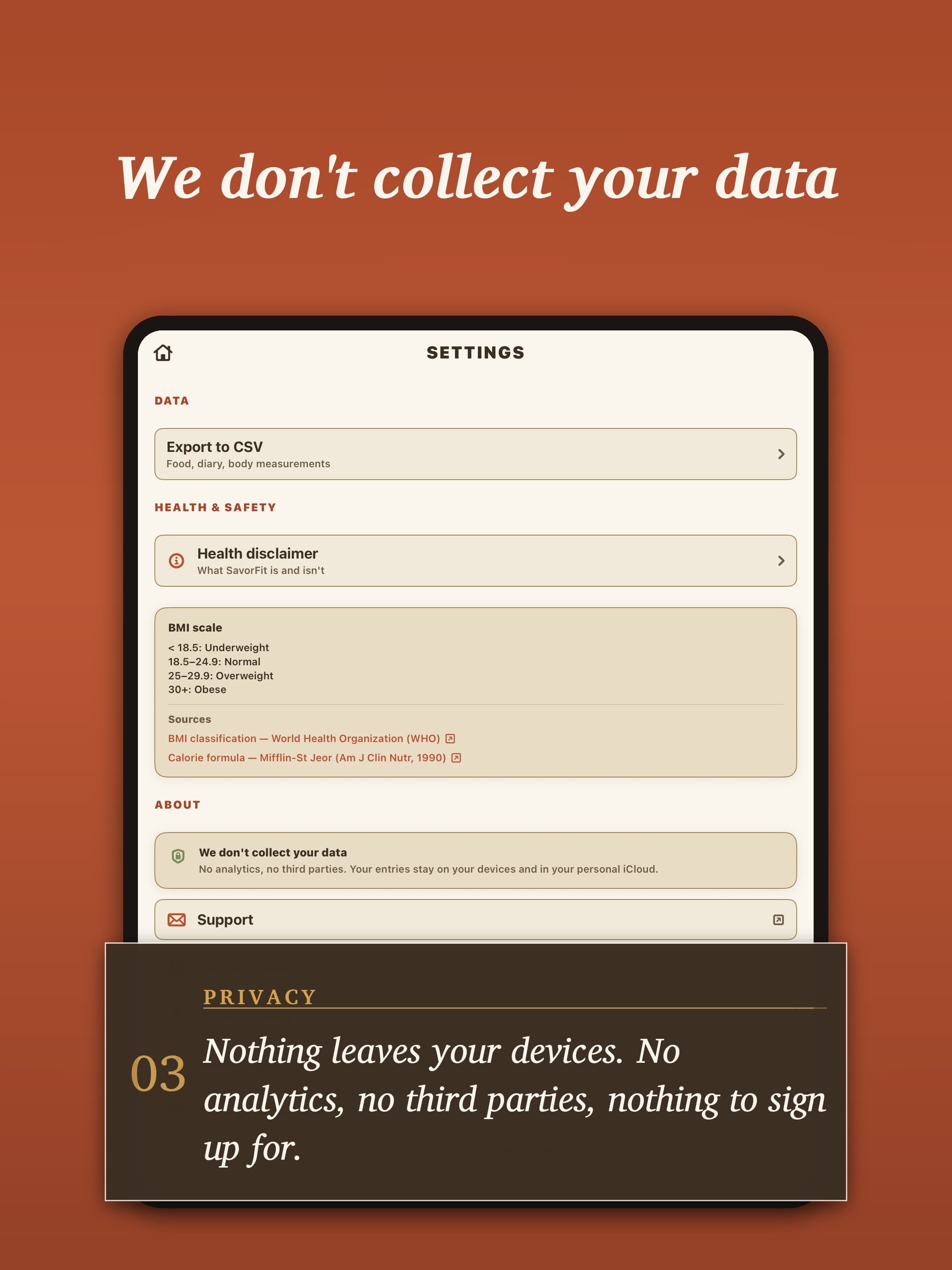
What it deliberately does not do: no streaks or badges, nothing that announces you failed. No built-in food database — you enter a food once, reading the label once, and the library grows from there. No Apple Health integration. No AI. No server and no account: entries stay on the device and sync through your own iCloud, encrypted before they leave it. The App Store privacy label reads: Data Not Collected.
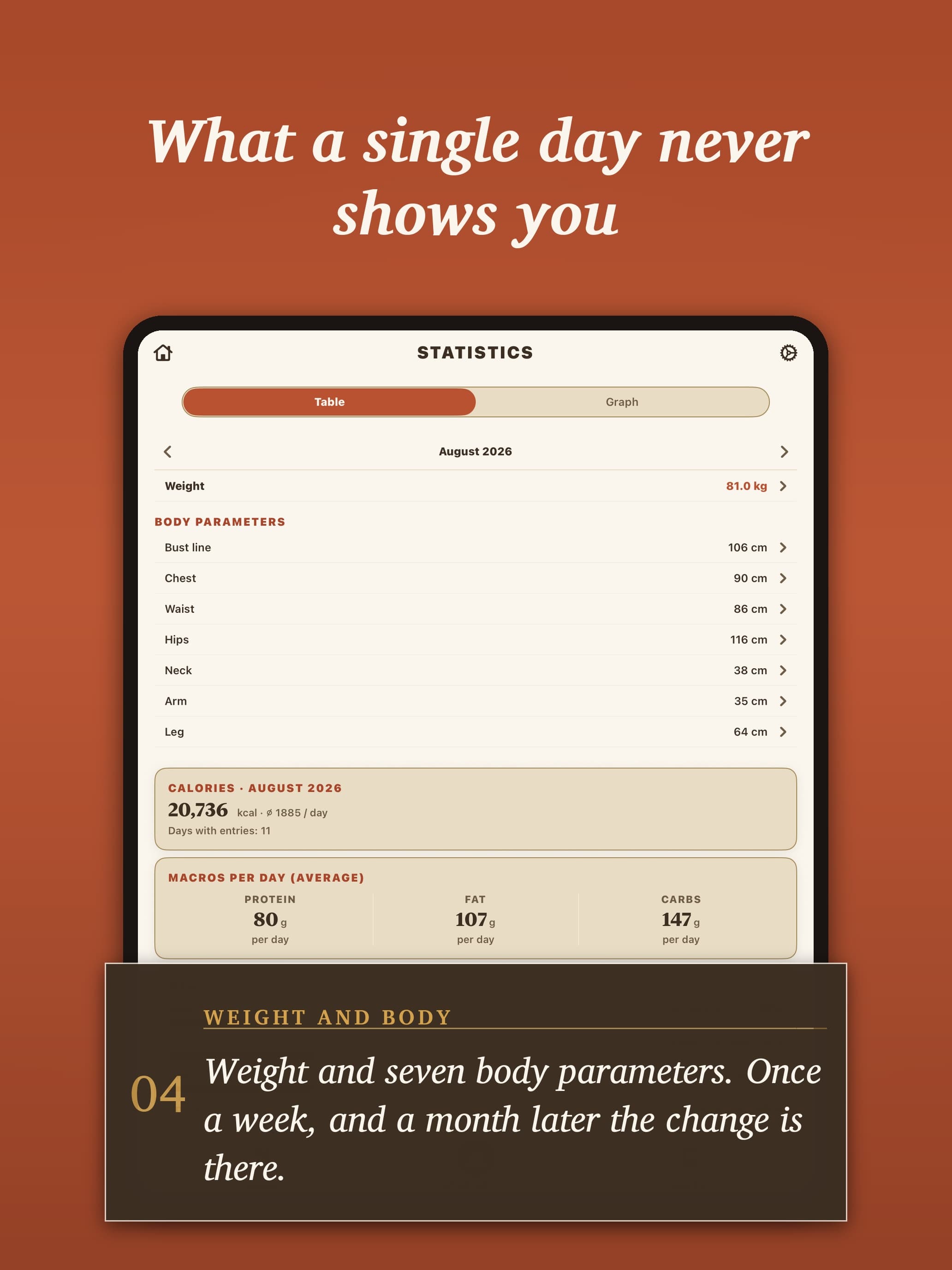
Free to read, paid to write: statistics, charts, the library, recipes, the calorie calculator, search and CSV export need no purchase; Premium unlocks creating entries — monthly, yearly or once for lifetime, with no free trial.
What SavorFit: Food Diary & Macros does that nothing else does
A Reason column next to every meal — Hunger, Habit, Emotions or Social — plus a Mood, so a month later you can see which meals were hunger and which were not.
Who SavorFit: Food Diary & Macros is for
People who already count calories and want to see when and why they eat, not only how much. Not for anyone looking for a diet plan or a food database to pick from.
Written up on SpacerrApps
Apps like SavorFit: Food Diary & Macros

Mivee0 clicks
Track calories, protein and macros, plan meals, and find recipes that fit your diet — from all-foods to vegetarian and vegan.
Health, Fitness, Food

Beanlog0 clicks
Coffee bean journal for iPhone and iPad: snap the bag, log roast level, rating and tasting notes, and every logged cup deducts from the remaining stock.
Food, Lifestyle, Mobile

Sprout: Know Yourself Better0 clicks
Self-help app with personality and wellbeing tests, plain-language results and practical exercises. Explore yourself through tests; use mood tracking for everyday reflection.
Health, Lifestyle, Mobile

Starbucks Calorie Calculator0 clicks
Free Starbucks calorie calculator. Pick a drink, size, milk and syrup pumps to see calories, sugar, caffeine and protein, checked against starbucks.com data.
Health, Food, Utilities

BatchMark0 clicks
BatchMark watermarks up to 100 photos at once on iPhone and iPad, with text, logo and tiled marks, plus art frames and Color Walk palette cards. No uploads, no ads.
Photo and video, Mobile, Utilities

FOX Tasks.0 clicks
Free iPhone planning for tasks, notes and daily goals. Personalise modules, layout, menu, colours, text and widgets. No ads, subscriptions or in-app purchases.
Productivity, Mobile
2 comments
AnonymousMaker
Yes. In Settings → Export to CSV you get three files — food entries, diary entries and body measurements — with your full history, not just the last month. Each meal keeps its reason and macros, and diary entries keep the mood. The files open in Excel, Numbers or Google Sheets, and export is free — no subscription needed.
Your data stays on your device and in your own iCloud; we never see it. So what you share, and with whom, is entirely your call.
Carmen Ruiz
Can I export the meal, reason, mood, and macro data to share with a dietitian or therapist?