


ShopWithEzz
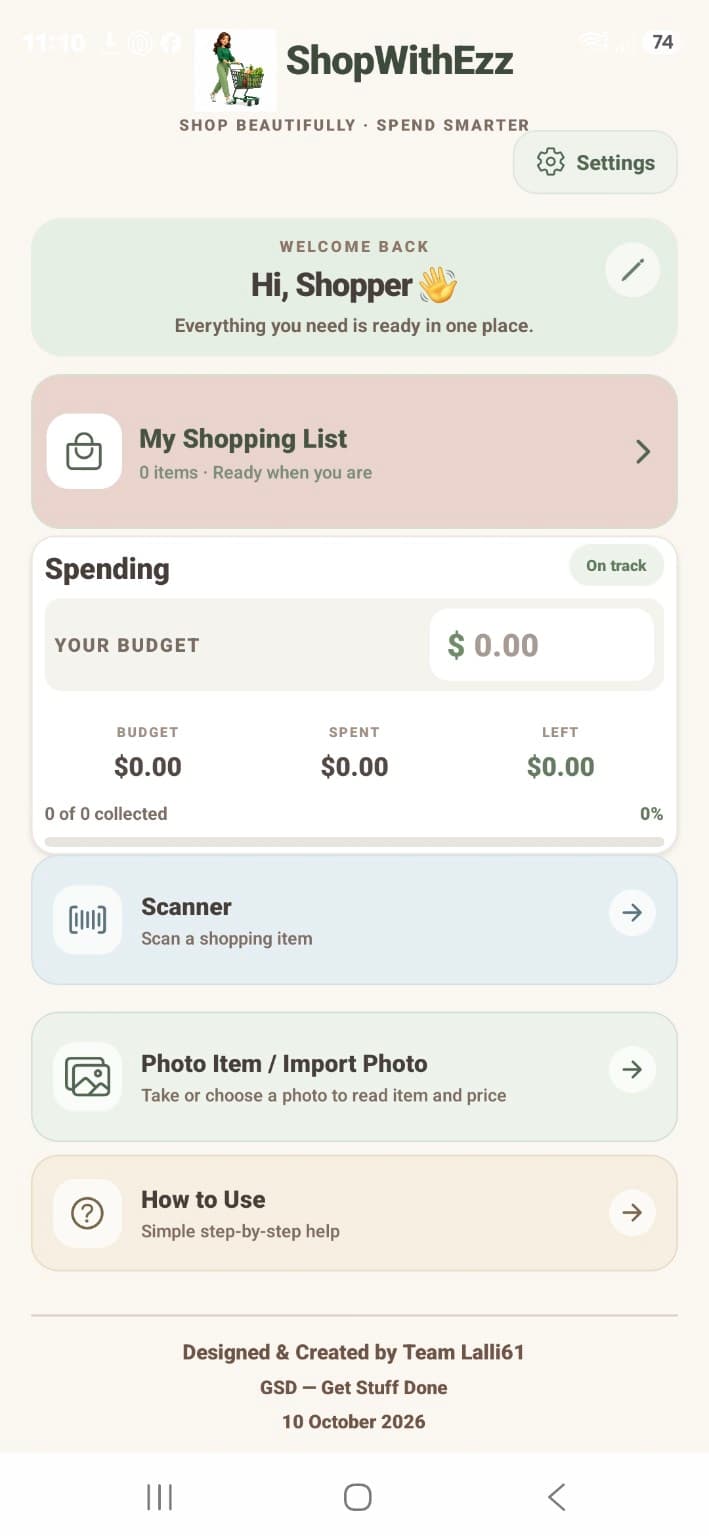
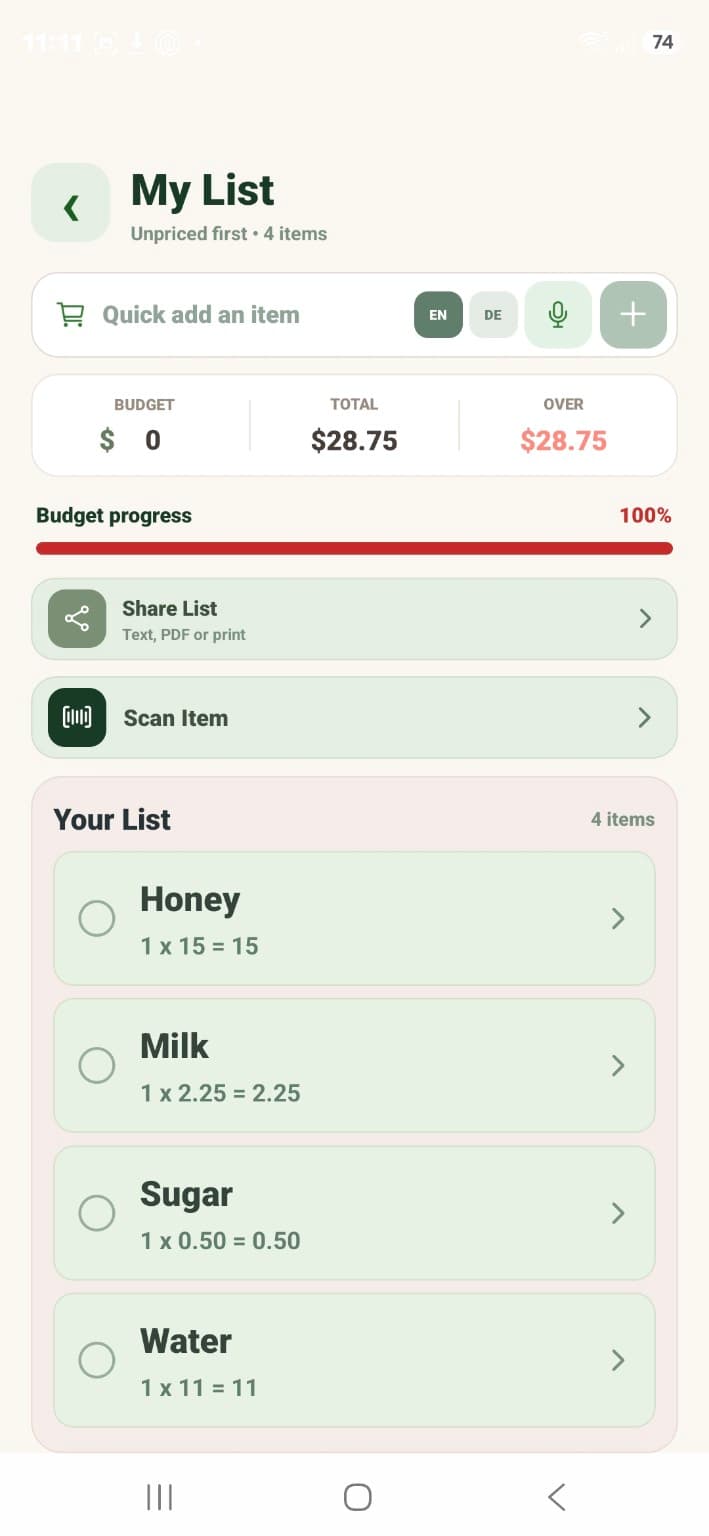
Create and share shopping lists, add items by voice, barcode or photo, track prices and totals, and stay closer to your budget.
About ShopWithEzz
ShopWithEzz is an Australian Android shopping companion built to make everyday shopping simpler and less stressful. Create and share shopping lists, add items by typing, voice, barcode or photo, record quantities and prices, watch your running total, set a budget and receive alerts when spending goes over it. All features are available for 31 days, with one year of full access available for A$35 and no automatic renewal. It is practical, easy to use and designed for real households that want everything organised in one place.
What ShopWithEzz does that nothing else does
It brings voice, barcode and photo entry, shared lists, live totals and budget alerts together in one straightforward shopping app.
Written up on SpacerrApps
Apps like ShopWithEzz

Amia2 clicks
Explore relationship patterns with free Blueprints, daily connection questions and guided voice sessions alone or together.
Lifestyle, Health, Mobile

TwinPhone2 clicks
Call landlines and mobiles in 145+ countries from Chrome, Edge, Firefox, Brave or Safari. US & Canada $0.02/min; other rates shown before you dial.
Communication, Lifestyle, Mobile

Sprout: Know Yourself Better0 clicks
Self-help app with personality and wellbeing tests, plain-language results and practical exercises. Explore yourself through tests; use mood tracking for everyday reflection.
Health, Lifestyle, Mobile

Weather Alerts7 clicks
Free Android app: set your own limits for rain, wind, heat, frost, snow, UV, air quality, smoke, aurora and storms per location, plus official warnings and route weather.
Utilities, Mobile, Lifestyle

Wear Almanac2 clicks
Stuck on what to wear? Wear Almanac has 400+ outfit ideas for women and men — jeans, jackets, dresses, shoes and more. Find a look that works.
Lifestyle, Shopping, AI

Well Stockd2 clicks
Track what’s in the fridge, get a reminder before it goes off, and see the recipes you can make right now.
Food, Lifestyle, Shopping
2 comments
Dan Whitfield
When I add an item by photo, does ShopWithEzz identify it automatically or do I need to enter the details?
Ralf SchmidtMaker
Hi Dan, thanks for asking. Take a clear photo showing the item and its price tag, and ShopWithEzz will try to pick up the details for you. You can review and edit them before adding the item to your list.