


Takeoff Field Tools
Turn construction plans and calibrated photos into measured scope, consistent pricing, reviewable estimates, and reusable estimating knowledge on Windows. $79 once, no subscription.
- Launched
- Clicks
- 2
- Categories
- Productivity,Utilities,Data
- Runs on
- Windows
- Pricing
- Paid
About Takeoff Field Tools
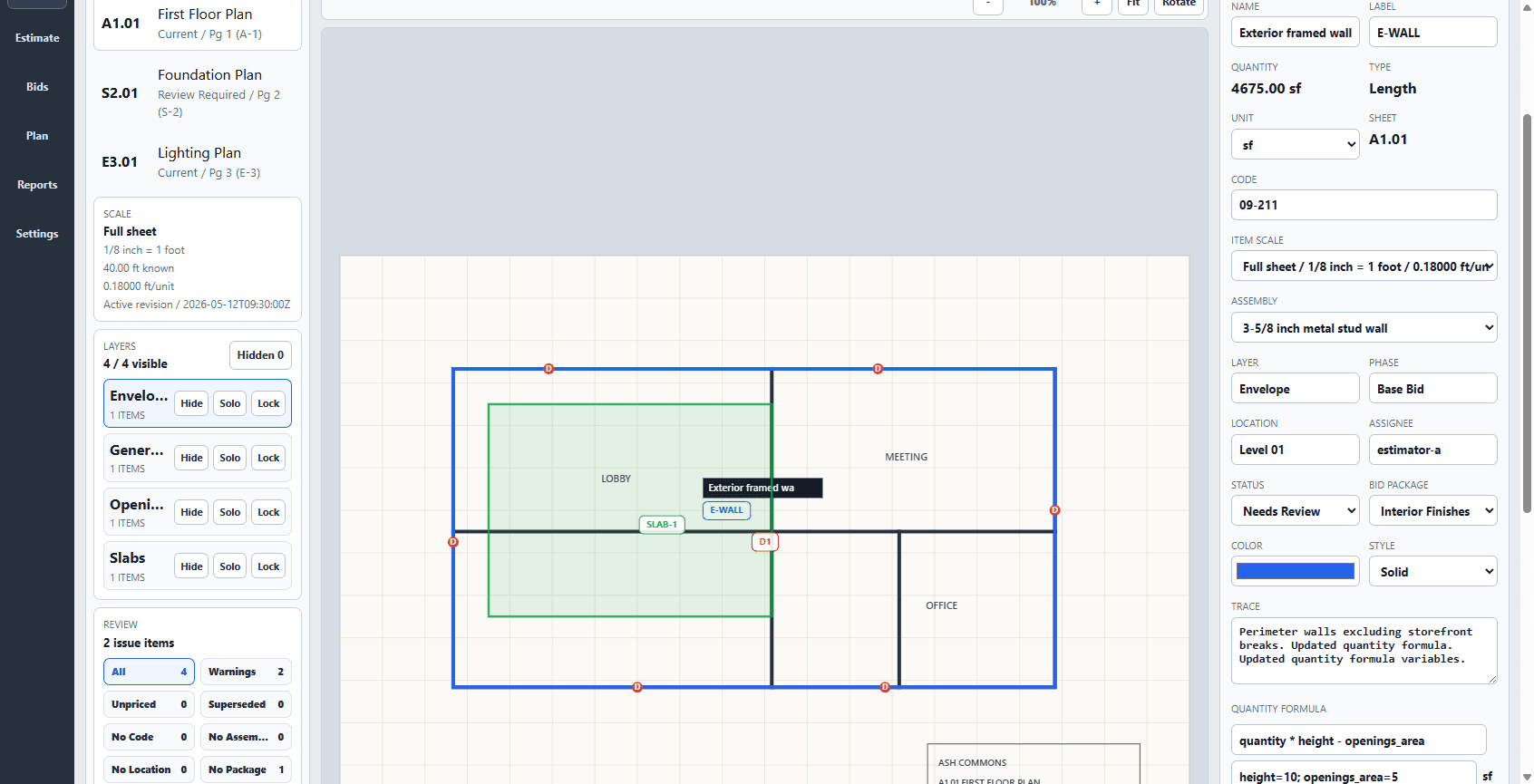
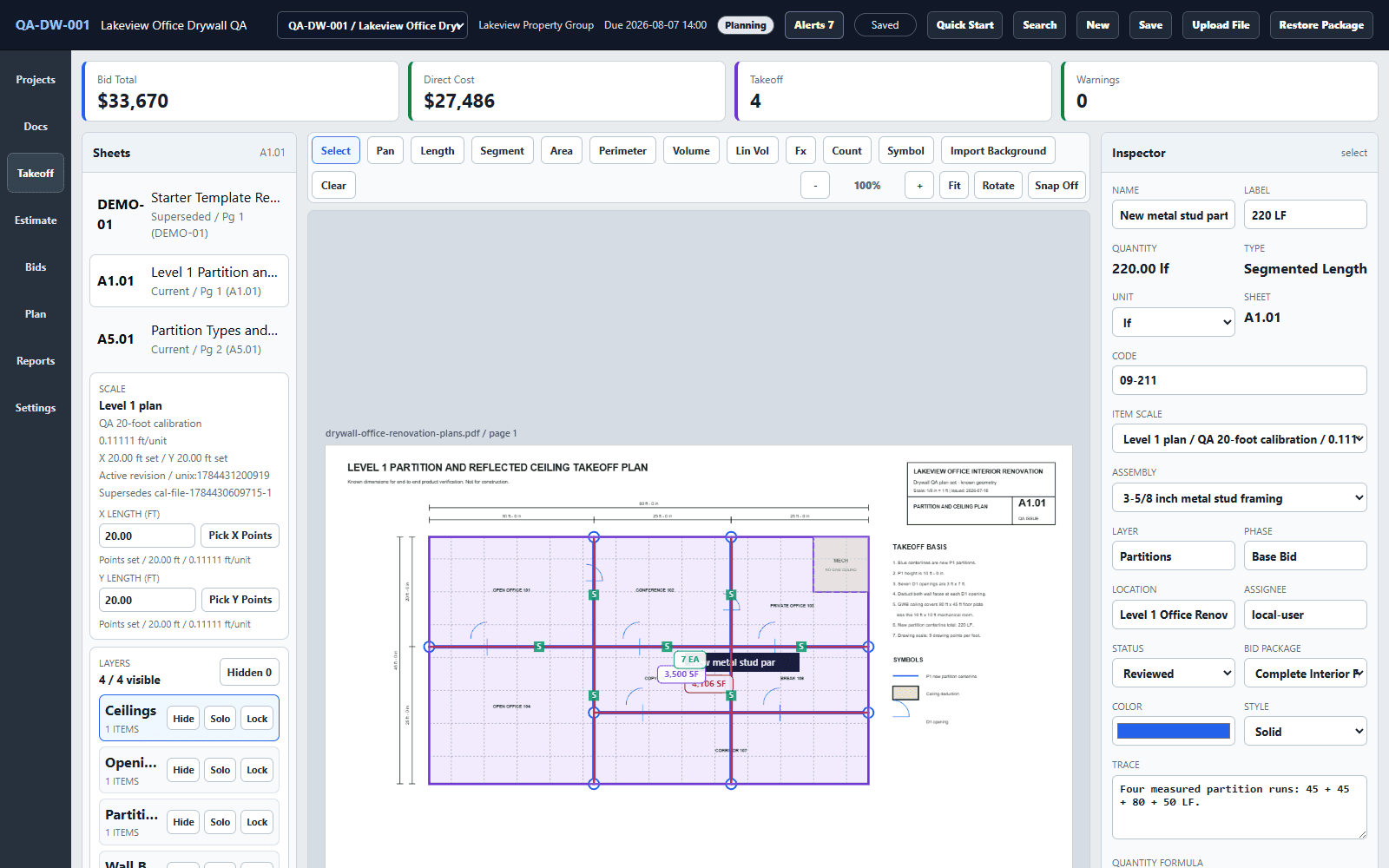
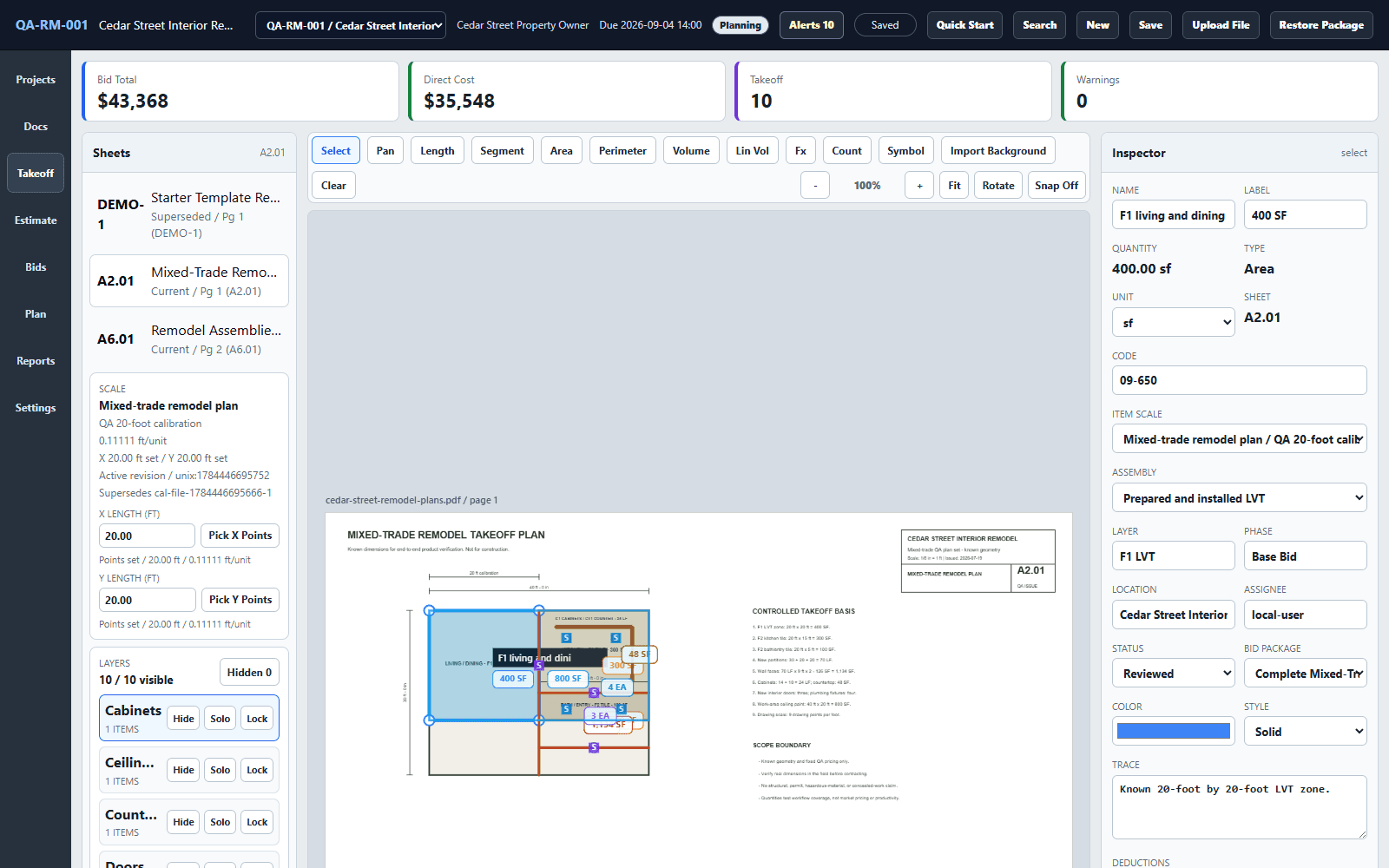
Takeoff Field Tools connects construction measurement, estimating, bid review, communication, and reuse in one local Windows workflow.
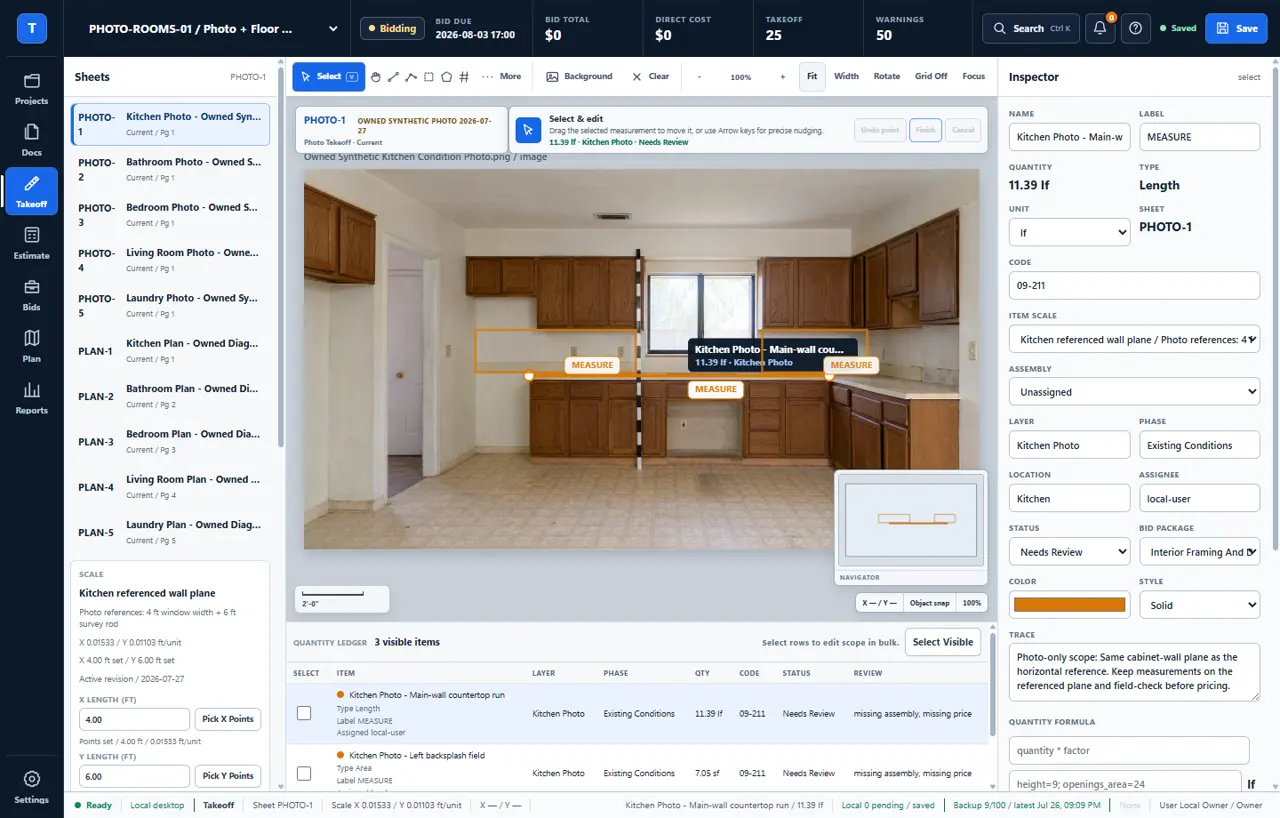
Import a PDF plan, floorplan, or supported image and calibrate it from a reliable dimension. Measure counts, lengths, segments, perimeters, areas, and volumes while keeping quantities tied to the source. Apply reusable items, assemblies, costs, waste, labor, overhead, and profit; inspect visible assumptions and warnings; then save the bid version and prepare proposals, workbooks, quantity reports, exports, backups, and complete project packages.
The product is designed for owner-estimators, small contractors, specialty trades, remodelers, and rehab investors who need an inspectable path from drawing or photograph to priced scope. Projects, plans, estimates, and reusable estimating setup stay on the Windows PC, and core work remains available offline after installation.
Takeoff is intentionally focused. It is Windows-only and does not provide a browser workspace, hosted realtime collaboration, mobile apps, automatic AI takeoff, or general-purpose PDF editing. Photograph-based measurements require a reliable reference, clear geometry, and field verification. Users remain responsible for plan scale, scope, pricing, waste, labor, taxes, code, and site conditions.
Takeoff v1 is $79 once for one named user on up to two Windows PCs, with all v1 updates and a 30-day money-back guarantee. There is no subscription. The current setup and application are Authenticode-signed, and five synthetic practice-plan sets with published answer checks are available free before purchase.
Who Takeoff Field Tools is for
Owner-estimators, small contractors, specialty trades, remodelers, and rehab investors who want an inspectable local Windows plan-to-bid workflow.
Written up on SpacerrApps
Apps like Takeoff Field Tools

Nijia10 clicks
Understand what uses your Mac's storage—from System Data and caches to build artifacts and Git worktrees—then review what can be rebuilt before cleaning up.
Developer tools, Productivity, Utilities

Memoe7 clicks
Hold one key from any app, say it, and Moe answers out loud. You can also type. Uses the ChatGPT or Claude plan you already pay for.
Productivity, AI, Utilities

Export Calendar - CSV & ICS0 clicks
Export Calendar lets you save selected calendar events to CSV or ICS for backups, spreadsheets, migration, and sharing. Everything is processed privately on your device.
Productivity, Utilities, Privacy

Strata17 clicks
Mac disk cleaner: see what fills your disk, clear junk, backups and System Data to the Trash. macOS 13+, universal. 14-day free trial, $9.99 once.
Productivity, Utilities

Top Proxy1 clicks
Top Proxy is an international proxy marketplace to compare mobile, residential and datacenter IPv4/IPv6 providers by price and tech facts.
Productivity, Utilities

Nonprofit Audit Changes by State for CPA Firms0 clicks
Auditor changes, first single audits, threshold entries and findings from public FAC data for CPA firms in any US state. Every row links to its source.
Productivity, Finance, Data
Discussion
Nothing here yet. Be the first to say something about Takeoff Field Tools.