


Tellie
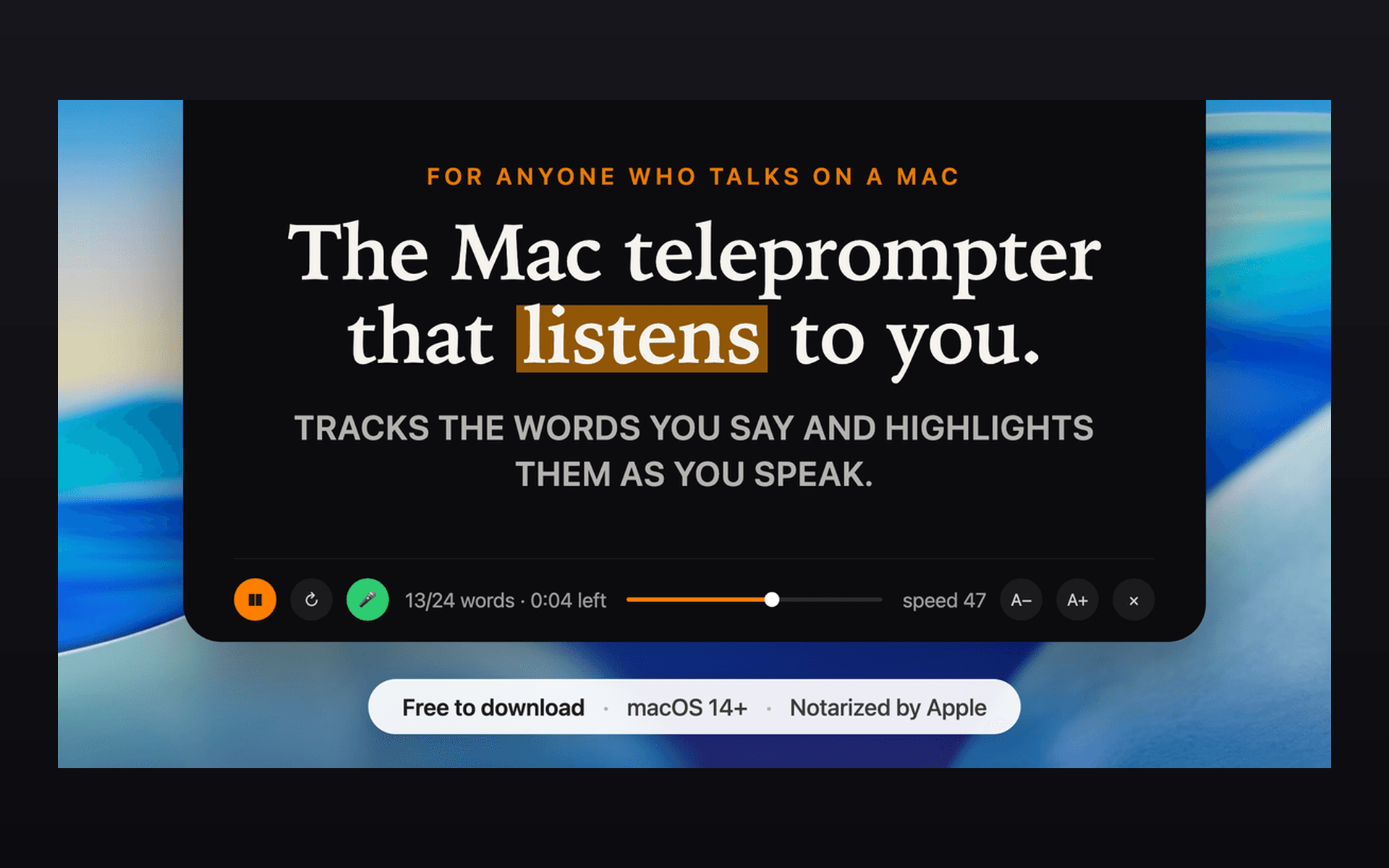
Tellie: the Mac teleprompter that highlights your actual words as you speak, so you can keep your eyes on what matters, even while you ad-lib, go back or jump ahead.
- Launched
- Clicks
- 25
- Categories
- Productivity,Utilities,Photo and video
- Runs on
- macOS
- Pricing
- Free plan, paid upgrade
About Tellie
Problem: You're recording a video or presenting on Zoom and your eyes keep darting to notes off-screen. Existing teleprompters scroll at a fixed speed, require internet, show up when you share your screen, or cost $15-59/month.
Solution: Tellie, the Mac teleprompter that listens - and understands. It follows you as you speak and lights up each word as you say it - and nothing ever leaves your Mac. Because Tellie understands what you're saying it also knows what you didn't say, coaching you along, entirely unprompted. You now have your own personal stagehand.
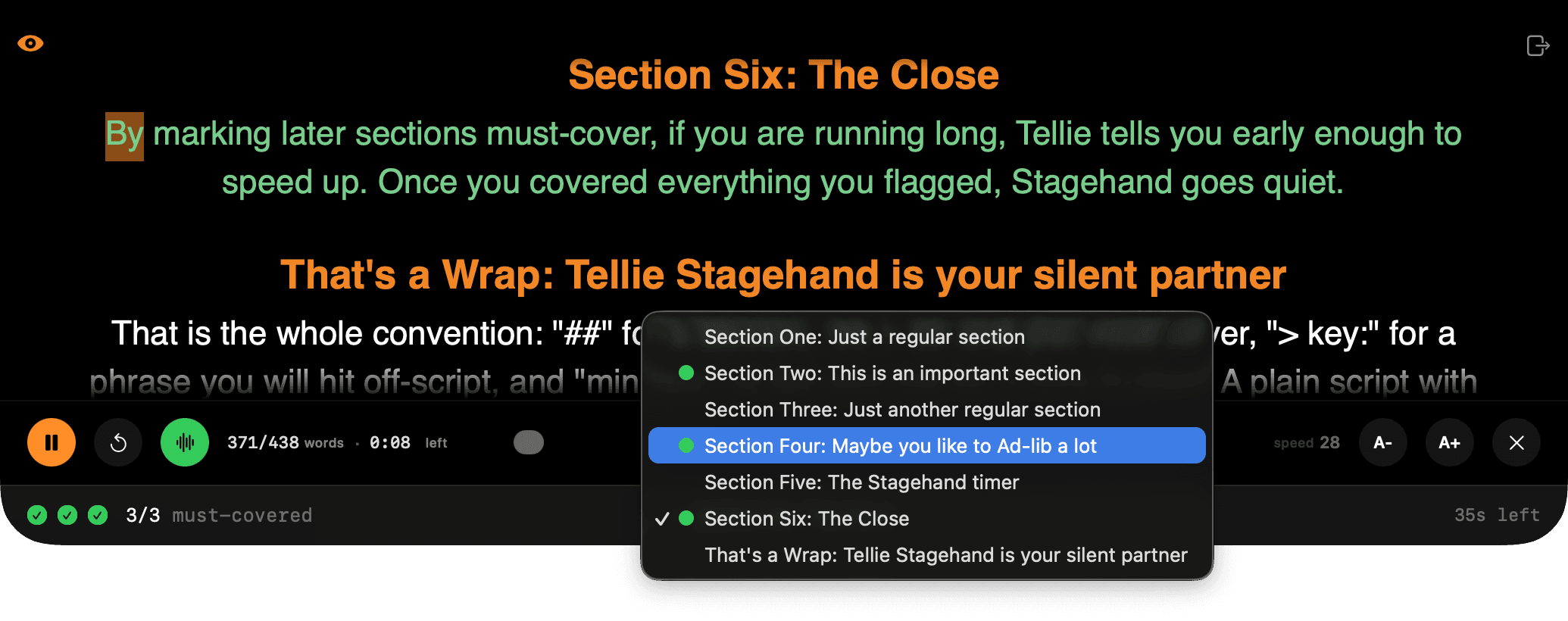
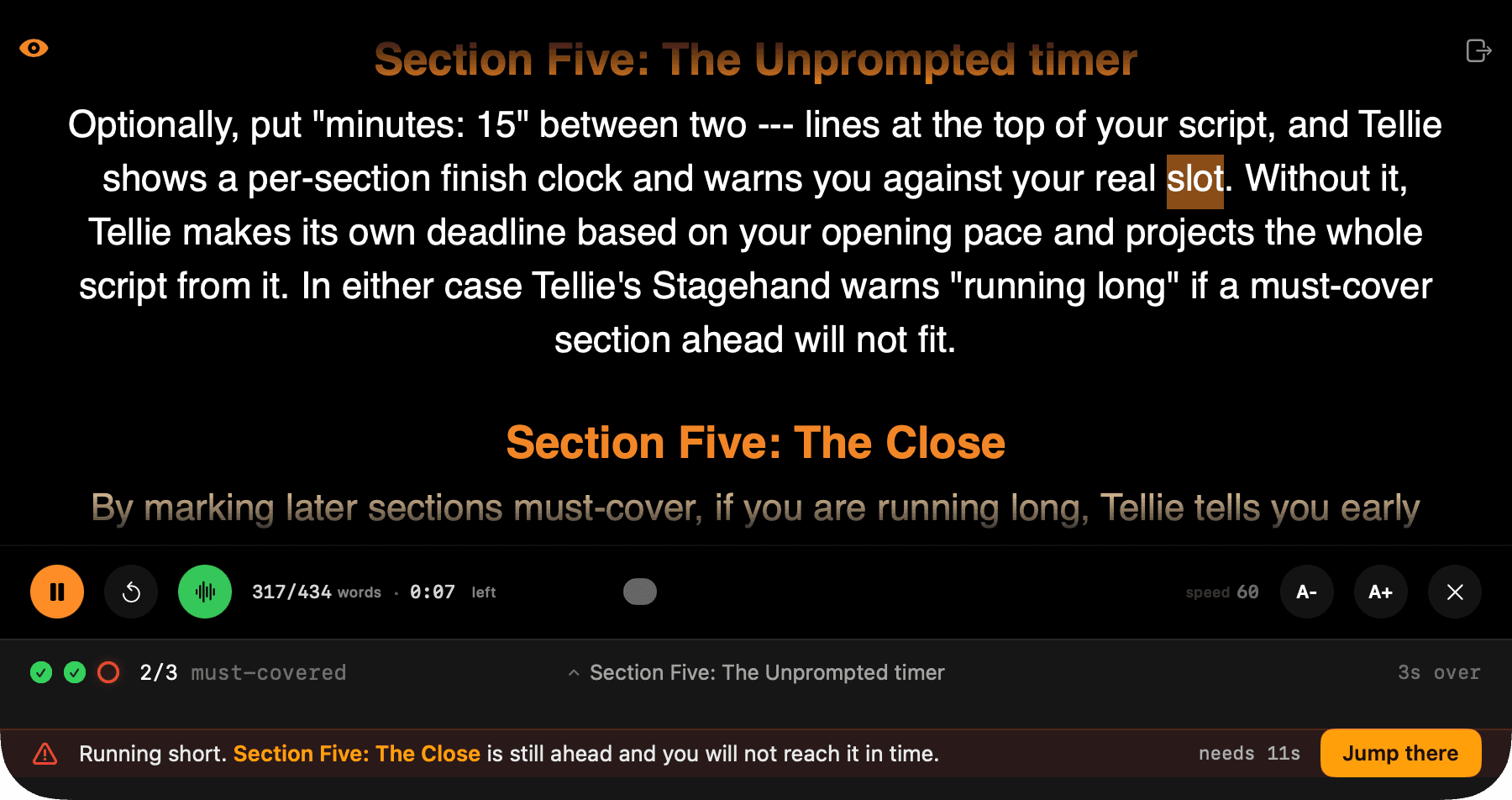
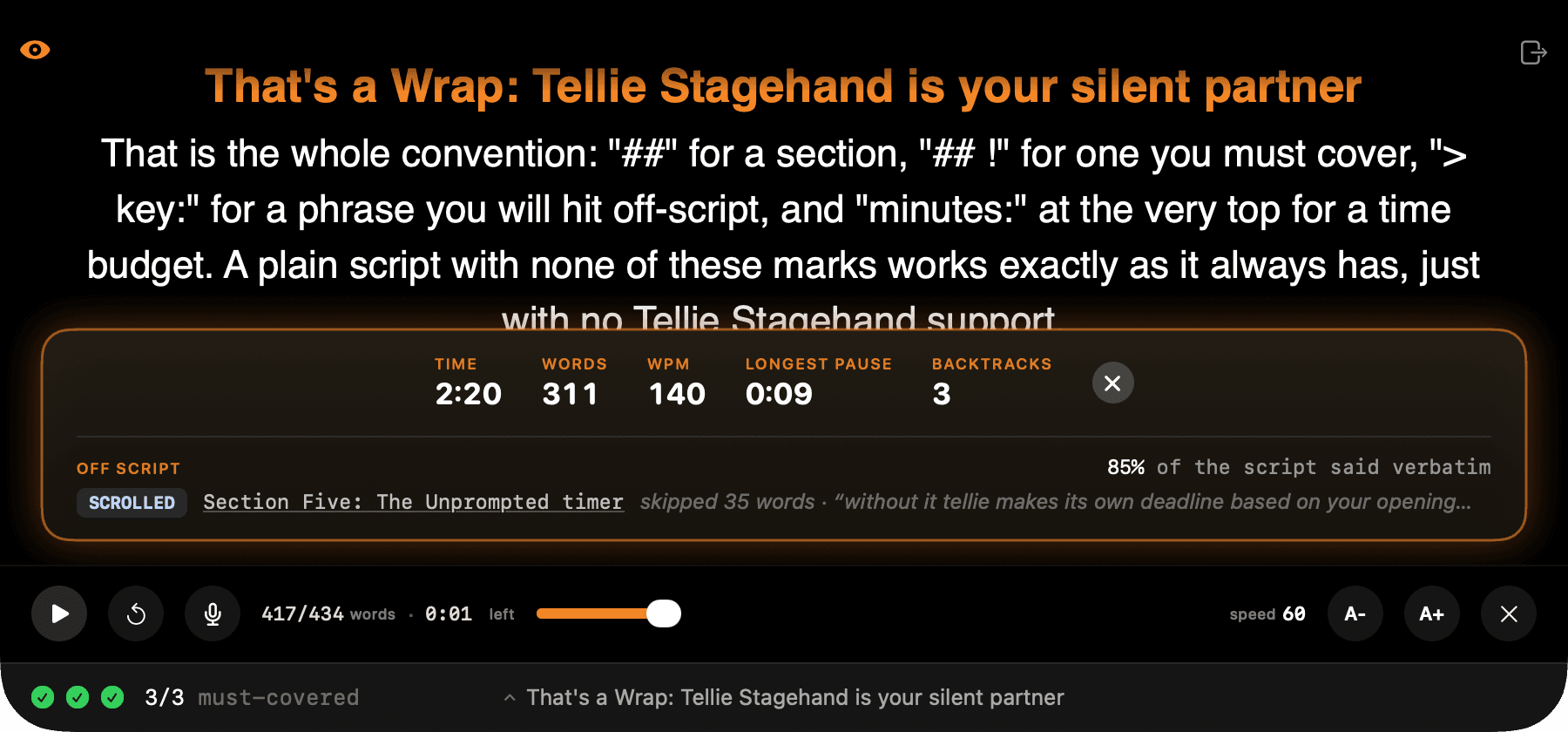
Tellie understands the take you are giving. It checks off the points you promised to make, gives you credit when you make them in your own words, warns you when time is about to run out on something important, and tells you afterward what you missed. It stays invisible to Zoom and screen recorders, and everything runs on your Mac.
Working actors are using it, including Sprague Theobald (Law & Order, Only Murders in the Building, FBI, Poker Face), who uses Tellie for audition prep. NEW: Presenter Mode (Pro). It listens while you pitch, too. Just present in Keynote, and your speakers notes automagically appear in the notch, invisible to your audience and your recording. With voice-follow, as you finish your thought, your next slide is already there. No clicker, no keyboard, no second monitor required.
Why is it special? Every other teleprompter app, including the voice-follow ones, tracks where you are in the text. Tellie tracks what the take still owes: the marked sections you have covered, the ones you skipped, and whether the clock still allows them. That is a different job from scrolling.
What Tellie does that nothing else does
Tellie understands each take you are giving: checks off points you need to make, lets you ad-lib at will, warns you before time runs out on an important point, and tells you what you missed when done.
Who Tellie is for
Tellie is for anyone who presents anything, especially Video Creators, Actors, Meetings, Sales, Speakers and Teachers. Stop looking down at your notes and look up at your audience
Written up on SpacerrApps
Apps like Tellie

Zipic0 clicks
Zipic compresses and converts images 100% on-device. Its zipic CLI returns per-file JSON, exit codes and supports --dry-run; the official Agent Skill runs batches from Claude Code or Codex.
Developer tools, Productivity, Photo and video

Preserve Chat0 clicks
Preserve Chat turns WhatsApp chat exports into clean, readable conversation pages you can share as a link. Open a TXT or ZIP export and share only what matters.
Productivity, Social, Utilities

Simple Voice Calculator0 clicks
A voice calculator app for iPhone, iPad and Apple Watch. Say "42.75 plus 19.99", watch the total update live and hear it read back. Free, no ads.
Productivity, Utilities, Mobile

LensUp Scanner0 clicks
LensUp Scanner is a free, browser-based document scanner that turns phone photos into clean, printable PDFs and includes ID-card copy and PDF tools; every tool is free and processes your files on your device.
Productivity, Utilities

Permanent QR Codes0 clicks
Create editable QR codes for websites, PDFs, menus, social media, and more. Pay $49 once per code, with no recurring fees. Update destinations anytime and track scans.
Marketing, Productivity, Utilities

EN-FAB, Inc.2 clicks
EN-FAB Inc. delivers Enhanced Oil Recovery, Metering & Measurement, and Gas Gathering solutions in USA. 3916+ projects, 2141+ customers. Get a quote!
Productivity, Other, Utilities
2 comments
Elias Wagner
What features and usage limits are included in Tellie’s free plan?
Steve ChazinMaker
All features are turned on for 10 days so you can experience everything that Tellie Pro can do for you. After 10 days, it reverts to being a full teleprompter - learn more here https://tellieapp.com/pro