


Toolvica
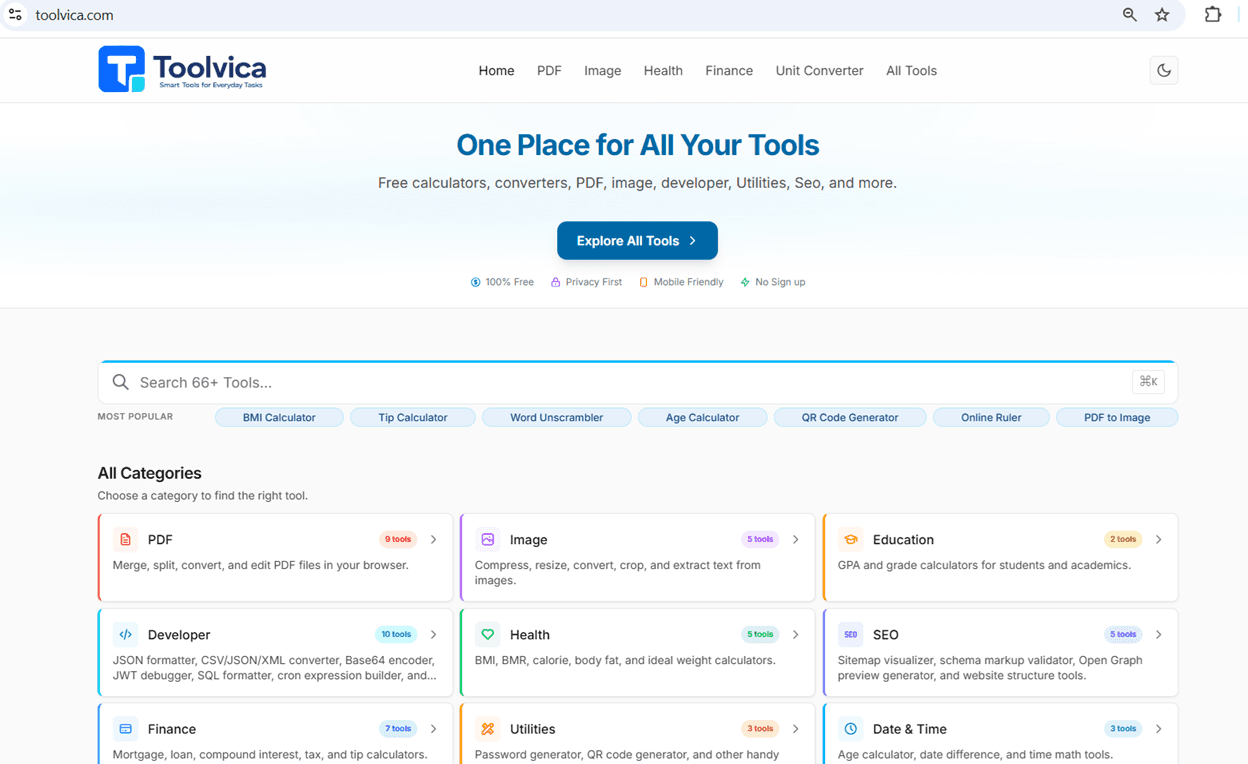
Most Popular BMI Calculator Tip Calculator Word Unscrambler Age Calculator QR Code Generator Online Ruler PDF to Image
- Launched
- Clicks
- 35
- Categories
- Developer tools,Productivity,Utilities
- Runs on
- Web, Linux, iOS, Android, Windows, macOS
- Pricing
- Free
About Toolvica
Toolvica is your everyday online toolbox with free calculators, unit converters, health tools, finance calculators, education tools, and utilities. Fast, private, and accurate — no sign-up required.
Fast, free tools to calculate, convert, measure and simplify everyday tasks.
Most Popular BMI Calculator Tip Calculator Word Unscrambler Age Calculator QR Code Generator Online Ruler PDF to Image
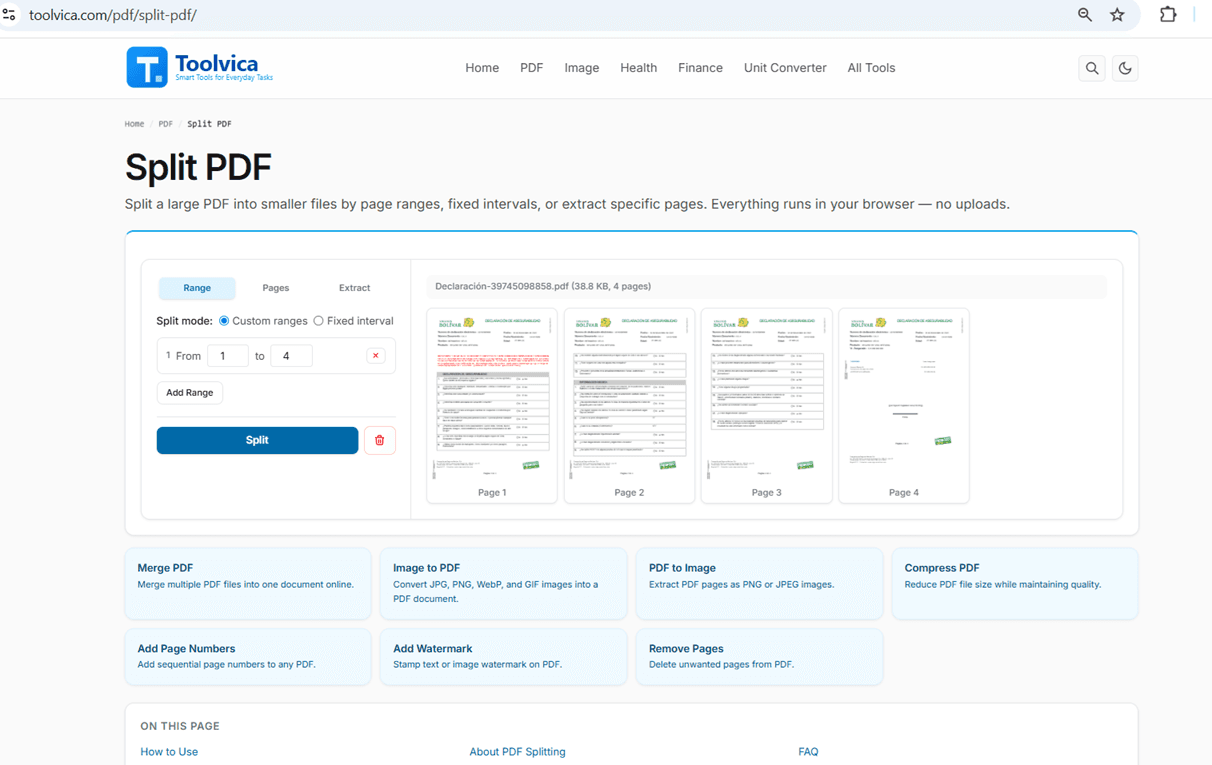
Merge, split, convert, and edit PDF files in your browser.
Compress, resize, convert, crop, and extract text from images.
GPA and grade calculators for students and academics.
JSON formatter, CSV/JSON/XML converter, and Base64 encoder.
BMI, BMR, calorie, body fat, and ideal weight calculators.
Mortgage, loan, compound interest, tax, and tip calculators.
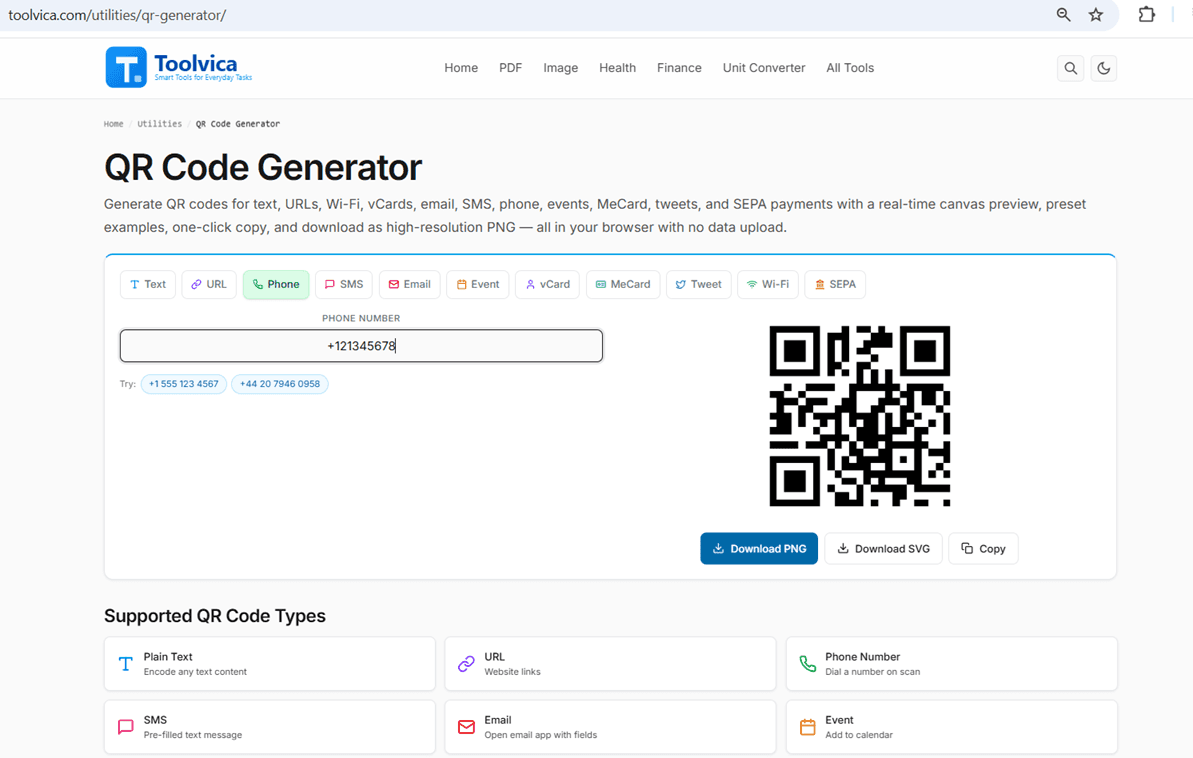
Password generator, QR code generator, and other handy tools.
Age calculator, date difference, and time math tools.
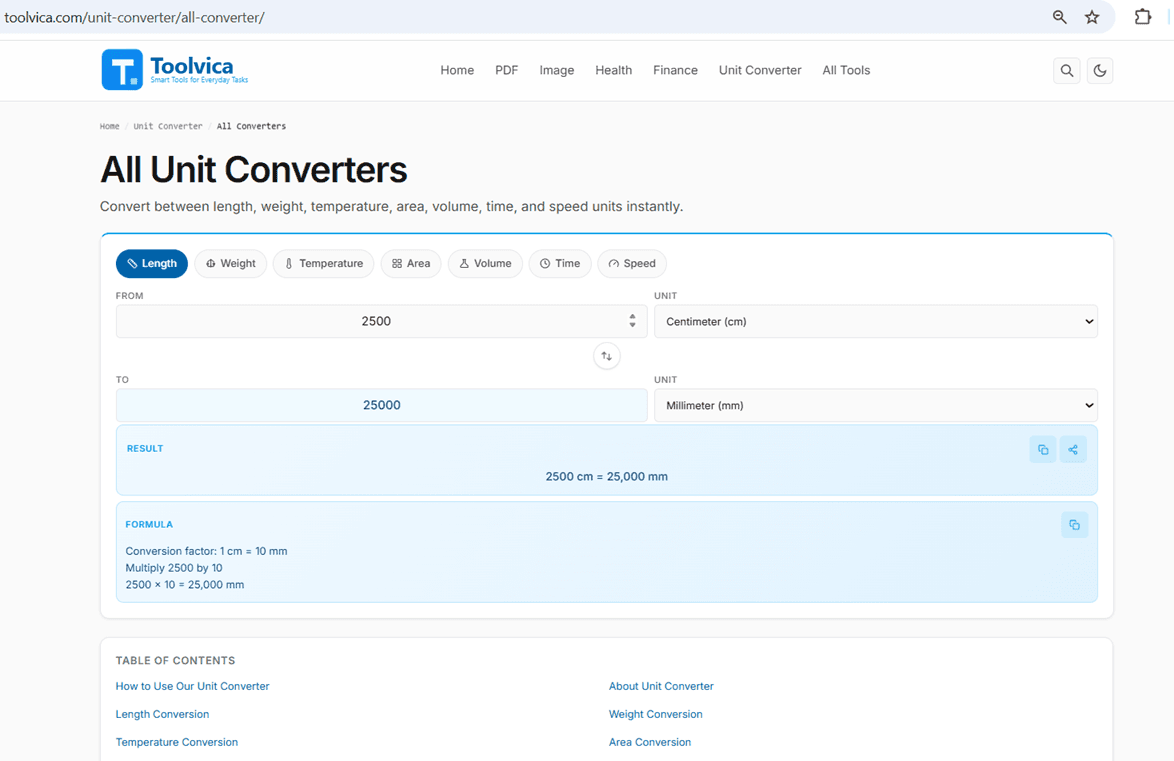
Convert length, weight, temperature, area, volume, and time.
Measure objects on screen with a ruler or calculate aspect ratios.
Percentage, fraction, and everyday math calculators.
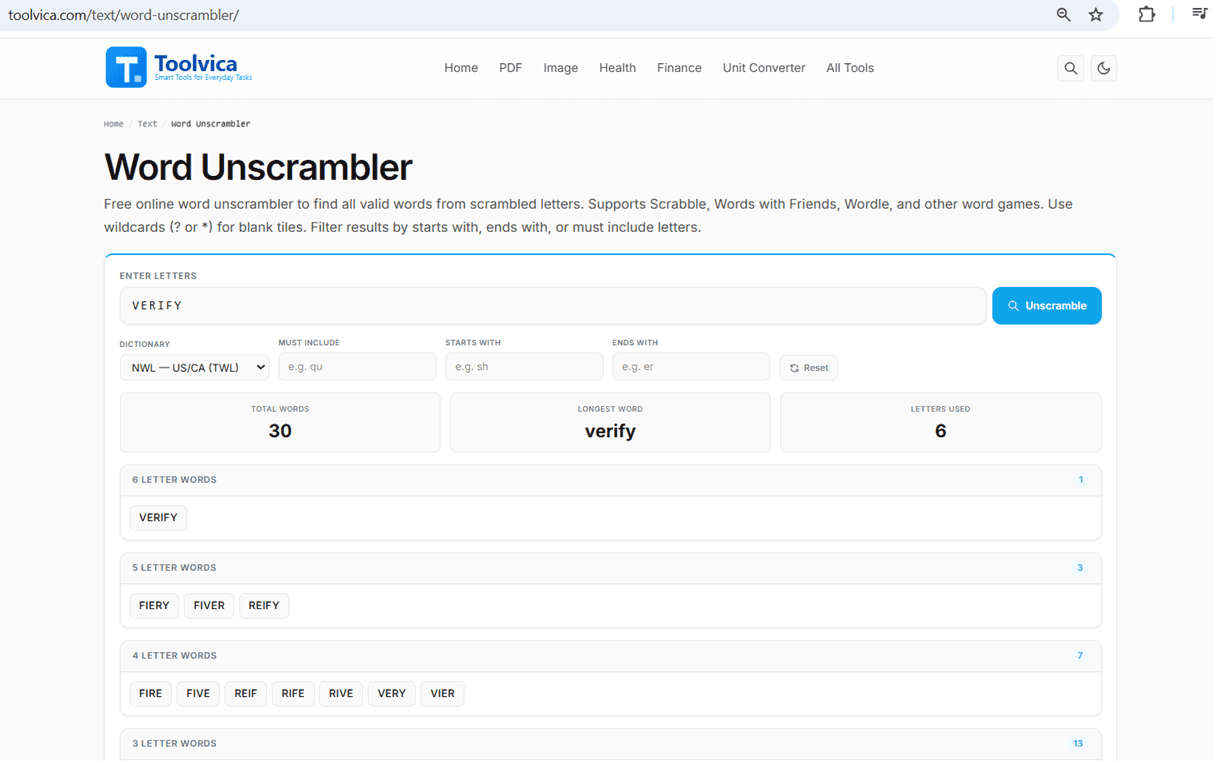
Word counter, character counter, and word unscrambler.
Toolvica is a free online toolbox with 55+ tools for the tasks people run into every day — calculators, converters, PDF and image tools, developer utilities, and more, all organized into one place instead of scattered across a dozen single-purpose sites.
Every tool runs entirely in your browser. Your files, numbers, and text are processed locally on your device — nothing is uplo
Who Toolvica is for
Toolvica is built for students, professionals, developers, creators, and everyday users who need quick, free online tools. It runs entirely in your browser, with no downloads or sign-ups required.
Written up on SpacerrApps
Apps like Toolvica

Priv QR0 clicks
Free browser tools to turn a URL or text into a QR code STL for 3D printing, and to generate or decode Matter setup QR codes. No sign-up, no account.
Utilities, Productivity, Developer tools

DeskWink0 clicks
DeskWink (in closed beta, free during the beta) connects Claude, ChatGPT and other remote MCP apps to the folders you choose on your Windows PC or Mac. Every file change waits for your approval.
Developer tools, Productivity, AI

DailyPings0 clicks
A directory for discovering newly launched tools every day. Makers can submit their tool for free and get listed, with a Premium upgrade also offered.
Developer tools, Productivity

TwinMind0 clicks
Turns meetings, lectures and conversations into notes and action items. Free, 140+ languages, all day on your phone, no bot joins calls.
Education, Productivity, AI

WireFillChart0 clicks
Free NEC 2023 wire fill chart and conduit fill calculator. EMT, IMC, RMC, PVC, flex. THHN, THWN-2, RHH. Live fill % plus geometric jamming risk hint.
Utilities, Productivity, Data

PrinterInspect0 clicks
Free online printer tests and diagnostics to check print quality, identify printing problems and troubleshoot common printer issues directly from your browser.
Developer tools, Productivity, Hardware
8 comments
Ines Moreau
Are all Toolvica tools completely free, or do any features require payment?
Abhay VermaMaker
Yes — Toolvica’s all tools are completely free to use, with no paid features or subscription required.
Carmen Ruiz
Are there file size or page limits for the PDF and image tools?
Abhay VermaMaker
No, there are no fixed file-size or page limits. Every PDF and image tool runs locally in your browser — nothing is uploaded — so the only limit is your device's memory. As a rule of thumb, keep individual PDFs under 100 MB and images under 50 MB for smooth performance. The exception is the Image-to-Text (OCR) tool, which caps each image at 10 MB.
Lena Horvat
Are all Toolvica tools available on every platform, including the Linux and mobile versions?
Abhay VermaMaker
Yes. Toolvica works on all modern devices and operating systems, including Windows, macOS, Linux, Android, and iOS. All you need is a supported web browser such as Chrome, Edge, Firefox, or Safari.
Aisha Rahman
Do the PDF and image tools process files entirely in the browser, or are uploads sent to a server?
Abhay VermaMaker
Yes All PDF and image processing happens entirely in your browser. Your files are not uploaded to our servers, which helps protect your privacy and allows faster processing.