


WUTONG xmp2c1
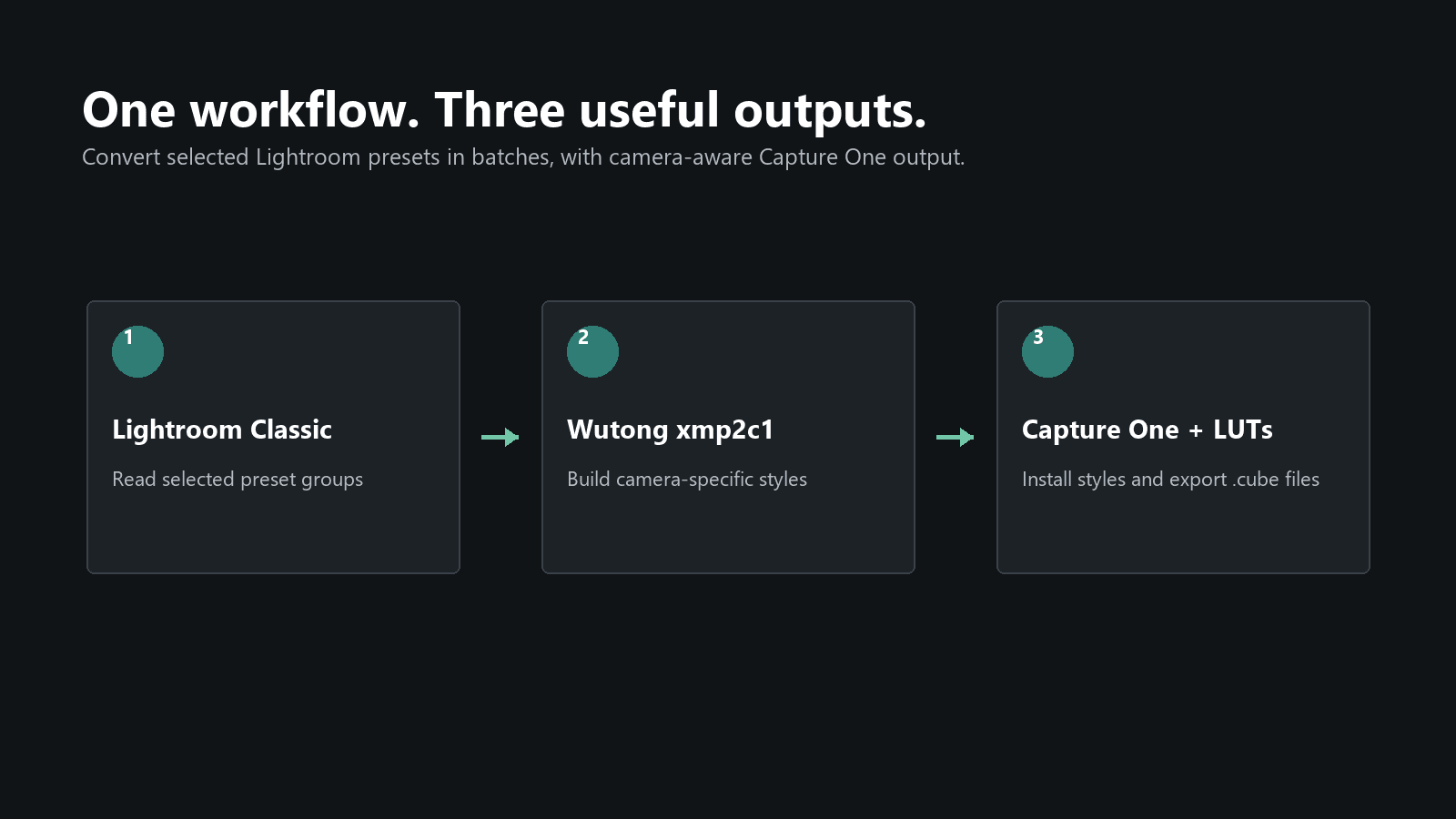
A Windows workflow tool for photographers who need the same creative look across Lightroom and Capture One, with organized RAW/JPEG styles at four strengths and optional CUBE LUT exports.
- Launched
- Clicks
- 2
- Categories
- Photo and video,Design,Automation
- Runs on
- Windows
- Pricing
- Free plan, paid upgrade
About WUTONG xmp2c1
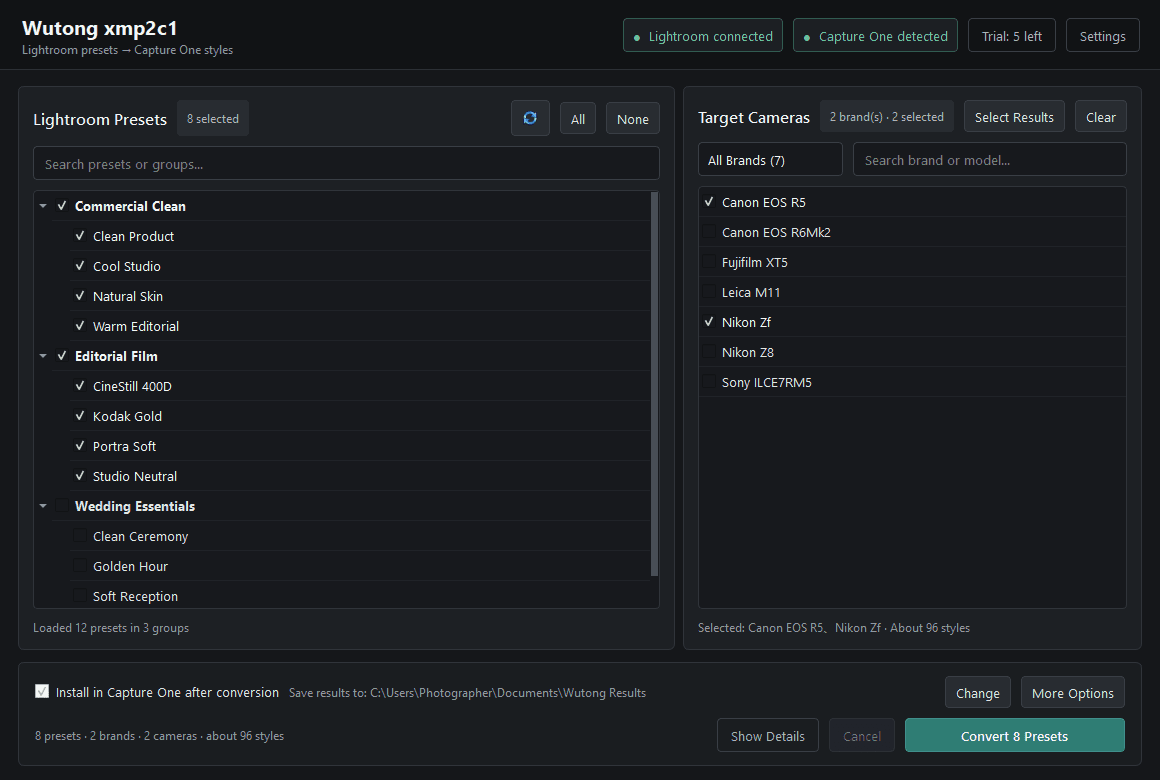
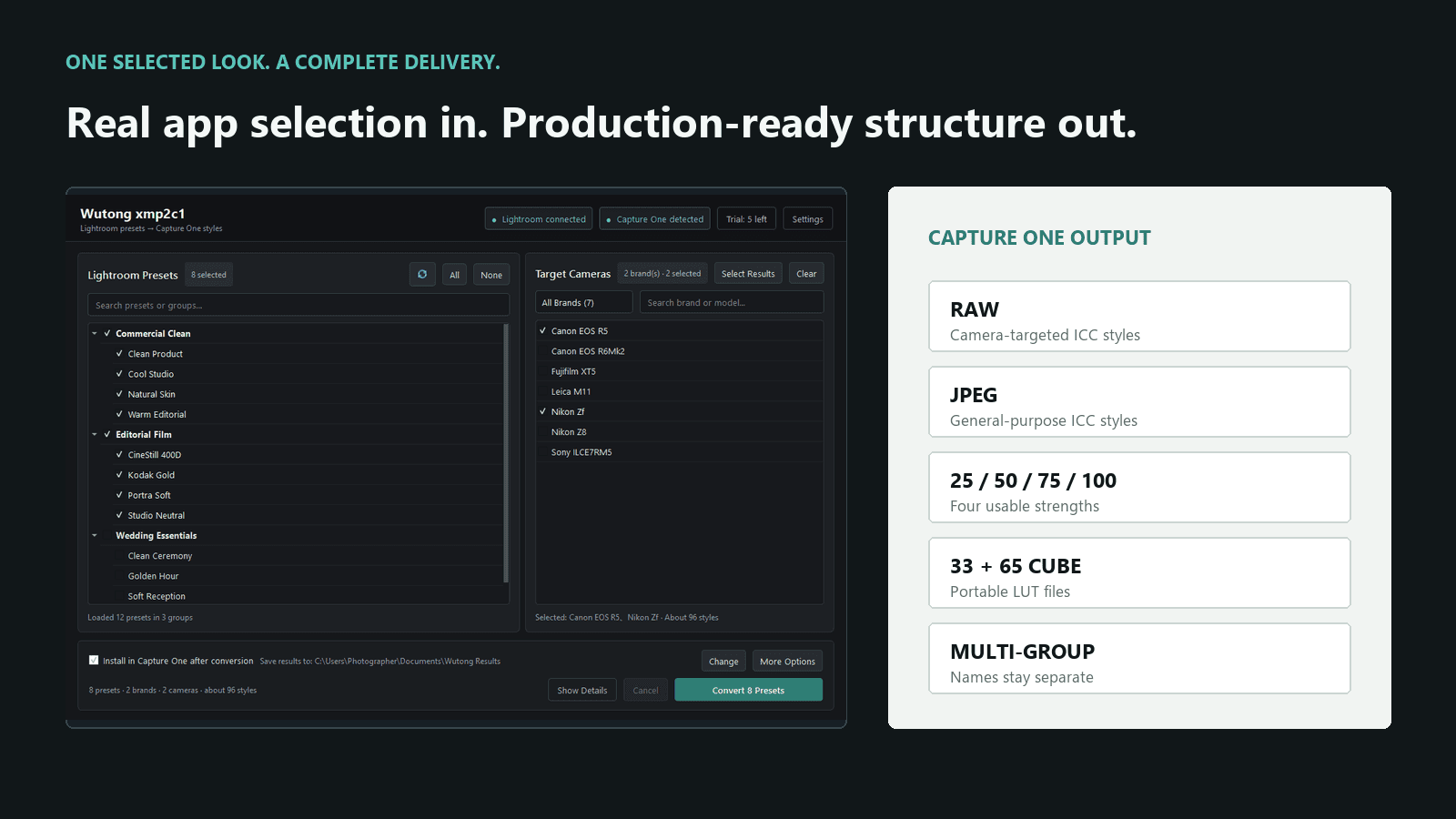
WUTONG xmp2c1 helps photographers move Lightroom and Camera Raw XMP looks into a practical Capture One workflow. Select one or more preset groups and target camera models, then create separate RAW and JPEG Capture One style packages at 100%, 75%, 50%, and 25% strength. Multiple Lightroom groups remain organized instead of being merged into one generic folder. Supported linked Profile and Look color is included in the conversion workflow, and optional 33-point and 65-point CUBE LUTs can be exported for compatible creative applications. Two complete conversions are available free. The tool runs on Windows and requires Lightroom Classic and Capture One. It does not claim pixel-identical rendering: the two applications use different RAW engines, and local edits, crop, healing, sharpening, noise reduction, and camera-specific DCP behavior cannot become universal LUT data.
What WUTONG xmp2c1 does that nothing else does
Keeps Lightroom groups separate while building RAW and JPEG Capture One styles at four strengths.
Who WUTONG xmp2c1 is for
Photographers and preset makers who maintain creative looks across Lightroom Classic and Capture One.
Written up on SpacerrApps
Apps like WUTONG xmp2c1

ImgKit – Free Image Compressor, Resizer & Converter11 clicks
Compress, resize and convert JPG, PNG, WebP, AVIF and HEIC images free in your browser. No upload, no signup, no watermark — photos never leave your device.
Photo and video, Design, Utilities
Gatterie46 clicks
Browse photos, RAW files, videos, documents and 3D models in your existing folders. Find files with search, tags and stars, explore GPS photos on a map and view models in 3D. One-time purchase.
Photo and video, Design, Utilities

Novastart4 clicks
Novastart is an infinite canvas operating system where your apps, teammates and AI agents work together on one shared canvas. Download the app or install the OS.
Productivity, AI, Automation

InLinkers7 clicks
Outsource to Pakistan with InLinkers CX for 9 specialized BPO services, flexible engagement models and dedicated hiring solutions
CRM, Design, Developer tools

Marketing Star2 clicks
Multichannel marketing for SMBs — Email, SMS, WhatsApp, QR codes, Social, Landing pages & web forms, all in one.
Marketing, Automation, Email

Aident Loadout14 clicks
Connect Codex, Claude Code, Cursor, ChatGPT and any MCP client to 1,000+ apps and 400+ Skills through one reusable setup.
AI, Developer tools, Automation
Discussion
Nothing here yet. Be the first to say something about WUTONG xmp2c1.