


Yap
The world's fastest dictation app, private by design. Turn speech into text at your cursor on Mac and Windows, recognized on your device: no audio uploads, no training on your words.
- Launched
- Clicks
- 0
- Categories
- Productivity,Writing,Privacy
- Runs on
- macOS, Windows
- Pricing
- Paid
About Yap
The world's fastest dictation app, private by design. Turn speech into text at your cursor on Mac and Windows, recognized on your device: no audio uploads, no training on your words.
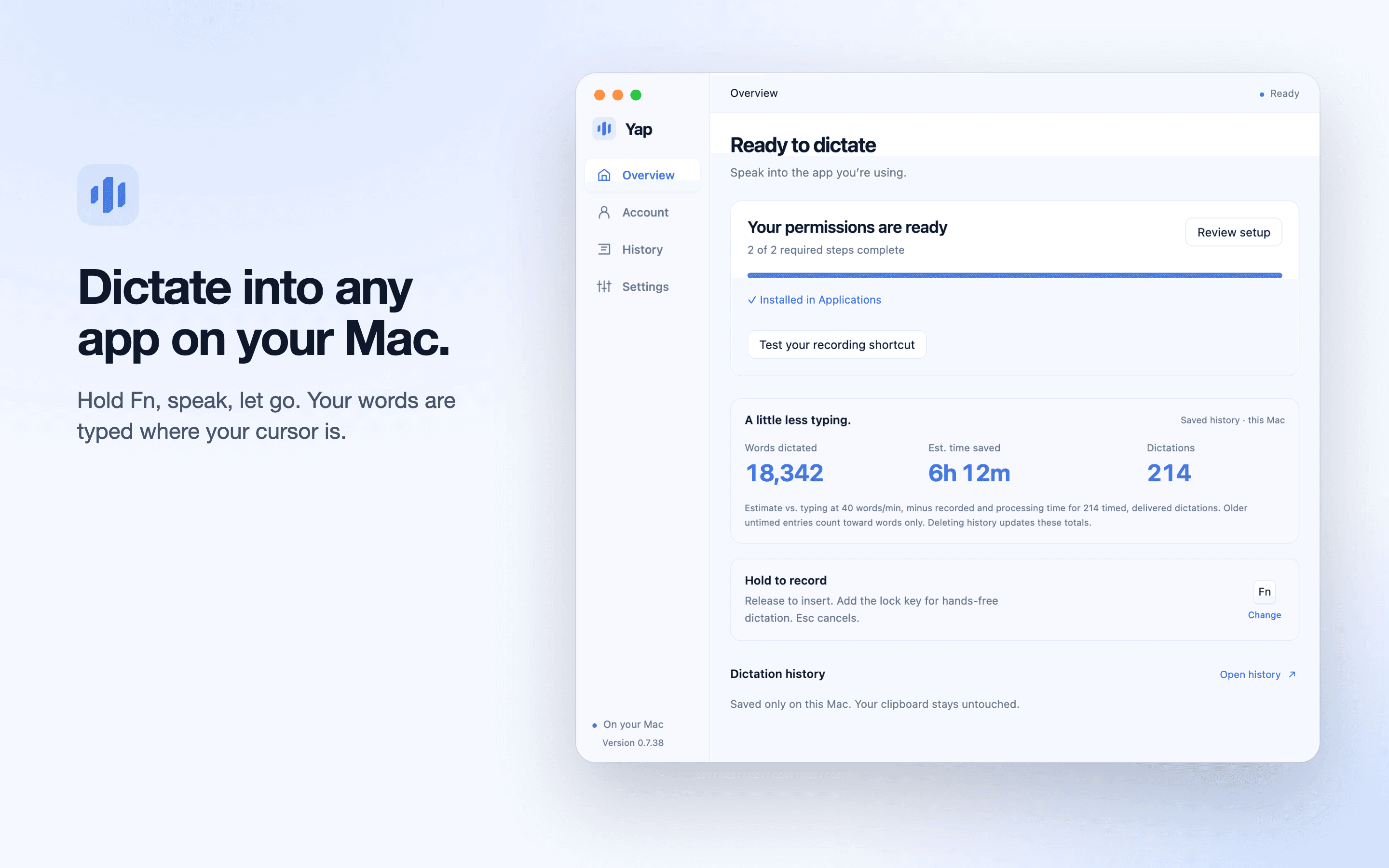
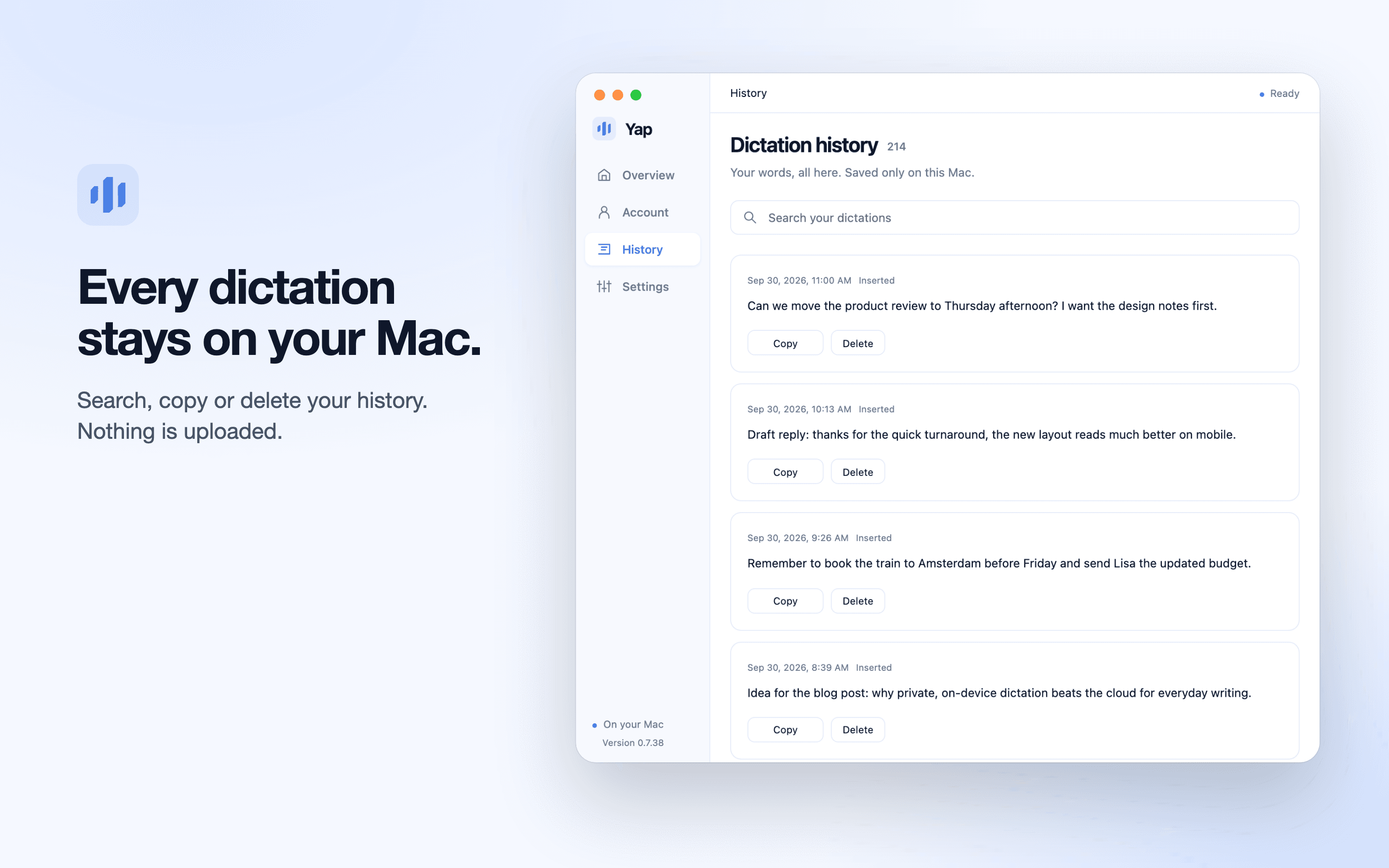
Speak, release, keep going. Yap turns your voice into text right on your computer . Your recordings never leave it.
3 days free, no account or card . Works the moment you open it.
Faster than cloud apps like Wispr Flow and Aqua Voice , by their own published numbers. No internet needed.
Median on an Apple M5 Pro Mac. Older Macs take longer. How we compared .
Other dictation apps send your voice to their cloud. Yap never does.
Try dictation right here before installing the Mac app. We’ll help your browser download the speech model, then you can say a sentence and see it become text.
First setup needs an internet connection. The model stays in this browser’s cache for later visits. The speed measurement above is from the Mac app.
Free online dictation, longer recordings How offline Mac dictation works How to use voice to text on a Mac Coming from Dragon for Mac Dictating in more than one language Which Macs get macOS 27’s better dictation When Mac dictation isn’t working Dictating prompts into Claude Code
We’ll guide you through a first-use model download before you speak.
English demo, up to 60 seconds. Audio and text stay in this tab. The model is cached in this browser for next time, while storage is available.
No new workspace to learn. No tab to switch to. Just you, your voice, and
Written up on SpacerrApps
Apps like Yap

VoiceVibe0 clicks
Talk to your computer. Press a key and say what you need: dictate, rewrite, chat, generate images, hear text read aloud or launch an AI agent with a task.
Productivity, AI, Writing

ClipTen7 clicks
Your computer copies one thing at a time. ClipTen makes it ten, each on a number key: Ctrl + C + num to save, Ctrl + V + num to paste. Available now for Mac and Windows.
Productivity, Writing, No-code

Yourdrive0 clicks
YourDrive is a self-hosted, Google Drive-style file manager with folders, drag-and-drop and a media timeline. Store files in your own S3, Azure, R2, MinIO or Wasabi bucket. Free for personal use.
Photo and video, Privacy, Productivity

CiteCreate3 clicks
Create accurate citations in nine major styles, check references, and export BibTeX or RIS for free.
Education, Writing, Productivity

Export Calendar - CSV & ICS0 clicks
Export Calendar lets you save selected calendar events to CSV or ICS for backups, spreadsheets, migration, and sharing. Everything is processed privately on your device.
Productivity, Utilities, Privacy

ADHD Reading4 clicks
Choose transparent options with ADHD Reading: use free core features or unlock full local controls for $29 annually or $59 for lifetime access.
Browser extension, Productivity, Privacy
Discussion
Nothing here yet. Be the first to say something about Yap.