


iRetina Pro
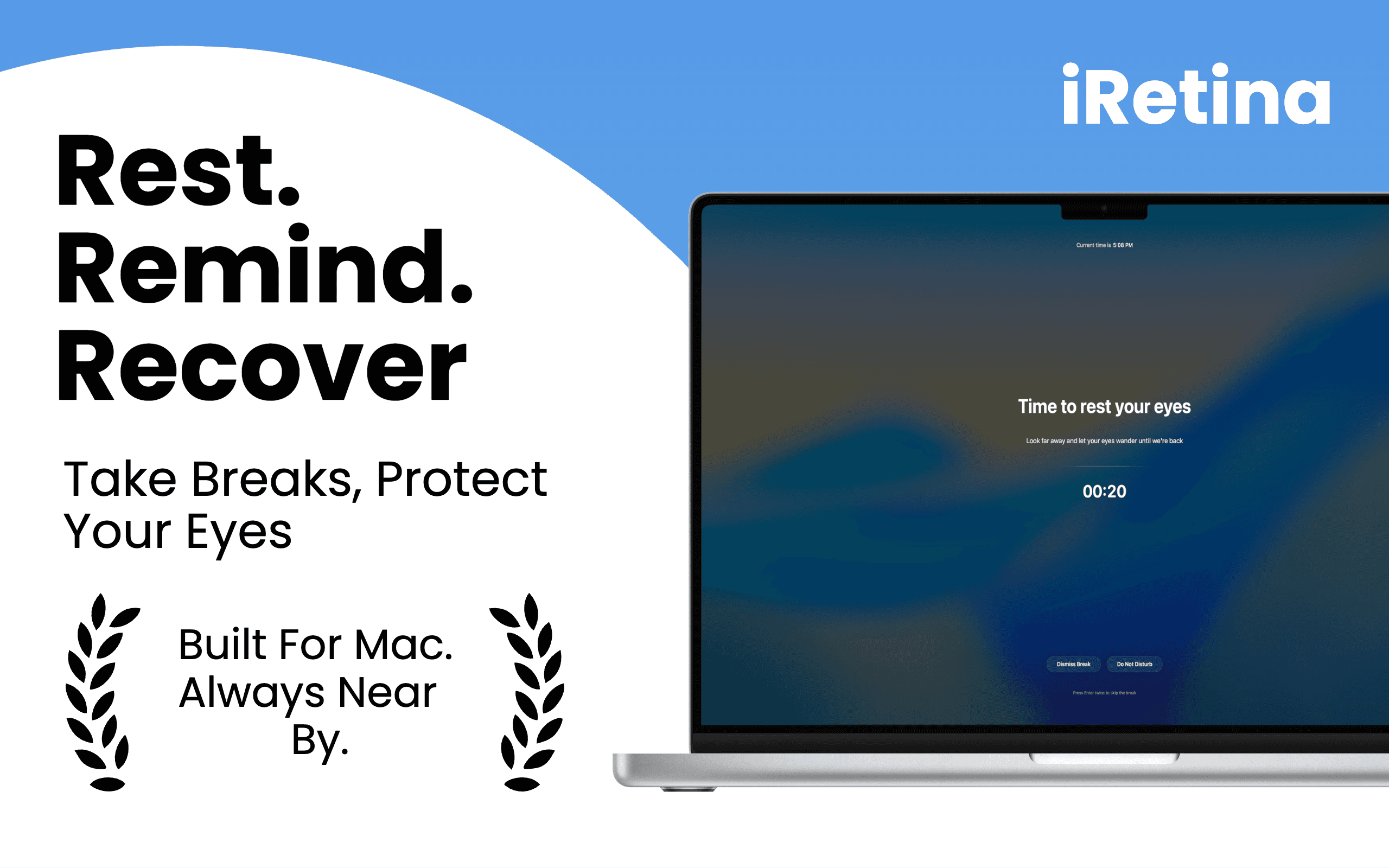
iRetina is a macOS app that helps prevent digital eye strain with smart break reminders, away detection, focus friendly notifications, and customizable eye care sessions.
- Launched
- Clicks
- 12
- Categories
- Health,Productivity,Utilities
- Runs on
- macOS
- Pricing
- Paid
About iRetina Pro
Most people spend hours in front of a screen without realizing how much strain they’re putting on their eyes. iRetina helps build healthier screen habits by reminding you to take scientifically recommended breaks before discomfort becomes a problem.
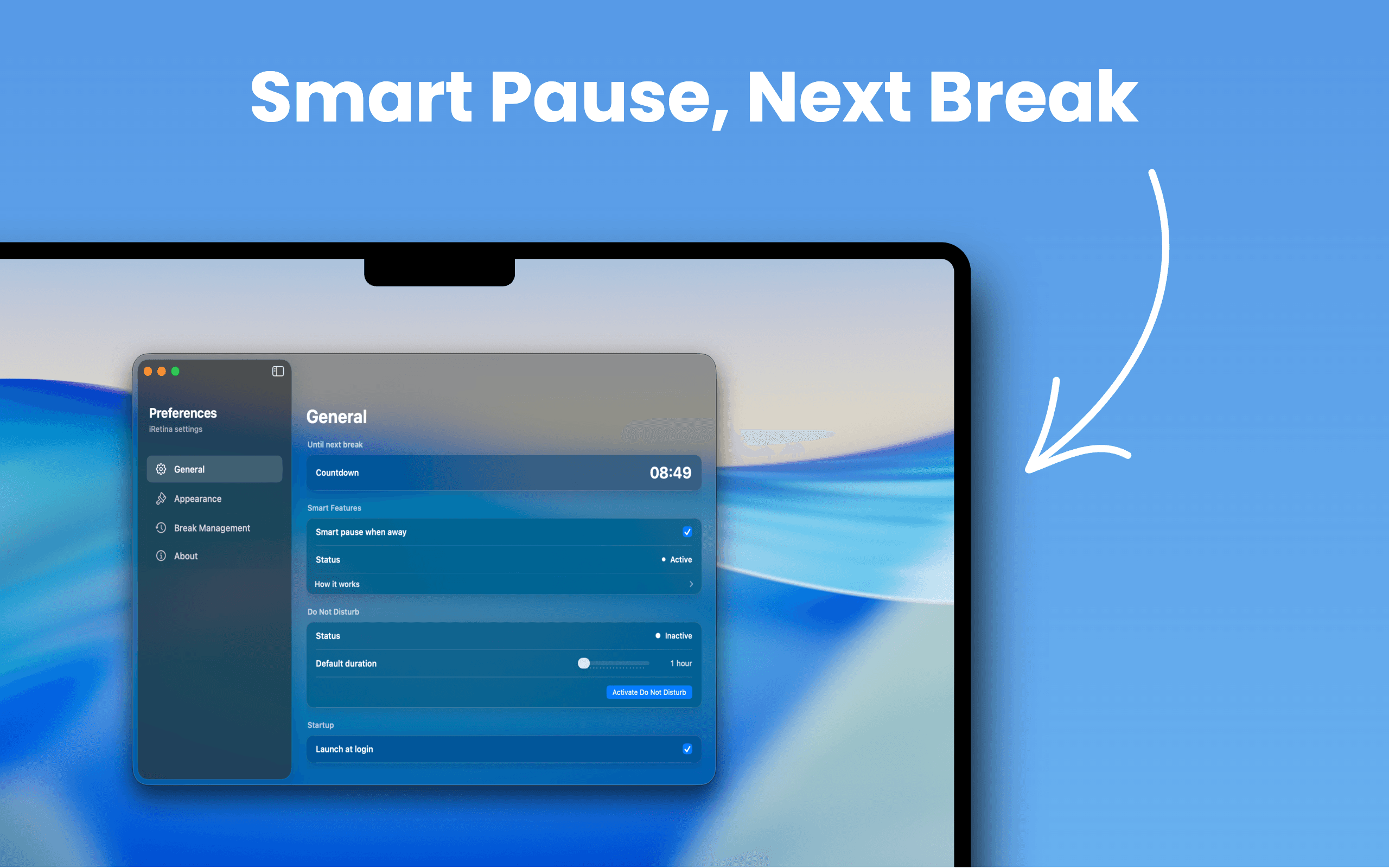
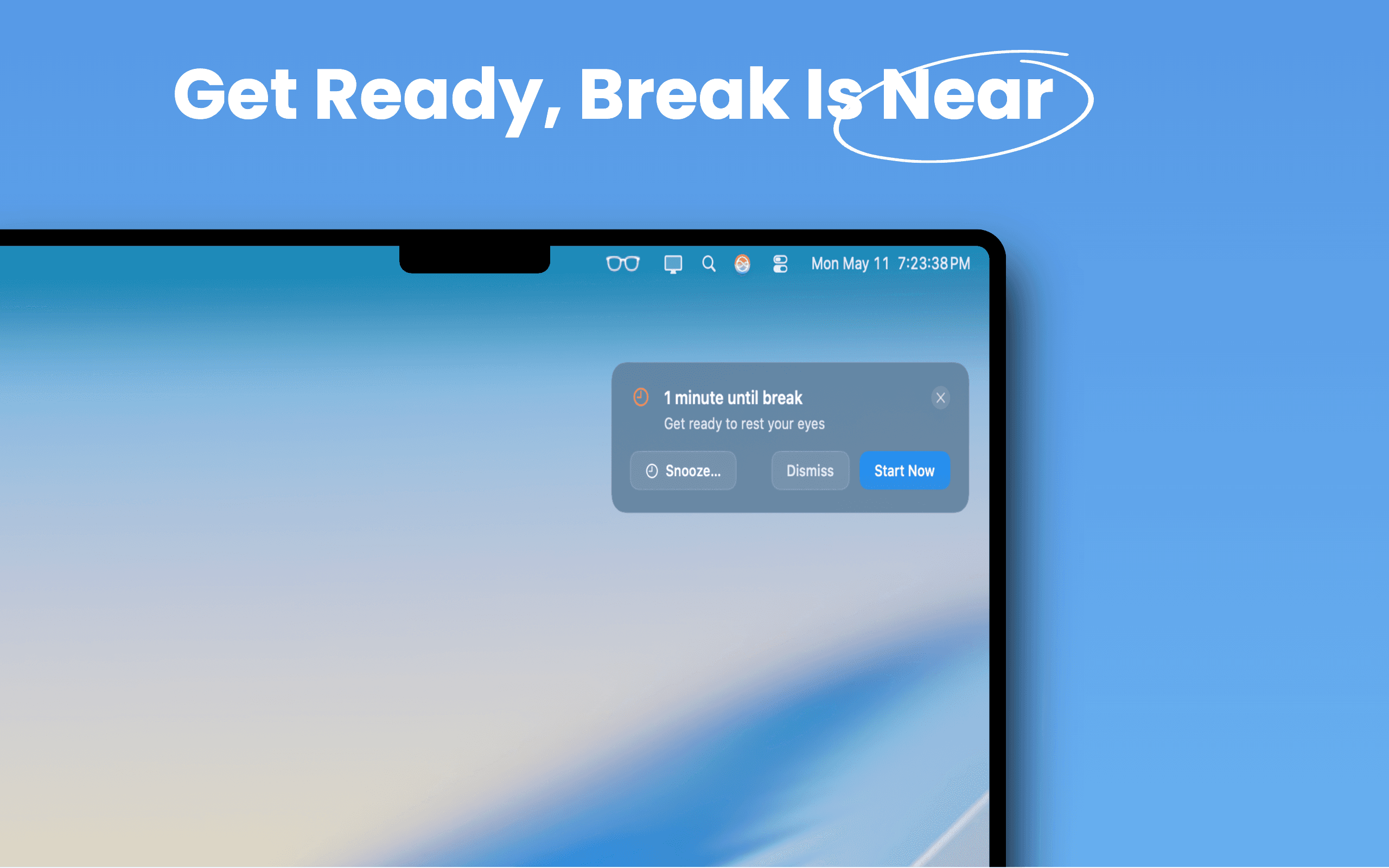
Designed exclusively for macOS, iRetina blends into your workflow instead of interrupting it. Smart away detection pauses timers when you leave your Mac, focus friendly notifications give you a one minute heads up before each break, and customizable schedules let you choose what works best for you.
Key features include:
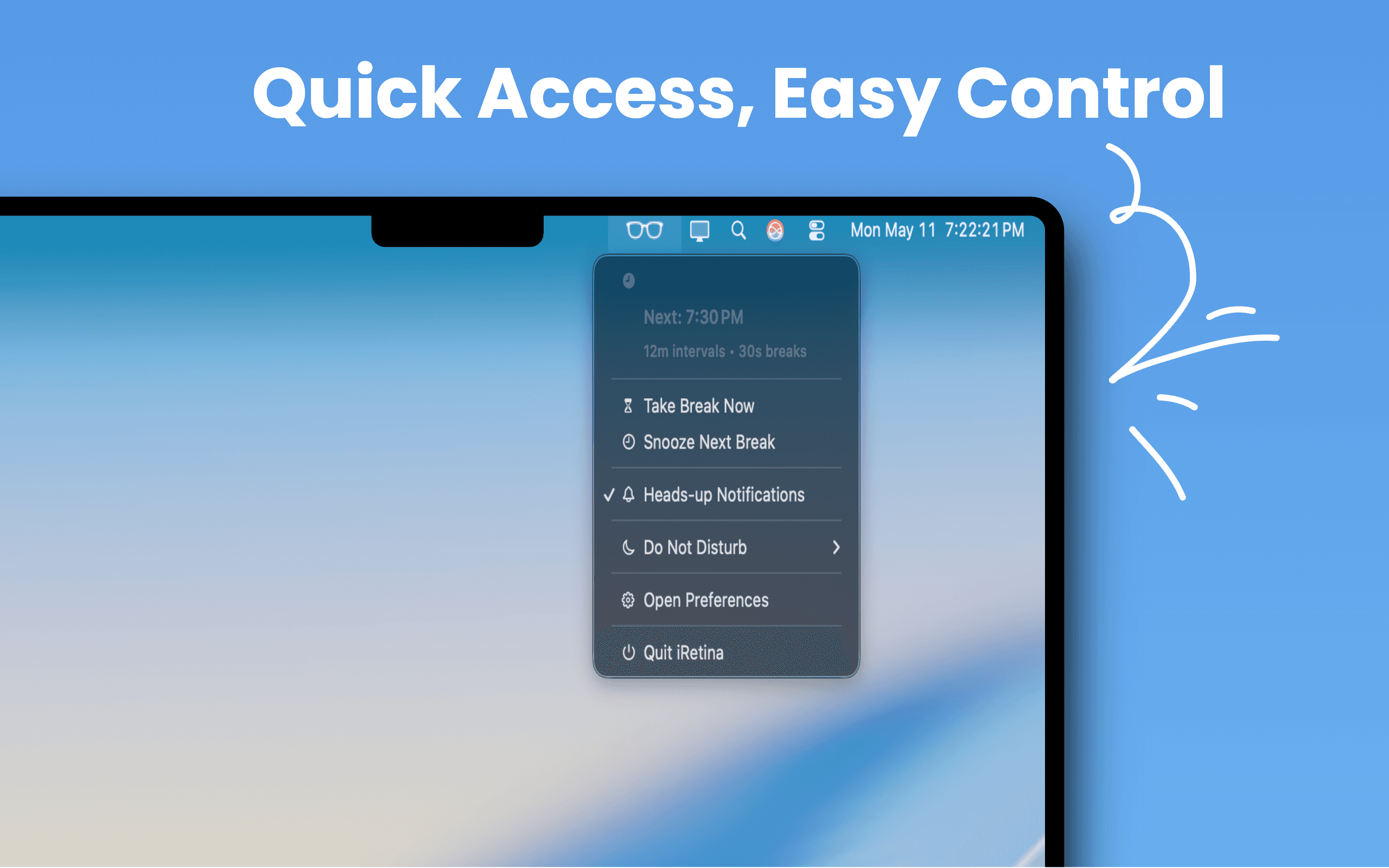
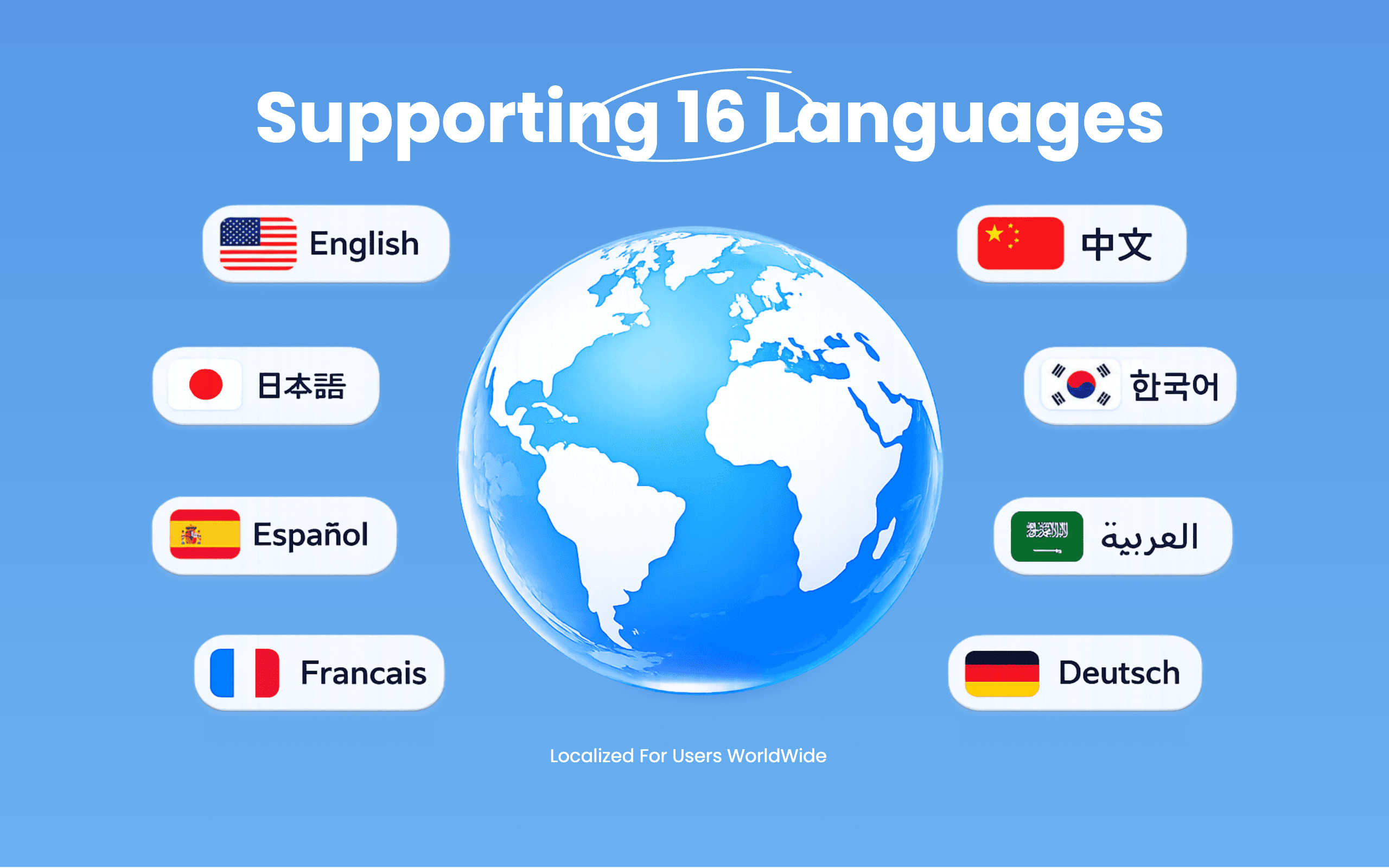
* 20 20 20 eye care reminders * Smart Away Detection * One minute heads up notifications * Custom work and break intervals * Strict Mode for accountability * Do Not Disturb mode * Menu bar integration * Multi language support * Beautiful native macOS design
Whether you’re a developer, designer, student, writer, or anyone who spends long hours at a computer, iRetina helps protect your vision without getting in your way.
What iRetina Pro does that nothing else does
Unlike traditional break reminder apps, iRetina knows when you’re actually away from your Mac, intelligently adjusts your sessions, and warns you before each break, helping prevent eye strain without
Who iRetina Pro is for
Built for developers, designers, students, writers, and anyone who spends hours in front of a Mac.
Written up on SpacerrApps
Apps like iRetina Pro

Preserve Chat0 clicks
Preserve Chat turns WhatsApp chat exports into clean, readable conversation pages you can share as a link. Open a TXT or ZIP export and share only what matters.
Productivity, Social, Utilities

Nijia10 clicks
Understand what uses your Mac's storage—from System Data and caches to build artifacts and Git worktrees—then review what can be rebuilt before cleaning up.
Developer tools, Productivity, Utilities

Simple Voice Calculator0 clicks
A voice calculator app for iPhone, iPad and Apple Watch. Say "42.75 plus 19.99", watch the total update live and hear it read back. Free, no ads.
Productivity, Utilities, Mobile

LensUp Scanner0 clicks
LensUp Scanner is a free, browser-based document scanner that turns phone photos into clean, printable PDFs and includes ID-card copy and PDF tools; every tool is free and processes your files on your device.
Productivity, Utilities

Starbucks Calorie Calculator0 clicks
Free Starbucks calorie calculator. Pick a drink, size, milk and syrup pumps to see calories, sugar, caffeine and protein, checked against starbucks.com data.
Health, Food, Utilities

Permanent QR Codes0 clicks
Create editable QR codes for websites, PDFs, menus, social media, and more. Pay $49 once per code, with no recurring fees. Update destinations anytime and track scans.
Marketing, Productivity, Utilities
Discussion
Nothing here yet. Be the first to say something about iRetina Pro.