


Ironpad
A workout log for iPhone that keeps every set, rep and kilo. No account, no subscription, no ads, works offline. Plus five free lifting calculators.
About Ironpad
A workout log for iPhone that keeps every set, rep and kilo. No account, no subscription, no ads, works offline. Plus five free lifting calculators.
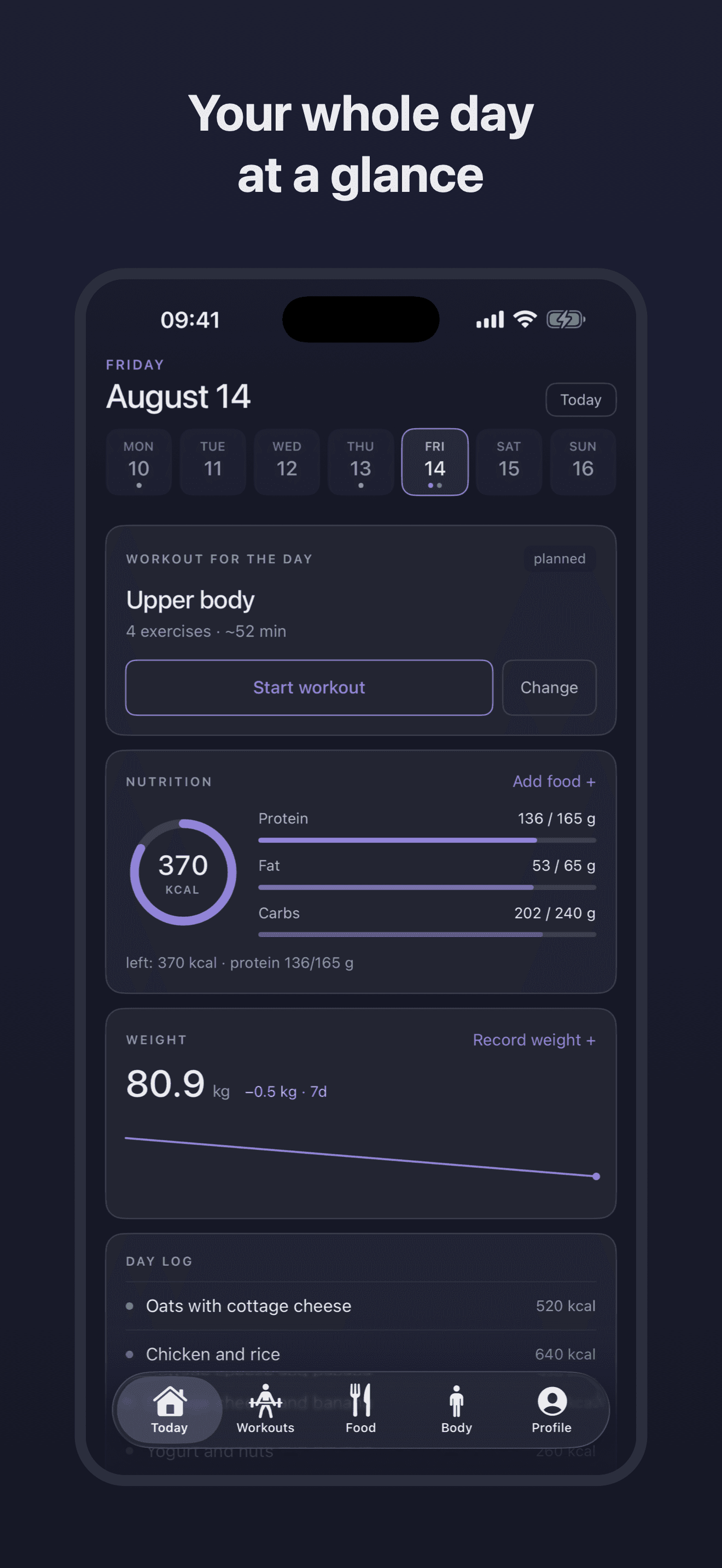
Write down the set you just did. Ironpad keeps the weight, the reps, the rest and the food — all on the day it happened.
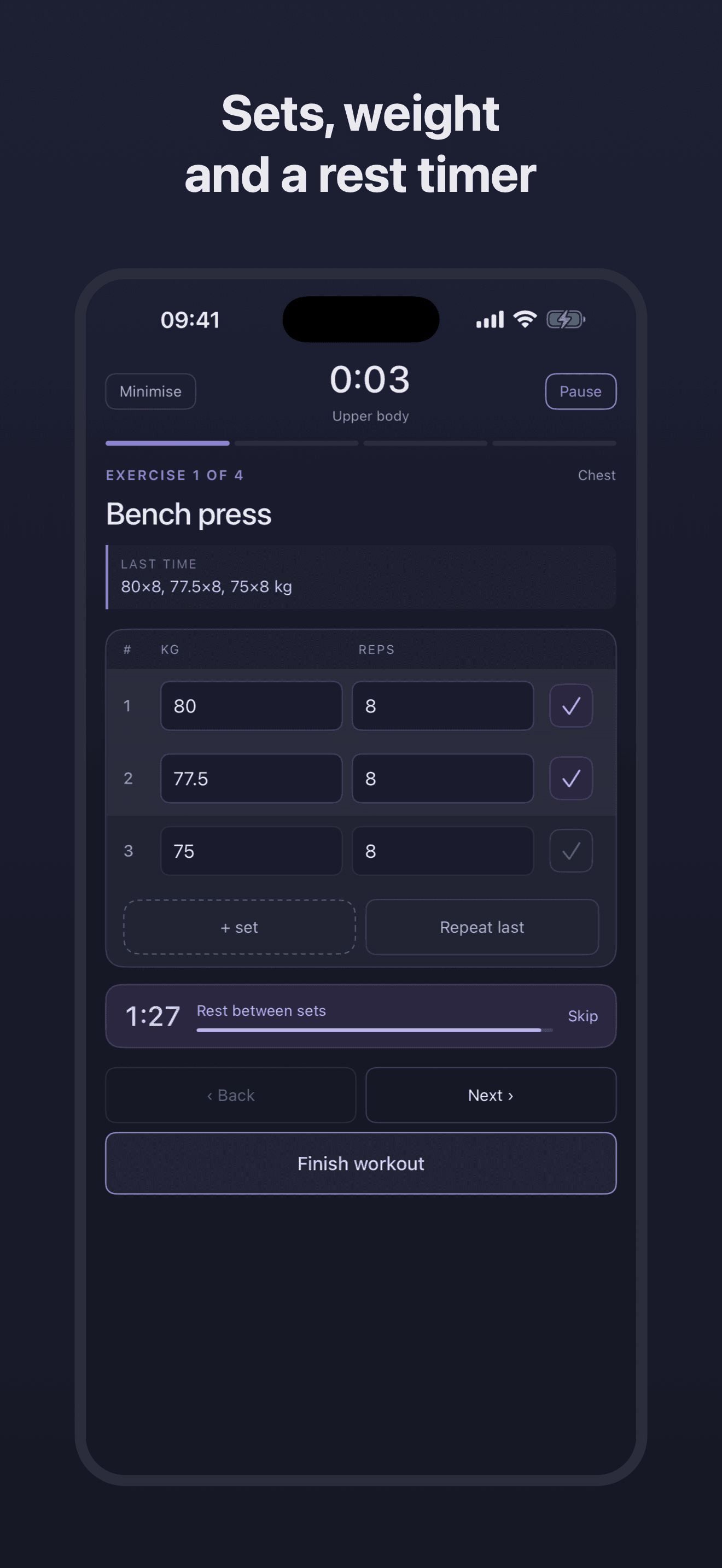
Weight times reps, a tick when the set is done, and the rest timer starts itself. No stopwatch on the side, no notes app, no counting in your head.
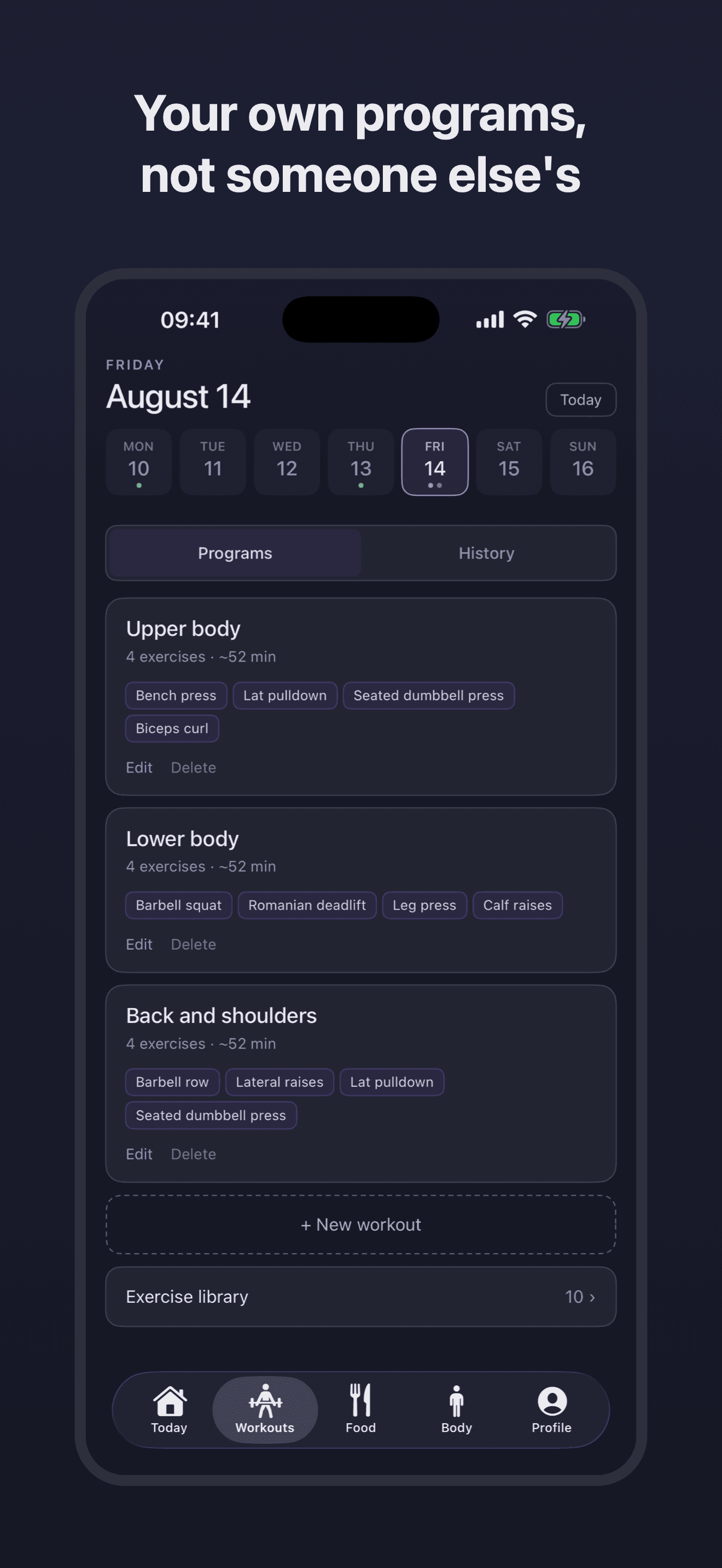
Build the split you actually train: your exercises, in your order, with your rest times. Nothing to work around and nothing to scroll past.
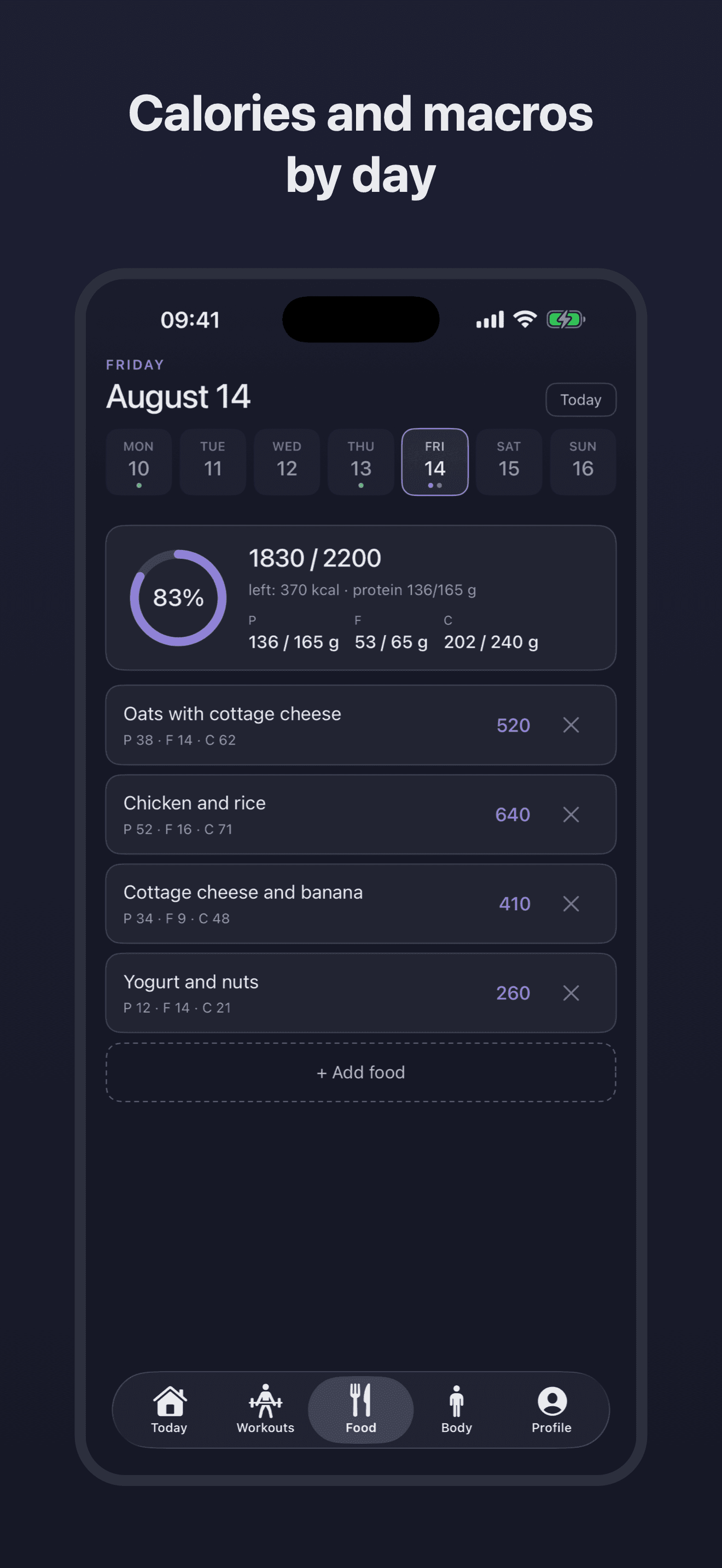
Calories and macros against the targets you set yourself, sitting next to the session you did. One day, one screen, no second app to open.
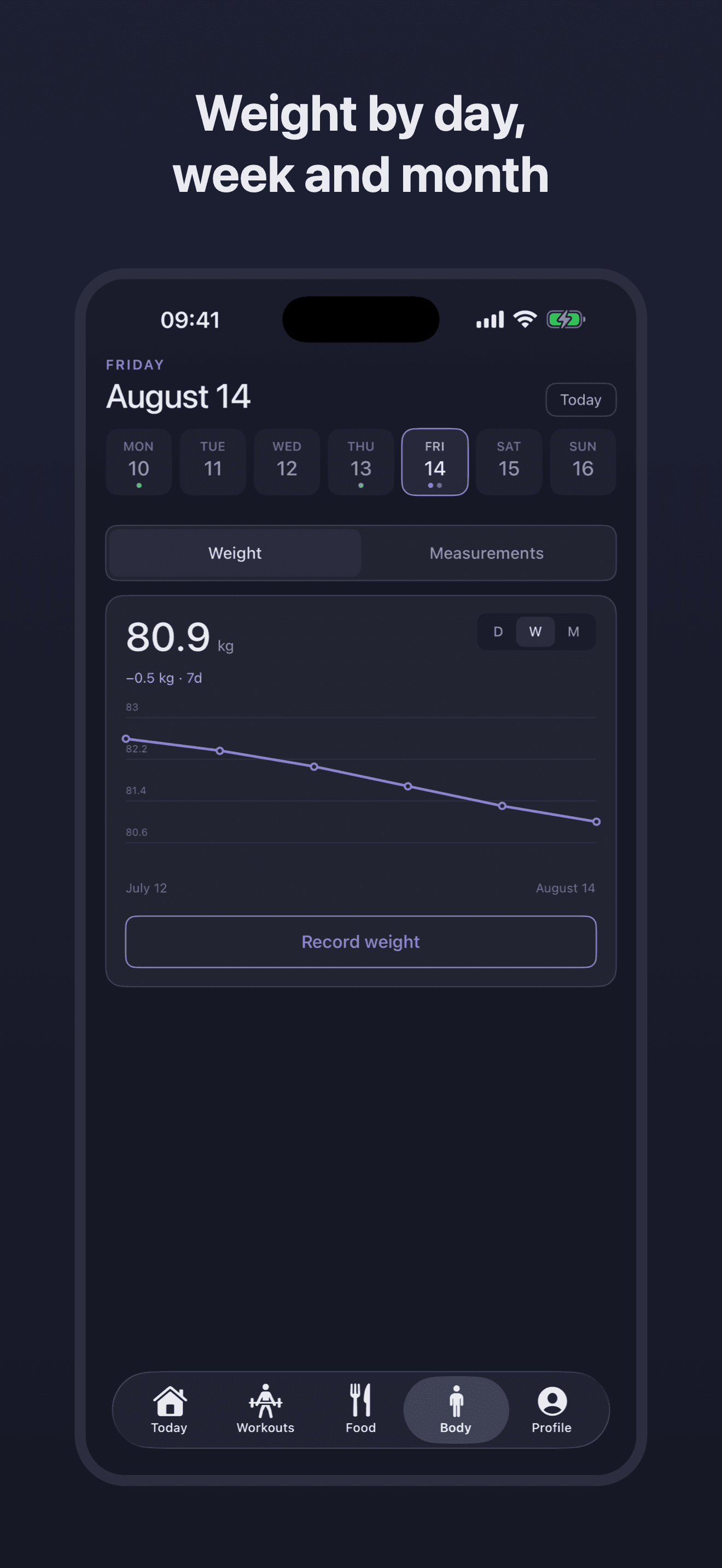
Bodyweight by day, week and month; tape measurements with a chart of their own. The trend lives on the screen instead of in your memory.
No account, no server, no ads, no analytics. Data lives on the phone and syncs through your own iCloud, so it works with no signal at all.
Every one of these runs in your browser. Nothing is sent anywhere, and nothing asks you to sign up.
About · Privacy · Terms Android is a trademark of Google LLC.
Written up on SpacerrApps
Apps like Ironpad

Kygo Health13 clicks
See how food actually affects your sleep, HRV, and recovery, backed by your own data. Log food in 20 seconds on iOS, Android or the web. Discover personal health patterns.
Health, Fitness, Food

Snapkin0 clicks
Snapkin is a calorie tracker you use by photographing your plate. Made by Robot Studios, an independent software company in Belgium.
Health, Food, Fitness

Flexor App17 clicks
Flexor App delivers guided stretching, mobility, flexibility, and recovery routines, with AI-assisted routine creation for your phone and wearable.
Fitness, Health, Mobile

Visionaria7 clicks
Visionaria is the world's first cinematic imagination app: first-person meditation journeys through myth and history, with story and spatial audio.
Health, Fitness, Media

Feldy6 clicks
Feldy is an online Feldenkrais program: short, gentle, audio guided lessons you do lying down or seated at home, for less stiffness, more comfort and more ease in everyday movement.
Health, Lifestyle, Fitness

Padel Party0 clicks
Best and biggest padel venue in Depok: six indoor glass courts, a structured Youth Academy, head coach from Spain, 5 minutes from the Sawangan Toll Exit.
Social, Fitness, Health
6 comments
Ines Moreau
Are all five lifting calculators free on both iPhone and Android?
Dmitry AlekseenkoMaker
Hi Ines, You are right!
Thanks for trying Ironpad, Dmitry
Marta Vidal
Can I set different automatic rest times for each exercise in my workout split?
Dmitry AlekseenkoMaker
Hi Marta, Not yet — right now Ironpad uses a single rest time for all exercises. You can set it in Profile → Rest time (15 sec to 5 min), and during a workout you can tap Skip to cut a rest short.
Per-exercise rest times is a fair request and I've written it down — heavy compounds and small isolation work really don't need the same pause. Thanks for taking the time to write.
Thanks for trying Ironpad, Dmitry
Marco Bellini
Since Ironpad works offline without an account, can I export or back up my workout and nutrition data when I switch iPhones?
Dmitry AlekseenkoMaker
Hi Marco, Good question — thanks for asking.
Ironpad has no accounts of its own, but it does keep a copy of your records in your personal iCloud, so switching iPhones is handled for you: 1. On your current iPhone, check that iCloud is enabled for Ironpad (in Settings, under your Apple Account → iCloud, in the list of apps using iCloud). Open the app once and give it a few seconds so the latest records are uploaded. 2. On the new iPhone, sign in with the same Apple Account and install Ironpad. 3. Open it and wait a few seconds. The lists may look empty at first — that's the app waiting for the cloud — and then your programs, workout history, nutrition, weight and measurements are all there. Nothing to import, no code to enter.
Two things worth knowing: - If iCloud is off for Ironpad, the records live on that phone only and are removed together with the app. So please confirm it's on before you erase the old iPhone. - The standard iPhone-to-iPhone transfer, or restoring the new phone from a backup of the old one, brings the data across as well.
Thanks for trying Ironpad, Dmitry