


Matrix Desktop
Free Matrix digital rain for Apple Silicon Macs. Run it as a live wallpaper or screensaver, customize presets from the menu bar, and span multiple displays. No account or subscription.
About Matrix Desktop
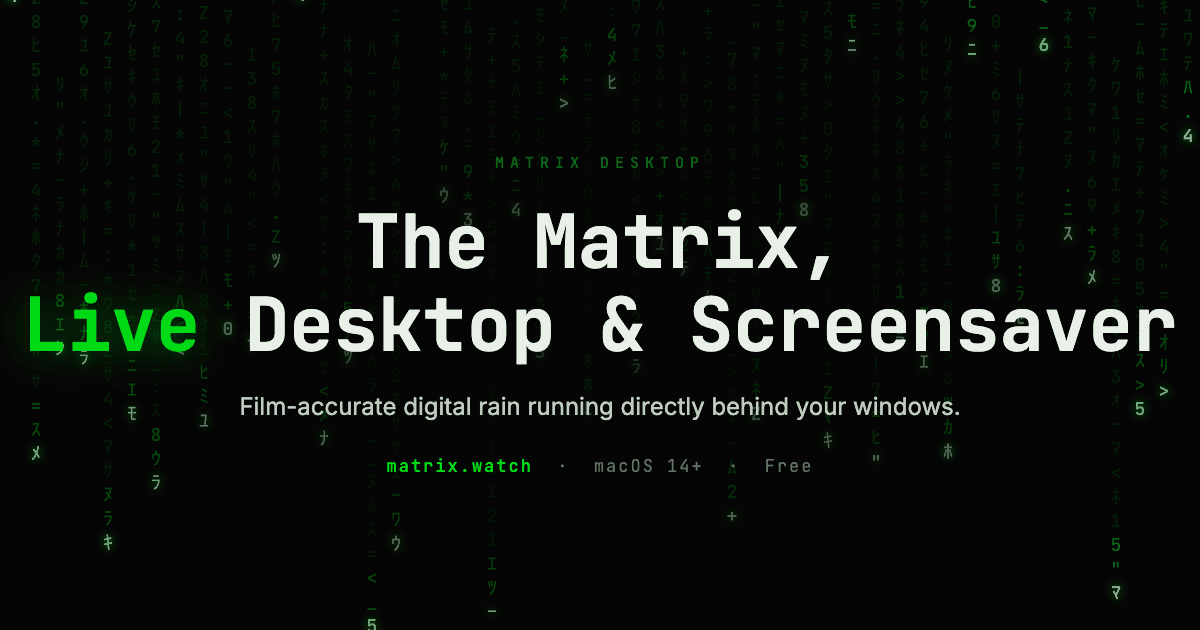
Matrix Desktop brings animated Matrix digital rain to Apple Silicon Macs as a live wallpaper and screensaver. The rain renders behind your windows while you work, with native Metal rendering and adjustable visual presets.
Choose a preset from the menu bar and tune the look in real time. Support for multiple displays lets the effect run across your setup. Power and thermal backoff adapt activity to the Mac.
Matrix Desktop is free, with no account or subscription. It requires an Apple Silicon Mac running macOS 14 or later. Download it at https://matrix.watch.
What Matrix Desktop does that nothing else does
Live desktop wallpaper and screensaver in one native Metal Mac app, with menu bar controls, adjustable presets, and support for multiple displays.
Who Matrix Desktop is for
Apple Silicon Mac users who want customizable Matrix digital rain as their live desktop wallpaper or screensaver.
Written up on SpacerrApps
Apps like Matrix Desktop
Gatterie70 clicks
Browse photos, RAW files, videos, documents and 3D models in your existing folders. Find files with search, tags and stars, explore GPS photos on a map and view models in 3D. One-time purchase.
Photo and video, Design, Utilities

RoomSketch3D Floor Planner0 clicks
Draw rooms to scale, furnish with 600+ true-size items, and switch between 2D plans and a 3D walkthrough. One-time $19.99, no subscription.
Design, Lifestyle, Utilities

Cursive Generator4 clicks
Cursive Generator is a free online cursive tool. Type any text to copy cursive styles for bios and messages, or render it in real open-licence cursive fonts and download PNG or SVG.
Design, Education, Utilities

Preserve Chat0 clicks
Preserve Chat turns WhatsApp chat exports into clean, readable conversation pages you can share as a link. Open a TXT or ZIP export and share only what matters.
Productivity, Social, Utilities

Reeded0 clicks
Catalog coins, photographs and provenance on your Mac. Import CSV and export PDF reports. Free for 25 coins, with a one-time purchase to remove the limit.
Lifestyle, Utilities

1 comment
Tomas Keller
Can you create and save your own custom presets, or are you limited to the built in ones?