


Onar: Dream Journal
Write, speak or sketch a dream before it fades, then mark the places you keep returning to at night on a map you draw yourself. No account, no server: entries stay on your device and your own iCloud.
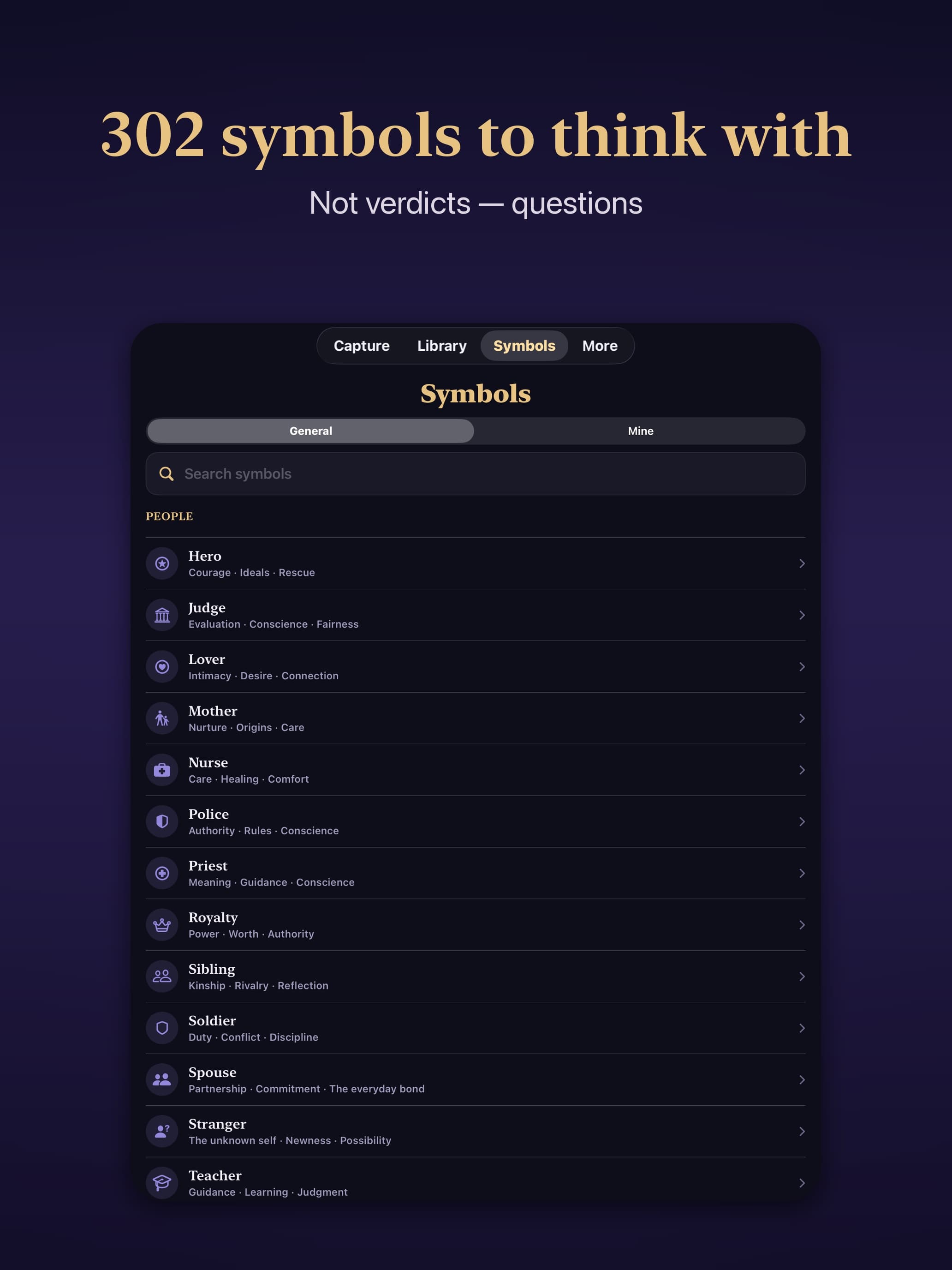
About Onar: Dream Journal
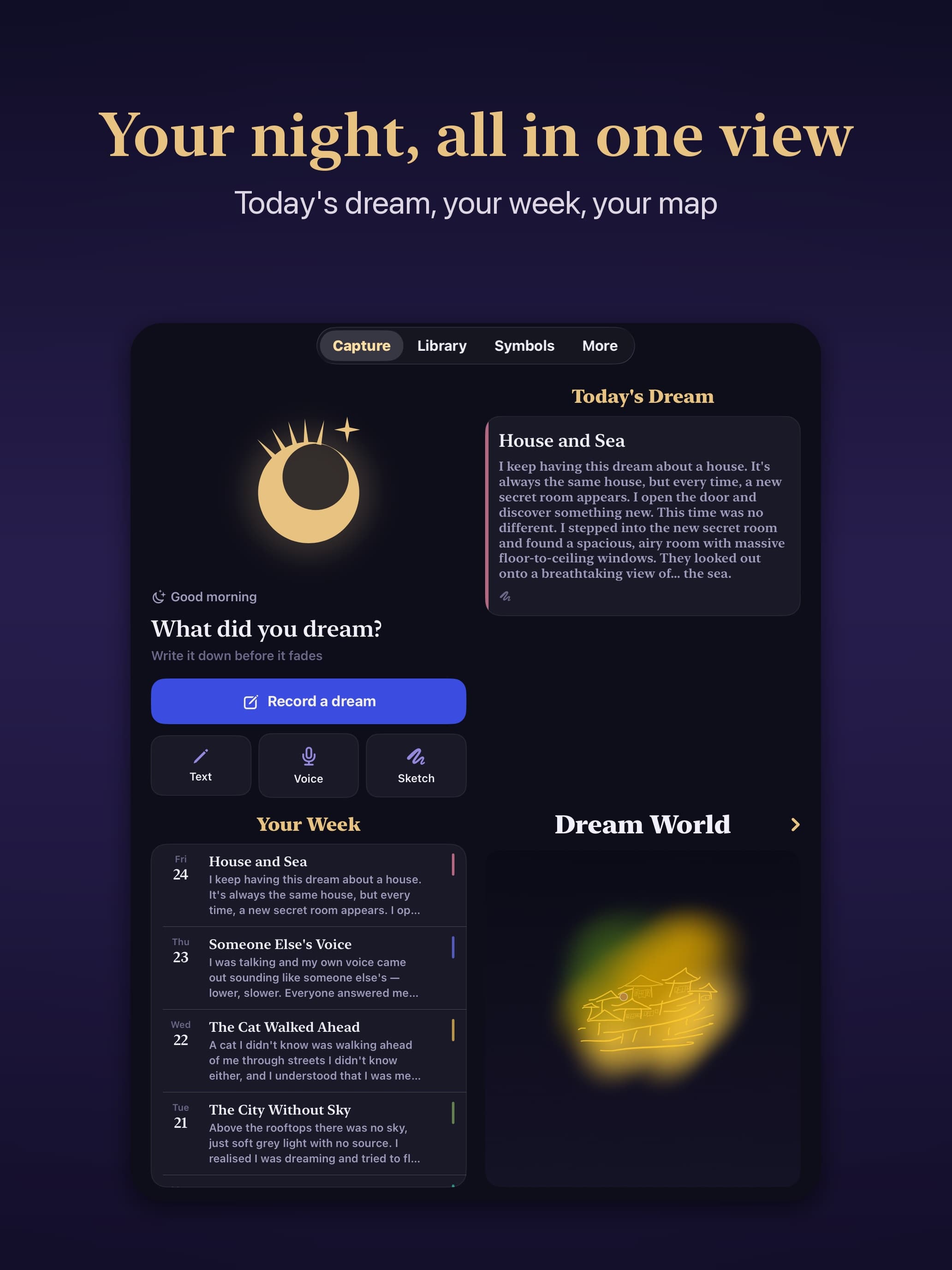
Onar is a dream journal for iPhone and iPad. I built it because every dream journal I tried solved the wrong problem: they were good at storing text and useless at the ten minutes right after waking, when the dream is still there but words are not.
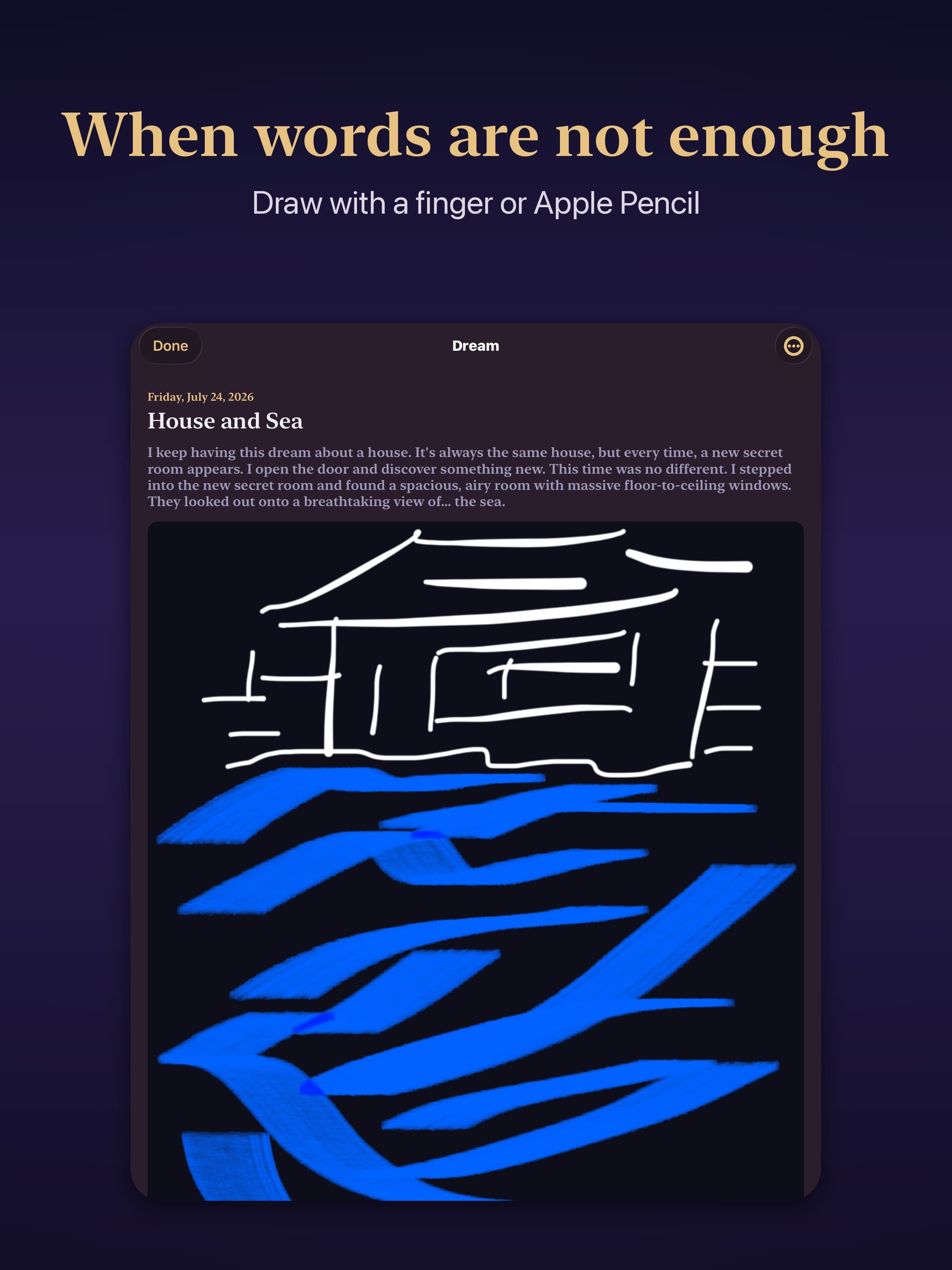
So an entry in Onar takes three forms at once. Type it. Say it out loud with your eyes still closed — speech becomes text on the device. Or sketch the shape you saw, because some dreams are an image and not a sentence.
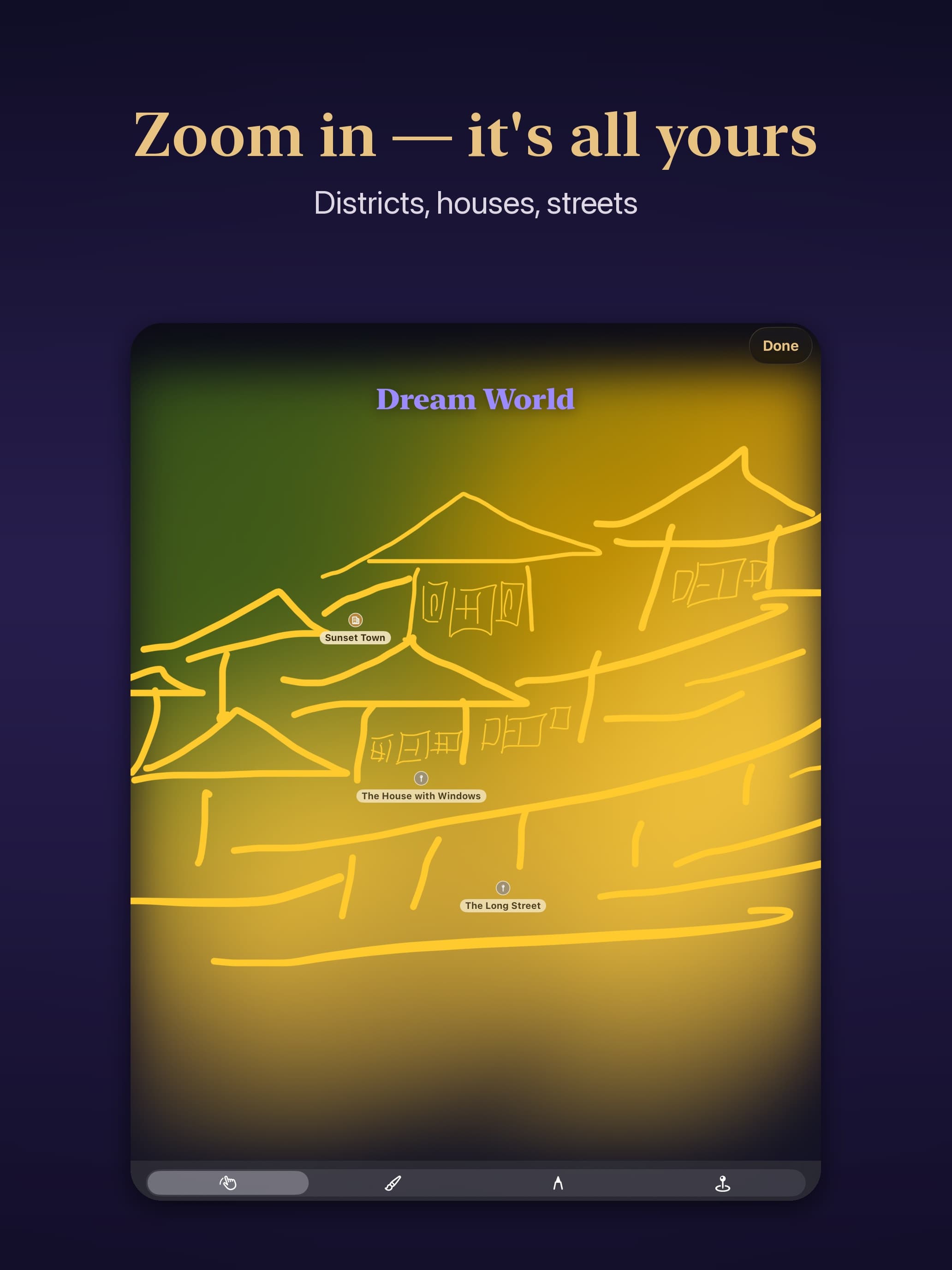
The part nobody else has is the Dream World: a map you draw yourself. You mark the places you keep returning to at night, paint the regions in, and tie each dream to a place. After a few months you can see where you go most often — something a list of entries never shows you. The whole map is free.
There is no AI interpretation, and that is deliberate. Every competitor added a bot that tells you what your dream meant. Noticing the pattern yourself is the point; the app keeps the record and makes it searchable. The symbol dictionary gives what a symbol has meant across cultures, and leaves the conclusion to you.
No account, no server. Entries stay on the device and sync through your own iCloud, so I cannot read them. Nine languages. Free to download; voice, sketch and the dictionary of more than 300 symbols are Premium.
What Onar: Dream Journal does that nothing else does
The Dream World: a map you draw yourself, marking the places you return to at night, with each dream tied to a place. No other dream journal has it, and the whole map is free.
Who Onar: Dream Journal is for
People who keep a dream journal and want it private: no account, no server, no bot telling them what the dream meant. Anyone who wants dream interpretation on tap should skip it.
Written up on SpacerrApps
Apps like Onar: Dream Journal

Flexor App17 clicks
Flexor App delivers guided stretching, mobility, flexibility, and recovery routines, with AI-assisted routine creation for your phone and wearable.
Fitness, Health, Mobile

Disguise Chat0 clicks
A private messenger app disguised as a calculator. Disguise Chat is your stealth messaging app for anonymous, encrypted, and hidden chats.
Mobile, Privacy, Security

FocusBottle1 clicks
A free visual focus timer for Pomodoro sessions and deep work. Watch light particles dance as you focus—white noise, tasks, and a focus calendar on Android.
Productivity, Health, Mobile

SpyBubble2 clicks
SpyBubble helps parents understand their children's digital activity with phone location tracking, call and message logs, app activity insights, and an online dashboard for responsible monitoring.
Security, Mobile, Monitoring

FogAway14 clicks
Watch the streets you explore emerge from the fog. Record your routes, revisit each day in the timeline, and share a journey. Tracks stay in your local database; you choose what to back up or share.
Travel, Mobile

9 comments
Priya Nair
Can one dream be linked to multiple places on the Dream World map, or only one?
AnonymousMaker
Hi Priya, thanks for asking — this one's worth answering properly.
Several — a dream can be linked to as many places as it visited.
That matters more than it sounds, because places nest. The big ones are mountains, rivers, cities, portals. But you can zoom in (the map scales up to 30×) and add the smaller things inside them: a street, a house. Zoomed out you see only the large landmarks, like on a map app; zoom in and the detail appears.
So a dream that took you through a city and into one particular house can be tied to both. Tap the map inside a dream and you'll see every place that dream is linked to.
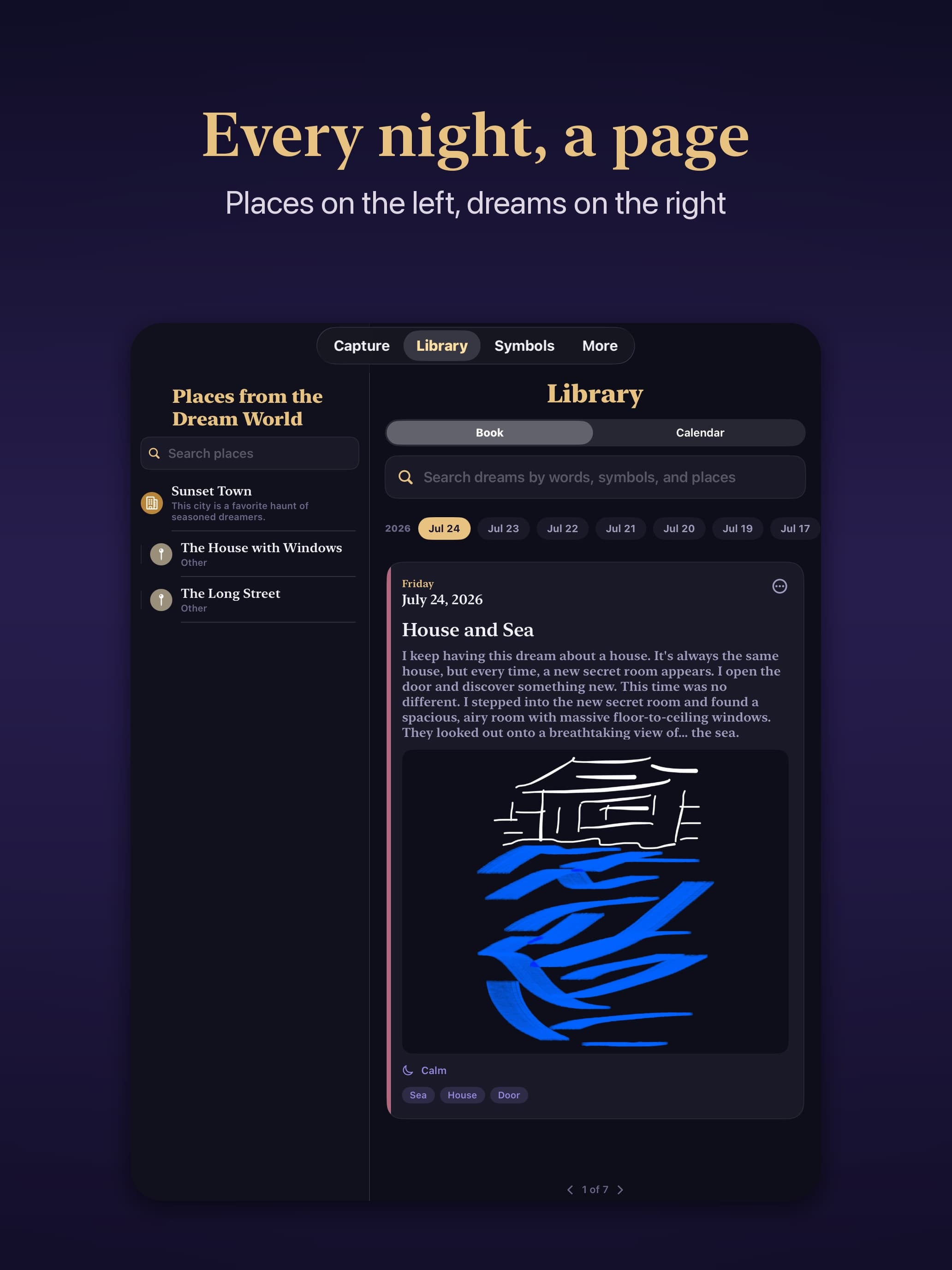
Finding them again is the part I worried about most. Once you have a lot of entries it's easy to forget where on the map you marked something. So the Library keeps a full list of your places with their descriptions — pick one and it opens at that spot on the map.
Aisha Rahman
Can I use the same Dream World map on my iPhone and iPad, with each dream linked to its marked place?
AnonymousMaker
Yes — the map, its places and the dream-to-place links sync through your own iCloud, so you get the same Dream World on both devices. Open a place and it lists the dreams tied to it.
One honest caveat: voice recordings are the exception right now. A dream recorded on iPhone shows its text on iPad but won't play back there. That's on the list for the next update.
AnonymousMaker
Hi Priya, thanks for asking — this one's worth answering properly.
Several — a dream can be linked to as many places as it visited.
That matters more than it sounds, because places nest. The big ones are mountains, rivers, cities, portals. But you can zoom in (the map scales up to 30×) and add the smaller things inside them: a street, a house. Zoomed out you see only the large landmarks, like on a map app; zoom in and the detail appears.
So a dream that took you through a city and into one particular house can be tied to both. Tap the map inside a dream and you'll see every place that dream is linked to.
Finding them again is the part I worried about most. Once you have a lot of entries it's easy to forget where on the map you marked something. So the Library keeps a full list of your places with their descriptions — pick one and it opens at that spot on the map.
Mara Jensen
Does the speech to text feature work fully offline, with recordings and transcriptions staying on the device?
AnonymousMaker
Yes — transcription uses Apple's on-device Speech framework, so audio is never sent anywhere. Both the recording and its text stay on your device.
One practical note: the first use of a language may need a connection while iOS downloads the language pack. After that it works offline.
Jonah Petersen
What features are included in the paid version, and does it add anything to the free dream map?
AnonymousMaker
Thanks for asking. Paid adds voice entries with transcription, sketching, the symbol dictionary, and your own custom symbols.
The Dream World map is entirely free — placing and moving places, the brush, the fill, linking dreams to a place. Paying adds nothing there, by design.