


Pocket Screen
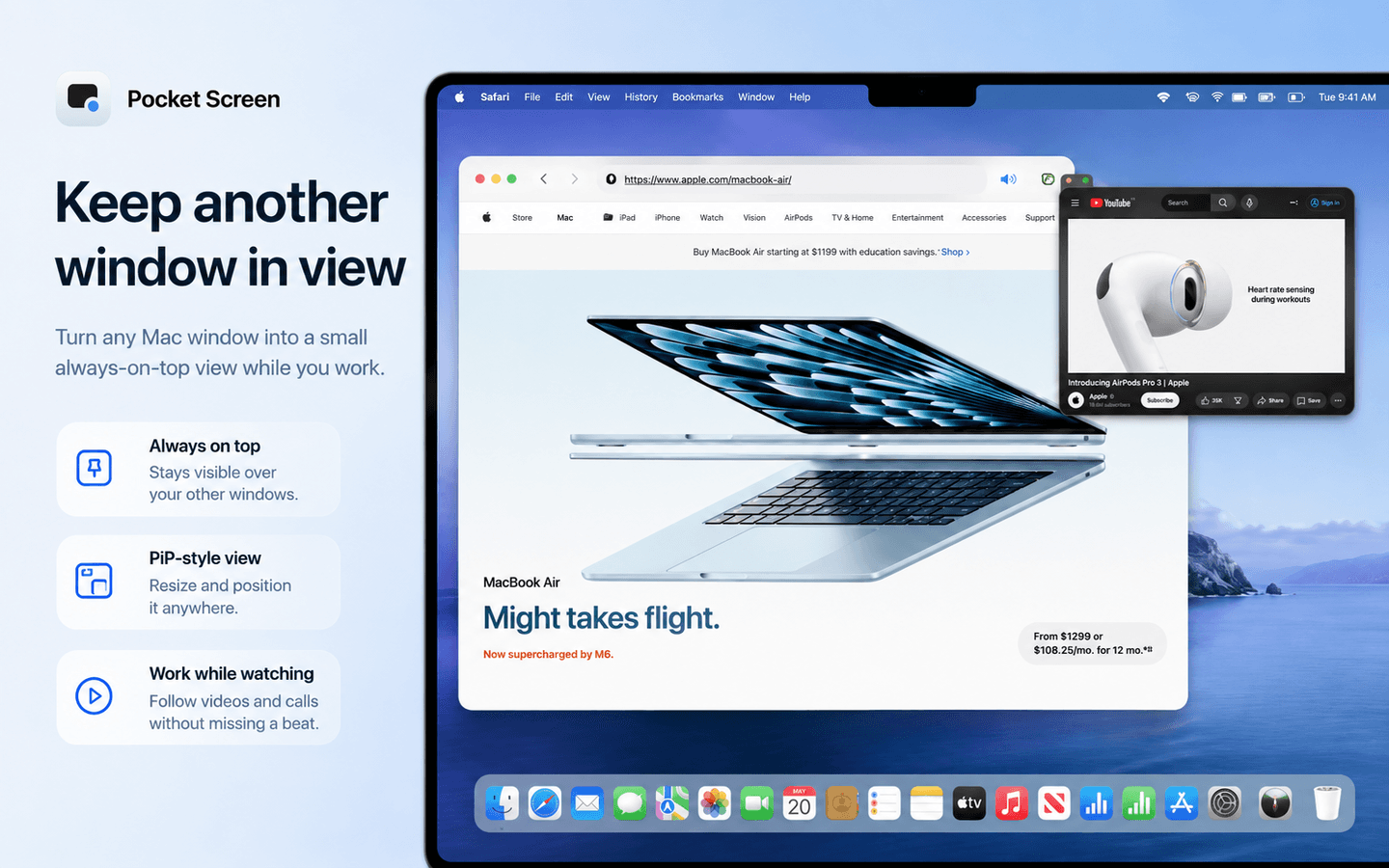
Pocket Screen keeps up to two Mac app windows visible as compact, always-on-top live reference views while you work in another app.
- Launched
- Clicks
- 42
- Categories
- Productivity,Utilities
- Runs on
- macOS
- Pricing
- Free plan, paid upgrade
About Pocket Screen
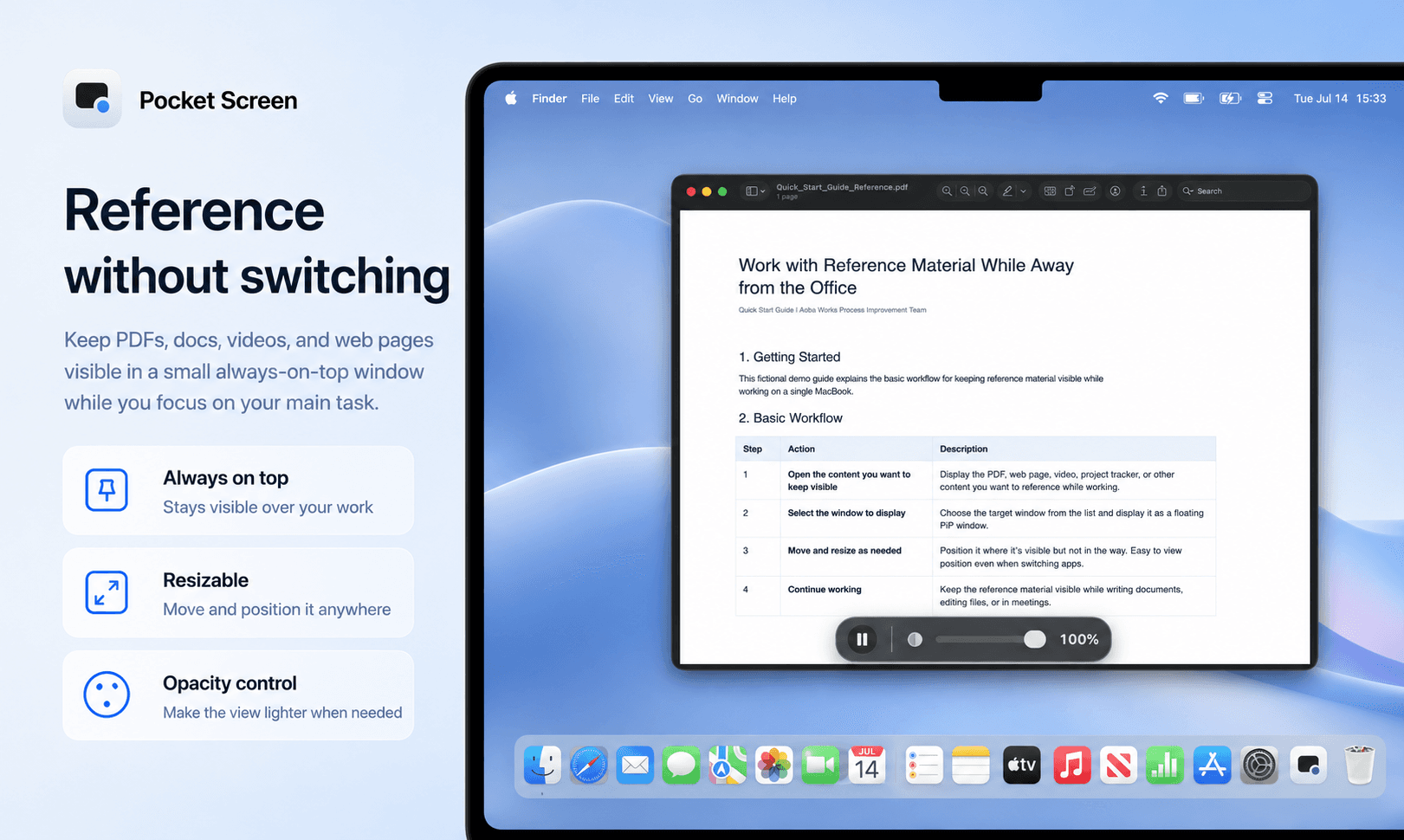
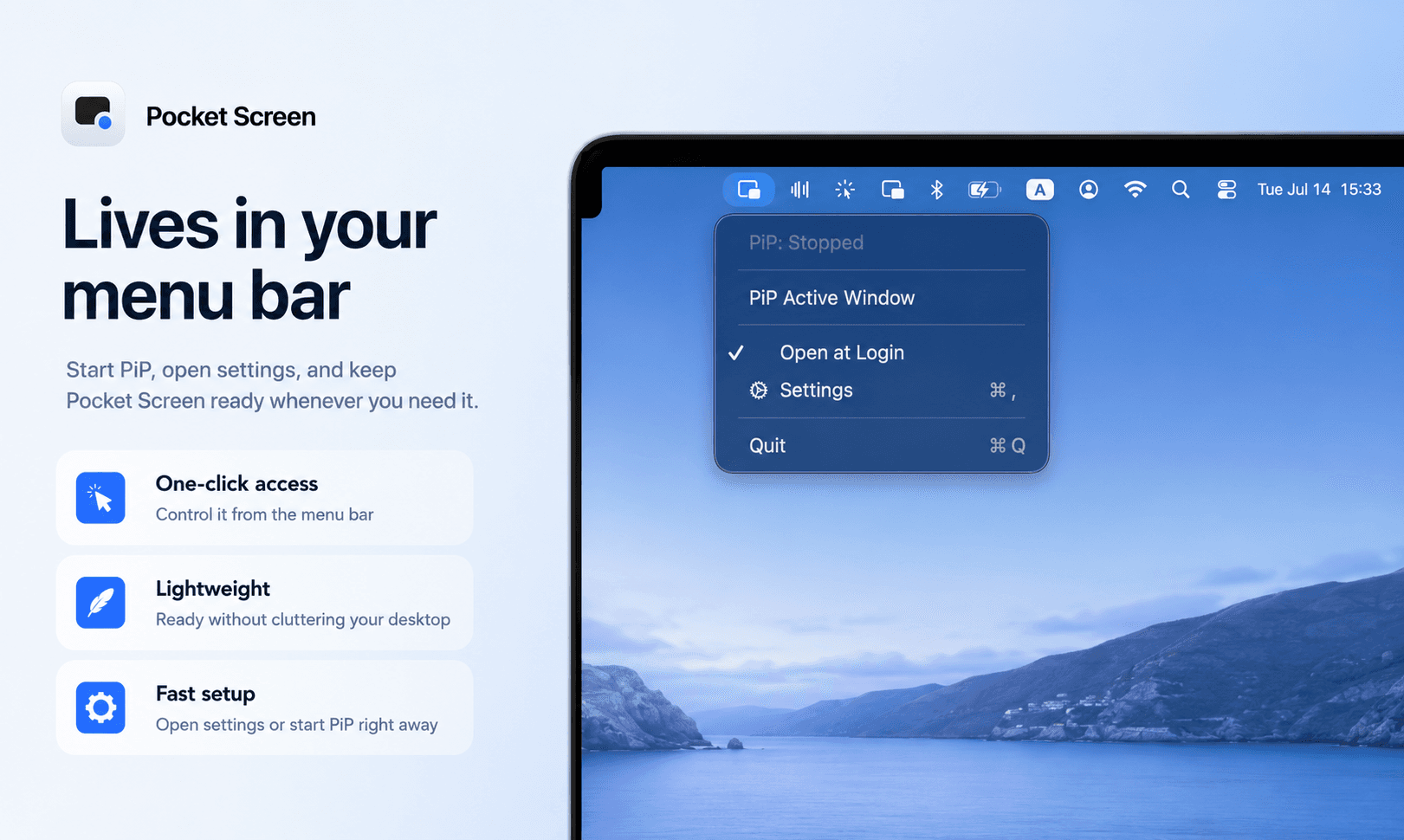
Pocket Screen is a lightweight macOS menu bar utility for keeping reference material visible while you work. It can show up to two app windows as compact, always-on-top PiP-style live views, so you can keep a PDF, browser, dashboard, chat, timer, supported video, or other reference in sight without constantly switching windows.
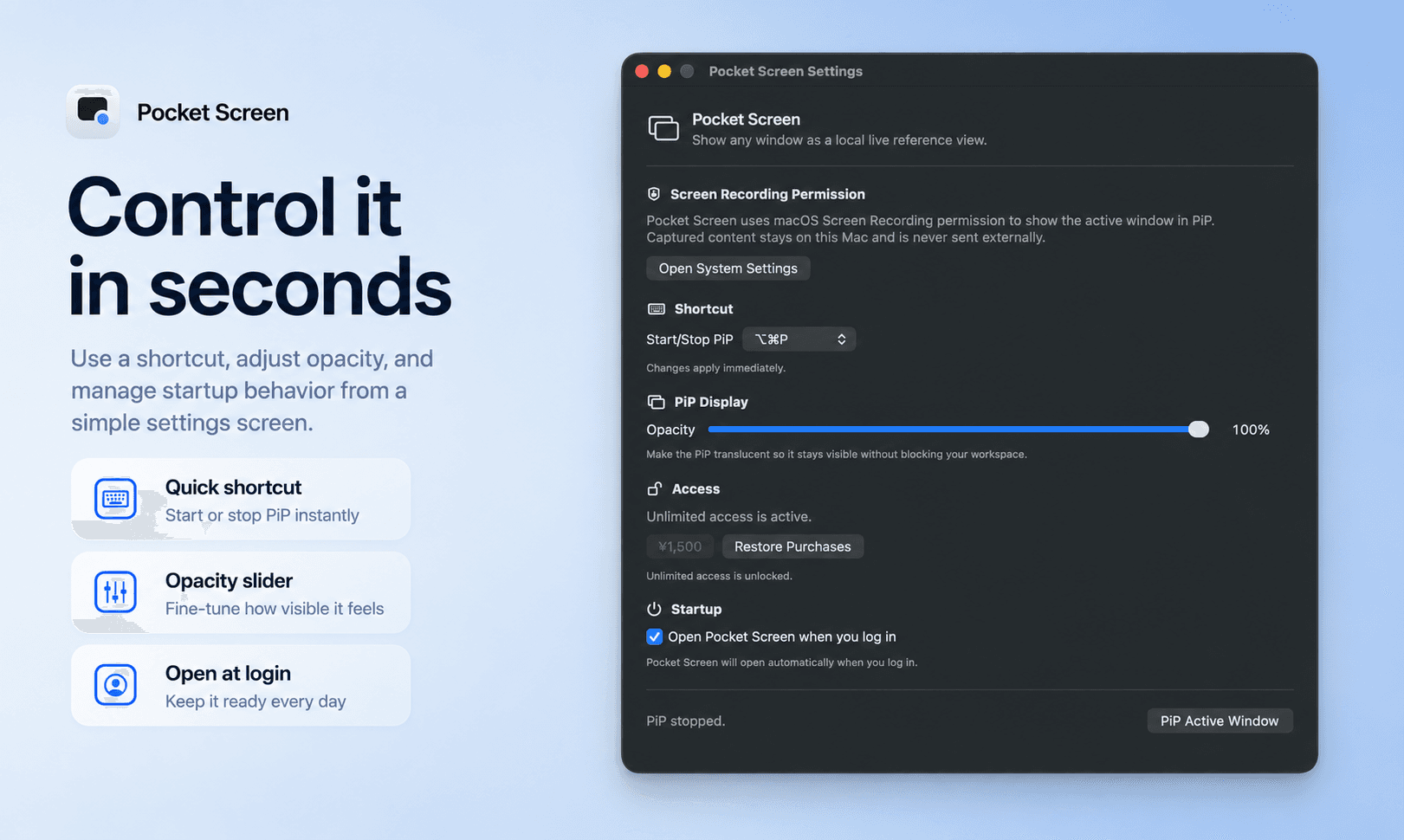
Each floating view can be moved and resized, its opacity can be adjusted, and Click-Through lets mouse actions pass to the app underneath. You can freeze the current frame, resume the live view, temporarily hide the PiP, or switch the selected PiP to the current frontmost window with a global keyboard shortcut. Pocket Screen can also hide a PiP when its source is unavailable in another macOS Space and restore it when you return.
The PiP is designed as a live reference view rather than a remote-control window: scrolling, clicking, and typing stay in the source app. The source window can remain at its normal size while Pocket Screen shows a scaled-down live view.
Captured pixels are displayed locally on the Mac and are not uploaded to Toybird Labs servers. An optional setting can also exclude Pocket Screen's PiP windows from supported screen captures and screen sharing.
Pocket Screen can be used free in sessions of up to 10 minutes with no expiration. A one-time purchase removes the session time limit.
What Pocket Screen does that nothing else does
Pocket Screen is designed to be simple: pick a window and keep working, without setting up layouts, rules, or a complex window-management workflow.
Who Pocket Screen is for
Mac users who work on one screen and want a reference window visible without constantly switching apps or setting up a complex window-management workflow.
Written up on SpacerrApps
Apps like Pocket Screen

Nijia10 clicks
Understand what uses your Mac's storage—from System Data and caches to build artifacts and Git worktrees—then review what can be rebuilt before cleaning up.
Developer tools, Productivity, Utilities

Memoe10 clicks
Hold one key from any app, say it, and Moe answers out loud. You can also type. Uses the ChatGPT or Claude plan you already pay for.
Productivity, AI, Utilities

Strata18 clicks
Mac disk cleaner: see what fills your disk, clear junk, backups and System Data to the Trash. macOS 13+, universal. 14-day free trial, $9.99 once.
Productivity, Utilities

ZIPZAX0 clicks
ZIPZAX is a free collection of 425 online tools for everyday digital work. No account, no installation.
Productivity, Utilities

Display Inspect0 clicks
Free browser-based display tests for monitors, laptops, phones, TVs, OLED and LCD screens.
Hardware, Productivity, Utilities

Export Calendar - CSV & ICS0 clicks
Export Calendar lets you save selected calendar events to CSV or ICS for backups, spreadsheets, migration, and sharing. Everything is processed privately on your device.
Productivity, Utilities, Privacy
10 comments
Owen Fitzgerald
How does Pocket Screen handle a source window in another macOS Space, and does its floating view hide and return automatically?
Masaki IinoMaker
Pocket Screen is designed to work with macOS Spaces. If the source window becomes unavailable because it’s in another Space, the floating view will temporarily hide instead of showing an empty or stale view. When you return to the Space where the source is available, it will automatically come back. You don’t need to recreate it.
Felix Brandt
Can the global keyboard shortcut be customized, and does it switch the selected PiP to whichever window is frontmost?
Masaki IinoMaker
Yes, but with one limitation: the global shortcut can be changed from a predefined set of options rather than freely assigning any key combination. Pocket Screen is designed to stay simple and quick to set up, so I chose this approach rather than adding a more complex shortcut editor. The shortcut feature itself was added based on user requests, though, so if there’s enough demand for fully customizable shortcuts, I’d definitely consider adding that in the future. And yes, you can use a shortcut to switch the selected PiP to the current frontmost window. There are also shortcuts for other common actions, such as opening the second PiP and closing PiPs.
Elias Wagner
Does Pocket Screen work with apps that use protected content, such as streaming video, or will those windows appear blank?
Masaki IinoMaker
Thanks for your interest in Pocket Screen! Pocket Screen uses Apple’s ScreenCaptureKit framework, so its behavior generally follows what macOS and the source app allow. I just tested the Bitmovin DRM Stream Test in both Safari and Chrome, and the protected video displayed correctly in Pocket Screen in both cases. That said, behavior may vary depending on the app or streaming service — for example, services like Netflix may apply their own restrictions. Pocket Screen is free to try, with all features available for up to 10 minutes per session, so feel free to give it a try with the apps you use.
Nora Callahan
What features are included in the free version, and what requires payment?
Masaki IinoMaker
Thanks for asking! The free version includes all features. The only limit is that each session lasts up to 10 minutes, and you can start another session whenever you want. Unlimited Access is a one-time purchase that removes the time limit. No subscription.
Zofia Kowalska
Can both floating views show the same app window, or does each one need a different source?
Masaki IinoMaker
Thanks for asking! Right now, each floating view needs a different source window, so you can’t show the same window in both at the same time. We can see how that might be useful in some workflows though. If you’re happy to share how you’d use it, we’d be interested to take a look and see if it makes sense for a future update.