


Brainstorm
Brainstorm runs your apps, your data, and your AI on your own machine. Install what you need, keep every file on your disk, and let AI help — only with the parts you hand it.
- Launched
- Clicks
- 27
- Categories
- Developer tools,Productivity,Privacy
- Runs on
- macOS, Windows, Linux
- Pricing
- Free plan, paid upgrade
About Brainstorm
Brainstorm is a local-first, AI-native operating system for knowledge management. Your apps, your data, and your AI all run on your machine, with optional end-to-end encrypted sync — and every app and every agent only touches what you allow.
We'd like to count visits and see which pages get read. That means keeping one random id on your device, so reading a second page isn't counted as a second person, and sending page names to Amplitude on servers in the EU. Nothing is kept until you choose, and you can change your mind whenever you like. What we store
Brainstorm runs your apps, your data, and your AI on your own machine. Install what you need, keep every file on your disk, and let AI help — only with the parts you hand it.
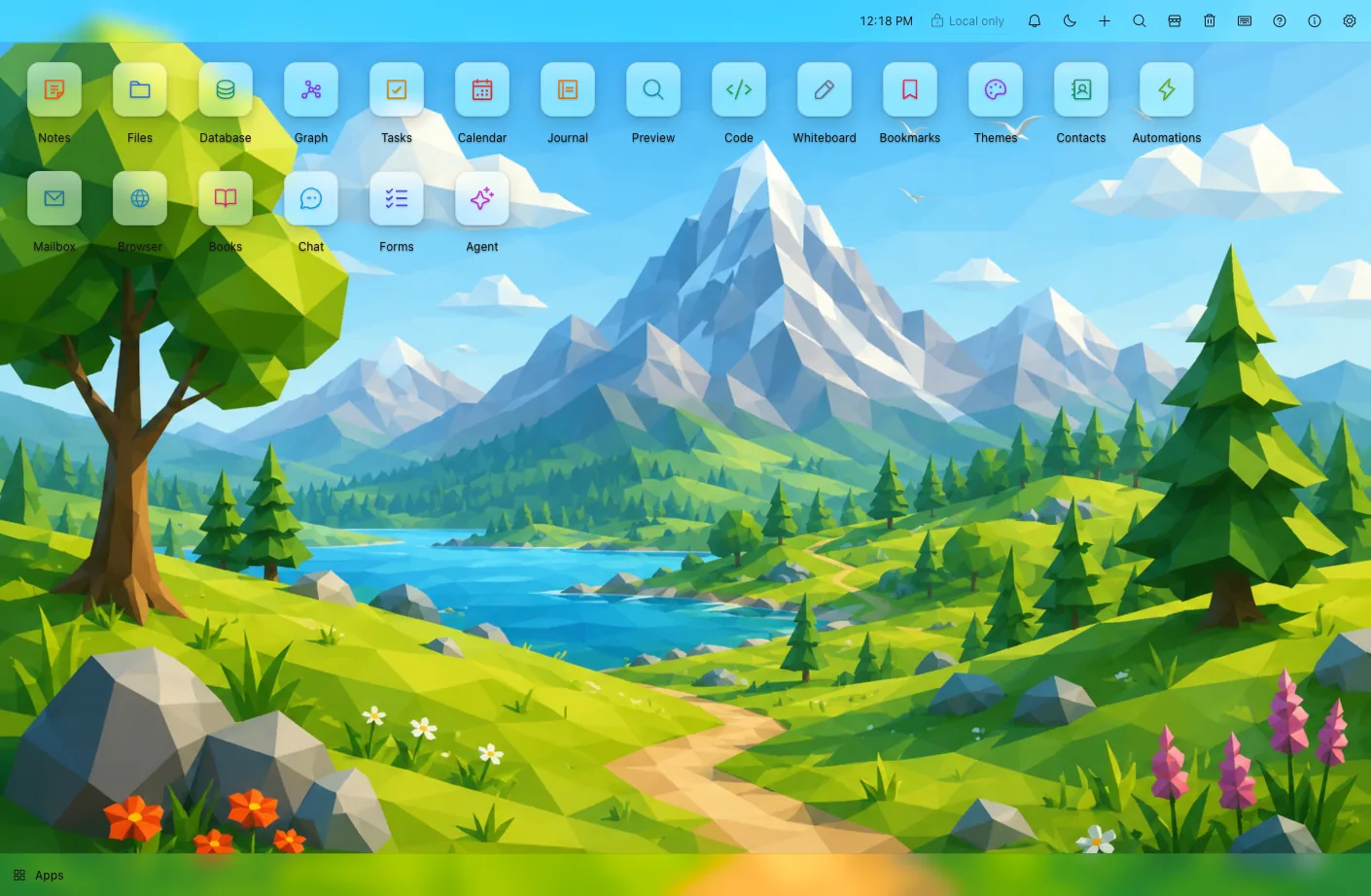
The screen is a real desktop — a wallpaper, app icons, windows. Each icon is its own app, sandboxed, all working from one set of data that lives with you: knowledge management without someone else's cloud in the middle.
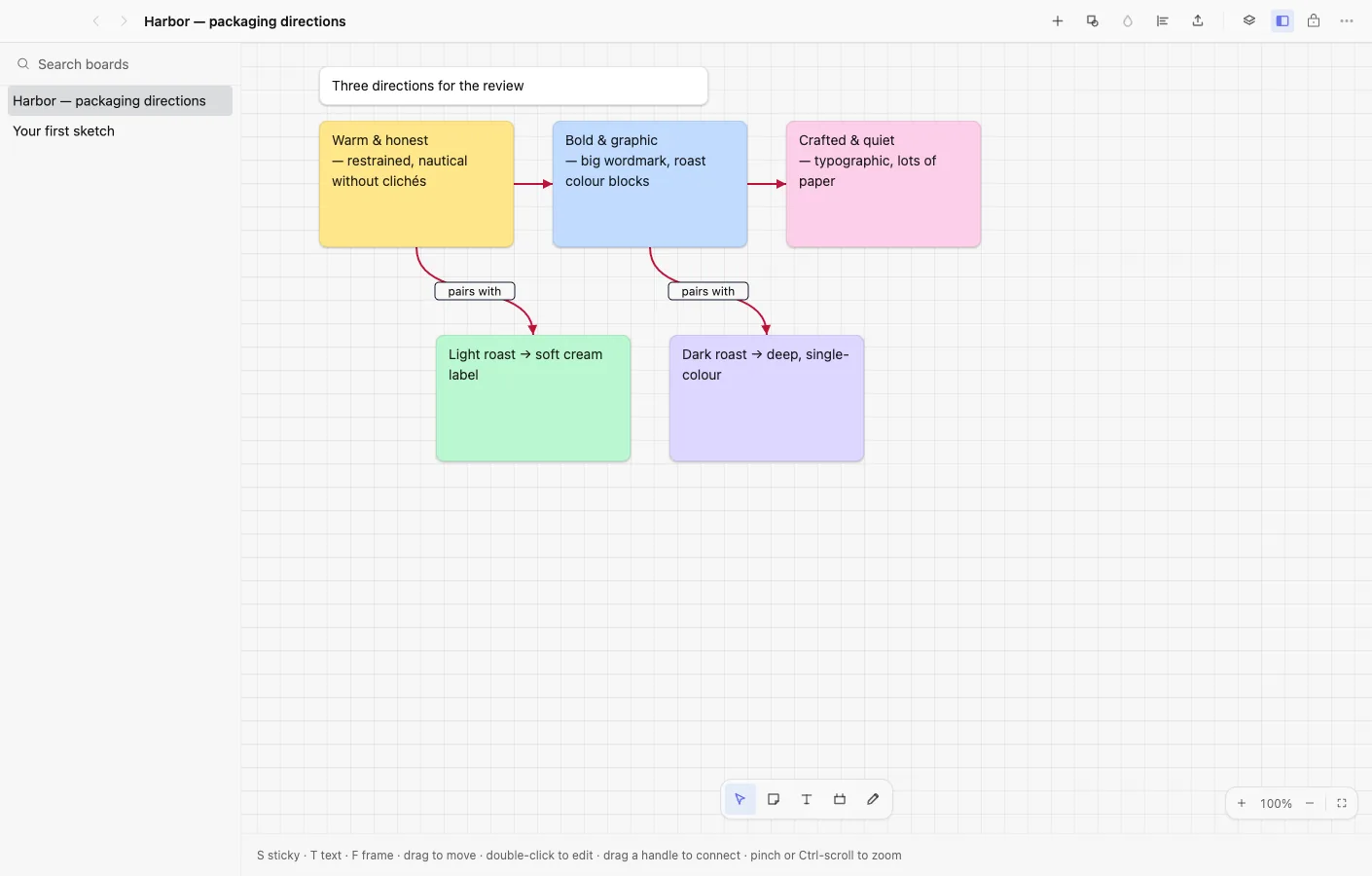
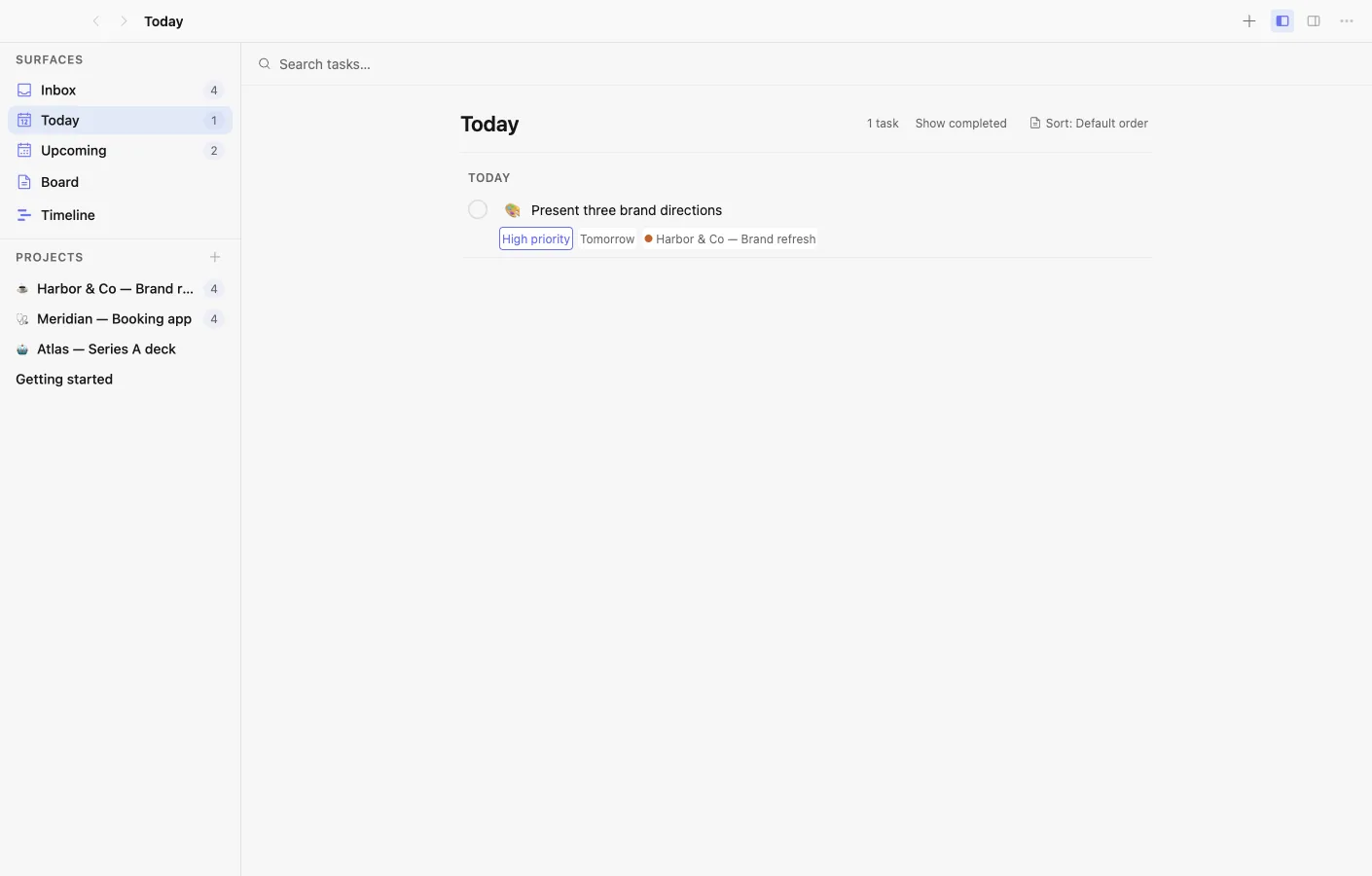
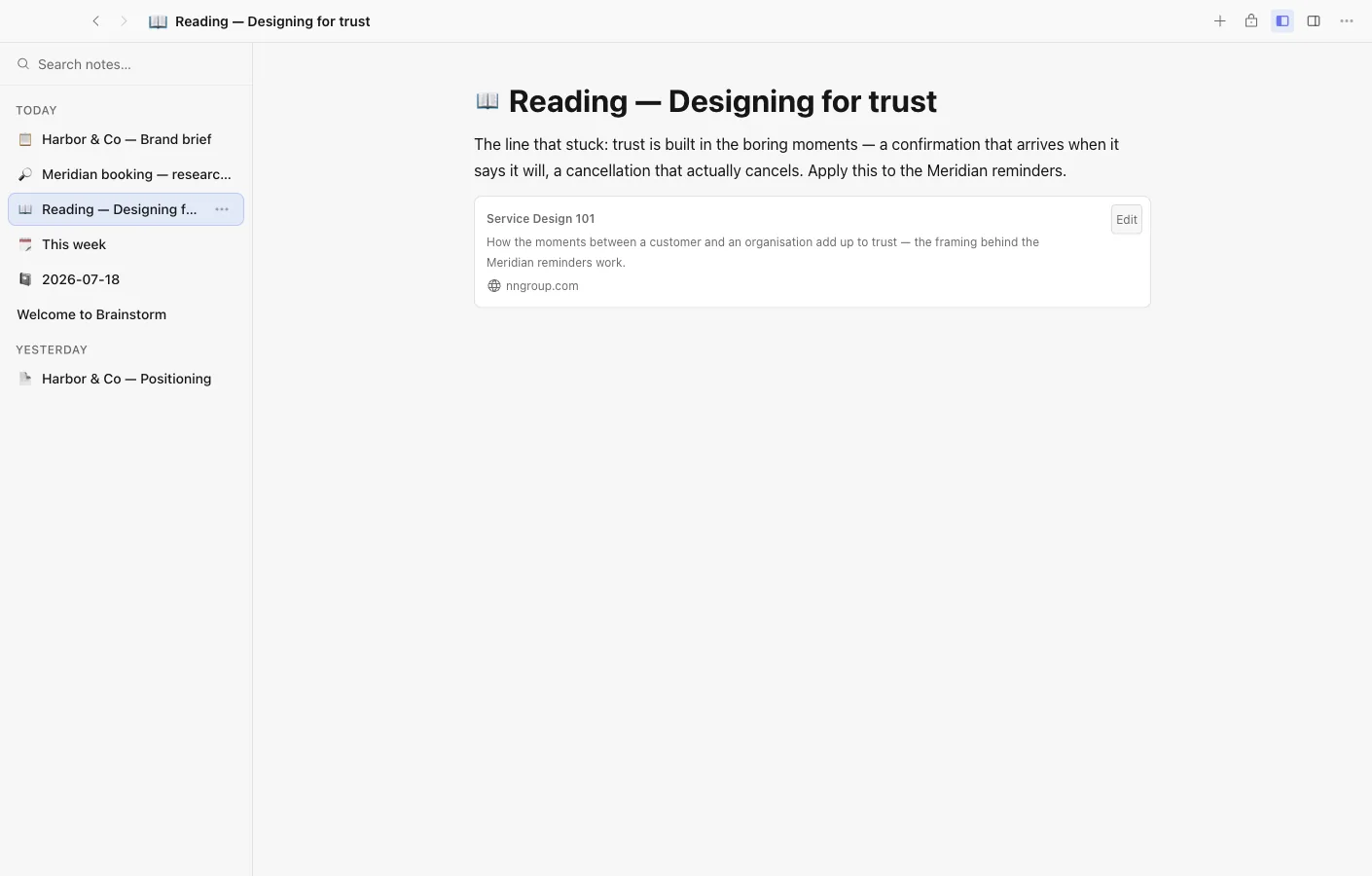
The shell only hosts apps. Notes, Database, Files, Graph, a calendar, a code editor — add the ones you want, drop the rest, and update each on its own.
Every document is a plain file in a folder you own. Sync is optional and end-to-end encrypted — the relay only ever sees scrambled bytes. There's no account to sign up for.
The shell sits between your apps and any AI. Use your own API key or a model that runs locally, and decide exactly what each app and agent is allowed to touch.
Each app reads and writes the same vault, so a note y
Written up on SpacerrApps
Apps like Brainstorm

Roxi0 clicks
Roxi is a proxy subscription service run by a small independent team. The free tier gives 30 minutes of full-speed access daily, and the link works with Clash Verge Rev, v2rayN, Hiddify and NekoBox.
Developer tools, Privacy, Security

Zipic0 clicks
Zipic compresses and converts images 100% on-device. Its zipic CLI returns per-file JSON, exit codes and supports --dry-run; the official Agent Skill runs batches from Claude Code or Codex.
Developer tools, Productivity, Photo and video

Yap0 clicks
The world's fastest dictation app, private by design. Turn speech into text at your cursor on Mac and Windows, recognized on your device: no audio uploads, no training on your words.
Productivity, Writing, Privacy

QwickBridge0 clicks
Qwickbridge Sync connects QuickBooks Online and Desktop with business apps through custom integrations, reducing manual work and improving data accuracy.
Productivity, Developer tools, Open source

Launchy0 clicks
Every week, a fresh batch of handpicked product launches. Launchy is a curated product launch platform that publishes a new batch of handpicked products every week.
Developer tools, Launch platforms, Productivity

4 comments
Nora Callahan
How do I control which files and apps each AI agent can access, and can I revoke that access later?
Andrew SimachevMaker
Each agent is a member of your vault with its own identity (an Ed25519 fingerprint), not a feature of an app. It holds its own capability grants in the same per-vault ledger that governs apps. You set them in Settings -> Team, per agent.
Dan Whitfield
Can I use Brainstorm fully offline on macOS, Windows, or Linux, and what features require the optional encrypted sync?
Andrew SimachevMaker
Of course you can and sync is for backup and team collaboration in chat and other apps, without these features it's free