


SpeedGrid
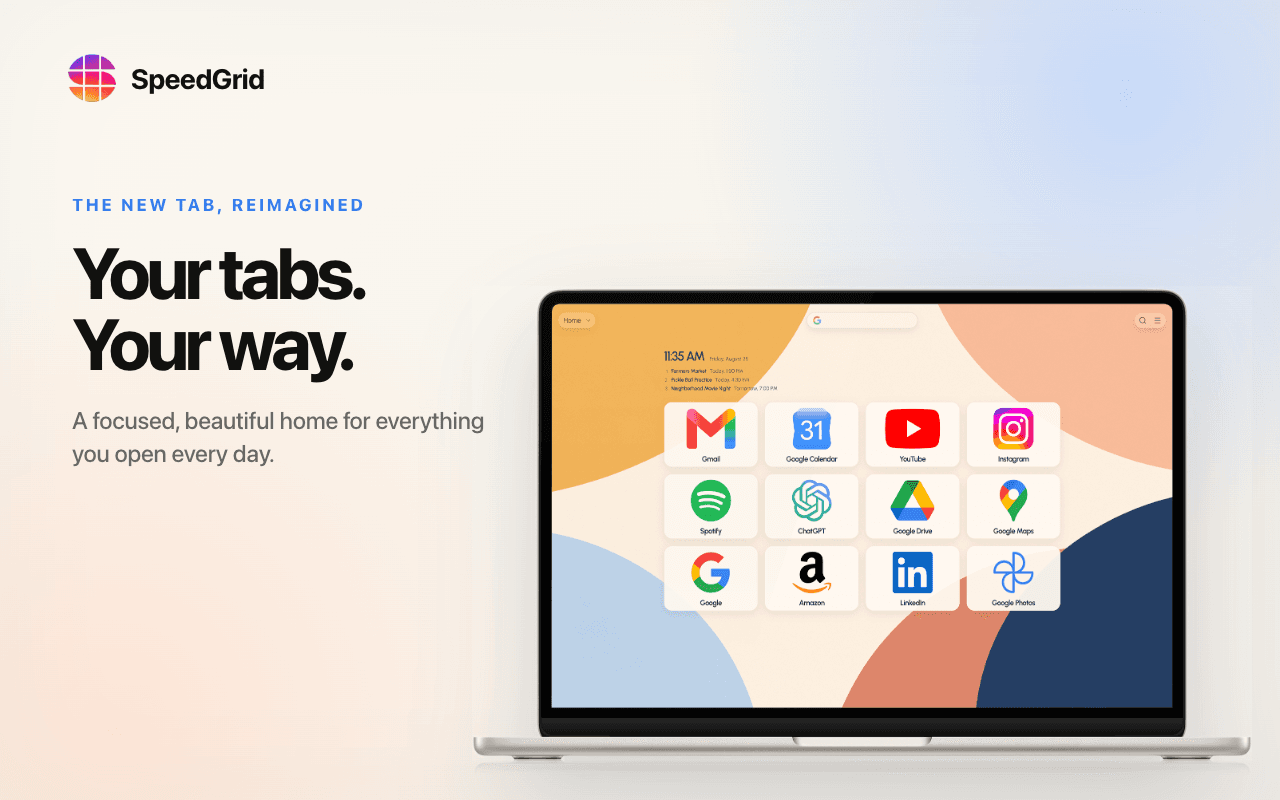
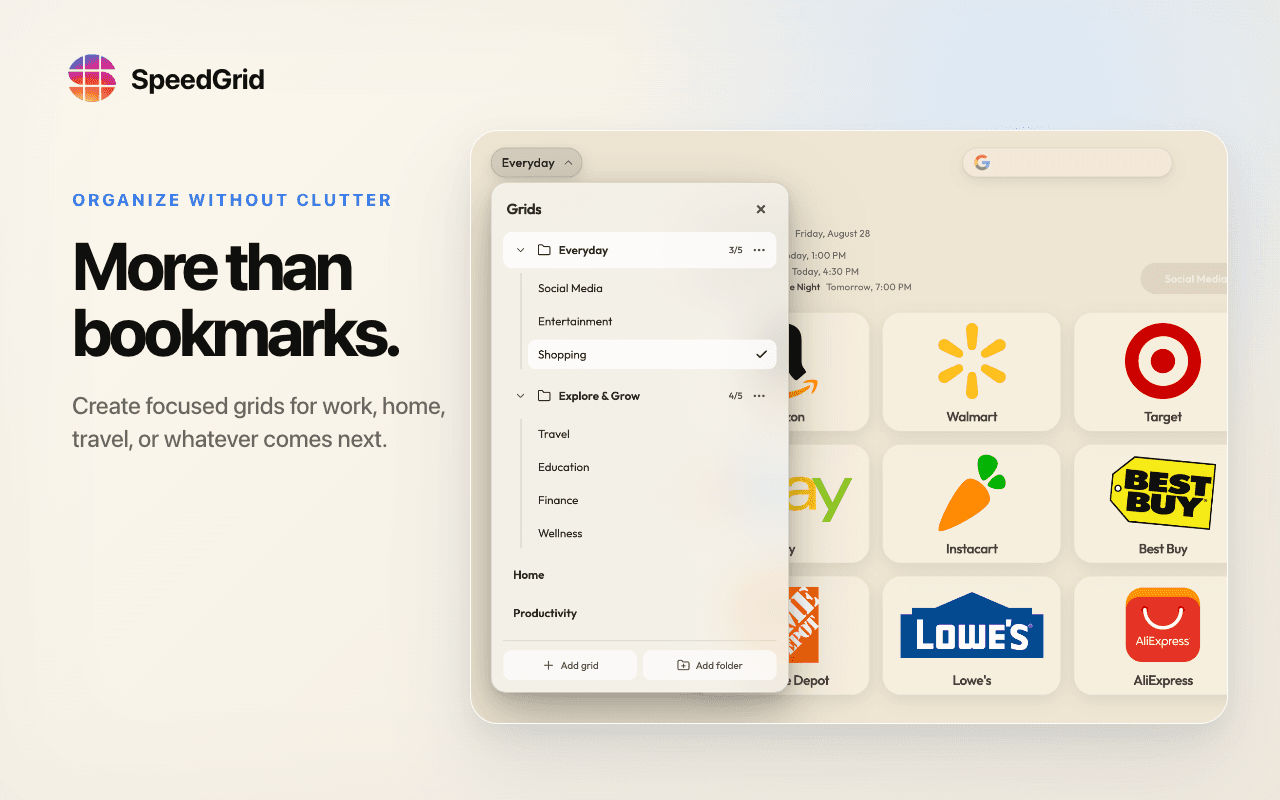
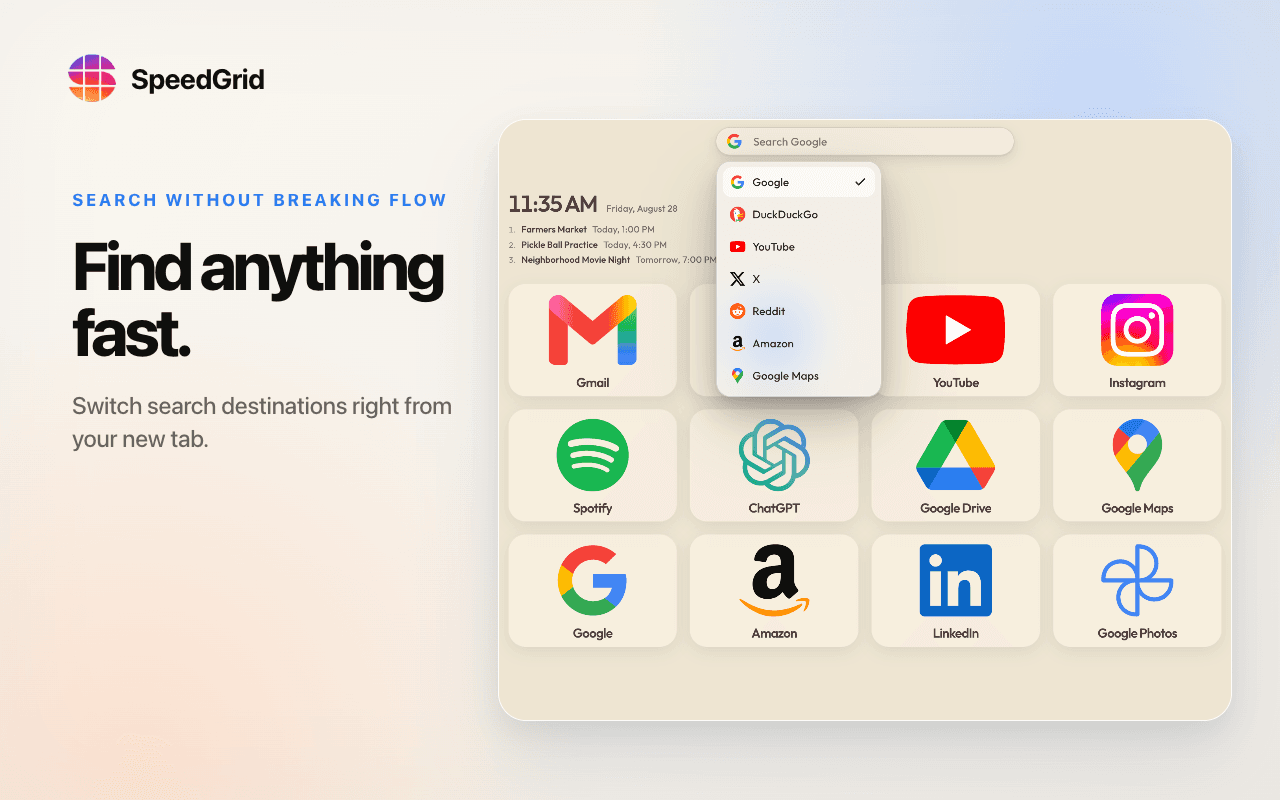
Turn every new tab into organized visual grids and folders for bookmarks, with quick search, themes, Save for Later, and direct Speed Dial 2 import.
- Launched
- Clicks
- 2
- Categories
- Productivity,Browser extension,Utilities
- Runs on
- Web, macOS, Windows, Linux, Browser extension
- Pricing
- Free plan, paid upgrade
About SpeedGrid
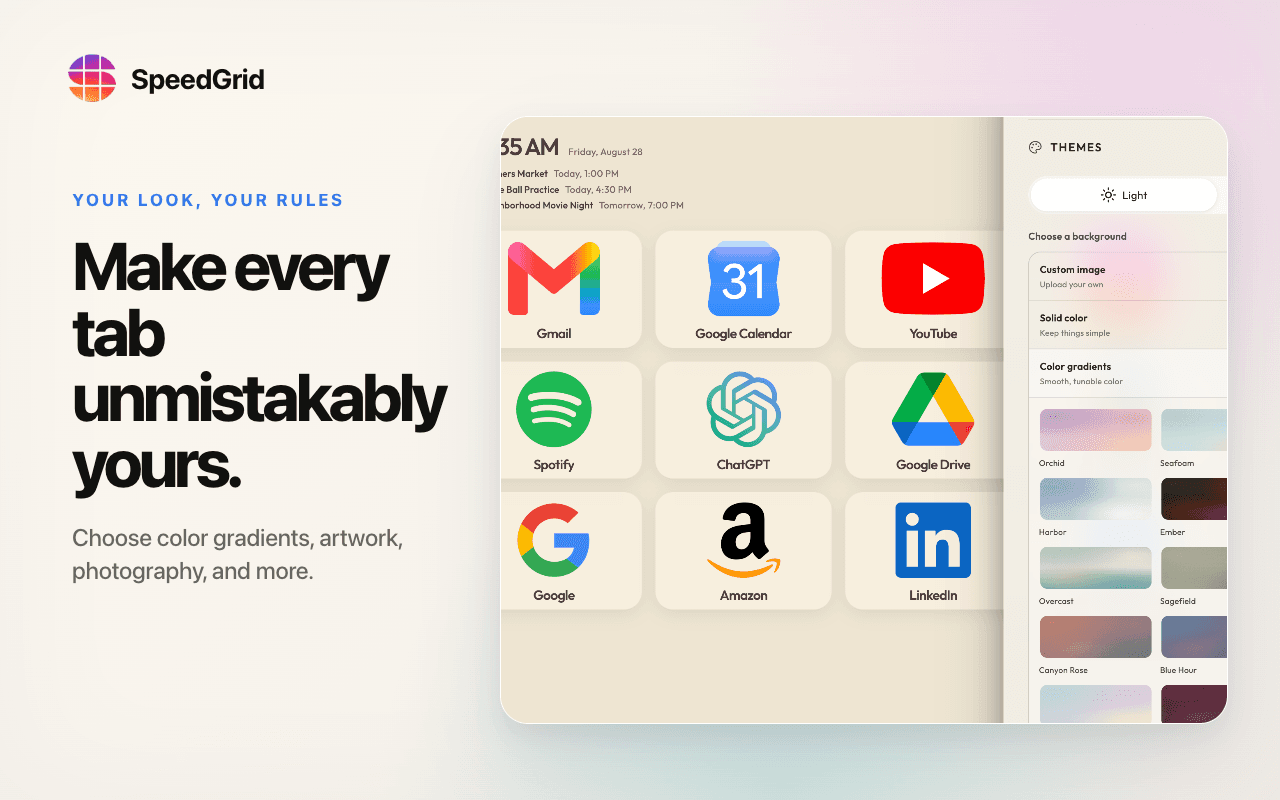
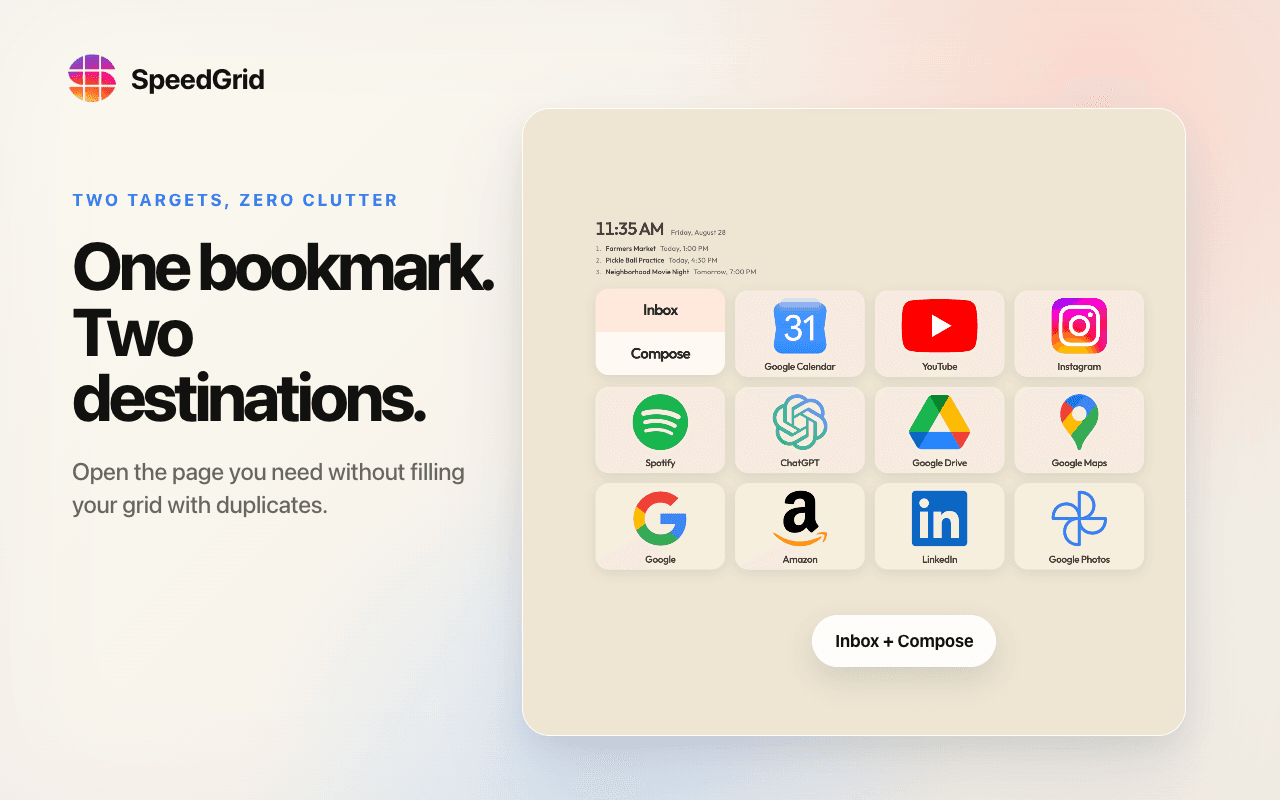
SpeedGrid replaces the browser’s blank new-tab page with a visual workspace for the sites and tools you use every day. Organize bookmarks into separate grids and folders, search saved sites quickly, keep temporary links in Save for Later, choose from customizable themes and photography backgrounds, and optionally show calendar events and weather. People moving from Speed Dial 2 can import its JSON backup directly instead of rebuilding everything by hand. SpeedGrid is available for Chrome, Microsoft Edge, Firefox, and the web. The free plan supports up to 500 bookmarks, three grids, and one folder; Founding Plus is optional. It is built for people who want faster visual navigation without turning the new tab into another noisy task dashboard. The Chromium extension does not request browsing-history permission or broad access to every website.
What SpeedGrid does that nothing else does
It pairs a direct Speed Dial 2 JSON migration path with a designer-built visual grid system that works across Chrome, Edge, Firefox, and the web.
Who SpeedGrid is for
People who rely on browser bookmarks but want a calmer, more visual new-tab workspace instead of a dense dashboard or a blank page.
Written up on SpacerrApps
Apps like SpeedGrid

ZIPZAX0 clicks
ZIPZAX is a free collection of 425 online tools for everyday digital work. No account, no installation.
Productivity, Utilities

Display Inspect0 clicks
Free browser-based display tests for monitors, laptops, phones, TVs, OLED and LCD screens.
Hardware, Productivity, Utilities

Nijia10 clicks
Understand what uses your Mac's storage—from System Data and caches to build artifacts and Git worktrees—then review what can be rebuilt before cleaning up.
Developer tools, Productivity, Utilities

VoiceVibe0 clicks
Talk to your computer. Press a key and say what you need: dictate, rewrite, chat, generate images, hear text read aloud or launch an AI agent with a task.
Productivity, AI, Writing

Yap0 clicks
The world's fastest dictation app, private by design. Turn speech into text at your cursor on Mac and Windows, recognized on your device: no audio uploads, no training on your words.
Productivity, Writing, Privacy

QwickBridge0 clicks
Qwickbridge Sync connects QuickBooks Online and Desktop with business apps through custom integrations, reducing manual work and improving data accuracy.
Productivity, Developer tools, Open source
Discussion
Nothing here yet. Be the first to say something about SpeedGrid.